Contents
The four numbers on one screenOne 100 USDT trade, line by lineWhy the wallet balance sits still while the trade is openMargin balance is the number that decides liquidationHow much you can actually transfer outIf the numbers still do not add up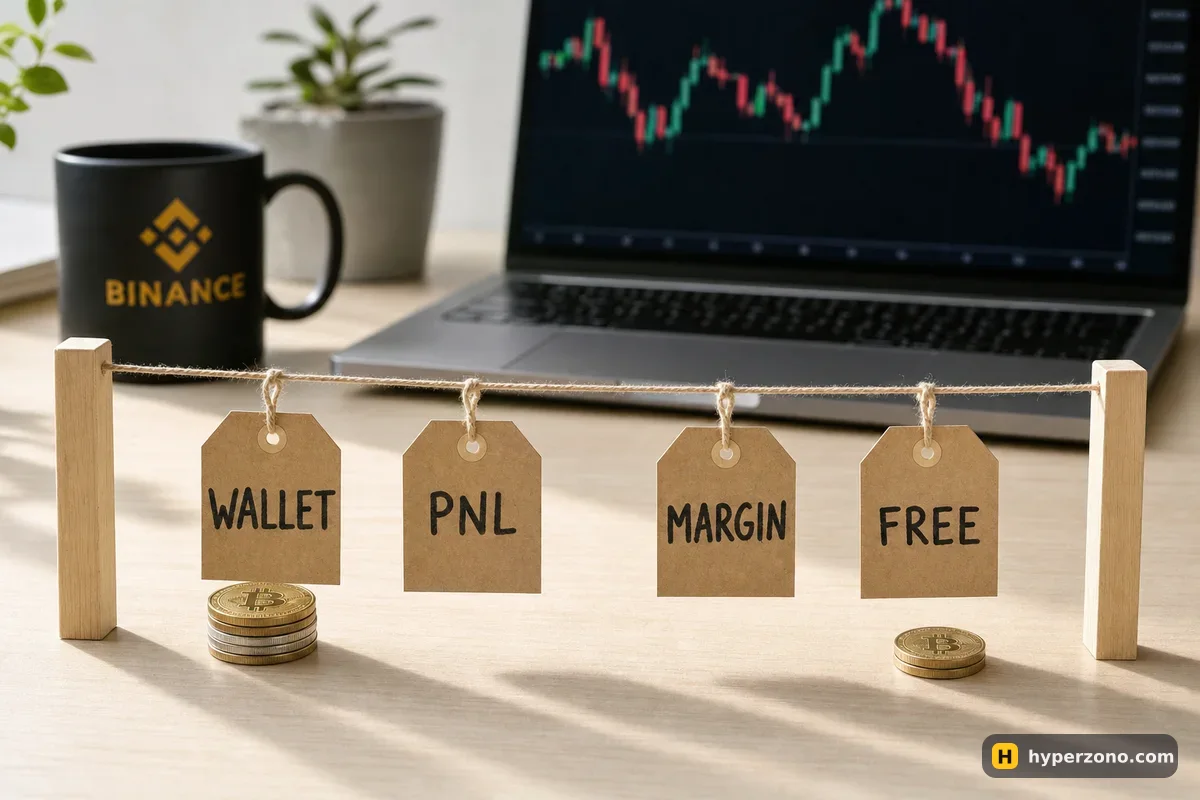
The four numbers on one screen
Open the order panel on a futures exchange and you will see a small block of figures next to the amount field. Wallet balance is what the account holds after everything that has actually happened: transfers in and out, profit or loss from trades you have already closed, funding payments and trading fees. Unrealized PnL is the paper result of trades that are still open. Margin balance is simply the two added together — Binance publishes it exactly like that: Margin Balance = Wallet Balance + Unrealized PNL.
The fourth line, available balance, is the one that surprises people most. It is what is free right now for a new order, after the margin your open positions hold and the margin reserved for orders that are still waiting in the book. If you want the difference between the deposit the exchange sets aside and the size of the trade itself, that is covered in what margin actually is; here we only follow the numbers on the screen.
One 100 USDT trade, line by line
Here is the whole thing with small round numbers. All prices and amounts below are illustrative, and the fee is Binance's base taker fee of 0.05% on each execution.
You move 100 USDT into the futures wallet
Wallet balance 100, unrealized PnL 0, margin balance 100, available balance 100. All four lines agree, which is why a fresh account never raises this question.
You open a long on bitcoin
Price 100,000, size 0.005 BTC — that is 500 USDT of position. At 10x the exchange sets aside 50 USDT as margin and charges 0.25 USDT in fees. The position is in cross margin — that is Binance's default on a new contract, and it is the mode where open profit also shows up in your available balance. Wallet balance is now 99.75, margin balance 99.75, available balance 49.75. Notice what did not happen: the 50 USDT did not leave your wallet balance, it was only locked.
Price rises 2%, to 102,000
Your open trade is up 0.005 × 2,000 = 10 USDT. Wallet balance still reads 99.75 — nothing has settled. Margin balance reads 109.75, available balance 59.75. This is the gap you came here about, and it is just the +10 that has not been realized yet.
Or price falls 2%, to 98,000
Unrealized PnL is −10. Wallet balance is unchanged at 99.75, margin balance drops to 89.75, available balance to 39.75. Your wallet line looking healthy while the margin line sinks is normal — and it is the margin line that matters.
You close at 102,000
The exit fee is about 0.26 USDT, so 9.74 USDT settles into the wallet: wallet balance 109.49, unrealized PnL 0, margin balance 109.49, available balance 109.49. Over the whole trade you paid 0.51 USDT in fees and kept about 9.49. The four numbers agree again, and now the whole amount can be transferred out.
If you want to run your own numbers before you look at a live screen, try the same trade in the calculator and change the exit price — the result it shows is what will land in your wallet balance when the position closes, not before.
Why the wallet balance sits still while the trade is open
Opening a position doesn't spend your wallet balance — it only locks part of it. What does move that line is a closed trade, a fee, a funding payment, a liquidation or a transfer in or out. Everything that happens in between, while the price swings up and down, shows up in the unrealized PnL line and nowhere else.
That moving number is calculated on the mark price, a fair price the exchange derives from several markets, rather than on the last trade you see printing on the chart. So it can tick while the chart looks still for a second, and it can read slightly red the moment you enter. Bybit calls these lines the same thing, with a small difference in the fine print: wallet balance is the money you actually hold, margin balance is that plus the open profit or loss of your futures positions.
Only closed profit is yours to move. Bybit states it directly: unrealized profit can be used for trading but cannot be transferred out. Treat that as the rule everywhere — until the trade is closed, the green number is a price quote, not cash.
Margin balance is the number that decides liquidation
Binance's rule is that a position is liquidated once margin balance falls to or below maintenance margin. Wallet balance does not appear in that sentence at all. Bybit uses the same comparison in cross and portfolio margin, and on the contract itself the trigger is the mark price reaching your liquidation price.
The warning sign to watch, then, is a falling margin balance, not a comfortable-looking wallet line. In cross margin that balance is shared, so one bad position pulls the whole account toward the limit; in isolated margin only the margin you assigned to that position is at stake, and open profit on it does not flow into your available balance. Worth settling before you size your next trade — cross or isolated for a beginner walks through the choice.
How much you can actually transfer out
Two things shrink the amount the transfer window will offer you. Margin locked by open positions is the obvious one; margin reserved for orders that are sitting unfilled in the book is the one people forget. On Bybit the same two things apply: your open positions hold margin, and so does every order still waiting in the book. The amount shown on the asset page there is only an estimate — the number in the transfer window is the one that counts. And if every bit of your balance is already tied up as margin, Bybit will not let you move anything out until you close or shrink a position.
Binance does not publish a transfer-out formula, so the practical rule is the same: the number the transfer window offers you is the real one, and anything above it is either locked or unsettled. Cancelling orders you no longer want frees their margin straight away. To get profit into your hands, close or partly close the position first, then move it — how to withdraw profit from futures covers the route back to spot. Keep in mind that pulling free funds out while a position is still open leaves less cushion between your margin balance and liquidation.
| What it means | Binance USDⓈ-M futures | Bybit (its main trading account) |
|---|---|---|
| Money that has settled in the account | Wallet Balance | Wallet Balance |
| Settled money plus open-trade PnL | Margin Balance | Margin Balance |
| What is free for a new order | Available Balance | Available Balance |
| What you can move out right now | the amount the transfer window offers | the amount the Transfer window shows (the asset page figure is only an estimate) |
One more Binance quirk that looks like missing money: the USDⓈ-M and COIN-M futures accounts do not share a wallet, and the COIN-M one shows its total in BTC rather than dollars. If your USDT seems to have vanished, check which of the two you are looking at. The quickest way to see all of this on a real screen is to open a Binance futures account and compare the Assets panel next to the order form with the example above. Binance also has a demo mode, though it is not available everywhere — check in the app.
If the numbers still do not add up
Open the futures transaction history and read it line by line; that is where the missing few USDT almost always turn up. Look for trading fees charged on both the opening and the closing execution, funding payments, transfers out, realized losses, and the Insurance Clearance fee that appears if a position was liquidated. Funding moves between traders rather than to the exchange, and if your wallet balance cannot cover a payment, it comes out of position margin — which shifts your liquidation price.
An available balance stuck at zero usually has a plain cause. The commonest one is orders still sitting in the book that would open a new trade — each of them holds margin until it fills or you cancel it. Orders marked reduce-only are different: they can only shrink a position you already have, so they hold nothing extra. The other common causes are a position sitting in loss, or the reduce-only box left ticked on a pair where you have no position at all. If the exchange refuses the transfer outright rather than just offering you less, why I can't move money out of futures goes through the checks one by one.
Does opening a position take money out of my wallet balance?
No. Binance states that opening a position does not change the wallet balance — the initial margin is taken from the available balance instead. The money is locked, not spent. It only leaves the wallet balance as fees, funding or a realized loss.
Why can't I withdraw my unrealized profit?
Because it is a valuation, not a settled amount: a few minutes later the mark price can be lower and the profit smaller. Bybit says it directly — unrealized profit can be used for trading but cannot be transferred out. Close or partly close the position and the money becomes part of your wallet balance.
Which balance decides whether I get liquidated?
Margin balance. Binance liquidates a position once margin balance falls to or below maintenance margin, and Bybit uses the same comparison in cross and portfolio margin. Your wallet balance can look untouched while the margin balance drifts toward that line.
My Binance futures balance is shown in BTC, not USDT. Is that a bug?
That is the COIN-Margined account, which Binance keeps separate from the USDⓈ-M one and displays in BTC. Switch to the USDⓈ-M wallet and your USDT will be there. The two accounts do not share a balance.
I cancelled an order and my available balance jumped. Why?
An unfilled order reserves margin just like an open position does. Bybit counts active orders in total initial margin, and Binance subtracts open-order margin when it works out your available balance. Cancelling the order releases that margin straight back into the free amount.
Does my open profit show up in available balance in isolated margin too?
Not the same way. In cross margin the profit of open positions feeds into the balance you can use for a new order, which is what the example above shows. In isolated margin the profit stays attached to that one position until you close it, so your available balance barely moves.
Sources and fact-check
Exchange terms were checked against official documents on November 1, 2026. Terms change — before you trade, check what matters to you in the exchange app and in your contract’s specs.
Binance: How to Check My Futures Account Balance?Binance Blog: What Is the Available Balance, Margin Balance, and Total Balance on Binance Futures?Bybit: FAQ — Unified Trading Account (UTA)