Contents
What kind of exchange Bybit isWhere your money sits and which margin mode you useHow Bybit's perpetual contracts are builtWhat trading there actually costsDemo, copy trading and botsWho Bybit suits — and where it isn't available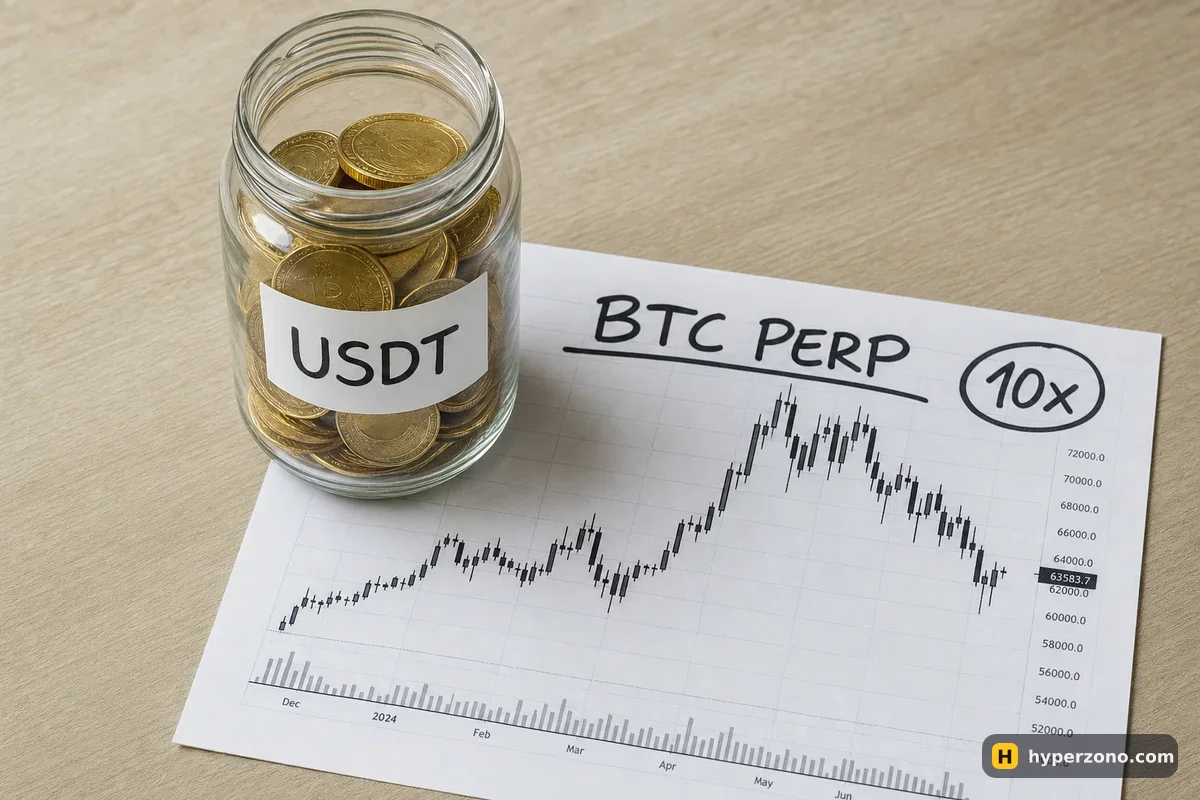
What kind of exchange Bybit is
Bybit is a centralized exchange, which simply means the company holds your money and runs the trading itself: you register, pass identity checks, deposit, and everything happens inside their app or website. That's the opposite of a wallet-based venue, where you connect a crypto wallet and never open an account at all. For most beginners the centralized route is easier, because support, deposits in local currency and a familiar app are all in one place.
Inside the app there is a futures screen with a chart, Long and Short buttons, a leverage setting and the window where you type the amount — that is where almost everything on this page happens. There is also a spot market, contracts on stocks, indices and commodities, and tokenized stocks you can buy on spot. Anything else you see listed, read about it in the app before you touch it; for a first futures trade, a plain coin contract is enough.
Where your money sits and which margin mode you use
Two things are worth a look before your first trade: the balance the order is drawing on, and the margin mode the position will use. Before you place the order, look at the balance shown in the order window — that is the money the trade will use. If it shows zero, your USDT is sitting in another part of the account, and you move it across inside the app.
The margin mode is the one setting that decides how much of your account a single bad trade can reach. In cross margin your positions lean on the same free balance, so a loss on one coin eats into the money that is keeping another trade alive, and a rough hour can take the whole account down together. Isolated margin does the opposite: you hand a fixed amount of USDT to one position, and that amount is the most that position can cost you. For a first trade, isolated is the calmer choice — the difference is explained properly in cross margin vs isolated margin.
How Bybit's perpetual contracts are built
A perpetual contract has no expiry date. You open it, hold it for ten minutes or ten days, and close it when you want — there is no settlement day pushing you out. Your deposit and your result are both in USDT, so you never actually hold bitcoin; you hold a bet on its price.
Here's what that looks like with numbers. Say bitcoin is at 84,000 USDT — a round number for the example — and you put 100 USDT of margin into a long at 10x, so your trade is worth 1,000 USDT, about 0.0119 BTC. If the price rises 2%, to 85,680, you make roughly 20 USDT before fees. If it falls 2%, you lose roughly 20 USDT. The leverage didn't change the size of that move; it only let 100 USDT control a 1,000 USDT trade.
Because the contract never expires, it needs something to keep its price close to the real bitcoin price. That's funding: every so often, traders on one side pay a small amount to traders on the other side, and the exchange doesn't take it. How often it settles depends on the contract, so look at the contract details on screen. Bybit also lists contracts with a set expiry date, which do have a settlement day and no funding.
One more thing about the contract list. Some contracts are settled in the coin itself rather than in USDT, and the profit is calculated differently. For your first trades, stick to the USDT ones — the price pair on screen ends in USDT.
On leverage, be careful with headline numbers. The top value on the slider depends on the contract and on how big your position is, and large positions get lower limits — the real figure is in the contract specification in the app. What you choose matters far more than what's allowed: see what leverage a beginner should use.
What trading there actually costs
Bybit charges a fee on every execution — once when you open, once when you close — and it's worked out on the size of the trade, not on the margin you put up. So a 1,000 USDT trade at an illustrative rate of 0.05% costs about 0.50 USDT to enter and about the same to leave. Rates differ by contract, by your trading level and by how your order fills, and they change, so check the fee page in the app before you deposit.
The fill matters because of maker and taker. If your limit order sits in the book and waits for someone to trade against it, you're the maker and usually pay less; if you press the market button and take a price that's already there, you're the taker and pay more. A limit order that fills the instant you place it still counts as a taker. On a small account, the fee you pay matters much less than the size of trade you choose, so don't let it steer your first decision.
Demo, copy trading and bots
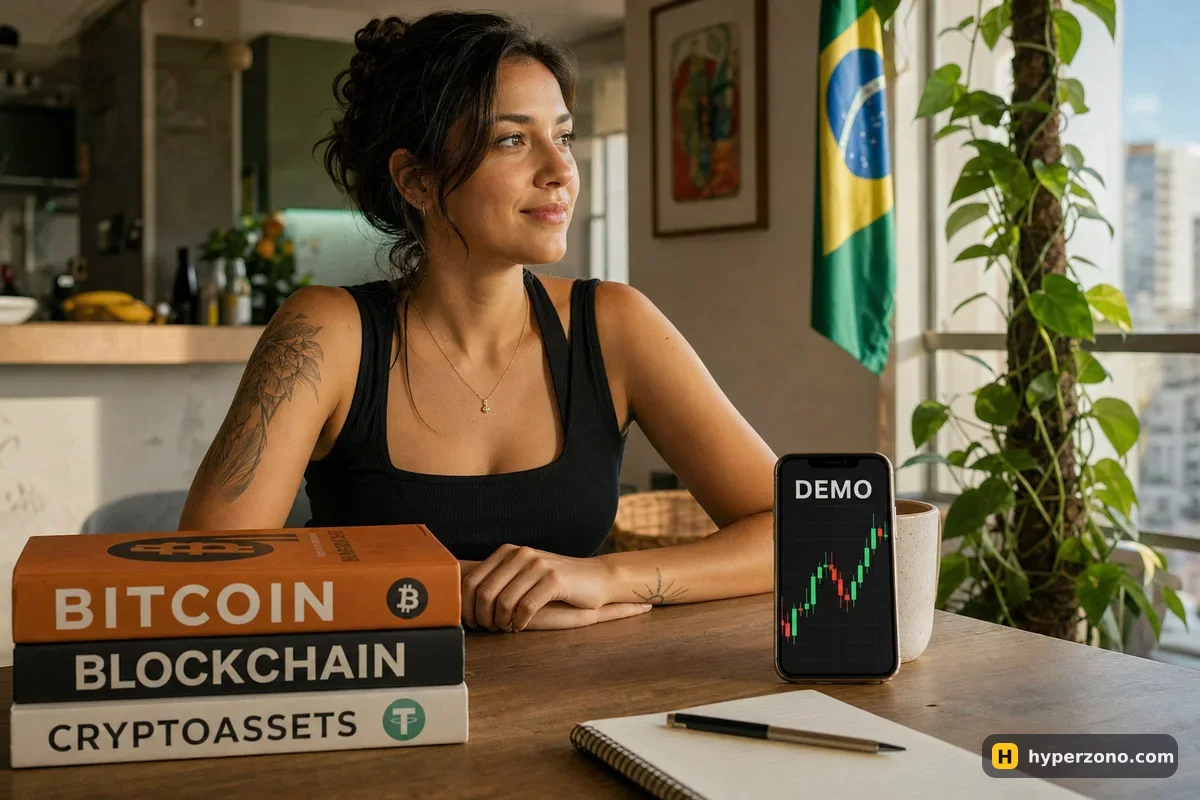
Bybit has a demo trading mode with simulated money, and it's the sensible first stop: you can open and close trades, set a stop-loss and watch funding tick by without risking anything. Setting it up takes a couple of minutes and is covered in how to open a Bybit demo account. Just remember that a demo fill is not a real fill and demo nerves are not real nerves — the mechanics carry over, the feeling doesn't.
There is also copy trading, where your money follows another trader's positions automatically, and a futures grid bot that places a ladder of buy and sell orders inside a price range. Both are real tools and both can lose money. Copy trading in particular isn't offered everywhere, so check whether it appears in your own account before you plan around it.
Who Bybit suits — and where it isn't available
Bybit fits a beginner who wants a straightforward futures terminal, a demo mode to rehearse in, and a short list of things to learn before the first trade. It fits less well if you mostly want to buy and hold coins, or if you need a heavily regulated local broker-style setup. If you're still weighing it against the other big name, Binance or Bybit for your first trades compares them side by side.
Availability is the part to check first. Bybit's own service-restricted page, last updated in October 2026, names the United States, mainland China, Hong Kong, Singapore, Canada, North Korea, Cuba, Iran, Uzbekistan, Sudan, Syria, Crimea and the non-government-controlled areas of the Donetsk, Luhansk, Kherson and Zaporizhzhia regions of Ukraine, plus Dubai for one of its entities — and the page says plainly that the list isn't complete. In the European Economic Area you're onboarded by a separate European company with its own site and its own product range, so what you can trade there may differ. The honest answer for any specific country is the one you get in the app during sign-up; more on that in which exchanges are available in my country.
Check availability before you move money, not after. Open the sign-up flow first and see whether futures are offered to you where you live. Depositing into an account that can't trade derivatives only creates a withdrawal problem, and never look for ways around a country block — that's how people lose access to their balance altogether.
Expect identity verification as well. Big centralized exchanges ask for a document and a selfie before you can use futures properly, and the exact level required is shown in your account settings. Once that's done, the quickest way to understand the platform is to look at it: sign up on Bybit, switch to demo and open one small trade to see the order window for yourself.
Is Bybit good for beginners?
It's reasonable, as long as futures are available where you live. The terminal is clean, there's a demo mode to practice in, and the app is usable on a mid-range phone. What makes you a safe beginner isn't the exchange, though — it's small size, isolated margin and a stop-loss on every trade.
What are Bybit futures fees?
You pay a fee when you open and again when you close, charged on the size of the trade rather than your margin. The exact rate depends on the contract, your level and whether your order was a maker or a taker. The current numbers are on the fee page in the app, and they change from time to time.
What is a Bybit perpetual contract, in simple words?
It's a trade on the price of a coin that has no expiry date — you close it when you decide to. Your margin and your result are in USDT, and while you hold it you either pay or receive funding at set times so the contract price stays near the real market price.
How much leverage can I use on Bybit?
It depends on the contract and on how big your position is, so check the contract specification on screen rather than a number from an article. Far more important is what you actually pick: low leverage with a stop-loss is what keeps a small account alive.
Can I use Bybit in my country?
Bybit lists restricted countries on its own help page, and says the list isn't exhaustive. In the European Economic Area you're served by a separate European entity with its own products. The only reliable test is to start the sign-up and see what's offered to you — never try to get around a block.
Do I need KYC to trade futures on Bybit?
Plan on it. Centralized exchanges normally ask for an identity document and a selfie before you get full use of futures and withdrawals, and the required level appears in your account settings. Have a passport or national ID and your phone camera ready; how long the check takes depends on the queue, so start it before you plan to trade.