Contents
Where the close button is and what it actually doesClose at market or close with a limit order?What happens to your margin and your profit when you closeWhere the money shows up afterwardsReduce-only: the switch that stops you flipping your trade by accidentIf the trade won't close, or closes but something stays on screenPractice the exit, not just the entry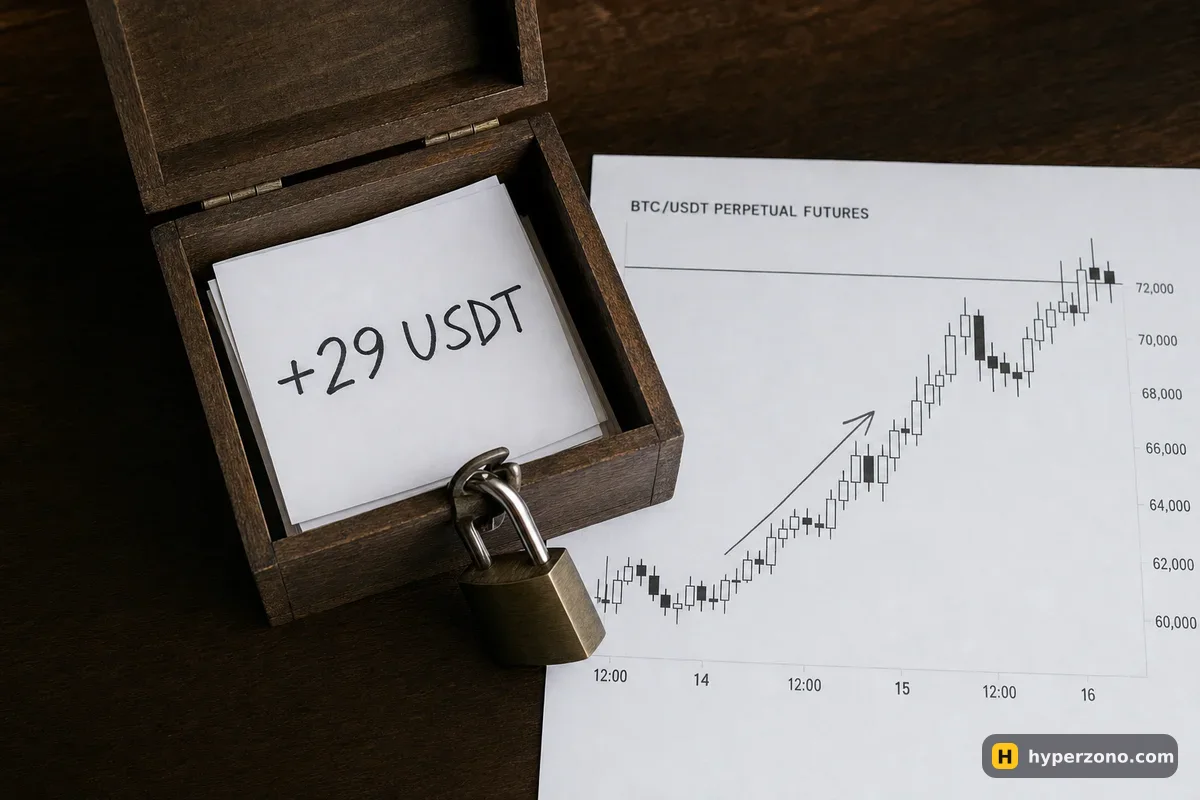
Where the close button is and what it actually does
While your trade is open, it sits in a list under the chart, usually called Positions. That row shows the coin, whether you are long or short, the size of the trade, your entry price, the liquidation price and a profit number that keeps changing every second. On the same row there is a button that closes the trade, and on a phone you may need to swipe the row sideways or tap it to see the full set of buttons.
Closing is just the opposite trade, done for you automatically. If you are long 0.0125 BTC, the exchange sells 0.0125 BTC for you, and the two cancel out — you no longer hold anything, so nothing can move for or against you any more. You could do the same by hand in the order window, but then one wrong tap turns an exit into a brand new trade in the other direction, which is exactly what closing from the position row protects you from.
Open your list of positions
It is under the chart in the app, or at the bottom of the trading screen on a desktop. You will see your trade with a green or red profit figure that keeps updating. That figure is still floating — it is not yours yet.
Tap close on the row of your trade
A small window opens. The direction is already set opposite to your position, and the amount is usually pre-filled with the full size of the trade.
Pick market or limit
Market closes immediately at the best price available right now. Limit lets you type the price you want and waits for the market to come to you.
Check the amount before you confirm
Leave the full size if you want out completely. A smaller number closes only part of the trade and leaves the rest running — that is a separate topic, covered in closing part of a position.
Confirm, then look at the list again
The position row disappears. If it is still there, the trade is not closed — most often that means a limit order is sitting in the queue, waiting for your price.
Close at market or close with a limit order?
A market close is the honest, boring choice and it is what most beginners should use when they want out. You tap it, you are out within a second, and you accept whatever price the market gives you at that moment. On bitcoin or ether that price is almost exactly what you saw on the screen; on a small coin that few people trade it can be noticeably worse, because there simply are not many buyers sitting there.
A limit close is for when you are not in a hurry and you want a specific price — say bitcoin is at 82,100 and you decided you will take profit at 82,400. You place the limit order and go about your day. Here's the catch, and it is a painful one: if the price never touches 82,400, nothing happens, your trade stays open and it can turn around and give the profit back. The difference between the two order types is explained in more detail on market or limit order.
There is a third way out that needs no tapping at all. If you set a take profit when you opened the trade, the exchange closes the position for you the moment the price gets there, even while you sleep — that is the whole point of take profit orders. Many traders use a take profit for the good outcome and a stop loss for the bad one, and only close by hand when they change their mind in between.
What happens to your margin and your profit when you close
While the trade is open, two things are frozen. The exchange holds part of your money aside as margin, and the profit it shows you is only a live estimate — what you would get if you closed at this second. Closing turns both of those into something solid: the margin is released back into your futures balance, and the floating number stops moving and becomes real money, added to or taken off that balance.
Here is a worked example with illustrative numbers. You put up 100 USDT of margin at 10x, so your trade is worth 1,000 USDT, and you buy bitcoin at 80,000 — that is 0.0125 BTC. The price rises 3% to 82,400 and you close at market. Your gross profit is 0.0125 × 2,400 = 30 USDT. The exchange charges its fee on the size of the trade both when you entered and when you exited, so at an illustrative 0.05% each way you pay about 0.50 USDT going in and about 0.52 USDT coming out. Your 100 USDT of margin comes back free, and roughly 29 USDT of real profit sits next to it.
Long 1,000.00 USDT, entry 80,000 → exit 82,400, fees 0.05% + 0.05% (example rates).
If the trade goes the other way, the same thing happens in reverse: the loss is taken out of your margin and whatever is left comes back to you. Closing a losing trade yourself is not a defeat — it is you deciding the size of the loss instead of letting the market decide it for you. And on a perpetual contract, closing also stops the funding payments: once you hold nothing, you neither pay nor receive at the next settlement.
Where the money shows up afterwards
Two places. Your futures wallet balance goes up or down immediately, and the trade moves into your history — usually a tab called Order History, Trade History or Closed PnL, depending on the exchange. That history row is worth reading: it shows your entry price, your actual exit price, the fees and the final result, which is the number to write in your trading notebook.
Do not be surprised if the final figure is a little smaller than the floating profit you saw a second before tapping. Three things eat the difference: the fee on the exit, a slightly worse fill if you closed at market in a fast-moving minute, and any funding you paid while the trade was open. If the gap looks bigger than a rounding error, compare the numbers line by line in the history — the page on your real profit after fees walks through the same arithmetic.
Reduce-only: the switch that stops you flipping your trade by accident
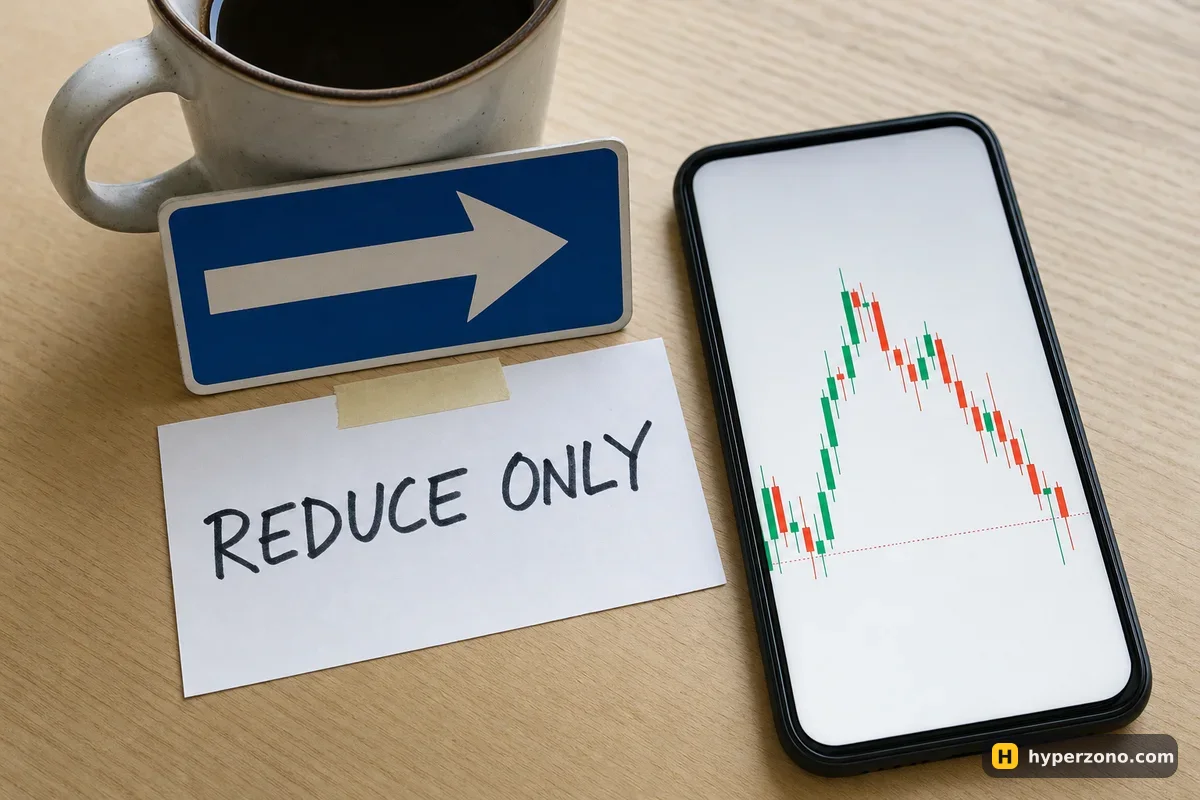
This is the one setting worth learning on this page. Imagine you are long 0.0125 BTC and you want out, but instead of closing from the position row you go to the order window and place a sell by hand. On some setups a manual sell does not shrink your long at all — it opens a separate short. You do not need to work out which setup you have: close from the Positions row, or tick reduce-only, and the problem cannot happen.
A reduce-only order is a checkbox in the order window, and it tells the exchange: this order is allowed to make my position smaller or close it, and nothing else. If you type 0.025 by mistake instead of 0.0125, it still closes only what you actually hold. If the position is already gone when the order triggers, the exchange simply cancels it instead of opening something new. Use it on every limit exit and on any stop or take-profit order you place by hand; closing from the position row normally applies it for you.
One wrong tap can double your trade instead of ending it. If the amount field in the close window shows anything larger than your position size, stop and check. Closing uses exactly the size you hold — no more. When in doubt, close at market from the Positions row and look at the list again to confirm the row is gone.
If the trade won't close, or closes but something stays on screen
The most common case is not a bug at all: you chose a limit close and the price never reached it, so your order is parked in Open Orders and the position is still live. Either cancel that order and close at market, or move the limit price closer to where the market actually is. The second case is a small coin that few people trade: a market close fills in several pieces at slightly different prices — the trade still closes, the average exit is just a bit worse than the last price you saw.
The third case catches a lot of beginners. You close the position by hand, and a take profit or stop loss you had placed earlier is still active. Stops and targets attached to a position usually cancel themselves when the position disappears, but an order you placed on your own earlier — a stop or a target typed into the order window as a separate order — may still be sitting there, and if it triggers later it opens a fresh trade in the opposite direction while you are not watching. After every manual close, glance at your open orders and cancel anything left over. Thirty seconds now saves you a confusing surprise tomorrow.
Some apps also offer a one-tap way to close everything you hold at once — check in your exchange app whether yours has it. It sends market orders for every open trade, so you pay an exit fee on each one, and it still does not touch the orders waiting in the queue. Same habit applies: close, then clear your open orders.
If the app freezes or your connection drops mid-close, do not tap the close button five times. Reopen the app, check your list of positions, and only then act — otherwise you risk sending several closing orders and ending up in a short trade when all you wanted was to be out of the market. The best protection is a stop loss placed when you open the trade: it sits on the exchange's servers, so it works even when your phone does not, though in a fast move it can fill a bit worse than the price you set.
Practice the exit, not just the entry
Almost everyone rehearses opening a trade and nobody rehearses closing one, which is backwards — the exit is where your money is actually decided. The quickest way to get comfortable is a small live position. On bitcoin the smallest trade the exchange accepts is 0.001 BTC, which at the illustrative prices above is roughly 80 USDT of trade size, so most people practise on a cheaper coin where the minimum is only a few dollars — check the minimum for the coin you pick in the app before you try.
Then run the whole loop: open it, watch the floating profit wobble, close it at market and find the result in your history. Five minutes of that teaches you more than an hour of reading. You can do the same drill in demo mode first, or with a very small real amount once you sign up on Bybit and check that futures are available where you live; if you want the size and the first steps kept sensible, your very first futures trade walks through it.
How do I close a trade on Bybit?
Find your open trade in the list under the chart — it is usually called Positions — and tap the button that closes it. Wording differs a little between apps, but the flow is the same: pick market or limit, check the amount, confirm. The row then disappears from the list and the result moves into your order history.
Do I have to pay a fee when I close a position?
Yes. The exchange charges a fee on the size of the trade when you enter and again when you exit, so a round trip costs you two fees. On a 1,000 USDT trade at an illustrative fee of 0.05% that is about half a dollar each way — small, but it is the reason your final profit is always a bit lower than the floating number.
What happens to my margin if I close at a loss?
The loss comes out of the margin that was being held and whatever remains is returned to your futures balance. If you put up 100 USDT and closed 20 USDT down, you get about 80 USDT back, minus fees. Closing early is how you keep a loss at 20 instead of letting it grow.
Can I close a futures trade while I am asleep or offline?
Yes, if you set it up in advance. A take profit closes the trade when the price reaches your target and a stop loss closes it if the price goes against you, and both live on the exchange's servers, not on your phone. That is why experienced traders place them the moment they open a position.
Why is my profit smaller than the number I saw before closing?
Three usual reasons: the exit fee, a slightly worse fill if you closed at market while the price was moving fast, and funding payments on a perpetual contract if you held it through a settlement time. Open the history row for the trade and the three lines will add up.
Do I need to close a perpetual futures trade at all?
A perpetual contract has no expiry date, so nothing forces you out. But you keep paying or receiving funding, and the position reacts to every move in the price, so holding it for weeks is a decision you are making every day, not a default.