
Contents
You pay twice on every trade — opening and closingYou also pay just for holdingOne open trade can drag your whole balance downDoes that profit number include fees?Transfers, bonuses and conversionsHow to audit it yourself in five minutesThe frustrating part is that each closed trade really was green. You didn't imagine it. But a list of small wins and your wallet balance are two different numbers, and the gap between them has only a few possible explanations. Let's go through them in the order they usually turn out to be the culprit.
You pay twice on every trade — opening and closing
The exchange charges a fee when you open a trade and charges you again when you close it, and both are calculated on the size of the trade, not on your profit. Say your position is 1,000 USDT and the fee is 0.05% each way — that's the standard Binance fee when your order fills straight away at the market price, and the fee page in your app shows the level that applies to you. Opening and closing once — a round trip — costs you about 1 USDT. Do twenty quick trades in a week where each one earned you 2 USDT on the chart, and roughly half of your gains were never yours.
Long 1,000.00 USDT, entry 83,000 → exit 83,250, fees 0.05% + 0.05% (example rates).
Leverage sharpens this. With 100 USDT at 10x your position is 1,000 USDT, so you pay about 1 USDT in fees per round trip — that's 1% of your own money gone every time you open and close, before the price has done anything. The details of how fees are charged live on the page about futures trading fees, and you can test your own numbers in the fee calculator.
You also pay just for holding
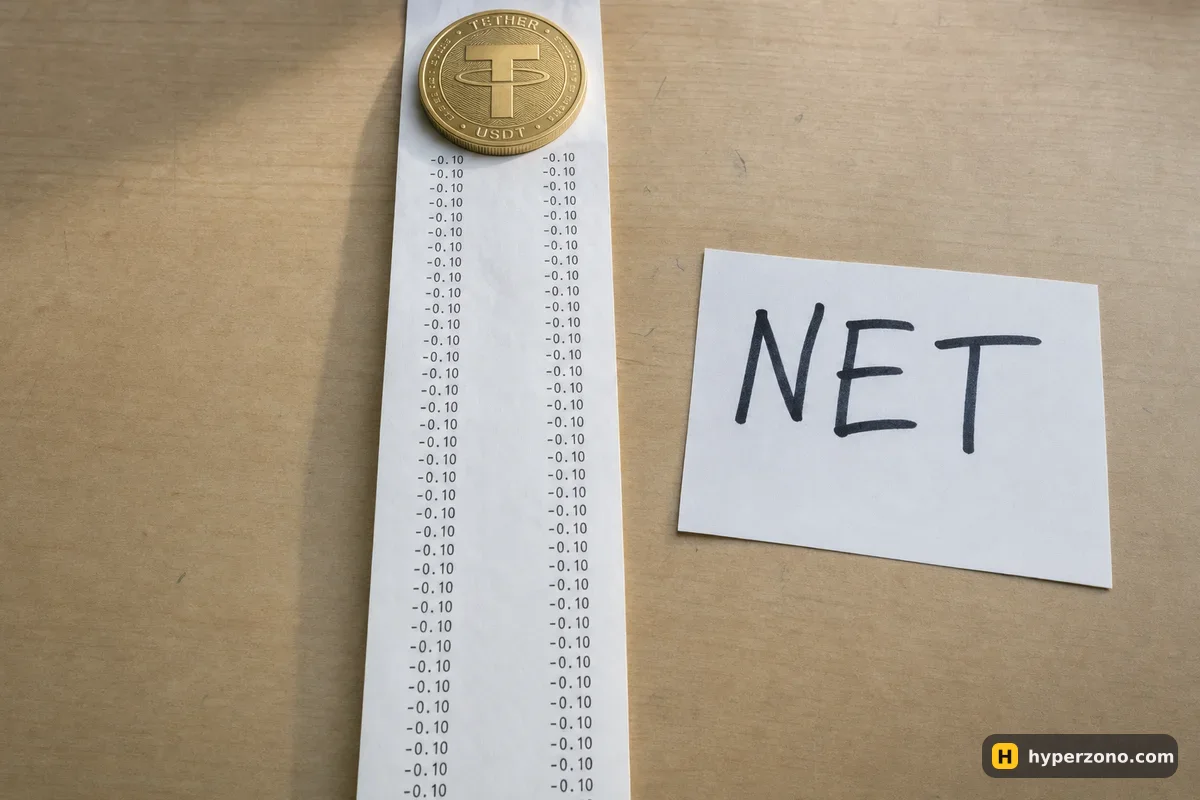
On perpetual contracts there is a payment every few hours between traders holding longs and traders holding shorts, and whoever is on the paying side at that moment hands over a small amount. Say the rate was 0.01% and your position was 1,000 USDT — that's 0.10 USDT each time it settles. Small on its own, but it repeats for as long as you hold, and the exact rate is shown on the contract's page in the app. On most screens funding sits in its own line in the history, not inside the trade's profit — but some apps fold it in, so check which one yours does. How funding works explains when you pay and when you receive.
One open trade can drag your whole balance down
This is the one people miss most often. Your closed trades are green, but you still have a position open and it is currently down 15 USDT. Many screens show you one figure that already counts the loss on that open trade — money you haven't actually lost yet, because the trade isn't finished. That's called unrealised loss. Close the position or look at it separately, and the mystery usually disappears.
Two different numbers, one screen. Your wallet balance counts only money that has actually settled. The bigger figure the app shows on the main screen usually adds the profit or unrealised loss of trades that are still open. If one of them is falling and the other isn't, you have an open position doing the pulling.
Does that profit number include fees?
Before you conclude anything, check whether the profit figure in your closed-trades list is before or after costs. On some screens that number is the raw price difference, with fees and funding recorded separately in another part of the history. Take your closed profit, then subtract the fees and funding from the same days — that number is what should match your balance. The arithmetic of putting all of it together is on how to calculate your real profit. If your issue is a grid bot showing cycle profit while the total is red, that has its own answer in why a grid bot's profit and your total disagree.
Transfers, bonuses and conversions
Sometimes the USDT didn't go anywhere — it moved. Money you sent back to your spot wallet, or a withdrawal you made days ago, leaves the futures balance lower without any trade being involved, so look at transfers between spot and futures as well. Promotional credit is the other common one: a bonus can expire or be deducted under its own rules, which is why it's worth reading how futures welcome bonuses work before you count that money as yours. Converting one coin into another also changes your balance — the rate you get already has the exchange's cut inside it, so check the conversion records in your history for those days.
How to audit it yourself in five minutes
Do this on a laptop if you can — the history screens are easier to read there than on a phone. Every exchange keeps this in a transaction or account-change history. If you are still choosing where to trade and want to see it with tiny amounts first, you can open a Binance Futures account, open one small position — check during sign-up that futures are available where you live — and read the history line by line.
Open the record of every account change
In the futures section, find the history area that lists not just orders but every change to your wallet: realised profit, fees, funding, transfers. This is the one screen that explains the whole gap.
Add up the fee entries for the period
Sum them for the same days your trades closed. Compare that total with the profit you thought you made.
Check the funding entries
Look for payments with a minus sign on the days you held positions. Three settlements on a decent-sized position add up faster than you'd expect.
Look at what is still open
If any position is open, note its current unrealised loss and set it aside mentally. It's not a missing payment, it's a trade that hasn't finished.
Check transfers, conversions and withdrawals
Finally, scan for movements between wallets, coin conversions, withdrawals and any bonus adjustments. Whatever is left unexplained after this is worth a message to support with the exact timestamps.
Once you have done this once, you will never be confused by it again, and you'll start sizing trades with costs already in mind. That usually means fewer trades, held a little longer, with a profit target that comfortably clears what entry and exit cost you.
Why is my account down when my trades were green?
Most often because the green numbers are price results only, while fees and funding were charged separately, or because an open position is currently in the red. Take your closed profit, subtract the fees and funding from the same days, and the two figures normally meet.
Where did my USDT go in my futures account?
Into one of five places: trading fees, funding payments, an open position that is currently down, a transfer or withdrawal you made, or an expired bonus. The account history screen lists every one of these as its own line.
Why is my futures balance lower than my PnL?
Because PnL on many screens is the raw price result and does not include what you paid to enter and exit, or what you paid in funding while holding. Your balance includes all of it.
Do fees come out of my profit or out of my margin?
They come out of your account, calculated on the size of the trade. If the trade lost money, the fee is charged on top of that loss, which is why a tiny losing trade can still cost more than you expect.
Can funding alone turn a winning week into a losing one?
Yes, if you hold large positions on the paying side through many settlements. Each payment is small, but it repeats every few hours for as long as the position is open, and the rate itself changes over time.
My history shows no fees at all — is that normal?
Some apps put fees on a separate tab from the order list. Look for the record that shows every balance change rather than just your orders, and if you still can't find it, ask support to send the fee breakdown for those dates.