Contents
What Hyperliquid is, in plain wordsHow to trade on Hyperliquid, step by stepWhat a trade costs you hereEverything happens in the openGetting money in and outThe risks that are yours aloneWho Hyperliquid suits — and who should start somewhere elseWhat Hyperliquid is, in plain words
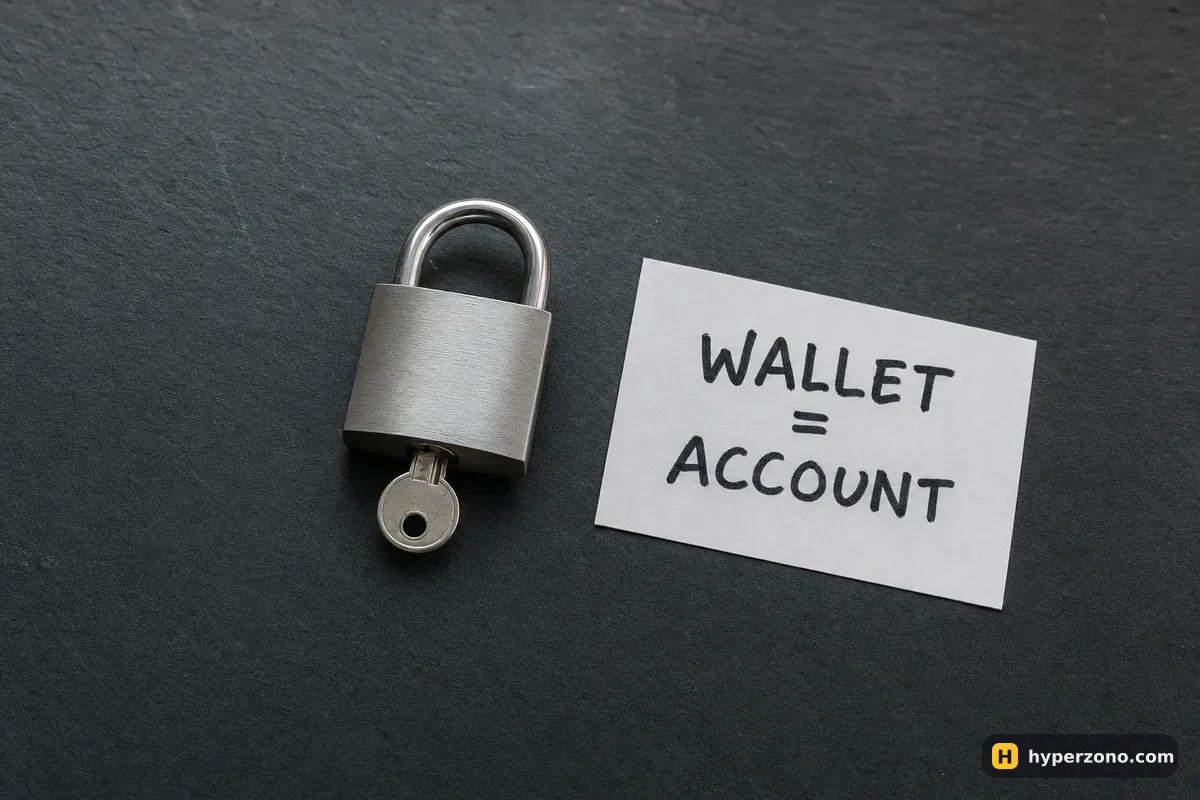
On a normal exchange you create an account: email, password, identity check, and the exchange keeps your balance in its own database. Hyperliquid works the other way around. Your wallet is your account, your money sits on the blockchain instead of in a company's ledger, and your orders, positions and liquidations are recorded there in the open, where anyone can look at them.
The trading itself feels familiar: perpetual contracts on bitcoin, ethereum and a long list of other coins, long or short, leverage, stop orders, a chart and a list of buy and sell orders. The difference is who holds the keys and who you call when something goes wrong. If you want the wider picture of trading from a wallet instead of an exchange account, that is covered separately in can I trade futures from a crypto wallet.
How to trade on Hyperliquid, step by step
Set up a wallet you control yourself
Install a wallet app or browser extension and write down its recovery phrase on paper, offline. That phrase is the only way back into your money, and nobody else has a copy.
Open the official app address
The venue lives at app.hyperliquid.xyz — you can open Hyperliquid here and save that address as a bookmark, because fake copies of the site are common. If the services are not offered where you are, the app shows a message that you are accessing it from a restricted jurisdiction; no country list is published, so you only find out by trying from your own connection.
Connect the wallet and approve
The app asks your wallet to sign a message or a transaction to set up trading. Read what you are signing before you tap approve. Every wallet app will ask you to approve things; reading the screen first is the one habit that keeps your money safe.
Top up the trading balance
You fund it with a dollar stablecoin. The app shows which one it takes and which network to send it from, so check that screen before you move any money, see whether a minimum applies, and send a small test amount the first time.
Open one small position
Pick a contract, choose long or short, set the size and leverage, and add a stop-loss in the same order window. Each contract has its own specification — minimum size, price step, leverage cap — so check the spec of the contract you picked instead of assuming it matches another exchange.
What a trade costs you here
Hyperliquid changes its fee rates from time to time, so take the number from the fee page in the app rather than from any guide. What matters more for a first trade is how the fee is charged: on the full size of the position, once when you open and once when you close — not on the money you put up as margin.
Here is what a small first trade looks like in money, with round illustrative numbers. You move 50 USDT across and open a 500 USDT long on bitcoin, which is 10x leverage. If bitcoin rises 2%, your position gains 10 USDT — that is 20% on the 50 USDT you put up. If it falls 2% instead, you are down the same 10 USDT, and a move of roughly 10% against you eats the whole 50, with the system closing you shortly before that point.
The second cost is funding, the payment that flows between longs and shorts to keep the perpetual price near the spot price. Hyperliquid settles funding every hour, while large exchanges like Binance usually settle every eight hours. The idea is the same, just chopped into smaller and more frequent slices — and if you only hold a trade for twenty minutes, you may pay or receive nothing at all. How that payment is worked out is explained in what funding is.
Everything happens in the open
Because the orders and the positions live on a public blockchain, you can see things that a normal exchange keeps inside its servers: trades going through, large positions, and liquidations as they happen. That transparency is genuinely useful — nobody can quietly change a number after the fact.
It also means your own position is visible to strangers, including the price at which you would be closed out. Liquidation itself follows the usual logic: when the loss on your position eats through the margin backing it, the system closes the trade for you. If that word is new, read what liquidation is and then keep your leverage low enough that the liquidation price sits far from where the price normally wiggles.

Getting money in and out
Money gets in and out by a transfer from another blockchain network — the app shows you which networks it accepts, so read that screen first. That transfer costs a network fee, and a wrong network or a mistyped address usually means the money is gone for good. Send a small test amount, wait for it to arrive, then send the rest.
Buying the dollar token itself is usually simpler on a regular centralized exchange, where you can pay by card or bank transfer, and then send it across. If you are not sure what a dollar token even is, start with what USDT and stablecoins are — the same logic applies to the other dollar stablecoins.
The risks that are yours alone
No identity check sounds great until you look at the other side of it. There is nobody to email. No password reset, no account recovery, no support agent who can stop a transaction you sent by mistake or get your money back. Lose the recovery phrase of your wallet and the money is simply unreachable — by you and by everyone else. On a regular exchange, identity checks are the price you pay for having a company that can help you; that trade-off is laid out in do I need KYC to trade futures.
There are two more things that can cost you money here. The balance sits in smart contracts, and code can have bugs, so treat what you keep there as money you can afford to lose rather than savings. And fake copies of the app are a constant problem: a sponsored search result or a link from a chat can lead to a site that looks identical and empties your wallet the moment you approve a transaction. Checking a platform before you trust it is a skill in itself — see how to check a futures platform is not a scam.
Check the web address before you approve anything. Fake copies of the site look exactly the same. The only difference you can see is the web address at the top of your browser — so open it from your own bookmark every time, never from the first search result or a link someone sent you.
One more thing worth knowing about the market list. Some markets on it are created by outside teams, not by Hyperliquid, and the trading on them is concentrated in a few hands. That means your order can fill at a much worse price than the one you saw. While you are learning, stay on the big contracts like bitcoin and ethereum.
Who Hyperliquid suits — and who should start somewhere else
It fits someone who already owns a wallet, already understands recovery phrases and approvals, and wants futures without handing an account to a company. If that sounds like you, try it with a small amount first and see how the deposit, the order window and the withdrawal feel before you move anything serious.
If this is your first week around futures at all, the honest answer is that a centralized exchange is a gentler place to make your first mistakes: card deposits, a demo mode, a support chat and an app in your language. Compare the options in which exchange is best for a beginner, and come back to the wallet route once the basics feel easy.
Is Hyperliquid safe for beginners?
The trading mechanics are no riskier than anywhere else, but holding your own keys is. There is no password reset and no support agent who can undo a mistake, so a slip with your recovery phrase or an approval on a fake site costs you the money. If you are not comfortable managing a wallet yet, learn that part first with a small sum.
Do I need KYC or an account on Hyperliquid?
No sign-up form, no email, no document upload — you connect a wallet and trade. That convenience is also the catch: without an account there is nobody to verify you to, and nobody to help you if the keys are gone.
What do I deposit to trade on Hyperliquid?
You top up the trading balance with a dollar stablecoin, sent in from another blockchain network. The app shows which one it takes and which network to send from, so check that screen before you move any money, and send a small test amount first.
How much does trading on Hyperliquid cost?
You pay a fee on the size of each trade, once when you open and once when you close, plus funding on perpetual positions, which settles every hour there. Rates change over time, and leverage caps are set per contract, so read the fee page and the contract specification in the app rather than trusting any outside figure.
Is Hyperliquid available in my country?
There is no published country list. The app blocks some locations and shows a message saying you are accessing it from a restricted jurisdiction. The only way to know is to open it from where you live — and if it is blocked, respect that and use a venue that serves your country.
What happens if I lose my recovery phrase?
The funds stay in the wallet and nobody, including Hyperliquid, can reach them for you. That is the whole point of holding your own keys. Write the phrase on paper, store it offline, and never type it into a website or send it to anyone who asks.