Contents
What the exchange actually holds when you press BuyWhere the rest of your balance wentIs it a shortfall, or is the exchange capping your size?How to stop being surprised by it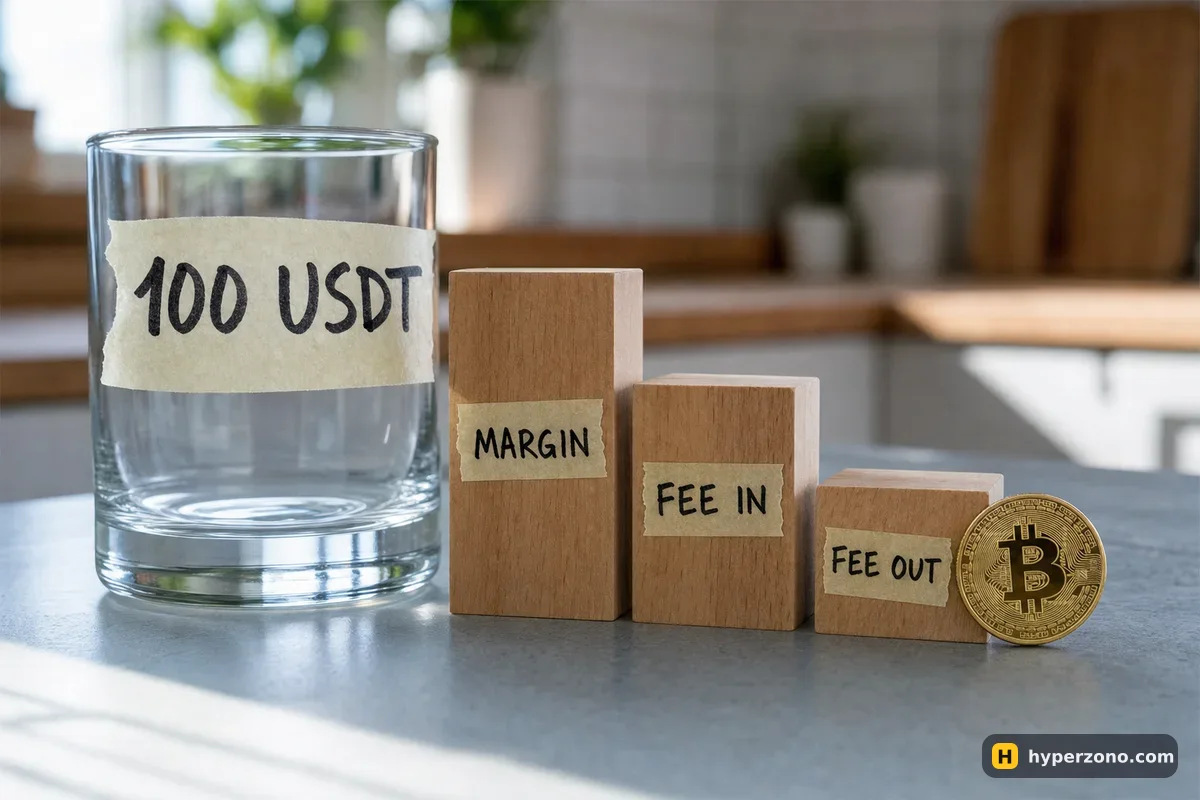
What the exchange actually holds when you press Buy
Position size divided by leverage gives you the initial margin — the deposit the exchange keeps while the trade is open. Bybit calls the full number you need to place the order the order cost, and it is initial margin plus the fee to open plus an estimated fee to close. The exchange shows it in the order window before you confirm — look for the line that tells you what placing this order will cost, because that is the figure compared with your available balance.
The closing fee surprises people most, because the trade has not even opened yet. The exchange reserves it so that there is money left to pay for the exit, and since nobody knows the closing price in advance, the figure is an estimate: it uses the price at which your margin would be used up, and the standard fee rate the exchange charges when an order fills immediately. That is the base rate, not your personal one, so the reserved amount is a little on the safe side. Your real closing fee will be different, because it depends on the price you actually exit at and on your own fee level, which you can check in the app.
| What is held | Amount |
|---|---|
| Initial margin (500 ÷ 10) | 50.000 USDT |
| Fee to open (500 × 0.055%) | 0.275 USDT |
| Estimated fee to close | 0.247 USDT |
| Total needed to place the order | 50.52 USDT |
That is the whole mystery in most cases. You calculated 50, you had 50, and the order needed 50.52. The gap grows with the position: in Bybit's own example, a 1 BTC long at 50,000 with 10x leverage needs 5,000 of margin but 5,052.25 USDT in total. If you want the arithmetic behind the deposit itself, what margin is and how it differs from trade size covers it, and the fees you pay on entry and exit explains the two fee numbers.
Round numbers are a trap here. If you type a size that uses exactly 100% of your balance — or drag the percentage slider to the top — there is nothing left for the two fees. Leave a few percent unused, or type the quantity by hand instead of maxing out the slider.
Where the rest of your balance went
An unfilled limit order is not free. It holds its own order cost from the moment you place it until it fills or you cancel it, so two or three waiting orders can quietly take most of your balance while the account shows no open position at all. The first thing to do when an order is rejected is to open the list of active orders and look at what is sitting there.
There is one helpful exception. On Bybit in one-way mode you can only hold a position in one direction per contract, so if you have limit orders queued in both directions, the exchange reserves funds only for the one with the higher order cost rather than for both. Handy, but it also means the number held changes as you add or cancel orders. How much free margin to keep for pending orders goes through this side of the planning.
Check the currency too. Order cost on a USDT contract is paid in USDT and on a USDC contract in USDC, and on an inverse contract it is paid in the coin itself — BTC for BTCUSD, ETH for ETHUSD. A balance full of USDT does nothing for an inverse order. And if the money is still sitting on the spot side of the account, nothing can be held at all; moving it across is a quick internal transfer, described in how to move money to your futures account.
Some accounts let your other coins count as margin, so your BTC or ETH can back the position instead of USDT. The two fees still come out in the contract's own currency, though. If you are trading a USDT contract and have no free USDT at the moment the order fills, the account may borrow a small amount for you — and borrowed money costs something, so check that rate before you rely on it.
Is it a shortfall, or is the exchange capping your size?
These two feel identical on screen and are fixed in opposite ways. A shortfall means the order costs more than you have free: shrink the quantity a little and it goes through. A cap means the contract or your account will not allow a position that big at that leverage no matter how much money you have, and shrinking the size by 2% changes nothing — you have to cut the size properly or lower the leverage.
The quick test takes ten seconds. Halve the quantity and look at the order cost line. If the cost now fits your available balance and the order is accepted, it was money. If the order is still refused with half the size and plenty of free balance, the limit is coming from somewhere else: the leverage you chose, a tier that reduces allowed leverage on bigger positions, or an account restriction. On a new Binance futures account, for example, leverage above 20x is not available for the first 30 days, so a size you planned at 50x simply cannot be opened yet.
The opposite problem also exists and is worth recognising: the minimum order on that contract may be larger than what you wanted to risk, which is a different conversation entirely — what to do when the minimum order is bigger than your risk.
Read the order cost line, not your own arithmetic
In the order window, before you confirm, find the line that shows what placing this order will cost. That number, not size ÷ leverage, is what must fit.
Compare it with available balance, not wallet balance
The wallet balance includes money already held by positions and pending orders. Available is the part that can still be used.
Open your active orders list
Cancel anything you no longer want. Watch the available balance go up as each one disappears — that tells you how much they were holding.
Check the currency and the contract type
USDT contract, USDC contract or an inverse one settled in the coin. Make sure the money is in the right place and in the right currency.
Halve the quantity and try again
Accepted means it was a shortfall. Still refused with lots of free balance means it is a size or leverage cap, and you need a smaller position or lower leverage.
How to stop being surprised by it
Plan your trade from available balance and leave a buffer. A simple habit: decide the position size you want, work out margin as size ÷ leverage, then add roughly two entries' worth of fees on top and never let that total use more than about 80% of what is free. The leftover is not wasted — it absorbs the closing fee, funding payments and a bit of price movement against you before anything gets uncomfortable.
The fastest way to make this concrete is to type an order you do not intend to send and compare the window with your own numbers. A demo account is perfect for that, because the order cost behaves the same way with play money: how to open a demo futures account on Bybit walks through it, and you can sign up on Bybit and switch to demo before any real money is involved. Type a size, read the cost, halve the size, read it again. After three tries the gap stops being a mystery.
Why does it say insufficient margin when I have enough balance?
Almost always because the order needs margin plus the opening fee plus a reserved closing fee, and your balance covers only the margin. The second common reason is that pending limit orders are already holding part of the balance. Cancel them, or cut your size slightly, and the order goes through.
Why does the exchange charge me a closing fee before the trade is even open?
It does not charge it, it reserves it. The idea is that the money to pay for your exit is set aside from the start. Since the closing price is unknown, the figure is an estimate based on the price at which your margin would run out, and the real fee is charged only when you actually close.
Where do I see the full order cost before I confirm?
In the order window, on the line that tells you what placing this order will cost. The wording and the position on screen differ between exchanges and between the app and the web version, so look for the cost line rather than a fixed spot — and compare it with your available balance, not your wallet balance.
Do unfilled limit orders really hold my money?
Yes. Each active order holds its own order cost until it fills or is cancelled. On Bybit in one-way mode, if you have orders in both directions on the same contract, only the more expensive one is counted, since you can hold a position in one direction only.
How much spare balance should I keep?
A practical rule is to use no more than about 80% of your available balance for the order, leaving the rest for fees, funding payments and a little room for the price to move against you before your stop-loss does its job.
The order is refused even with a tiny size. What now?
Then it is not a money problem. Check the leverage you selected, whether that contract limits leverage at your position size, whether your futures account is new and still restricted, and whether you are below the contract's minimum order size. The exact limits differ by exchange and contract — check them in the app, in the contract details.
Sources and fact-check
Exchange terms were checked against official documents on October 23, 2026. Terms change — before you trade, check what matters to you in the exchange app and in your contract’s specs.
Bybit: Order Cost (Perpetual and Expiry Contracts)