Contents
Three percentages, one tradeRealized or unrealized, and what fees and funding takeWhy deposits and transfers make your account look better or worse than it wasWhere to check each number in the appWhat this changes for how you judge yourself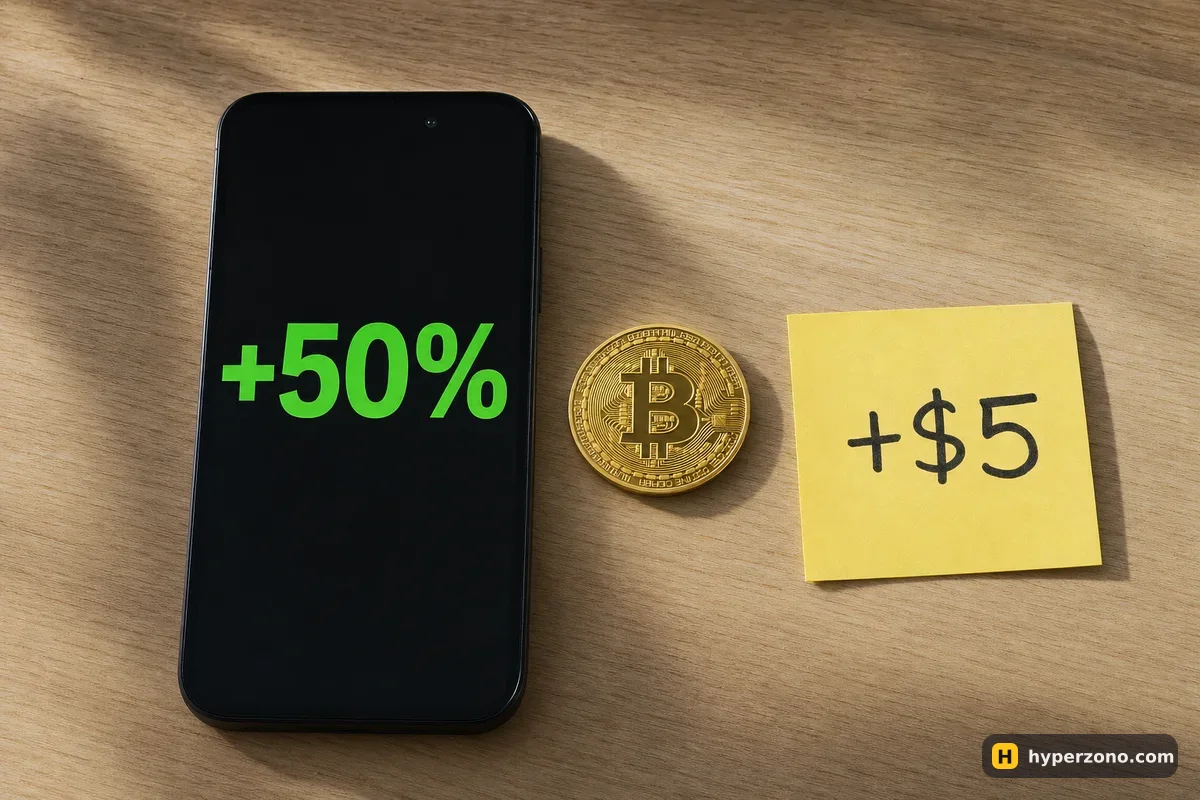
Three percentages, one trade
Say you have 1,000 USDT in your futures wallet. You open a long on bitcoin with 100 USDT of margin at 10x, so the position is worth 1,000 USDT at the price you entered. Bitcoin rises 5% and you close. The position made 50 USDT, the exchange shows roughly +50% next to it, and your balance goes from 1,000 to about 1,050.
All three numbers are true at the same time, and they answer three different questions. The percentage on the position is profit divided by the margin you put behind that position — it grows when you use more leverage, even though the money result stays the same. The same 1,000 USDT position opened at 20x would need only 50 USDT of margin, show about +100%, and still put the same 50 USDT in your wallet. If that sounds odd, the longer version is in leverage and profit at the same position size.
| What you see | In this trade | Measured against |
|---|---|---|
| Price move | +5% | The price where you entered |
| ROE on the position | +50% | Your 100 USDT of margin |
| Money result | +50 USDT | Nothing — this is the actual profit |
| Account change | +5% | Your 1,000 USDT balance |
This is also why a screenshot with +500% on it tells you almost nothing. You cannot see from the picture whether the person risked 20 USDT or 20,000, whether the position was open for four minutes or four weeks, or what the rest of their account looked like that month.
Realized or unrealized, and what fees and funding take
While the trade is open, the profit next to it is unrealized: a live estimate of what you would get if you closed right now. Your wallet balance usually does not move with it — the gain only lands there when the position is closed. So a long afternoon of watching a green number can end with a balance that looks untouched, simply because you never closed anything.
Then come the costs. The exchange charges a fee on the value of the position each time you trade, once when you open and once when you close. On Binance's USDⓈ-M futures, at the basic level the exchange takes up to 0.05% of the position's value each time — about half a dollar to open our 1,000 USDT position and about half a dollar to close it, so roughly 1 USDT off that 50. (If your order sits in the book and waits, the fee is lower, 0.02%.) Small here, much less small if you open and close ten times a day.
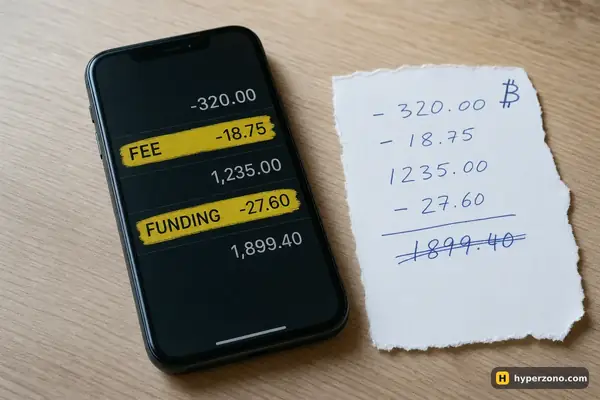
Perpetual contracts also settle funding at fixed times, on Binance by default every 8 hours, and for some contracts more often. If you were holding the position at one of those moments you either paid or received a small amount, and it moves your balance without any trade appearing in your order history. Together, fees and funding are the usual reason a closed +50% trade adds a little less than you expected; the full arithmetic of a net result is in how to calculate your real profit, and a payment that showed up out of nowhere is covered in why a funding fee was deducted.
The percentage on an open position has not paid its exit bill yet. It is calculated from the current price, not from the price where your close will actually fill, and it does not include the closing fee or the funding you will pay if you keep holding. Treat it as a forecast, and compare the realized amount in USDT afterwards.
Why deposits and transfers make your account look better or worse than it was
The second half of the confusion usually has nothing to do with trading. Your futures balance changes when you move money in or out of it, and those changes sit in the same number as your trading result. Add 200 USDT from your spot wallet on Wednesday, lose 40 on trades by Friday, and the balance still reads higher than on Monday — it feels like a good week until you look at where the money came from.
It works the other way too. Withdraw your profit to spot and your futures balance drops, which makes a profitable week look flat. The fix is simple bookkeeping: write down every transfer in and out with its date, and judge your trading by the sum of realized results in your trade history, not by the balance line. The same mistake in bot form — a profit counter that ignores the open position — is explained in my grid bot shows profit but my total is negative.
Where to check each number in the app
Open the position list in the futures section
Your open trade shows the unrealized profit in USDT and a percentage beside it. The percentage is the one measured against margin. Note the USDT figure, not the percent.
Look at the balance panel above the chart
This is the money in the futures wallet, including the margin currently locked in positions. It explains why the free amount you can use looks smaller than the total — see wallet balance vs margin balance.
Open the history for closed trades
Here the result is realized: the actual amount credited after the position closed. Compare this with the percentage you remember from the open position — the difference is your costs.
Open the transaction or funding records
Fees, funding payments and transfers are listed separately from trades. If exact section names differ in your app version, look for the records screen inside the futures wallet.
Export the period you care about
Most of the arguing with yourself stops when you have realized results, fees, funding and transfers in four separate columns for the same week.
If you want to see all of this on a real screen rather than in a description, the cheapest way is a tiny position: open a Binance Futures account, put a small amount in, and open one trade you are happy to lose. Watch the percentage next to the position, close it, then find the same trade in history and see what actually arrived. One trade teaches this better than ten articles.
What this changes for how you judge yourself
Once you read ROE as "profit compared with the margin of one trade", a lot of noise disappears. A +300% trade on 10 USDT of margin is 30 USDT. A quiet +4% month on a 1,000 USDT account is 40 USDT. The second one is the bigger result, and it is also the one you can repeat.
So count two things separately. Per trade, write down the money result in USDT and what you risked to get it. For the account, track realized results over a period with deposits and withdrawals kept to one side. The percentage on screen is fine as a quick read of how hard that one position worked — just do not let it tell you how your account is doing.
What does ROE mean on futures?
It is your profit on that position divided by the margin you put behind it. With 100 USDT of margin and 50 USDT of profit, that reads +50%. It is a measure of how hard one position worked, not of how your account did.
Is ROE the same as ROI or PnL%?
Apps label this figure differently on different screens. Whatever the label, the useful question is the same: what is this percentage divided by? If it is divided by your margin, it will always look much bigger than the change in your balance.
Does higher leverage make me more money?
Not at the same position size. A 1,000 USDT position that gains 5% makes 50 USDT at 5x, at 10x and at 20x. Higher leverage only means less of your own money is tied up, so the percentage looks bigger — and your liquidation price sits much closer.
Why did my balance not move while the trade was open?
An open position shows unrealized profit, which is just a current estimate. It normally lands in your wallet when you close. Funding payments are the exception — those move your balance while the position is still open.
Can a trade show +50% and still leave me with less money?
If the percentage you saw was on the open position, yes — the closing fee, slippage on the exit and funding paid while holding all come off afterwards. Compare the realized amount in your trade history, which is the number that actually hit your balance.
How do I measure my real performance over a month?
Take the realized results of all closed trades, subtract fees and funding, and keep every deposit and withdrawal in a separate column. The balance at the end of the month is not performance if money moved in or out during it.
Sources and fact-check
Exchange terms were checked against official documents on October 22, 2026. Terms change — before you trade, check what matters to you in the exchange app and in your contract’s specs.
Binance: USDⓈ-M Futures Trading Fee Rate