
Contents
Where your money actually landsThree ways to add money to a futures trading accountSending USDT from outside: get the network rightMoving it into the futures wallet and checking it is thereWhat usually goes wrong the first timeHow much to put in the first time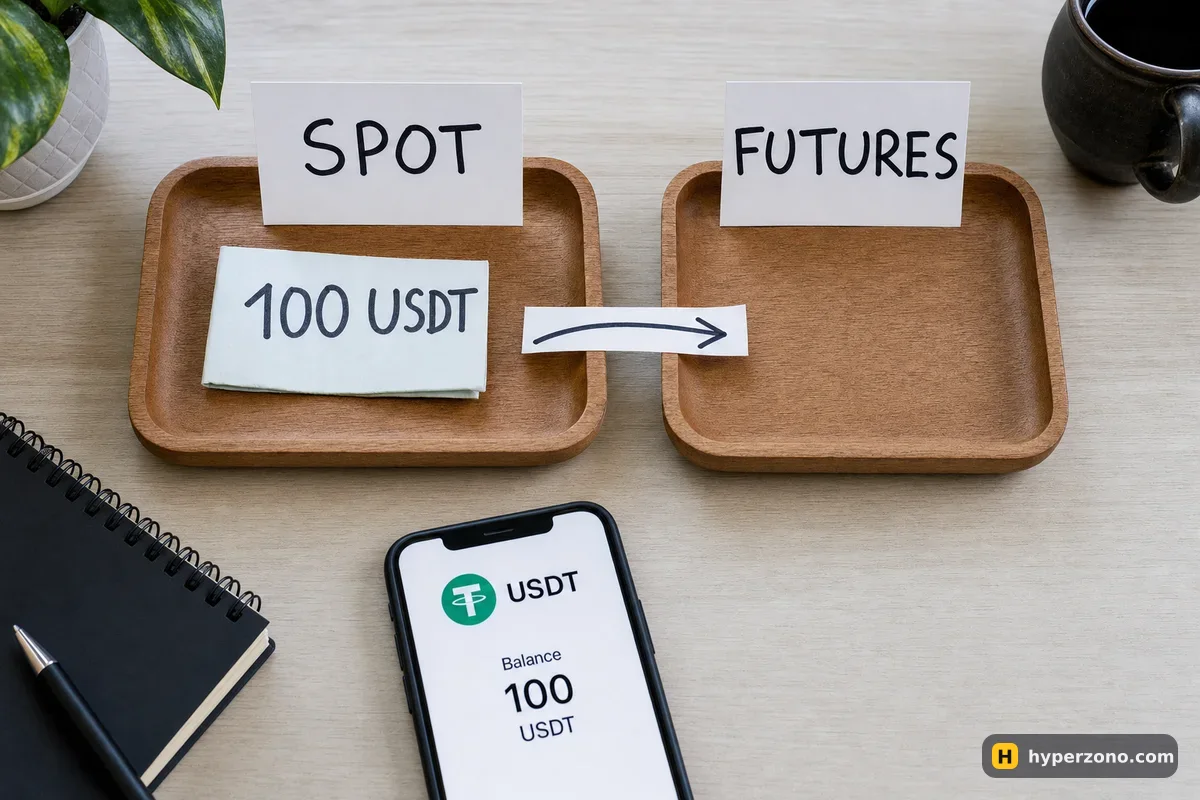
Where your money actually lands
An exchange account is not one single balance. Think of it as a few separate pots: a spot wallet for buying and holding coins, a futures (derivatives) wallet for trading contracts, and on some exchanges a third one where card and P2P purchases land. On other exchanges spot and futures sit inside one combined trading account and share the same balance, so nothing needs moving at all. Open the assets or wallet screen in your app and you will see straight away which setup you have, and what each pot is called there.
This matters because of the most common beginner panic: the money arrived, the email confirmation came, and the futures screen still shows zero. Nothing is lost — the balance is simply sitting in a wallet that the futures order window does not read from. One internal transfer and it appears.
The currency you want in there is USDT. Almost all beginner-friendly contracts are priced and settled in it, and it keeps your account value in plain dollars instead of moving around with the price of bitcoin. If USDT is new to you, read what USDT is and why futures use it before you send anything.
Three ways to add money to a futures trading account
There is no fourth secret route, so pick whichever of these three fits where your money is right now. The first one is the usual choice for a person who has never held crypto before.
Buying USDT inside the exchange is the shortest path: you pay with a bank card, a bank transfer, or through P2P, where you pay another user in your local currency while the exchange holds their USDT aside. You mark the payment as sent, the seller checks it and the USDT is released to you. No blockchain, no addresses, no network to choose. Which methods you actually see depends on your country and your currency, so the quickest way to find out is to open a Binance Futures account and look at the deposit screen for yourself.
Sending USDT from outside is for people who already hold it in another exchange or a wallet app. You copy a deposit address from the exchange you are funding, paste it into the app you are sending from, and the coins travel over a blockchain. It takes anywhere from seconds to a few minutes, and the one thing you must get right is the network.
The third case barely counts as a deposit: your USDT is already on the same exchange, in the spot wallet, from an earlier purchase. Then all you do is move it between your own wallets, which is covered in detail in moving money from spot to futures.
| Route | What you need | What to watch |
|---|---|---|
| Buy USDT in the app (card, bank transfer, P2P) | A verified account and a payment method that works in your country | Methods and limits differ by country; on P2P you must mark payment as sent and wait for release |
| Send USDT from another exchange or wallet | The deposit address from the receiving exchange and the matching network | Wrong network or a missing memo is the main way people lose a first deposit |
| Transfer from your own spot wallet | USDT already sitting on the same exchange | Nothing travels on a blockchain — it is a move inside your account |
Sending USDT from outside: get the network right
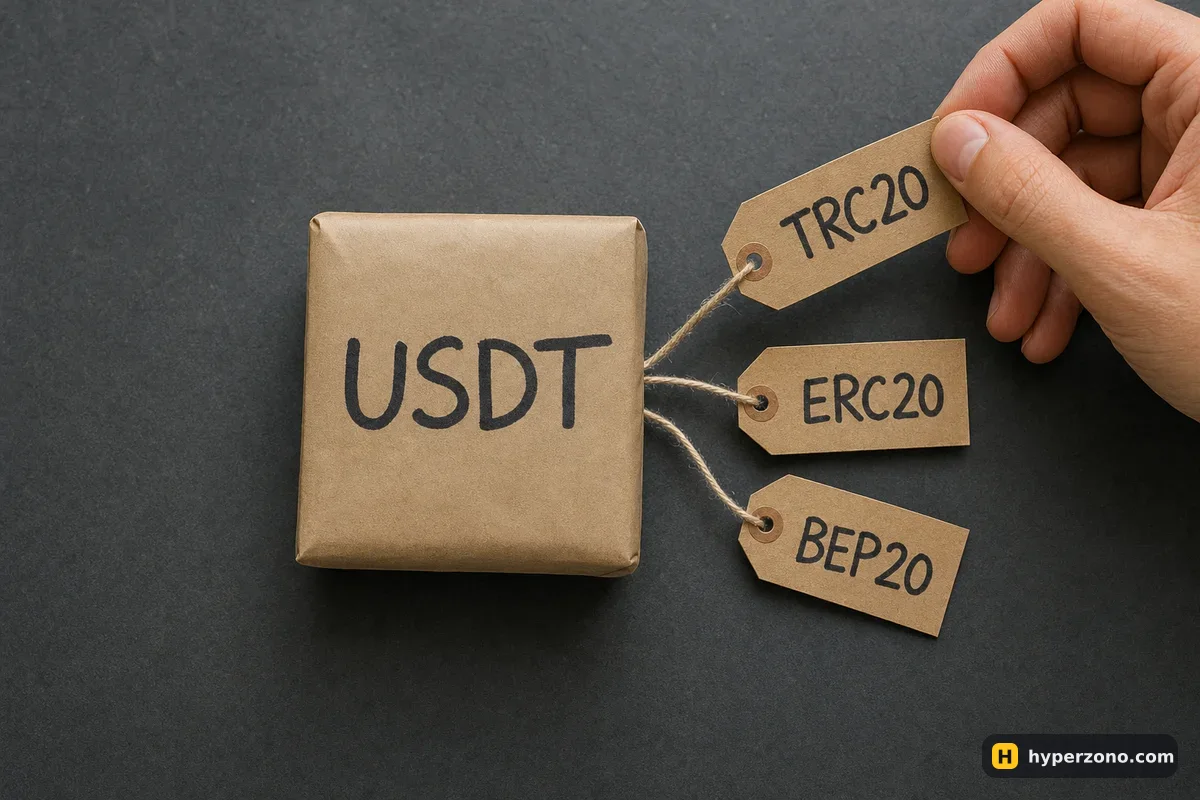
USDT exists on several blockchains at once. The same dollar token can travel over TRON, Ethereum, BNB Smart Chain, Solana and others, and each one has its own kind of address. A transfer only arrives if the network you choose in the sending app matches the network of the address you copied. Fees and speed differ between them too, which is why people usually pick the cheapest supported option for small amounts.
The safe order of actions is always the same: first open the deposit screen on the exchange you are funding, choose USDT, choose the network, and only then copy the address it gives you. Never reuse an address you saved last month for a different network or a different coin. Some networks also ask for a memo or tag — a short extra code shown next to the address — and a transfer sent without it can sit unassigned until support sorts it out.
Send a test amount first. Before moving your whole balance, send something small — a few dollars of USDT. When it shows up in the right place, send the rest using exactly the same address and network. The test costs you one extra network fee and removes the one mistake that is genuinely hard to undo.
Moving it into the futures wallet and checking it is there
Open your assets screen
In the app, go to the section that lists your balances. You should see your USDT with the name of the wallet it is in — your exchange may call it spot, funding or something else, and the assets screen will show you the name it uses.
Tap transfer, not withdraw
Withdraw sends money out of the exchange to a blockchain address. Transfer moves it between your own wallets on the same account. You want transfer.
Choose from, to, coin and amount
From the wallet where your USDT is currently sitting, to the futures or derivatives account, coin USDT, and the amount. There is usually a button that fills in your whole balance. Confirm — it goes through in a moment, because nothing leaves the exchange.
Open the futures screen
Switch to the futures section of the app and look at the balance line. Your USDT should now show there. If it still shows zero, you are probably looking at a spot chart rather than a futures contract — check that the ticker says something like BTCUSDT Perpetual.
Check it as available margin
Open the order window, the place where you set the amount for a trade. It shows an available figure — that is the money the exchange will let you commit to a position. If it matches what you transferred, the deposit is done properly.
Once you open a trade, that available number drops, because part of your balance is held aside as the deposit for the position. That held part is your margin, and it comes back to the available figure when you close. The first time you see that number drop and then come back, you know the money is sitting exactly where the trade takes it from.
If you would rather see all of these screens before any of your own money is involved, Bybit has a demo mode with a fake balance. You can sign up on Bybit, open the futures screen, practise finding the available figure and moving a demo balance around, then deposit for real once you know where each number lives. Check in the app whether demo and futures are offered where you live.
What usually goes wrong the first time
The wrong network is the expensive one. If you send USDT over a network the receiving exchange does not support for that coin, the money does not bounce back by itself. Sometimes support can recover it for a fee, sometimes not, and it can take weeks — so treat the network dropdown as the most important field on the screen.
The other rule is just as simple: send exactly the coin the deposit address was made for. If the screen says USDT, send USDT — a different coin sent to that address usually will not be credited, and getting it back means a support ticket and a long wait. Copy, paste, and compare the first and last four characters before you confirm.
Most of what goes wrong is far less dramatic than that. A deposit can sit as pending while the blockchain confirms it. A P2P purchase can wait until the seller checks your payment and releases the coins. A first deposit may be blocked until your identity check is finished, which is what the page on documents for KYC is for. And some countries are restricted on some exchanges, or served by a local company with different products and lower leverage caps, so check in the app during sign-up that futures are offered where you live — before you send money, not after.
There is also a minimum: each exchange sets a smallest deposit per coin and network, and anything below it can be lost or stuck. The number is shown on the deposit screen itself — check it in the app rather than guessing.
How much to put in the first time
Small. Your first deposit is not an investment decision. You are checking that the path works: does the money arrive, does it show as available margin, can you open one tiny trade and get the balance back. 20 USDT is enough for a first run, and you can always add more once you have seen the money arrive and come back — there is a separate page on how much money you actually need to start.
Whatever amount you choose, it should be money you can afford to lose entirely. Futures can take your deposit down as fast as they take it up, and your first weeks are for learning the buttons, not for growing capital. Once the deposit works and you can see the number in the order window, the next step is opening one small position with a stop-loss set before you tap confirm.
Can I deposit money straight into my futures wallet?
On most exchanges, no — incoming deposits land in another wallet on the same account, usually the spot one, and you move them across yourself. On exchanges with a single combined trading account there is nothing to move, because spot and futures share one balance. Check your assets screen and you will see which of the two you are dealing with.
Do I have to deposit USDT, or can I send bitcoin?
You can deposit bitcoin, but the usual contracts for beginners are settled in USDT, so you would then have to sell the bitcoin for USDT on spot before trading. If you are starting from scratch, it is simpler to buy or send USDT directly and skip the extra conversion.
I sent USDT but my futures balance still shows zero — where is it?
Three likely reasons: it is still confirming on the blockchain, it landed in the wallet where purchases and deposits arrive and needs an internal transfer, or you are looking at a spot screen instead of a futures contract. Check the assets list first; if the USDT is sitting there under some wallet name, the money is fine and only needs moving.
What happens if I pick the wrong network?
The transfer may never arrive. Sometimes the exchange's support team can recover funds sent on a supported chain to the wrong address type, usually for a fee and after a wait, and sometimes recovery is impossible. This is exactly why you send a small test amount before the real one.
Is there a minimum first deposit for futures?
Yes, and it depends on the exchange, the coin and the network, so read the figure shown on the deposit screen in your app. Separately, there is a minimum size for each contract, which is why a very small balance can still be too small to open a position on bitcoin.
Do I need to finish identity verification before depositing?
In most cases yes — buying through card or P2P and trading futures normally require a verified account. Getting the check done before you send money saves you from a deposit that sits there unusable.