Contents
What tapping Sell actually doesA short on BTCUSDT with real numbersWhere the Sell button is on screenHow big to make the trade and where the stop goesShort squeezes: why shorts get stopped out so violentlyFunding: do shorts pay or get paid?Closing a short: the button that gets you outIf the order doesn't go through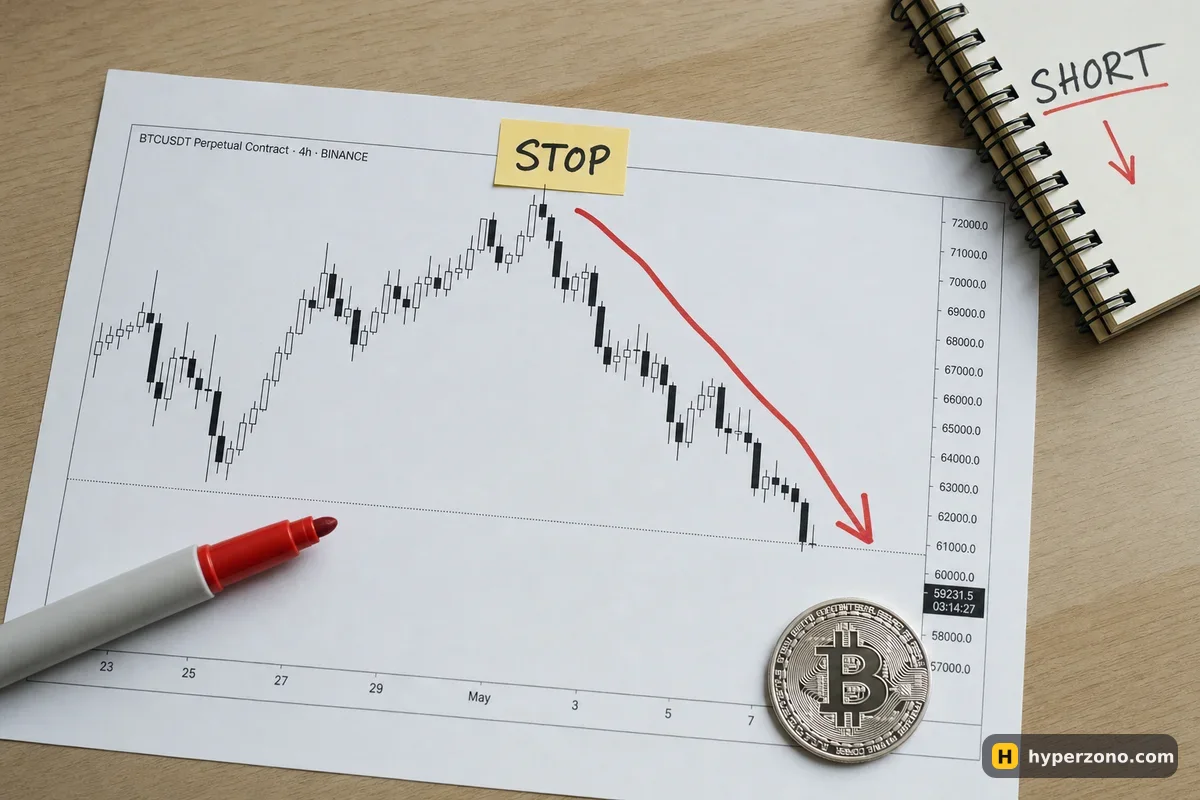
What tapping Sell actually does
On a futures contract you are not handing over any bitcoin. Your account holds USDT, and when you press Sell on BTCUSDT the exchange opens a contract in your name that moves against the price of bitcoin: price down, your trade up. Part of your USDT is set aside as the deposit for that trade, and the rest of your balance stays free.
That is why you can short bitcoin with 50 USDT in an account that has never held a single satoshi. If you want the full reasoning behind making money on a falling market, it lives on a separate page about profiting when the price falls. Everything else here is the practical side, and it is the mirror image of opening a long.
A short on BTCUSDT with real numbers
Here is an illustrative trade so the buttons make sense. Say your futures account has 500 USDT and bitcoin is trading at 80,000. It has just bounced to 81,300 and turned down, and you think the fall continues. You decide to risk 10 USDT on the idea — 2% of your balance.
You place your stop at 81,600, a little above that bounce. That is 1,600 USDT away from your entry, so the size that risks exactly 10 USDT is about 0.006 BTC: 0.006 × 1,600 = 9.6 USDT of risk. A position of 0.006 BTC at a price of 80,000 is 480 USDT of contract value. With 10x leverage, the exchange locks about 48 USDT of your balance as margin, and the other 452 USDT sit untouched.
If bitcoin drops 2% to 78,400, your gain is 0.006 × 1,600 = 9.6 USDT. If it rises 2% instead, your stop closes you out for roughly the same amount, minus the small extra that slippage can add. Leverage here only decided how much of your balance was locked as margin — the money result came from the size of the position and the size of the move. The fee is charged on the full 480 USDT both when you open and when you close; at a rate like 0.05% that is about a quarter of a dollar each way. Check the exact rate for your account in the exchange app.
Isolated short of 480.00 USDT, 10× leverage, maintenance margin 0.50% of position size (example). Simplified model without closing fees, risk-limit tiers or other positions — the exchange will show its own price.
Where the Sell button is on screen
Open the derivatives or futures section of your exchange and search for BTCUSDT — the perpetual contract, not the spot pair. Under the chart you get an order window with a field for the amount, a leverage setting, and two large buttons at the bottom. The green one says Buy or Long, the red one says Sell or Short. That red button is the whole thing.
Everything else on that screen is detail you can set before you press it. If you want to see the layout without risking anything, you can sign up on Bybit and look at the order window first, or open demo mode and press the buttons there with play money. Demo is not offered in every country and not every contract is in it, so check the ticker you want when you get in. Check during sign-up that futures are offered where you live too; several countries and regions are restricted, and the list is not the same on every exchange.
Choose the contract
Find BTCUSDT in the perpetual futures list. The ticker on your order window should end in USDT, and the page should show a funding rate and a countdown — that is how you know it is a perpetual contract, not spot.
Set margin mode and leverage
Tap the margin mode and pick isolated if you want this trade to risk only its own deposit. Then set the leverage. More on the difference on the page about cross and isolated margin.
Enter the size
Type the quantity in BTC or in USDT — the window usually lets you switch. Check which unit you are typing in; 0.006 and 0.6 look similar at speed.
Attach the stop before you enter
Most order windows have a TP/SL box right there. For a short the stop price has to be above your entry. If you type a number below the current price, the app will either refuse the order or trigger it straight away and close you out.
Press Sell (Short)
With a market order it fills in a second. A limit order waits until the price comes to you, which means a better entry if it arrives and no trade at all if it doesn't.
Check the position tab
You should see a position with a minus in front of the quantity, or the word Short, your entry price, and a liquidation price that is higher than your entry. If the liquidation price is below your entry, you opened a long by mistake — close it and start again.
How big to make the trade and where the stop goes
The order in the example above matters: the stop came first, the size second. You pick the price that proves your idea wrong, measure how far away it is, then choose a quantity small enough that reaching it costs you an amount you are comfortable losing. Doing it the other way round — size first, stop wherever — is how beginners end up with a stop they cannot afford to let run.
For a short, the natural place for that stop is a little above the last swing high: the highest point of the recent bounce, the level the price failed to break. Not exactly on it. Price often pokes a few dollars past an obvious high before turning, and a stop sitting right on the level gets taken out by that poke. Give it room, then make the size fit. The page on setting a stop loss walks through the order itself.
A short can lose more than it looks. A long has a floor — the price cannot go below zero. A short has no ceiling: bitcoin can rise 5%, then 10%, then more, and each step costs you. That is not a reason to avoid shorts, it is the reason a short needs a stop and a size you chose on purpose, every single time.
Short squeezes: why shorts get stopped out so violently
When a lot of traders are short and the price starts rising, their stop-losses and liquidations all turn into buy orders. Buying pushes the price up further, which triggers the next layer of stops, which buys more. The result is a spike that is faster and steeper than normal movement, and it usually happens when the market is thin — late at night, weekends, or right after news. This is called a short squeeze.
You cannot predict one, but you can stop it from being expensive. Keep the position small enough that even a sharp move against you costs an amount you planned for. Use isolated margin so the damage is limited to that trade's deposit. And understand that a stop-market order triggers at your price but fills at whatever is available next, which in a spike can be meaningfully worse — the honest version of that story is on the page about what a stop loss really guarantees.
Funding: do shorts pay or get paid?
On a perpetual contract there is a small regular payment between the two sides, called funding. The exchange does not keep it; it moves from one group of traders to the other. When the rate is positive, longs pay shorts. When it is negative, shorts pay longs. You only pay or receive if your position is open at the moment of settlement, and the amount is your position value multiplied by the rate at that moment.
In a strong rising market most traders are long, the rate is usually positive, and a short is typically on the receiving side — a small credit every few hours while it holds. In a heavy sell-off the crowd piles into shorts, the rate turns negative, and then you are the one paying. On a 480 USDT position these are cents, not dollars, so funding matters mostly if you hold for days. The countdown and the current rate sit near the top of the contract screen, and the full explanation is on the funding page.
Closing a short: the button that gets you out
This trips up almost everyone once. In one-way mode, buying the same contract back closes the short. If your account is in hedge mode, where a long and a short live side by side, neither button closes anything — buying opens a long on top of your short, and selling adds more short. That is why the safe habit is to close from the position tab: tap the position, choose Close, confirm.
Most apps also let you close only part of the quantity and leave the rest running, or set a take-profit in advance so the exchange buys you out automatically when your target price is reached. If you are not sure which mode your account is in, look at the position tab after you open the trade: one row means one-way, separate long and short rows mean hedge mode.
If the order doesn't go through
A few things stop a first short from opening, and all of them are fixable in under a minute.
- The size is below the contract minimum. Bitcoin contracts have a smallest allowed quantity — on Binance, for example, BTCUSDT starts at 0.001 BTC. Check the contract details in your app and raise the quantity or pick a cheaper coin to practice on.
- Not enough margin. Your free balance has to cover the deposit plus fees. Either reduce the size, or move more USDT from your spot wallet to your futures wallet — that is an internal transfer inside your own account.
- The order sits in the open orders list and never fills. That is a limit order waiting for a price that has not arrived. Cancel it and use a market order, or move your limit closer.
- The stop is rejected. On a short the stop sits above your entry — type a number under the current price and the app either refuses it or fires it instantly.
- You cannot find futures at all. Derivatives are not offered everywhere, and on some exchanges your country is served by a separate local entity with different products. Check in the app during sign-up rather than assuming.
When the trade is open and the stop is attached, the hard part is done. The rest is waiting, and that is its own skill: let the stop and the take-profit do their job instead of reopening the app every ten minutes.
Can I short bitcoin without owning any bitcoin?
Yes, and that is the normal way it works. You hold USDT, you open a contract on BTCUSDT, and the contract pays you if the price falls. Nothing is borrowed from you and no bitcoin ever appears in your wallet.
Is shorting riskier than going long?
The mechanics are the same, but two things differ. A rising price has no upper limit, so a short's loss has no natural ceiling, and squeezes make moves against shorts faster than moves against longs. With a stop in place and a size you chose on purpose, the risk on a short is as controlled as on a long.
How do I close a short position?
Open the position tab, tap the position and choose Close — that works whichever mode your account is in. In one-way mode you can also simply buy the same contract back. You can set a take-profit in advance too, so the exchange closes the position for you at your target price.
Why did my short lose a little even though the price barely moved?
Three small costs: the fee on opening, the fee on closing, and funding if you held through a settlement with a negative rate. On a 480 USDT position they are cents, but on a trade that goes nowhere, cents are all there is.
Can I practice shorting without real money?
Yes, where it is offered. Demo futures accounts give you play balances, so you can press Sell, set a stop above the price, and close the position until the sequence is automatic. Demo is not available in every country and not every contract is in it, so check your ticker once you are in — and remember that demo does not reproduce how you feel with real money on the line.
What is the smallest short I can open on bitcoin?
It depends on the contract. Each exchange publishes a minimum quantity for BTCUSDT — on Binance it is 0.001 BTC, and on other venues you should check the contract specification in the app. If the minimum bitcoin trade is bigger than you want to risk, many altcoin contracts have much smaller minimums.