
Contents
What you can actually trade thereBinance futures fees, and what the BNB discount really changesLeverage, minimums and the rules that catch new accountsSetting the account up: verification, experience level, futures walletDemo mode, copy trading and botsWhere Binance futures are restrictedSo is Binance Futures good for a beginner?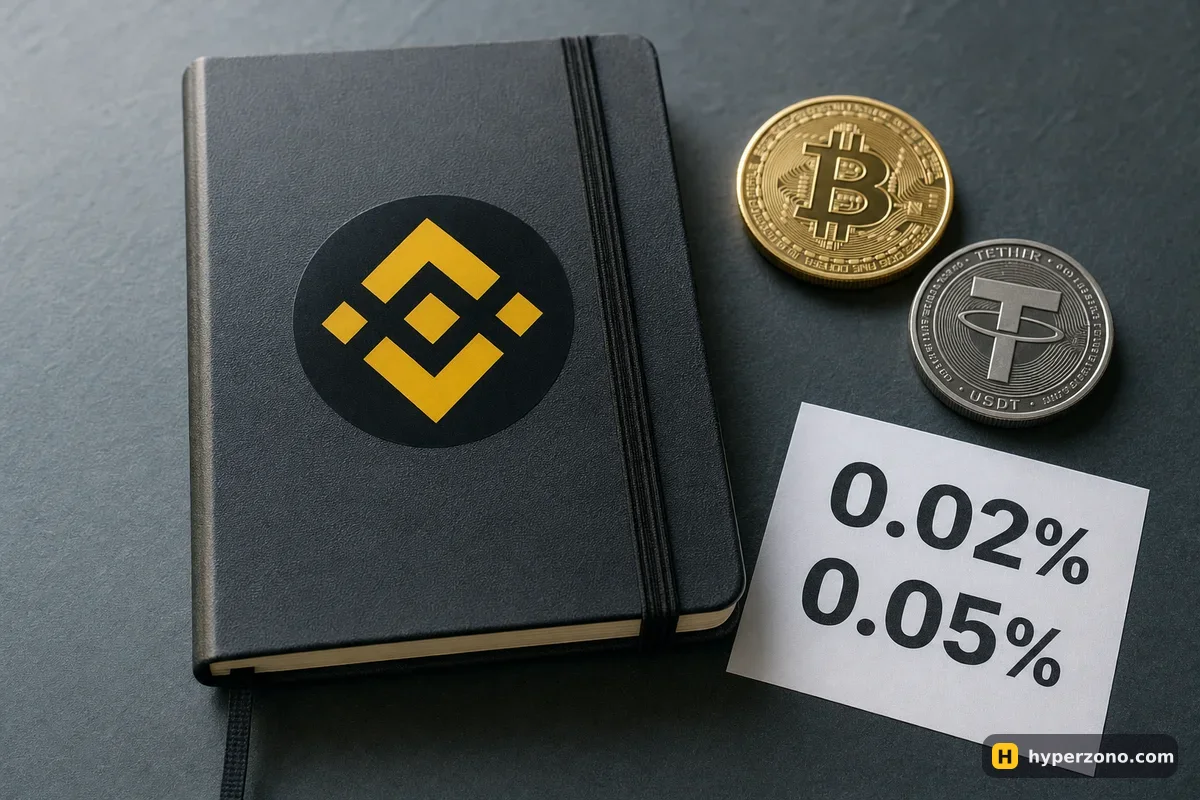
What you can actually trade there
The part you will use is called USDⓈ-M futures. You put USDT in, the contract is priced in USDT, and your profit or loss comes back in USDT — on BTCUSDT, ETHUSDT and hundreds of smaller coins. The calculation is as simple as it gets: your quantity multiplied by the difference between your exit and entry price.
The second family, COIN-M, is margined and settled in the coin itself: you post bitcoin as your deposit and your result is paid in bitcoin. The formula is different — it is an inverse contract, so the USDT-based maths you learn at the start does not carry over. People who already hold coins long term use these; if you are choosing between USDⓈ-M and COIN-M futures as a beginner, take USDⓈ-M and don't look back for now.
Besides coins, you will see contracts on things from outside crypto — Tesla and other US shares, gold, silver, oil, gas. Binance has 217 of them and they trade day and night, weekends included. Worth knowing they exist; not where your first trade belongs.
Binance futures fees, and what the BNB discount really changes
Fees are charged on the full size of your trade, not on the money you put down, and you pay them twice — once going in and once going out. Two rates exist because of how your order fills. If your order waits at your own price until someone trades with you, you pay the lower maker fee; if you take whatever price is available right now, you pay the taker fee. A market order is always the taker one.
| How the fee is paid | Maker | Taker |
|---|---|---|
| Normal, deducted in USDT | 0.02% | 0.05% |
| If you pay the fee in BNB | 0.018% | 0.045% |
The lower rates are not automatic: you need BNB in the futures wallet and the option to pay fees with it switched on — the app shows the setting. Put a number on the normal rate: you open a 500 USDT position with a market order and close it the same way, so 0.25 USDT in, 0.25 USDT out, half a dollar in total. That is small, but it stops being small if you open ten trades a day. More on how the whole bill adds up is in what fees you pay on crypto futures, and if you want to put these rates side by side with other venues, see which exchanges have the lowest fees.
Binance also runs a referral programme, and the link you sign up through can carry a rebate on those fees — the exact rate is shown when you register, so read it there rather than trusting a promise elsewhere. We explain how that works, honestly, in what a referral link actually gives you.
There is one more charge that is not a fee. If you hold a position on a perpetual contract, every few hours traders on one side pay a small amount to traders on the other — Binance does not keep it. By default that happens every 8 hours (00:00, 08:00 and 16:00 UTC), on some contracts every 4 hours, and up to every hour when the rate is extreme. How funding works.
Leverage, minimums and the rules that catch new accounts
Binance advertises very high numbers — up to 150x on BTCUSDT and ETHUSDT, though only on small positions — but as a new user you will not see them. For the first 30 days of a futures account, anything above 20x is unavailable. Your starting default also depends on the experience level you pick when you open the account: Beginner gives you 2x, Experienced 5x, Advanced 20x.
That is a good limit, not a problem. Leverage does not make you richer on its own — it lets you open a bigger position with the same money, and your loss grows exactly as fast as your profit. If you want the reasoning behind a sensible number, read what leverage a beginner should use.
Before you confirm the trade, set the price where you want out if you are wrong — the stop-loss. On Binance you can set it in the same order window where you choose the size, and it is the one habit that keeps a bad trade from becoming your whole balance. Here is how to set a stop loss in a few taps.
Minimum sizes are low enough for a first real trade. On BTCUSDT the smallest position is 0.001 BTC — at a bitcoin price around 83,500 USDT, that is roughly 83.5 USDT worth of contract, which you can open with about 25 USDT of margin from 5x leverage. ETHUSDT starts from 20 USDT of position size and most altcoins from just 5 USDT.
New contracts open in cross margin by default. Cross margin uses your whole free futures balance to hold a losing trade alive, which links your positions together. Switch to isolated in the order window before your first trade, so that what one bad position can cost you is limited to the margin you assigned to it — and leave auto-add margin off, because it tops that margin up from your balance. Here is the difference between cross and isolated.
One more thing worth knowing before you ever meet it. If the price moves against you far enough, Binance closes your trade on its own before your deposit runs out — that is called liquidation. In a normal, liquid market your loss ends roughly there, but in a sharp jump the price can skip past that level and the result can be worse, which is why a stop-loss set earlier, at a price you chose, is the real protection — and even a stop has its limits. Binance decides the liquidation moment by the mark price, a fair price built from several markets, not by the last trade shown on the screen, which keeps one odd print on a single screen from closing you out.
Setting the account up: verification, experience level, futures wallet
Register and verify your identity
You create the account with an email or phone number, then complete identity verification with a document and a selfie. Futures are not open to unverified accounts — see what documents you need.
Open the futures account
Binance asks you to choose your experience level and to accept the futures service agreement. Follow whatever prompts the app shows you at that moment; the exact steps differ between accounts and regions.
Move money into the futures wallet
Your spot wallet and your futures wallet are separate balances inside the same account, and you move USDT between them with an internal transfer. Nothing in the futures wallet trades until you open a position.
Set leverage, margin mode and your stop, then open a small trade
In the order window you pick the pair, the margin mode, the leverage, the size and the price where you get out if you are wrong. The full walkthrough with the buttons is in how to trade futures on Binance step by step.
Demo mode, copy trading and bots
Binance has Demo Trading for spot, USDⓈ-M and COIN-M, where you trade with fake money on real prices. It is the cheapest way to learn where everything is, and we walk through it in how to try Binance futures in demo mode. It is not available in every country, and demo results tell you nothing about future real ones — execution and, above all, your own nerves are different when the money is yours.
Copy trading runs on a separate copy account. You choose a lead trader and decide how much of your own money follows each of their trades — a fixed amount, or a share of their position size. The amount you can commit runs from 10 up to 300,000 USDT, and the lead trader usually keeps 10% of your net profit, up to 30%, settled weekly. You get your own take-profit, stop-loss and a portfolio stop, but read the terms carefully: some portfolios have a lock-up, and once you confirm one you cannot stop copying, change the portfolio stop-loss or withdraw until the term ends.
On the automation side there is a futures grid bot in Long, Short and Neutral versions, a futures DCA bot and an Arbitrage Bot that holds spot against a short perpetual to collect funding — which quietly eats into your margin whenever the funding sign flips. None of these are free money; the grid's "profit" figure counts only closed cycles and ignores the open position, fees and funding.
Where Binance futures are restricted
Binance lists the United States, Canada, the Netherlands, Cuba, North Korea, Iran and Crimea, Donetsk and Luhansk among prohibited places, and derivatives products are unavailable in the United Kingdom, Brazil, Australia, South Korea, New Zealand and Hong Kong. There is also an old notice about futures being withdrawn in Germany, Italy and the Netherlands which Binance has never replaced, so treat those as uncertain too. There is no single official page listing every country where futures are offered.
The practical move is simple: start registering, pick your country of residence, and the app will tell you what you can use. If futures are closed where you are, that answer comes in a minute instead of after a deposit. Never try to get around a block — that is how accounts get frozen with money inside. If Binance is not an option for you, which exchanges are available in your country covers the alternatives.
So is Binance Futures good for a beginner?
For most readers, yes — mainly because of small minimum sizes, a demo mode, base fees of 0.02% and 0.05% per trade, and more than 333 million users on the main platform, which means the app is translated, documented and discussed everywhere. What it is not is gentle: the interface shows you a lot at once, and nothing stops you from setting leverage far higher than you should.
If you want to see how it compares head to head, read Binance or Bybit for your first trades, and if you are still deciding in general, which exchange suits a beginner sets out the criteria. Either way, your first position should be small enough that losing it would annoy you and nothing more.
How much are Binance futures fees?
On USDⓈ-M futures at the base level you pay 0.02% as a maker and 0.05% as a taker, charged on the size of the trade both when you open and when you close. If you pay the fee in BNB — which means keeping BNB in the futures wallet and switching the option on in the app — those rates become 0.018% and 0.045%. On a 500 USDT trade opened and closed at market, that is about half a dollar in total.
What is the difference between USD-M and COIN-M futures on Binance?
USDⓈ-M contracts take USDT as margin and pay your result in USDT, so everything stays in one familiar currency. COIN-M contracts are margined and settled in the coin itself and use a different, inverse formula, so your profit arrives as bitcoin rather than dollars. Beginners should stay on USDⓈ-M.
Is Binance Futures good for beginners?
It works well if you treat it carefully: the minimum trade sizes are small, there is a demo mode, and new accounts are capped at 20x leverage for the first 30 days. The downside is a busy interface and plenty of ways to take more risk than you meant to, so set isolated margin and a stop-loss from the very first trade.
What happens if my Binance futures position goes badly wrong?
Binance closes the position for you before the margin behind it runs out, which is called liquidation, and it uses the mark price to decide that moment. In a calm market your loss ends around that point, but a sudden gap can push the outcome further than you expected, so do not treat liquidation as a safety limit. Your own stop-loss, placed at a price you picked, is what keeps the loss to a size you agreed to in advance.
What is the minimum trade size on Binance Futures?
On BTCUSDT the smallest position is 0.001 BTC — roughly 83.5 USDT of contract when bitcoin trades around 83,500 USDT — which you can open with about 25 USDT of margin at 5x. ETHUSDT starts from 20 USDT of position size and most altcoins from 5 USDT.
Can I use Binance futures in my country?
Not everywhere. Futures and derivatives are restricted in several places, including the United States, Canada, the United Kingdom, Brazil, Australia, South Korea, New Zealand and Hong Kong, and the lists change. Check during sign-up in the app, and never try to work around a restriction.