Contents
Your profit is not money yet while the trade is openMove the money out of the futures wallet firstSending USDT out to your own walletTurning USDT into your local currencyHow long it takes, and what to do if it is stuckKeep a simple record while you are at itYour profit is not money yet while the trade is open
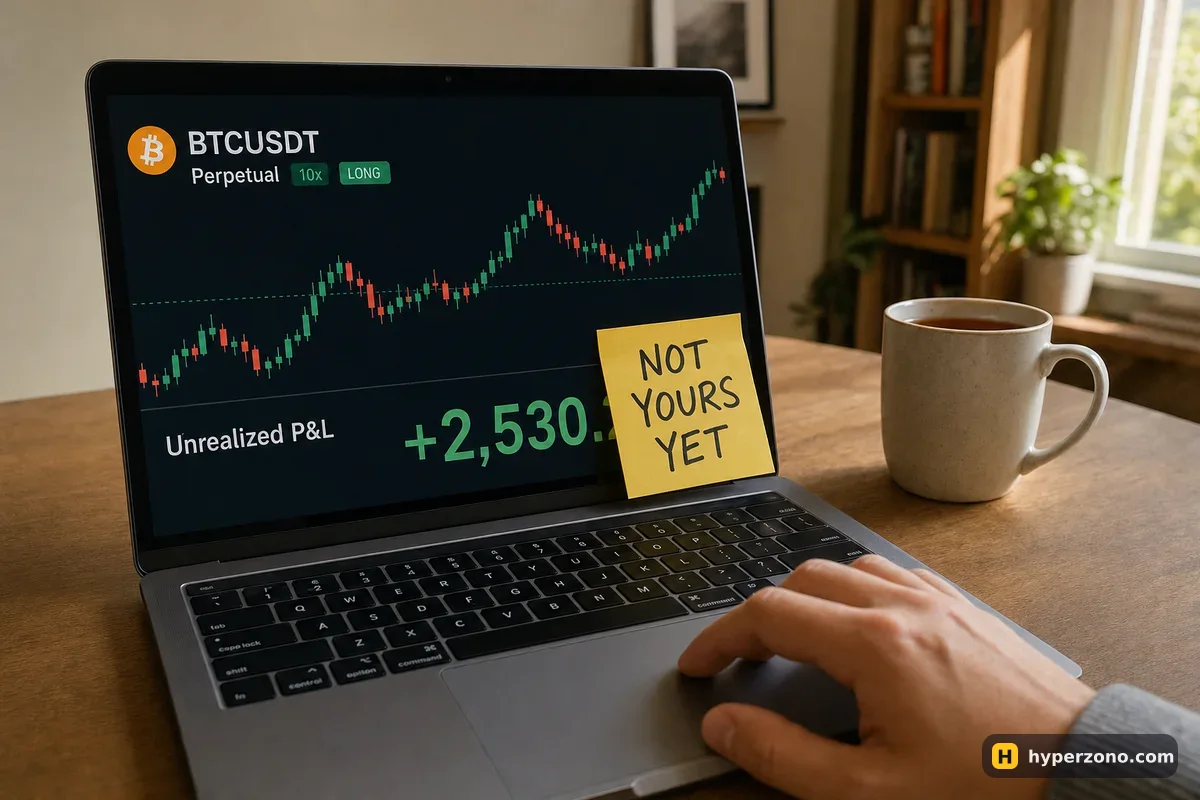
While a position is open, the green number next to it changes every second and can turn red just as fast. That number is unrealised — the exchange will not let you take it out, because nothing has been settled yet. The moment you close the trade, the result is added to your futures wallet balance in USDT, and from there it can move.
You can also close only part of a position and lock in part of the profit, leaving the rest running. The details of pressing that button are on the page about closing a futures trade. One small thing to expect: the amount that lands in your balance is the price difference minus the entry and exit fees, plus or minus any funding you paid or received while holding — so it is usually a little different from what the screen showed a second before. If you want to see how those pieces add up, read how to calculate your real profit.
Move the money out of the futures wallet first
Your exchange account is split into separate wallets, and the futures wallet is only for trading. To withdraw anything, the USDT has to move out of the futures wallet into your main trading balance — on most apps that is the spot wallet; if your app shows a different name next to it, pick the one that is not the futures line. This move stays inside your own account — nothing goes onto a blockchain, so there is nothing to wait for. Any cost is shown on the confirm screen before you tap it. The easiest way to see this is to sign up on Bybit and open the wallet area, where your balances are listed by account — during sign-up the app will also tell you whether futures are available where you live.
Open the assets or wallet area of the app
You will see your balances grouped by account: spot, futures, and usually one or two more for savings or deposits. The futures line is the one showing your trading balance.
Tap the transfer option
It is usually a small arrow or exchange icon next to the balance, with a screen that asks 'from' and 'to'. Set 'from' to the futures wallet and 'to' to your spot or main trading balance.
Pick USDT and the amount
Tap the maximum button if you want everything, or type a number. If you have a position still open, the app will only let you move the free part of your balance.
Confirm
The balance disappears from the futures line and appears on the other line within a few seconds. Nothing has left the exchange yet — the money is simply in a different pocket of the same account.
If you trade in cross margin, remember that the free balance is also the cushion keeping your open positions alive. Pulling it out moves your liquidation price closer, sometimes a lot closer. The clean habit is to withdraw when you have nothing open, or to use isolated margin so each trade has its own fixed deposit — the difference is explained in cross margin vs isolated margin. Moving money the other way, back into trading, is covered in transfers to the futures account.
Sending USDT out to your own wallet
Once the USDT is on your spot balance, you can send it to an external wallet — your own phone wallet, a hardware wallet, or an account on another platform. This one is a real blockchain transaction, so it costs a network fee and it cannot be reversed. The withdrawal screen asks for three things: the coin, the address, and the network.
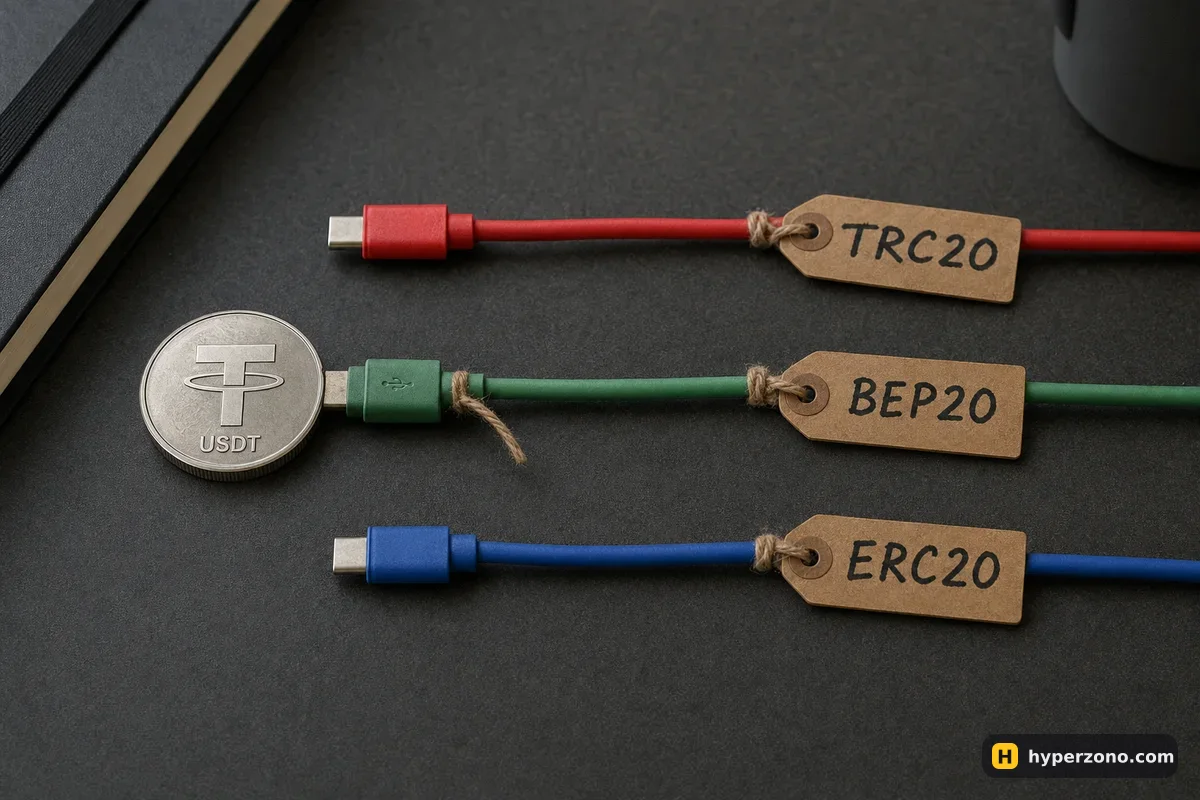
The network is where beginners lose money. The same USDT can travel on Tron, on BNB Smart Chain or on Ethereum. Those are three different roads, and your wallet only has a door on some of them. Copy the address from the receiving wallet, then pick the network that wallet tells you to use — never guess, and never type an address by hand. If the receiving side gives you a memo or tag along with the address, paste that too, or the coins can arrive and sit unassigned. If the whole USDT idea is still new, what USDT is and why futures use it explains it in a minute.
Send a small test first. The first time you withdraw to a new address, send a small amount — say 10 USDT — and wait for it to arrive. It costs you one extra network fee and removes the worst mistake in crypto. After it lands, send the rest. It also helps to add the address to your whitelist (the saved-address list in security settings), so a stranger with access to your phone cannot send your balance somewhere new.
Open the withdraw screen for USDT on your spot balance
You will be asked to choose between sending to an external address and, on some exchanges, sending to another user of the same platform.
Paste the address and choose the network
The app usually detects the likely network from the address format, but it is your job to confirm it matches what the receiving wallet asked for.
Check the fee and the amount you will actually receive
The screen shows the network fee and the net amount. On a cheap network it is small change; on Ethereum it can be meaningful on a 50 USDT withdrawal.
Confirm with your security codes
Expect an email code, an app code and possibly a face check. Then the status goes to processing, and after a few blockchain confirmations the coins appear in your wallet.
Turning USDT into your local currency
If what you actually want is money in your bank account, you need somewhere that takes USDT and gives you naira, rupees, pesos, lira, reais or euros. On the big exchanges the usual route is a sale to another user, called P2P: you offer your USDT, the exchange holds your coins while the deal is open, the buyer sends money to your bank or payment app, and you release the coins only after you have personally checked that the money arrived in your account. Some exchanges also offer a direct sale to card or bank transfer in certain countries. Which of these you get depends entirely on where you live, so check the sell or cash-out section in the app rather than assuming.
| Route out | What you end up with | What to watch |
|---|---|---|
| Leave it on spot | USDT sitting on the exchange | Nothing to confirm and no delay, but it is still on a platform you don't control |
| On-chain withdrawal | USDT in your own wallet | Network must match the address; fee depends on the chain |
| P2P sale to another user | Local currency in your bank or payment app | Release the coins only after the money is really in your account |
| Exchange cash-out to card or bank | Local currency, fewer steps | Offered only in some countries; limits and fees shown in the app |
On P2P, a few simple habits keep you safe: keep the whole conversation inside the exchange chat, never release coins because someone sent a screenshot or says the bank is slow, and prefer buyers with a long history of completed trades. If the money does not arrive, do not release — open a dispute and let the exchange's support look at it. The fact that the exchange holds your coins until you confirm is the entire reason to sell there rather than to a stranger on Telegram.
How long it takes, and what to do if it is stuck
An internal transfer between your own wallets stays inside the exchange, so there is nothing for a blockchain to confirm and the balance appears straight away. An on-chain withdrawal usually takes a few minutes: the exchange reviews it, broadcasts it, and then the blockchain needs its confirmations. A P2P sale depends on a human being on the other side plus your local bank, so it can be two minutes or an hour. Exchanges also set a daily withdrawal ceiling, and how high it is usually depends on how much identity verification you have finished. If you hit it, the app will tell you — check your own limit in the withdrawal screen, and if it is too low, the fix is normally finishing identity verification.
If a withdrawal is stuck in processing, the most common reasons are boring ones: a security hold after you recently changed your password, added a new device or added a new address; a verification step you have not finished; or the receiving platform simply not crediting yet. Check the transaction status in the withdrawal history first — if it shows a transaction ID on the blockchain, the exchange has done its part and the delay is on the receiving side. If there is no transaction ID after a long wait, open a support ticket from inside the app. Keeping your account locked down in the first place, as described in securing your exchange account, also means fewer surprise holds.
If you did send to the wrong network or a wrong address, do not panic-send more. Open support, give them the transaction details, and accept that in many cases the coins cannot be recovered. This is exactly why the small test transfer is worth the extra fee.
Keep a simple record while you are at it
Every country treats crypto profit differently, and plenty of them want to see where the money in your bank account came from. You do not need accounting software — a note with the date, the amount of USDT, the local-currency amount you received and the exchange rate is enough to reconstruct the story later. Most exchanges let you export a statement of trades, transfers and withdrawals as a file, which makes this five minutes of work instead of an evening.
We cannot tell you what your local tax rules say, and nobody on the internet should. What we can say is that people get caught out by missing records, not by having them. Save the export once a month, keep the P2P receipts, and if the amounts become serious, ask a local accountant who has seen crypto before.
Can I withdraw directly from my futures account?
On the usual setup, no — withdrawals go out from the spot or main balance, not from the futures wallet, so you move the USDT across first with an internal transfer. It takes a few seconds. Account names differ between exchanges, so look at how your app groups the balances.
Do I have to close my position to withdraw profit?
To withdraw the profit itself, yes — an open trade's gain is unrealised and the exchange will not release it. You can still withdraw free balance that is not being used as margin, but in cross margin that shrinks the cushion protecting your open trade, so be careful.
Which network is cheapest for sending USDT?
Fees differ a lot between chains, and the withdrawal screen shows the exact cost for each one before you confirm — compare there. The deciding factor is not the fee though: it is which network your receiving wallet actually supports. A cheap transfer to the wrong network is a total loss, not a saving.
Can I withdraw USDT straight to my bank account?
Not directly — a blockchain cannot send money to a bank. You sell the USDT for your local currency first, usually to another user through P2P on the exchange or with a direct cash-out option where it is offered, and that buyer or service sends the money to your bank. Which options exist depends on your country, so check what the app shows you.
Why does my withdrawal say pending?
Usually a security review, a recent password or device change, an unfinished verification step, or simply waiting for blockchain confirmations. Look in your withdrawal history: if there is a transaction ID, the exchange has sent it and the receiving side is slow. If nothing moves for hours and there is no transaction ID, contact support from inside the app.
How much does it cost to take my money out?
The internal transfer out of the futures wallet is handled inside your account, and the app shows any cost before you confirm. The on-chain withdrawal costs a network fee that depends on the chain. A P2P sale usually has no fee from the exchange, but the price you agree with the buyer may be slightly below or above the market rate, which is the real cost there.