Contents
Your stop price was a trigger, not a promiseFind your real fill in the order historyWhat puts the fill so far from the triggerHow much slippage to budget before the next tradeStop-market or stop-limit: what you give upWhat to do nowYour stop price was a trigger, not a promise
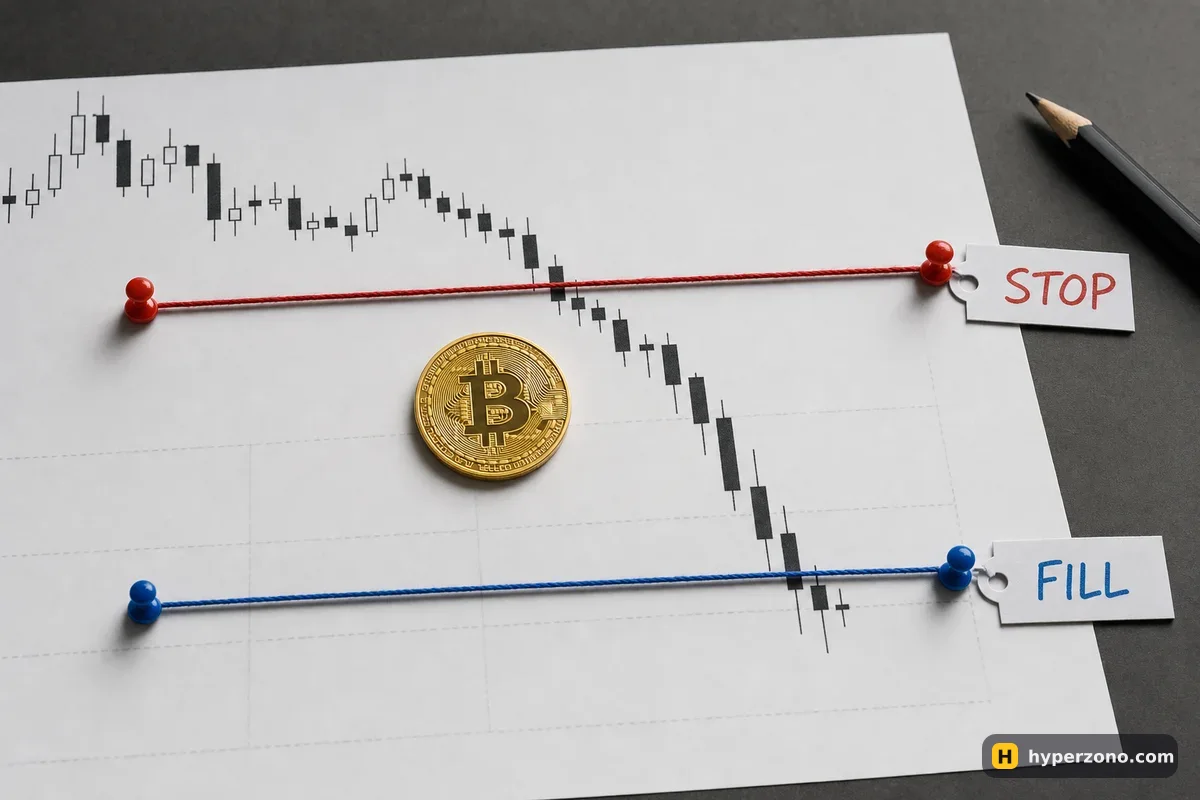
When you set a stop-loss, you are telling the exchange: if the price reaches this level, get me out. The level is a switch. Once it flips, a stop-market order goes to the order book — the list of buy and sell orders other traders have already placed — and takes whatever prices are sitting there, the best one first, then the next, until your whole position is closed.
Say you were long bitcoin with a stop at 100,000 and the price fell through that level in a few seconds (illustrative numbers). Your order fires, but the buyers sitting at 100,000 have already been taken by the people who got there first. What is left is a buyer at 99,800, another at 99,500, another at 99,400 — and your exit is the average of those. That difference between your trigger price and your real fill is slippage, and it is the market, not the exchange, deciding it. Whether a stop can ever guarantee your maximum loss is covered on does a stop-loss guarantee my loss; this page is about measuring the one bad fill you already have.
Find your real fill in the order history
Open your order history
In the futures section of the app, go to Orders and then the history of filled orders. On a phone it is usually under the Orders or Trade History tab of your futures account.
Find the stop order
It will be marked as a stop, conditional or TP/SL order. The row shows the price you set — the trigger or stop price — and separately the price it actually filled at, often called the average price.
Check for several fills
One stop can close your position in two, three or ten pieces at different prices. Many apps already show you one average price. If yours lists each fill separately and the pieces differ a lot, take the average weighted by size — the bigger fills count more.
Turn the gap into money
Subtract the trigger from the average fill, then multiply by your position size in coins. That is the extra loss in USDT that your plan never counted.
Here is what that looks like with the example above. Trigger 100,000, average fill 99,400, so the slippage is (99,400 − 100,000) ÷ 100,000 × 100 = −0.6%. On a position of 0.02 BTC that is 0.02 × 600 = 12 USDT of extra loss on top of the loss you planned. Write both numbers down — the percent and the USDT — because the percent is what you reuse on the next trade.
What puts the fill so far from the trigger
A stop-market order is built to get you out, not to get you a price, so it accepts whatever the book offers at that moment. That is the deal you accepted when you chose it, and on a busy pair like BTCUSDT it usually costs you very little.
Now look at how much money is actually waiting in the order book at each price step. If there are only a few hundred dollars of buy orders at every level, a position worth several thousand walks through many levels before it is fully closed. That is normal on small altcoins, and on any pair where your order is big compared with what other traders have placed — the same order that barely moves the price on BTCUSDT can walk through several price levels on a coin almost nobody trades. Look at the 24h volume of the pair before you size up.
Speed does the rest. When big news lands, price can jump through several levels in a second or two. Everyone's stops fire in the same direction at once, so the buyers your order needed are gone.
Stock, gold and oil contracts add one more case — the gap. They keep trading on a crypto exchange while the underlying market is closed, and when that market reopens the price can jump straight over your stop level, with no trades in between to fill you at a better price. If you hold these contracts over a weekend, a holiday or a maintenance window, size the position with that jump in mind.
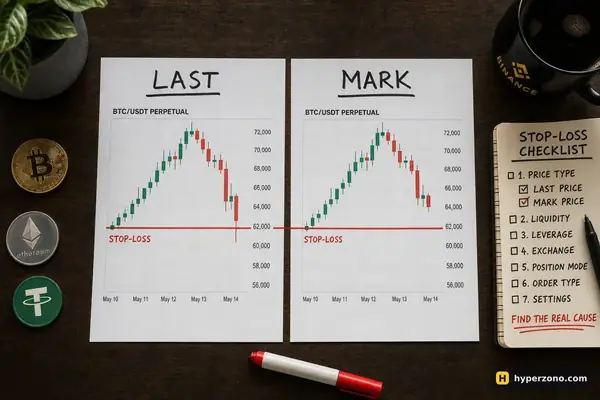
One more setting is worth checking: which price your stop watches. Many exchanges let your stop watch either the last price someone actually traded at, or the mark price — a fair price the exchange works out from several big markets, so that one sudden spike in one place cannot knock you out. In a fast move the two are a little different, so the stop fires at slightly different moments. You pick this where you set the stop in the order window — check what your app has selected. Either way, the trigger only decides the moment; the fill still comes from the book.
How much slippage to budget before the next trade
The useful habit is to treat slippage as part of your stop distance. Suppose you have 1,000 USDT and you decide to risk 20 USDT on one trade — 2% of the account — with your stop 1% away from your entry (illustrative numbers). Without a buffer, the position size is 20 ÷ 0.01 = 2,000 USDT. That position is twice your account, so it needs leverage: at 5x the exchange holds 2,000 ÷ 5 = 400 USDT of your money as margin and the rest stays free. Keep those three numbers apart in your head — your capital, the margin held, and the size of the position.
Say that pair slips 0.1% when you exit: you lose about 2 USDT more than planned — annoying, not serious. If the same 2,000 USDT position sits in a quiet altcoin and the exit slips 2%, that is 40 USDT of extra loss, and your 20 USDT of planned risk turns into roughly 60. The slippage did not grow because you traded badly; it grew because of where you traded.
Now add the buffer. On the liquid pair you plan with 1% + 0.1% = 1.1%, so the position becomes 20 ÷ 0.011 ≈ 1,818 USDT. On the quiet one you plan with 1% + 2% = 3%, so the position becomes 20 ÷ 0.03 ≈ 667 USDT. Same risk limit, very different size — and the smaller size is also what stops you from eating through the book in the first place. Put your own numbers into the position size calculator with the wider stop distance.
Fees sit on top of all this, and they are easy to forget when you go back over the trade. They are charged on the value of each execution, entry and exit separately — on Binance USDⓈ-M futures at the base level that is 0.05% as a taker, so about 1 USDT on a 2,000 USDT exit. Check the fee and funding lines in your history before you blame everything on slippage.
Stop-market or stop-limit: what you give up
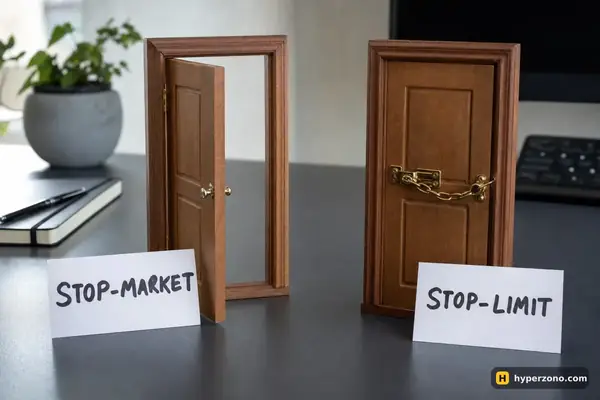
A stop-limit lets you say "close me, but not worse than this price". The cap is real, and so is the cost: if the market runs past your limit, nothing fills and you are still in the trade while it keeps moving. The full comparison is on stop-market vs stop-limit; pick one on purpose rather than by default.
Some venues also offer a slippage tolerance setting that rejects a market fill beyond a certain distance, and it does not always apply to conditional orders such as stops. Whether your exchange has it, and where it applies, is something to check in the order settings of the app you actually use.
What to do now
- Write down the trigger price, the average fill price, the slippage in percent and in USDT. One line in your notes is enough.
- Check the fee and funding lines on that trade so you know how much of the extra loss was really slippage.
- Check how close your stop was to your liquidation price — if the two were almost touching, the position was too large for the account, not just unlucky.
- For the next trade, add the slippage you just measured to your stop distance and recalculate the size.
- Prefer deep markets while you are learning: BTCUSDT and ETHUSDT absorb a small order far better than a pair with little daily volume.
- If you hold stock, index, gold or oil contracts, decide in advance whether you are willing to sit through a closure and a possible gap.
When it is worth writing to support. If your fill price is outside the range of prices the contract actually traded in at that moment — not just worse than you hoped, but outside the chart's high and low for that minute — send support the order ID and the timestamp. If the fill sits inside the traded range, it is slippage, and support will tell you the same thing this page just did.
The practical way to get comfortable with all of this is to fire a few stops on purpose and watch where they land. Binance has a demo mode for USDⓈ-M futures, though it is not available in every country, and the same drill works with a small real position — if you decide to trade for real, you can open a Binance Futures account and practise stops on BTCUSDT, where a few hundred dollars of position barely moves the book. If your stop never fired at all, that is a different fault: see why a stop-loss doesn't trigger.
Is the exchange cheating me when my stop fills lower than my stop price?
Almost certainly not. Your stop order is matched against real orders from other traders, and in a fast move the ones near your level are taken before your order arrives. The check is simple: if your fill is inside the range the contract traded in at that time, it is ordinary slippage. If it is outside that range, send support the order ID.
Does slippage mean stop-losses are useless?
No — it means a stop limits your loss approximately, not to the cent. A stop that fills 0.6% worse than planned still saved you from a 5% or 10% continued drop. The fix is to plan with a slippage buffer and a smaller position, not to trade without protection.
How do I calculate my slippage in percent?
Take (fill price − trigger price) ÷ trigger price × 100. For a long that closed below your stop the number is negative, for a short that closed above it the sign flips; either way the size of the number is what you care about. Multiply the price difference by your position size in coins to see it in USDT.
Can I set a maximum slippage on a stop order?
A stop-limit gives you a hard price cap, at the cost of possibly not filling at all. Some exchanges also have a slippage tolerance setting, but it is usually tied to plain market orders rather than conditional ones — check how it is described in your app's order settings before you rely on it.
Why did my stop fill at a price I never saw on the chart?
The chart draws one price per candle period, usually the last traded price, while your order may have filled across several levels inside that candle. The long thin tail on a candle — where price went for a few seconds and came straight back — can contain the whole move. Zoom into a one-minute chart around the timestamp and you will usually find it.
Does a bigger position always slip more?
Relative to the order book, yes. The deeper your order has to dig into the available buyers or sellers, the worse the average price gets. The same order that barely moves BTCUSDT can clear several price levels on a small altcoin, which is why position size and market choice matter more than the exact stop level.