Contents
Before anything else: can you use Binance futures where you live?Step 1: open the futures account and get through the setupStep 2: move USDT from spot into the USDⓈ-M futures walletStep 3: read the terminal — pair, margin mode, leverageStep 4: place the order with take profit and stop lossStep 5: close the trade and check what you really earnedIf something does not work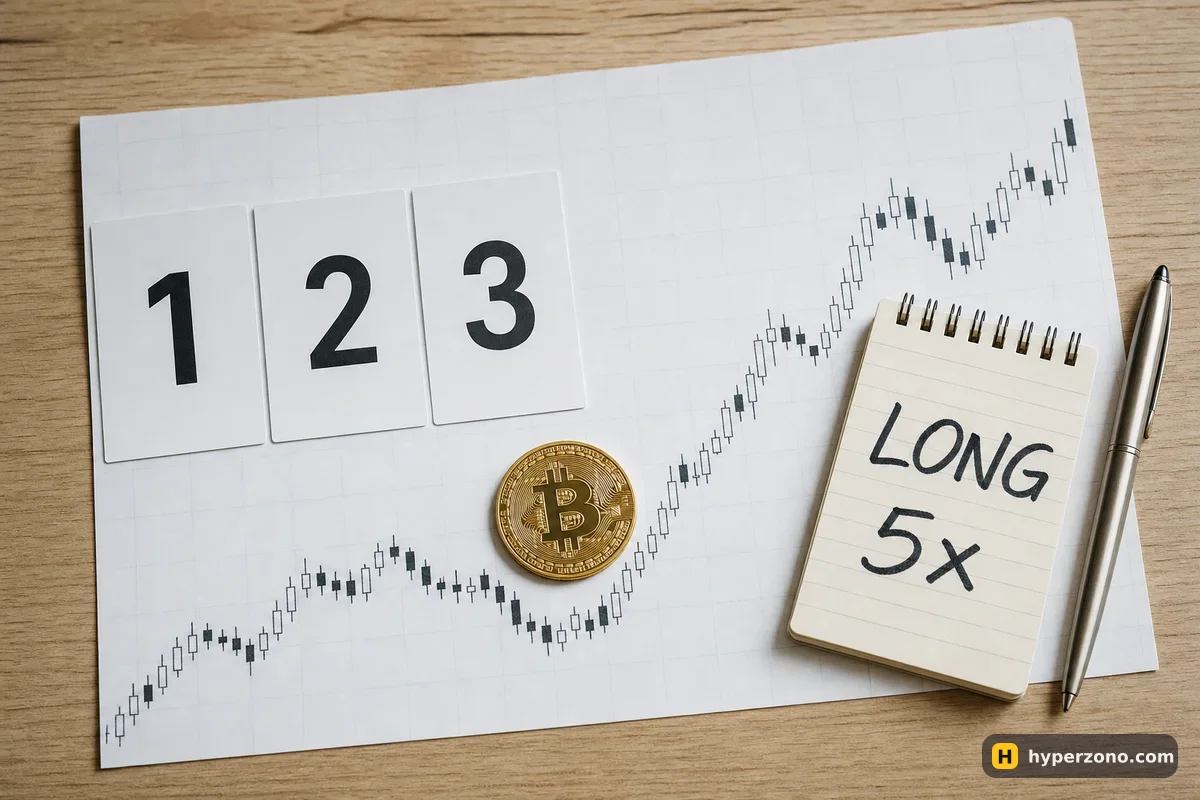
Before anything else: can you use Binance futures where you live?
Binance does not offer futures everywhere. Readers in the United Kingdom, Brazil, Australia, South Korea, New Zealand and Hong Kong often find derivatives closed to them, some countries are blocked entirely, and the lists change without notice. The only answer that counts is the one your own app gives you during sign-up: if the futures section opens and lets you accept the agreement, you are good; if it is missing or greyed out, that is the answer, and looking for ways around a country block is not something we will help with.
Identity verification comes first in any case — you cannot trade futures on an unverified account. Have your passport or national ID and your phone camera ready, and expect the check to take anywhere from a few minutes to a day. Other exchanges have their own country rules, so if Binance futures are closed to you, check each app the same way rather than assuming.
Step 1: open the futures account and get through the setup
Your Binance account starts with spot only. Inside the app, find the derivatives or futures section and choose USDⓈ-M futures — these are the contracts priced and settled in USDT, which is what you want for a first trade. Binance will ask you to pick an experience level and to accept the futures service agreement before you can place an order.
That experience level is not a formality: it sets your starting leverage. Choosing Beginner gives you a default of 2x, Experienced 5x and Advanced 20x. If the app also shows you questions about how futures work before it opens the account, answer them honestly rather than guessing — the point is to match the account to what you actually know. The exact sequence of screens can differ by account and country, so follow what your app shows rather than a screenshot from someone's video.
One rule surprises people: for the first 30 days after you open a futures account, leverage above 20x is not available at all. That is a Binance rule, not a setting you missed. For a first trade it changes nothing, because you will not be going near 20x anyway. If you have not created the account yet, you can open a Binance Futures account and walk through these screens while you read.
Step 2: move USDT from spot into the USDⓈ-M futures wallet
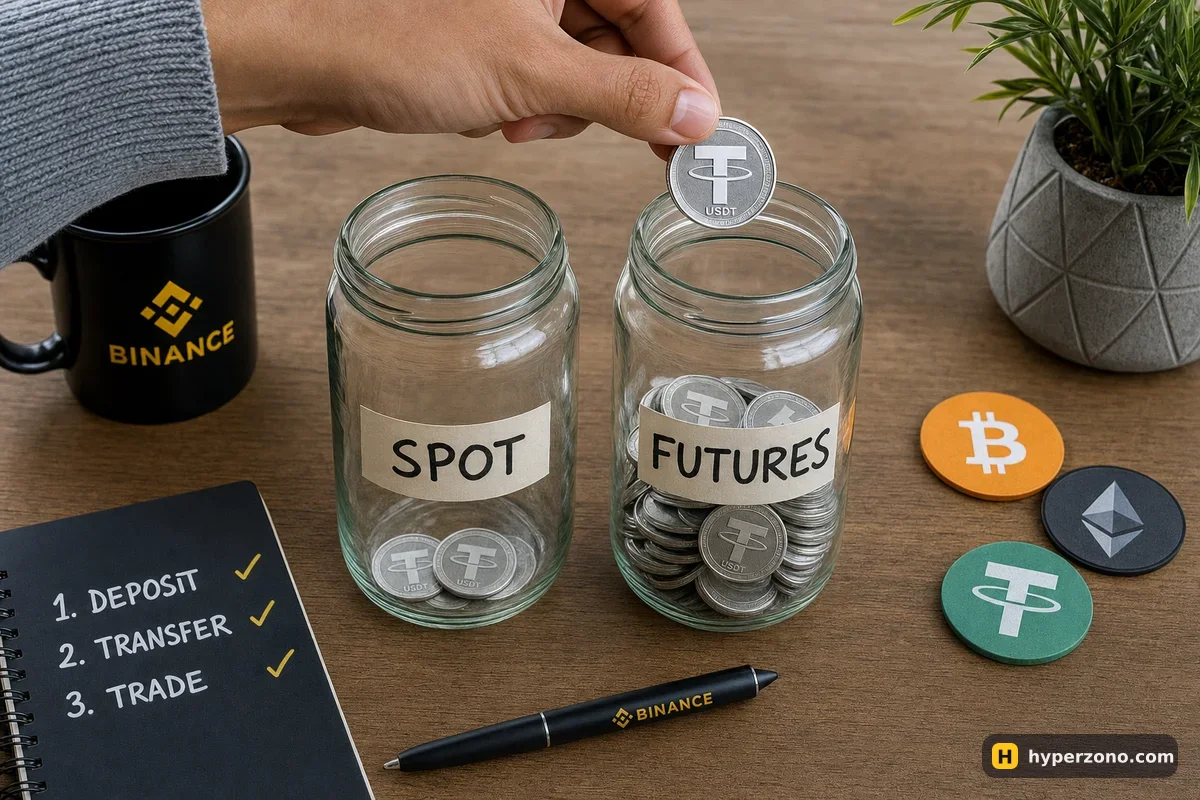
Your futures wallet starts empty even if your spot balance is full, and a futures order will simply be rejected until you fund it. Buy or deposit USDT first — card, bank transfer and P2P are all offered depending on where you live, so check which methods appear for your country in the app. Then use the transfer function inside the futures screen: it is an internal move between your own wallets, choose USDT as the asset, spot as the source and USDⓈ-M futures as the destination.
Move only what you intend to risk. Keeping the rest on spot is a simple and surprisingly effective form of discipline — money that is not in the futures wallet cannot be lost in a bad trade, and transferring it back takes seconds when you really want it. For a first trade, something like 50 to 100 USDT is plenty to feel how everything behaves.
Step 3: read the terminal — pair, margin mode, leverage
The futures terminal looks busy, but you only need four controls. At the top is the pair selector: tap it and search BTCUSDT or ETHUSDT. These are perpetual contracts, which means they have no expiry date and you can hold them as long as your margin lasts. In the middle is the chart, and down the side or at the bottom sits the order window where you choose the amount.
Next to the pair name you will find two small buttons: one for margin mode and one for leverage. New contracts open in cross margin by default, so change it to isolated yourself before your first trade. With isolated margin, the only money at risk is the margin you assigned to that one position; with cross margin, your whole futures balance backs the trade and positions are linked together. If the two modes still feel blurry, read cross margin vs isolated margin before you place anything.
The leverage button opens a slider. Drag it to a low number — 2x, 3x or 5x — and notice what the screen tells you underneath: higher leverage means a smaller deposit for the same position, and a liquidation price that sits much closer to the current price. Liquidation is the exchange closing your trade automatically so the loss stops at roughly your margin, and Binance calculates it on the mark price, a fair price built from the wider market rather than the last trade on the screen.
The position is 250.00 USDT in every row. A 2% price move gives the same money result — 5.00 USDT. Only the share of your margin changes: from 4% to 20%.
Set the mode and the leverage before you open, not after. Decide the margin mode and the leverage in the quiet two minutes before you open the trade. Changing anything while a position is running and the price is moving is the fastest way to make a stressful moment worse — and your liquidation price moves with it.
Step 4: place the order with take profit and stop loss
Here is a concrete trade with illustrative numbers. Say bitcoin is near 83,500 USDT and you think it is going up. You set isolated margin and 5x, type a quantity of 0.003 BTC — that is a position worth about 250 USDT — and the order window shows a required margin of roughly 50 USDT. You attach a take profit at 85,000 and a stop loss at 82,500. If price reaches your target you make 0.003 × 1,500 = 4.5 USDT; if it hits the stop you lose 0.003 × 1,000 = 3 USDT, minus fees either way.
Pick the pair
Tap the pair name at the top and choose BTCUSDT or ETHUSDT. Anything exotic can wait.
Set isolated margin and your leverage
Two small buttons next to the pair name. Isolated, then 2x–5x on the slider.
Choose market or limit
Market fills right away at whatever price is available; limit fills only at your price or better and may not fill at all. If you are unsure which to tap, see market or limit order.
Enter the amount
In the order window you can type the quantity in coins or in USDT, and a slider lets you use a share of your balance. Watch the required margin line as you type.
Tick TP/SL before confirming
The order form has a take profit / stop loss checkbox. Fill in both prices now; they will be attached to the position the moment it opens.
Press the buy or sell button
Buy/Long if you expect the price to rise, Sell/Short if you expect it to fall. Your open position then appears in the positions tab below the chart with its live profit, margin and liquidation price.
One checkbox in the order form is worth understanding: reduce-only. An order marked reduce-only can only shrink or close a position you already have — it can never accidentally open a new one in the opposite direction. Exit orders should be reduce-only, and when you fill in the take profit and stop loss at entry, Binance attaches them to that position for you.
Step 5: close the trade and check what you really earned
If your take profit or stop loss triggers, the position closes by itself and nothing is left for you to do. To close by hand, open the positions tab and use the close button — market closes immediately at the current price, limit waits for your number. You can also close part of the position and let the rest run.
Now the part most beginners skip. Open the order history and the trade history in the futures section: there you see each execution, the price it filled at, and the fee charged on it. Fees apply to the position value on both entry and exit, not to your margin. At the base level Binance charges 0.02% for maker orders and 0.05% for taker orders on USDⓈ-M futures, dropping to 0.018% and 0.045% if you pay fees in BNB. On our 250 USDT position that is about 0.12 USDT to enter and a similar amount to leave — small, but real, and it is why a trade that looks flat can end slightly negative. The full picture of what trading costs you is in what fees you pay on crypto futures.
If you held the position for a while, also check the funding records. On perpetual contracts, traders pay each other a small amount at set times — by default every 8 hours on Binance at 00:00, 08:00 and 16:00 UTC, though some contracts settle every 4 hours. You only pay or receive if you are holding the position at that exact moment, and the amount is calculated on your position value, not your margin.
If something does not work
- The exchange refuses your order because it is below the minimum — every contract has one. On BTCUSDT it is 0.001 BTC, which at a price near 83,500 USDT is about 83.5 USDT of position value; on ETHUSDT the minimum is 20 USDT of position value, and most altcoin contracts start from 5 USDT. With 25 USDT of margin, a minimum bitcoin position becomes possible from about 5x leverage.
- The order is rejected for lack of margin — the money is probably still sitting on spot, or you typed a quantity in coins when you meant USDT. Check the futures wallet balance first, then the quantity field.
- The leverage slider stops at 20x — that is the first-30-days rule on a new futures account, not a bug.
- Your stop filled at a worse price than you set — a stop-market order triggers at your price but executes at whatever is available next, which in a fast move can be some distance away. The choice between the two stop types is explained in stop-market or stop-limit.
- The futures tab is missing or the agreement will not open — futures are probably not offered for your country on this account. Check inside the app rather than assuming.
If you would rather rehearse the clicks before real money moves, look for demo trading in the Binance app — it simulates futures trades with practice funds, though it is not available in every country. Practice there removes the fumbling, but it will not teach you how the same trade feels when the money is yours, so keep the first real one small.
When you are ready, keep that first real trade deliberately boring: one familiar pair, low leverage, isolated margin, a stop loss you set before you entered, and an amount small enough that the outcome does not change your week. Once that trade has opened and closed and you have read your own fee record, the screen stops looking intimidating. You can set this up on Binance in about ten minutes.
Do I have to pass a quiz to open Binance futures?
Binance asks you to verify your identity, pick an experience level and accept the futures agreement before you can place your first order. If the app also shows you questions about how futures work, answer them honestly instead of guessing — the setup exists to match the account to your actual knowledge. The exact screens vary by account and country, so follow what yours shows.
How much money do I need to start trading futures on Binance?
It depends on the contract. On bitcoin the smallest position is 0.001 BTC, worth about 83.5 USDT at a price around 83,500, which needs roughly 17 USDT of margin at 5x — so around 25 USDT in the wallet covers it with room for fees. Most altcoin contracts start from 5 USDT of position value, so a 20–50 USDT balance is enough to make a real trade.
Why can't I set leverage above 20x?
For the first 30 days after your futures account is opened, Binance does not allow leverage higher than 20x. After that the maximum depends on the contract and the size of your position — up to 150x on BTCUSDT and ETHUSDT for small positions. None of that is useful for a beginner; 2x to 5x is where you learn without your liquidation price sitting on top of the current price.
Where do I see the fees I paid on a trade?
In the futures section, open the trade or transaction history. Each execution is listed separately with its price and its fee, since you pay on entry and on exit. At the base level that is 0.02% for maker and 0.05% for taker orders, or 0.018% and 0.045% when fees are paid in BNB.
Can I move money back from futures to spot whenever I want?
Yes, as long as it is not tied up as margin in an open position. Use the same transfer function in reverse, choose USDT, futures as the source and spot as the destination. Many traders move profit back to spot after every trade so it stops being trading capital.
What happens to my position if I close the app?
Nothing — the position and any take profit or stop loss you attached live on Binance's servers, not on your phone. That is exactly why you attach the stop at the moment you open the trade: it keeps working while you sleep, commute or lose your signal.