Contents
What actually matters when you pick your first exchangeThe shortlist: who each venue suitsWhere you can practise before risking moneyHow small can your first trade beLanguage, and what happens when you need helpCheck it works where you live, before you depositHow to choose in ten minutes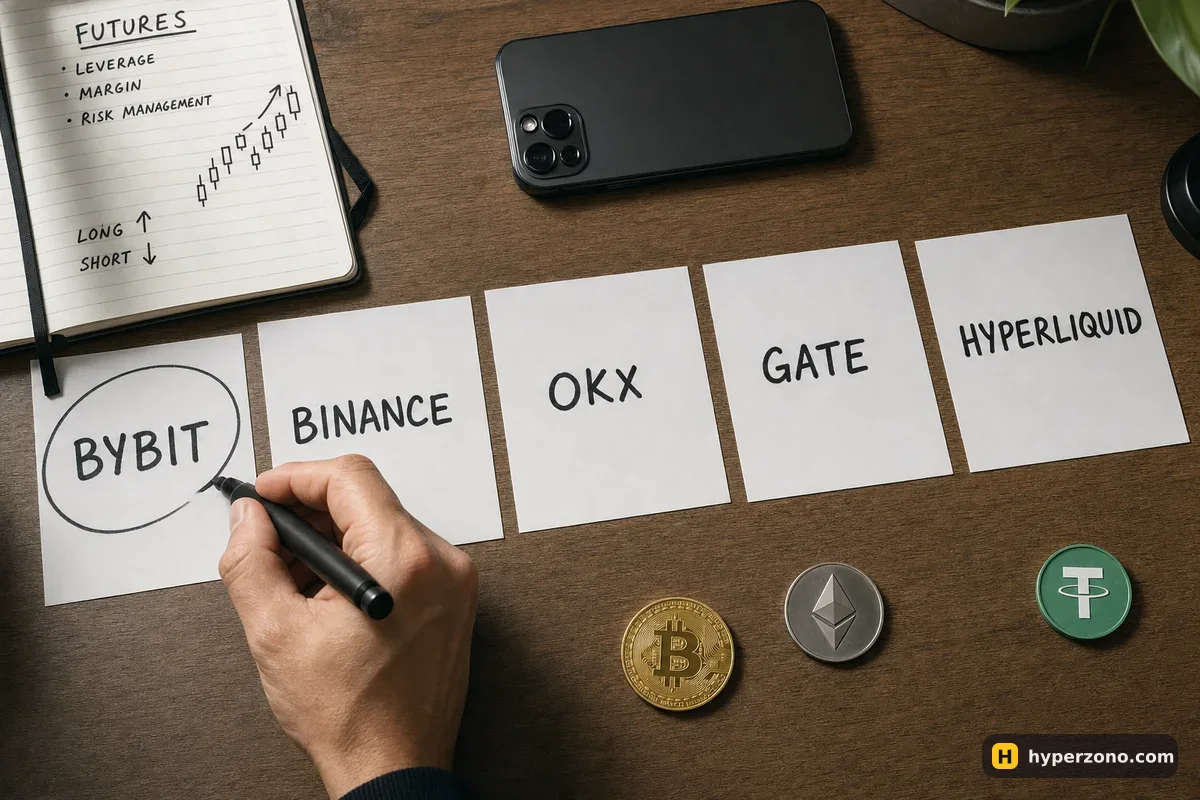
What actually matters when you pick your first exchange
Most comparison pages rank exchanges by things a beginner will never touch in the first year: institutional volumes, listing speed, API quality. For your first 100 USDT, a much shorter set of questions decides whether your experience is pleasant or painful.
- Can you understand the order window on a phone screen without a tutorial?
- Is there a demo mode so your first mistakes cost nothing?
- How small can one trade be — can you really start with 10 or 20 USDT?
- What do entry and exit cost you, and how obvious are those costs in the app?
- Does the app speak a language you read comfortably, and does support answer when you ask something?
- Does the exchange serve your country, and will you pass its identity check?
Notice that fees come fifth, not first. On a 500 USDT trade the difference between a cheap venue and a slightly less cheap one is a few cents — far less than one careless entry. If you want the numbers anyway, you'll find them on the page about what fees you actually pay on a futures trade.
The shortlist: who each venue suits
Bybit is the one we'd suggest first for a complete beginner. The futures screen is uncluttered, the long and short buttons are where you expect them, and there's a built-in demo account with simulated money, so you can place twenty trades before risking a cent. If that sounds like the right starting point, you can sign up on Bybit and open demo trading before you deposit anything.
Binance is the other natural choice. It has more than 333 million users and a very long list of contracts — coins, plus perpetuals on gold, oil, stock indices and shares. It also has a quiet beginner protection built in: leverage above 20x is unavailable during the first 30 days of a futures account, and the default leverage depends on the experience level you pick when you open it — 2x if you choose Beginner. We compare the two head to head on a separate Binance vs Bybit page.
OKX has a clean app, trading bots and contracts that follow stock indexes like the Nasdaq-100 and the S&P 500. The catch is its restricted list: it's long and includes several large countries, so check yours before you register. Gate carries an unusually broad list of coins, including small altcoins you won't find elsewhere — useful later, not on day one.
Hyperliquid is different in kind: it runs on-chain, so you connect a crypto wallet instead of opening an account. One small thing to know if you go that way: on perpetual contracts the traders holding long and short positions make a small payment to each other at set moments, and on Hyperliquid that happens every hour, while most exchanges settle it every few hours. How that payment works is worth reading before you hold a position overnight anywhere. Interesting venue, but not the gentlest first step.
| Exchange | Suits you if | Practice mode |
|---|---|---|
| Bybit | It's your first futures account | Demo trading built in |
| Binance | You want many contracts | Demo, not in every country |
| OKX | You want bots, index contracts | Check in the app |
| Gate | You want small altcoins | Check in the app |
| Hyperliquid | You already use a wallet | Check in the app |
Where you can practise before risking money
A demo mode is the single most useful feature on this list. You get a simulated balance and place real-looking trades: choose a coin, set leverage, open a long, watch the numbers move, close it. Nothing you do costs money, and after an hour the order window stops feeling foreign.
Bybit has demo trading, and Binance has Demo Trading for spot and USDⓈ-M futures, though Binance itself says it isn't available in every country. For OKX, Gate and Hyperliquid, look for a practice or testnet option inside the app rather than trusting any article — including this one. One honest limit: demo trading does not predict your real results, because fills and, above all, your own nerves behave differently when the money is yours.
How small can your first trade be
Minimums are set per contract, not per exchange, which is why a flat answer like "bitcoin from $50" is wrong. On Binance, the smallest bitcoin position is 0.001 BTC — with bitcoin around 83,500 USDT that's roughly 83.5 USDT of position size, which you could open with about 25 USDT of your own money at 5x leverage. Ether contracts start from 20 USDT of position size and most altcoins from 5 USDT, so a small altcoin contract is the cheapest way in.
The simplest way to see this for yourself is to open a Binance Futures account and read the contract details of the coin you have in mind; on the other venues, do the same and look for the minimum order size before you plan your first trade. If the minimum on the coin you wanted is bigger than your whole budget, pick a different coin rather than stretching your leverage to fit.
Language, and what happens when you need help
All five venues run apps in many languages. How quickly a real person answers when something goes wrong, and whether the translated screens read naturally in your language, varies so much that no honest page can rank it for you.
So test it yourself, free, in ten minutes: install the app, switch the language in settings, and send support a simple question like "is futures trading available for my country?". The speed and clarity of that reply tells you more about the exchange than any review.
Check it works where you live, before you deposit
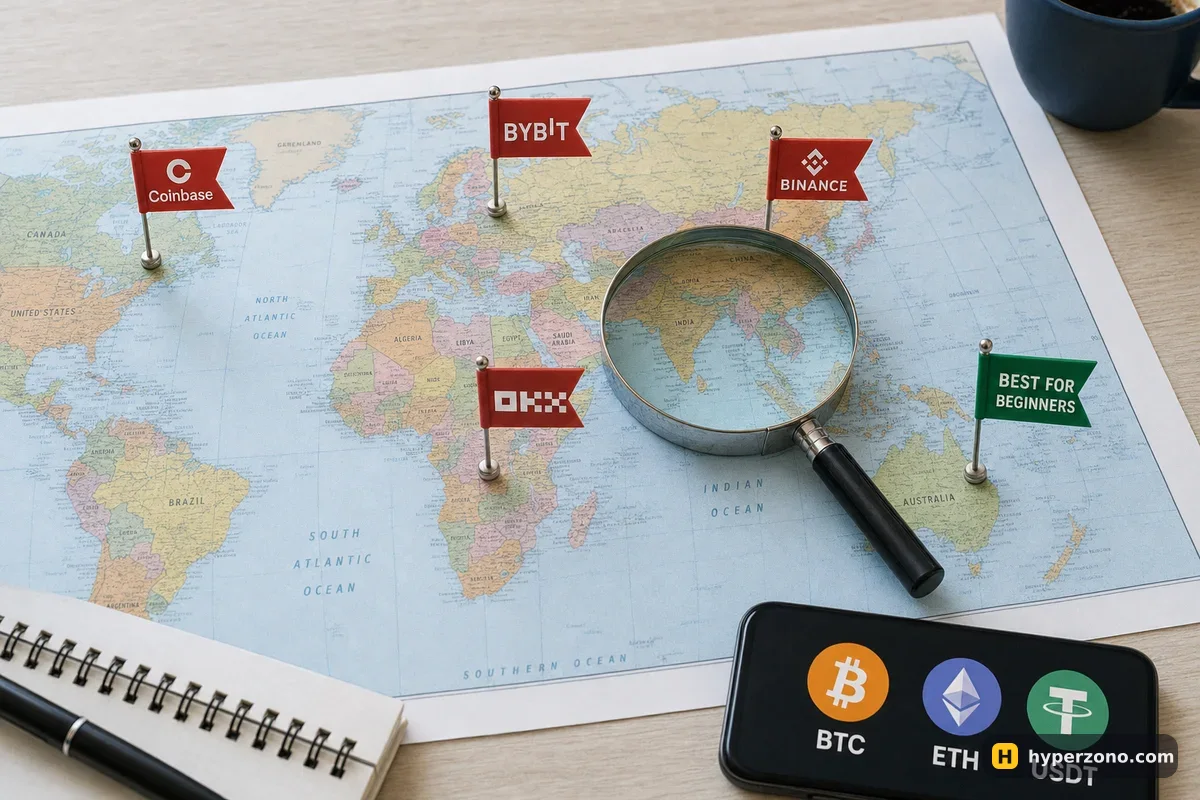
This is where a lot of first attempts quietly die. Spot trading is available in far more places than futures, so an exchange can welcome you, verify your documents, take your deposit — and then show you no derivatives tab at all. Bybit's own restricted list names the United States, Canada, mainland China, Hong Kong, Singapore, Uzbekistan and several others. OKX restricts derivatives in the United Kingdom, Brazil and South Korea, and serves Australia through a local entity where retail leverage is capped at 2:1 after a knowledge test. Gate's user agreement lists dozens of restricted locations, from India and Japan to Germany and the Philippines.
Binance announced back in 2021 that it was winding down futures in Germany, Italy and the Netherlands, and there is no newer official notice either way — if you live there, the sign-up screen in the app is the only thing that will tell you where you stand today. Every one of those lists says "including but not limited to" and can change without notice, which is why the live check during sign-up is the only one worth trusting. We keep a fuller overview on futures availability by country. Never try to get around a block by hiding your location or using someone else's documents — withdrawals are where that ends badly.
The exchange matters less than your first settings. Whichever name you pick, your result in month one depends on three choices you make inside the app: modest leverage, a margin mode that keeps one bad trade from touching the rest of your balance, and a stop-loss on every trade. A beginner at 50x loses money faster than a beginner at 3x, and it makes no difference which logo is on the app.
How to choose in ten minutes
Install one app, not five
Pick Bybit or Binance and download the app. Comparing four platforms before you have ever placed a trade is a good way to never place one.
Check availability during sign-up
Register and start identity verification. If futures are not offered where you live, the app will tell you here, before any money is involved — then try the next name on the list.
Open the demo account
Find the practice or demo mode in the futures section and place five trades: two longs, two shorts, one with a stop-loss. Feel where each button is.
Fund small and set your first trade up properly
Move 20–100 USDT you can afford to lose to the futures wallet and switch to isolated margin, so only the money you put into that one trade is at risk and the rest of your balance stays untouched (here is the difference between cross and isolated). Then pick low leverage and follow the stop-loss setup guide before you press buy.
Change venue only for a reason
After a month you'll know what you're missing — a coin that isn't listed, a bot, cheaper fees. That's a real reason to open a second account. Boredom isn't.
What is the easiest crypto exchange for futures for a complete beginner?
Bybit and Binance are the two most people find easiest: the futures order window is simple, the apps are translated into many languages, and both offer a demo mode so your first attempts cost nothing. Between those two, open whichever one actually accepts users from your country — that usually settles the question for you.
Do I need to verify my identity to trade futures?
On centralised exchanges, yes — expect to upload an ID document and follow the steps the app asks for before the futures section opens up. How long the check takes varies: sometimes it's quick, sometimes you wait a day. Hyperliquid works differently because you connect a crypto wallet instead of opening an account, but the app still blocks restricted jurisdictions.
Can I use more than one exchange?
You can, and many traders do, but there's no benefit on day one. Two accounts means two sets of deposits, two fee structures and two interfaces to learn while you're still working out what a stop-loss does. Open a second one when you have a specific reason.
Which exchange has the lowest fees for beginners?
The differences are small at beginner trade sizes — on a 500 USDT trade you're talking about cents per entry and exit. Fees start to matter once you trade often, several times a day. Pick on clarity and availability first, cost second.
What if futures are not available in my country on any of these?
Then do not look for a workaround. Hiding where you are, or signing up with someone else's documents, tends to end with a frozen account and a blocked withdrawal, which is a far bigger loss than a bad trade. Learn the mechanics on paper or in a demo where one is available, and check again later — availability changes, and so do the local entities that exchanges set up.