Contents
The three ways out of a tradeMarket close or limit close: what the choice costsTake profit and stop loss: where they go and how to set themMarket or limit TP/SL: where people lose more than they plannedReduce Only, and closing just part of the tradeBefore you rely on any of it: check the orders list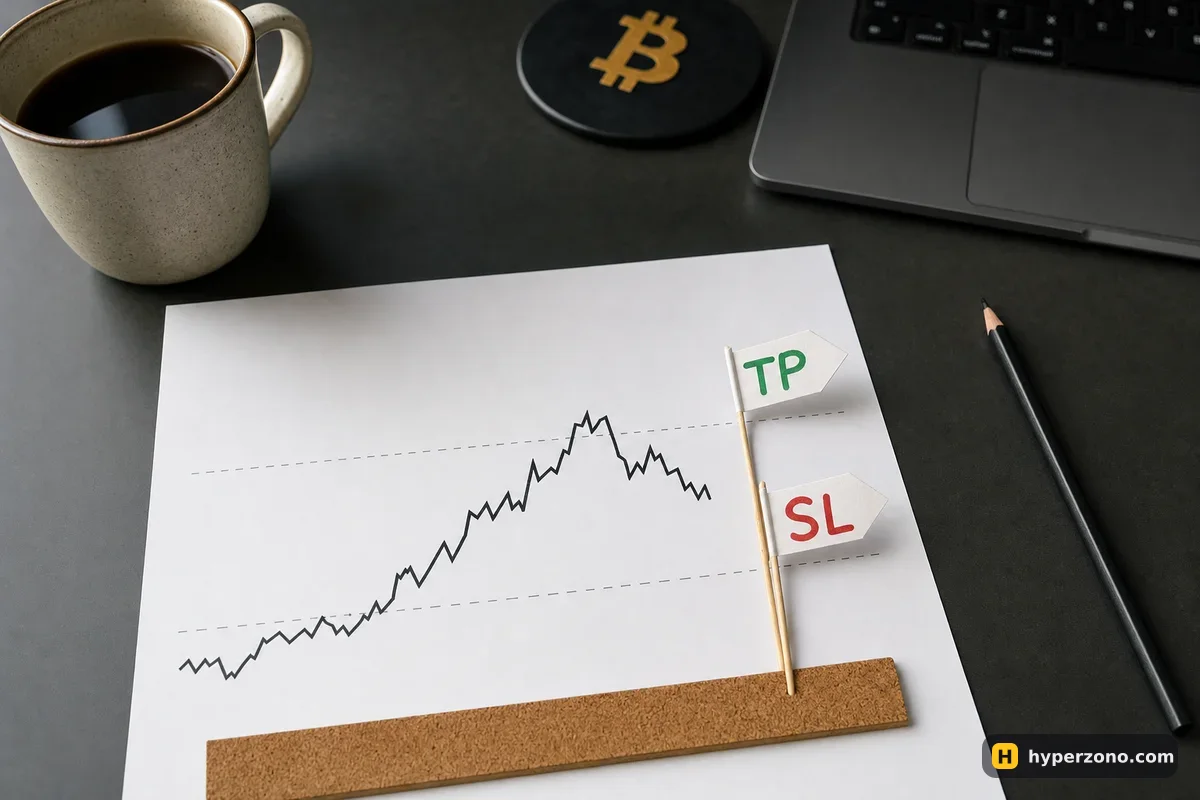
The three ways out of a trade
Your open trade lives as a row in the positions table under the chart, with your size, your entry price and your current unrealized result. Closing from that row is the route you will use most often, because it already knows which market and which direction you are in — you only decide how fast you want out. The other two routes are a take profit or stop loss that closes the trade for you while you are asleep, and a plain order in the opposite direction with Reduce Only switched on.
Find the row for your market
Open the positions table and look for the contract you are in. If you have several trades open, check the symbol and the direction before you touch anything.
Choose market or limit
A market close goes straight to the order book — the list of prices other traders are offering right now — and fills at whatever is there. A limit close asks for your price and waits.
Set the size
By default the close covers the whole position. Type a smaller number if you only want part of it out.
Confirm and check the result
The row disappears if you closed everything, or shows a smaller size if you closed part. Your realized result moves to your balance.
The exact button labels sit inside the app and they do change, so look for the close controls on the position row rather than for a word you read in a guide. Connecting a wallet, funding it and placing the first order are covered on our main Hyperliquid page — this page starts from the moment you already have a position open and want to know how to get out of it safely.
Market close or limit close: what the choice costs
The fee depends on one thing: whether your order takes a price that is already sitting in the order book, or waits in the book until someone comes to it. Taking a price that is already there costs 0.045% at the base rate. Waiting costs 0.015%. The exchange calls these two roles taker and maker, and a market close is always the taking kind — as is a limit order priced so that it fills the instant you place it. Trade more over two weeks and both rates get lower; the details are on our Hyperliquid fees page.
Long 100.00 USDT, entry 2,000 → exit 2,040, fees 4.50% + 4.50% (example rates).
On a 100 USDT position the difference between the two exits is about three cents. The real cost of a limit close is not the fee — it is the risk that your price never comes and the trade stays open while the market keeps moving. Use a limit close when you have a price in mind and you are happy to wait; use a market close when getting out matters more than the last few cents.
Take profit and stop loss: where they go and how to set them
A take profit closes your position once a chosen profit has been reached, and a stop loss closes it once a chosen loss has been reached. Both of them are triggered by the mark price, not by the last trade you see flashing on the screen — that is the fair price Hyperliquid derives for the contract, and it is the same price used for liquidations. If you have never met those two prices before, the short explanation is on our page about the different prices a contract shows.
For a long, the take profit goes above your entry and the stop loss below it. For a short it is the other way round: take profit below, stop loss above. Say your long is open around $11 — the stop trigger sits at $10 and the take profit at $12. If you put a take profit on the wrong side, it would fill the second you place it, and the app gives you an error instead of a fill. Annoying for ten seconds, useful for the rest of the trade.
The first place to set them is before you enter, in the window where you set the size: tick TP/SL and the two orders are tied to your entry order. They take the same size as that order, and if you cancel the entry before it fills, they are cancelled with it.
The second place is later, from the row of your open trade. Here the TP/SL defaults to the whole position and tries to close all of it when it triggers. If you type a specific size instead, that size is fixed — it will not follow the position if you later make it bigger or smaller.
The third place is the chart: you drag the TP or SL line to the price you want. Drag it to a price that would execute immediately and you get an error instead of a fill. That is deliberate — when you actually want out right now, close manually from the position row or the order window instead.
One detail worth knowing before you place a big entry as a limit order with TP/SL attached: if that entry fills only partly and you then cancel the rest, the attached TP and SL are cancelled too, and you have to place protection for the filled part yourself. The exception is a partial fill cancelled because of insufficient margin, where the TP and SL are placed as if the order had filled in full.
Market or limit TP/SL: where people lose more than they planned
When you set a take profit or stop loss you also choose how it executes. A market TP/SL has a built-in slippage tolerance of 10%, which means it is willing to accept a fill up to 10% away from the trigger in order to get you out. A limit TP/SL lets you set the price yourself, so you control the slippage — and that control is exactly what turns into a trap.
Hyperliquid's own example runs on a long. Your stop has a trigger of $10 and a limit of $10. When the mark price drops below $10 a limit sell at $10 is sent to the order book. If the price falls instantly from $11 to $9, there is nobody buying at $10 any more, so your order most likely just sits there unfilled while you are still in the trade at $9. With the same trigger of $10 but a limit of $8, the order is likely to fill somewhere between $9 and $8. The short side behaves the same way in reverse: a stop with trigger $11 and limit $11 may not fill at all if price spikes from $10 to $12, while a limit of $13 gives it a real chance.
A protective stop has one job: to get you out. For a stop loss, a market order or a limit price set well beyond the trigger is usually the sensible setting, because an unfilled stop protects nothing. The same 10% tolerance works the other way too: a take profit triggered at a profitable price can still fill at a loss on a large position in a quiet market. The fixes are to set a limit price, to split a large position into parts, and to look at the order book before you rely on the order.
If the trade-off between "always fills, unknown price" and "known price, might not fill" is still fuzzy, we wrote it out in general terms in stop-market or stop-limit. Hyperliquid also offers trailing stops as market orders on perpetual markets, plus stop market, stop limit, take market and take limit as separate order types in the order window, so you can place protection as a standalone order rather than attached to the position.
Reduce Only, and closing just part of the trade
Reduce Only is a tick box that tells the exchange this order may only make your position smaller — it can never flip you into the opposite trade by mistake. Tick it on any manual stop, any limit close and any opposite-direction order you place by hand. If your position has already been closed by something else when that order finally triggers, the worst case is that nothing happens — instead of you waking up short when you meant to be flat.
To close part of a trade, set a smaller size in the close field on the position row, or place an opposite order for part of the size with Reduce Only on. You can also give a take profit a fixed size so that it banks, say, half the position and leaves the rest running. A TP or SL you place with a fixed size stays that size — it does not shrink or grow with the position, so after any partial close, look at your remaining trigger orders and check they still cover what is actually open. The general mechanics are on our page about closing part of a position, and we have a separate troubleshooting page on protection disappearing after a partial close.
Before you rely on any of it: check the orders list
After you set a take profit or stop loss, open the orders tab and confirm the trigger orders are actually sitting there with the right size and direction. This takes five seconds and catches the most common beginner problem, which is not a broken exchange but an order that was never accepted. Do the same check after you close anything by hand: a trade you have exited manually can still have a trigger order attached to it in the list, and it is cleaner to cancel it yourself than to wonder later why an order fired.
No stop guarantees your price. Markets gap, and the $11-to-$9 jump above is exactly that happening. A stop controls how you exit, not where the market lets you exit — we go through what can still go wrong in does a stop loss guarantee my loss, and the price at which the exchange would close the trade for you is explained in how Hyperliquid liquidations work.
The honest way to learn all of this is one cheap cycle on the smallest position the market lets you open: set a TP and an SL, close a quarter of it with Reduce Only, then close the rest at market, and compare the realized result with the fees you paid. Hyperliquid's terms say the interface is not for people in the United States or Ontario, or in sanctioned territories — check the rules where you live before you start. If you do not have a wallet connected yet, you can set one up on Hyperliquid and follow the walkthrough on our main Hyperliquid page first.

Can closing a position on Hyperliquid accidentally open the opposite trade?
Not if you use the close controls on the position row, and not if you tick Reduce Only on any manual order you place in the opposite direction. Reduce Only means the order may only reduce your current position instead of opening a new one the other way. Where it can bite is a plain opposite order without that tick box and with a size larger than your position.
Why didn't my stop loss fill on Hyperliquid?
The most likely reason is that it was a limit stop with the limit set at the trigger price. When the market jumps straight past your level, your limit order lands in the order book at a price nobody is trading at any more and simply rests there. Hyperliquid's own example is a drop from $11 to $9 with the stop trigger and limit both at $10. A market stop, or a limit set well beyond the trigger, avoids that.
Do I need to keep the app open for take profit and stop loss to work?
No. Once the order has been accepted it sits on the exchange side, not on your phone, so it works with your screen off. That is also why it is worth opening the orders tab and confirming the trigger order is really there before you walk away from it.
Can I take profit on only half my position?
Yes — give the take profit a specific size instead of leaving it on the full position. A TP or SL placed with a fixed size stays that size and does not resize if the position changes afterwards, so check what your remaining protection covers after any partial close.
Is a limit close always cheaper than a market close?
Only when your order waits in the order book and someone else comes to it: that costs 0.015% at the base rate instead of 0.045% for taking a price that is already there. A limit order priced to fill immediately costs the higher rate like any market order. On a 100 USDT position the gap is a few cents, so the decision is really about whether you can afford to wait for your price.
Sources and fact-check
Exchange terms were checked against official documents on October 29, 2026. Terms change — before you trade, check what matters to you in the exchange app and in your contract’s specs.
Hyperliquid Docs: Take profit and stop loss orders (TP/SL)Hyperliquid Docs: My TP/SL did not execute correctlyHyperliquid Docs: Fees