Contents
What actually sets off a liquidationReading the liquidation price on your own positionStep one: your position goes to the public order bookStep two: the backstop pool, and the margin you don't get backStep three: auto-deleveraging, and why a winning trade can be closedWhat to check before you leave the screenWhat actually sets off a liquidation
Your trade is liquidated when the price moves against you far enough that the money behind the position drops below that minimum. The minimum has a name you will see in the app: maintenance margin. In cross margin the money behind the position is the equity of your whole account — that is your balance plus or minus the profit and loss of every open trade right now. In isolated margin it is only the margin you locked to that one position. The general idea of liquidation on any exchange is covered on our liquidation price page — here we stay with Hyperliquid's own numbers.
The maintenance margin is set by the coin's own maximum leverage, not by the leverage you chose. Maximum leverage runs from 3x to 40x depending on the market, so the minimum sits between 1.25% and 16.7% of the position value. Bitcoin showed 40x when we checked, which puts the minimum at 1.25% — check the current maximum for your market in the app, because the party that deployed a market can set a different cap. Picking 5x instead of 20x does not change that percentage; it changes how much of your money stands between the price and it.
The price that pulls the trigger is the mark price. It mixes prices from the big exchanges with Hyperliquid's own order book, so a single odd trade on one venue cannot liquidate you, and it refreshes every few seconds. The same mark price also triggers your stop-loss and your take profit. If the idea of several prices on one contract is new, start with index, mark and last price.
Reading the liquidation price on your own position
There are two different numbers here, and mixing them up is the usual source of surprise. While you are still filling in the order form, Hyperliquid shows an estimated liquidation price, and that estimate can be off, because the liquidity in the book changes. If your account does not hold enough margin for the trade you typed in, the estimate also assumes you top the account up. Once the position is open, the liquidation price shown next to it is built on your actual entry price.
Even then it drifts. Funding is charged or paid every hour and moves your equity, and in cross margin the open profit or loss of every other cross position feeds into the same pot — a losing trade on another coin pulls this position's liquidation price closer.
The two margin modes behave differently here. In cross margin the leverage you pick does not move the liquidation price — it only decides how much of your balance the trade uses. In isolated margin it does: less leverage means more money locked to that one trade, so the liquidation price sits further away. The trade-offs are spelled out in cross margin vs isolated margin.
Here is the published formula with small, illustrative numbers. You go long 0.1 BTC at 100,000 in isolated margin at 10x, so the position is worth 10,000 USDC and you lock 1,000 USDC. On a 40x coin the minimum is 1.25% of 10,000 = 125 USDC, so the margin working for you above that line is 875 USDC. First step: divide those 875 USDC by the 0.1 BTC you hold, and you get 8,750 — that is how many dollars of price the position can lose per coin.
Then divide by 0.9875 — that is 1 minus the same 1.25%. It is there because, as the price falls, your position is worth less too, so the minimum the exchange asks for shrinks with it. That is why the trade survives 8,861 instead of 8,750, which is 8.86% instead of 8.75%. Take it off your entry: 100,000 − 8,861 ≈ 91,139.
| What you look at | Illustrative number |
|---|---|
| Entry price | 100,000 |
| Position size | 0.1 BTC (worth 10,000 USDC) |
| Isolated margin at 10x | 1,000 USDC |
| Maintenance margin (1.25%) | 125 USDC |
| Margin available | 875 USDC |
| Liquidation price | ≈ 91,139 (about 8.86% away) |
Notice that a 10x position does not survive a 10% move — it stops about 8.86% away, because those 125 USDC never really belong to the trade. Put your own trade through the liquidation calculator first, then compare the result with the number Hyperliquid shows on a small open position.
Step one: your position goes to the public order book
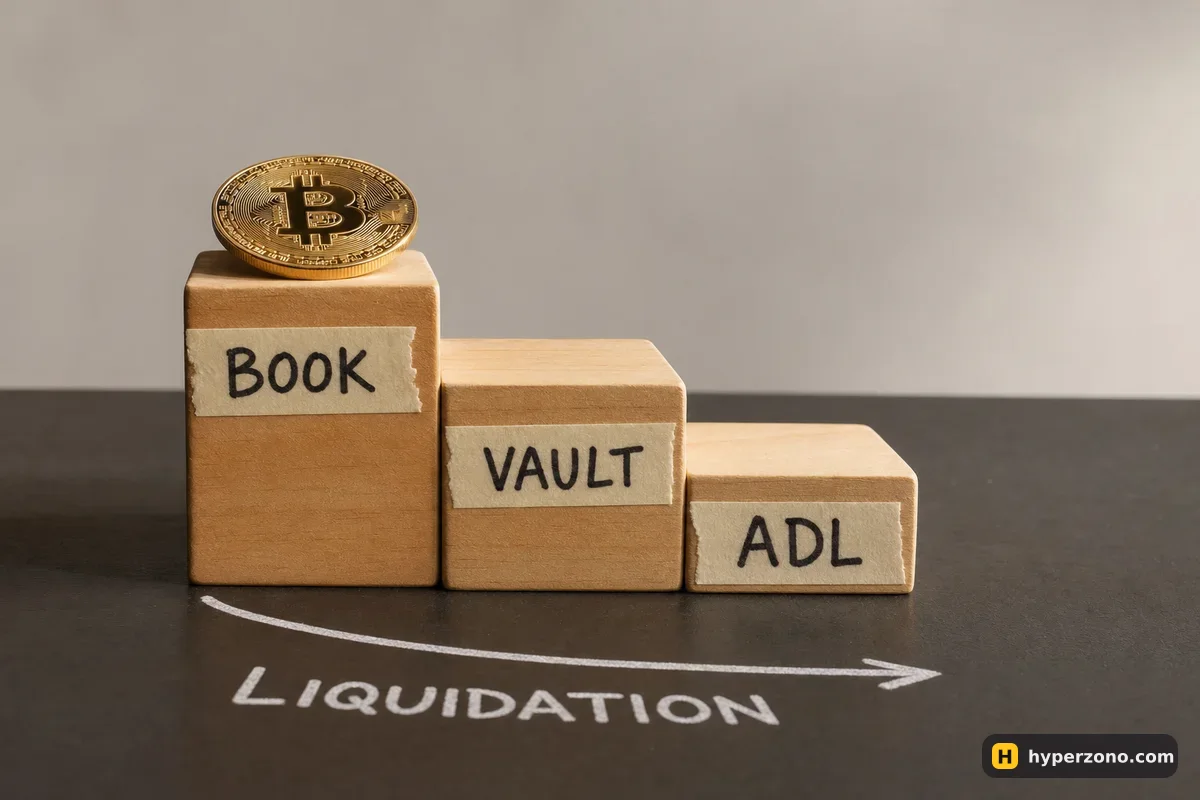
When that number — your balance plus or minus your open profit and loss — drops below the maintenance margin, Hyperliquid first sends market orders for the full position into the public order book, where anyone can take the other side. Those orders may fill completely or only partly. If enough is closed for the requirement to be met again, whatever collateral is left stays with you — the trade is gone or smaller, but the money that was not needed is still yours. Hyperliquid also charges no extra liquidation fee, unlike many centralized venues.
Big positions are handled in pieces. If a liquidatable position is larger than 100,000 USDC, only 20% of it is sent to the book at first. For the next 30 seconds after that first partial close, the orders are no longer for 20% — they cover the whole position. For a first trade of a few hundred USDC none of this applies, but it explains why a large account can be trimmed rather than wiped in one go.
Step two: the backstop pool, and the margin you don't get back
If the book does not do the job and your equity falls below two thirds of the maintenance margin, a pool of money that other users have deposited on Hyperliquid — it is called HLP — takes the position over. What it takes depends on your margin mode. A cross liquidation pulls in all your cross positions and all your cross margin, so an account with nothing in isolated mode ends at zero; an isolated liquidation takes only that one position and its own margin, and the rest of your balance is untouched. That is the strongest practical argument for keeping first trades isolated.
The maintenance margin is the price of waiting. In a backstop liquidation that minimum does not come back to you — Hyperliquid says so publicly: the pool keeps it as a buffer, so these liquidations are profitable on average and that profit goes to the people who deposited into the pool. In the example above that is 125 USDC gone. The way to keep it is simple: place a stop-loss, or close the trade yourself, before the mark price reaches your liquidation price.
Step three: auto-deleveraging, and why a winning trade can be closed
Auto-deleveraging is the last safeguard, and it only comes into play when an account value or an isolated position value has gone below zero. Traders on the opposite side of that position are then ranked by (mark price ÷ entry price) × (position size ÷ account value) — in plain words, the ones sitting on the biggest profit with the most leverage are first in line — and their positions are closed at the previous mark price against the underwater account, so the platform carries no bad debt.
So yes, a trade that is going your way can be closed before you wanted. And one rule is absolute: if you have no open positions, nothing can be taken from your balance to cover someone else's loss. Nothing here is decided by a support ticket — the thresholds, the formula and the ranking are all published in advance, which is the part most people miss when they worry about a venue with no helpdesk. The rest of how it works day to day is in our Hyperliquid overview.
What to check before you leave the screen
- Margin mode: isolated for first trades, so one bad position cannot take the rest of your balance.
- The gap: how far is the mark price from the liquidation price right now, in percent? If it is a couple of percent, the position is too big for the money behind it.
- A stop-loss sitting clearly before the liquidation price, placed at the same time as the entry — see closing and setting TP/SL on Hyperliquid.
- Funding: it is paid every hour here and slowly eats into your margin, so recheck the gap on positions you hold overnight (how hourly funding adds up).
The cheapest way to make all of this concrete is one tiny position. Hyperliquid's own terms exclude people in the United States, Ontario and sanctioned territories, so check first that you can use it where you live. Then put your planned trade into the calculator, connect your wallet to Hyperliquid and open the smallest isolated position you can afford to lose, with the stop-loss already set — and watch how the liquidation price on the screen compares with the number you worked out. Using our link does not change a single one of the rules above.
Why did my Hyperliquid liquidation price change when I did not touch the trade?
Two normal reasons. Funding is charged or paid every hour and changes your balance, and in cross margin the open profit or loss of your other positions counts towards the same pot. The number is anchored to your real entry price, but it still moves with those two things.
Does lowering leverage on Hyperliquid move my liquidation price?
In isolated margin, yes — lower leverage means more margin locked to that position, so the liquidation price moves further away. In cross margin it does not: the leverage you set only decides how much of your collateral the trade uses, and the liquidation price stays where it is.
Can the backstop pool take money from my other trades?
That depends on the margin mode of the position being liquidated. A cross position taken over by the pool brings all your cross positions and cross margin with it. An isolated position brings only itself and its own margin, and the rest of your account is untouched.
Will a stop-loss always stop me being liquidated on Hyperliquid?
It is your best tool, not a guarantee. Stops trigger on the same mark price, and the price you actually get depends on the order book at that moment, so a fast move can fill you worse than your stop price. Placing it with real distance before the liquidation price is what keeps that last slice of margin in your account instead of in the pool.
Can my profitable position be closed by auto-deleveraging?
Yes. If another account has gone below zero and you are on the opposite side with a big profit and high leverage, your position can be closed at the previous mark price. It is a last-resort step, and someone holding no positions at all never shares those losses.
Sources and fact-check
Exchange terms were checked against official documents on October 25, 2026. Terms change — before you trade, check what matters to you in the exchange app and in your contract’s specs.
Hyperliquid Docs: LiquidationsHyperliquid Docs: Robust price indices (mark price built from the oracle, Hyperliquid's own book and a weighted median of perpetual prices on Binance, OKX, Bybit, Gate and MEXC, refreshed about every three seconds)Hyperliquid Docs: Auto-deleveraging