Contents
What each order actually doesThe gap that leaves a stop-limit behindWhich price pulls the triggerWhen a stop-limit does make senseWhat to do on your first trades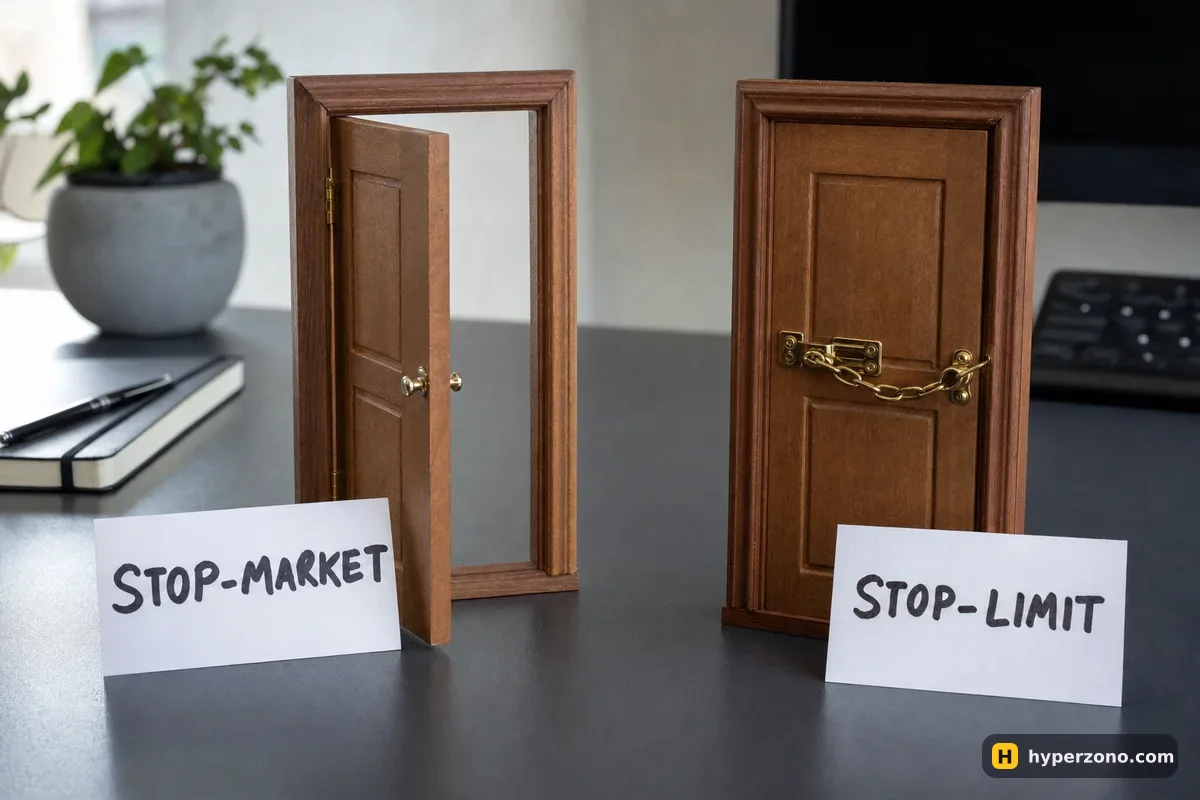
What each order actually does
Both orders sit quietly on the exchange until the price reaches a level you picked. That level is the trigger price. Nothing is sent to the market before that — the exchange is just watching.
When the trigger is hit, a stop-market order sends a plain market order to close your position, and it fills against whatever buyers or sellers are there right now. A stop-limit sends a limit order at a second price you also chose, and that order will only fill at your price or better. So a stop-limit has two numbers: the trigger price that wakes it up, and the order price it then asks for. If nobody is willing to trade at that price, your order just sits there waiting, unfilled, while the price keeps falling.
If the words market and limit are still fuzzy, the same logic applies when you are opening a trade — that side of it is covered in market or limit order for opening a trade.
The gap that leaves a stop-limit behind
Here is an illustrative example with round numbers. You are long 0.01 BTC from 84,000, and your plan says the trade is wrong below 83,000, so you set your stop trigger at 83,000. Your planned loss is 0.01 × 1,000 = 10 USDT.
Some news lands and bitcoin jumps straight from 83,100 down to 82,700 — no trades in between. A stop-market fills at 82,700: you lose 13 USDT instead of 10, a bit worse than planned, and you are out. A stop-limit asking for exactly 83,000 never gets a buyer at that price — the market skipped over it. Twenty minutes later the price is 81,000, you are 30 USDT down and still in the trade, with your stop quietly waiting for a price that has gone.
| Stop-market | Stop-limit | |
|---|---|---|
| Will it get you out? | Almost always — it takes whatever price is available | Only if someone trades at your price or better |
| Price you get | Unknown; usually close to the trigger, worse in fast moves | Exactly your price — or no trade at all |
| Main risk | Slippage: you lose a bit more than planned | No fill: you stay in a losing trade with no protection |
| Good for | A stop loss on your first trades | A planned exit in a calm market, while you are watching |
Which price pulls the trigger
There is a third setting people miss. In the order window, usually next to the trigger field, the exchange lets you choose which price it watches: the last traded price or the mark price. Last price reacts to every single trade on that one exchange. Mark price is a calmer, fair price built from a wider index, and it is also the price your liquidation is calculated from.
For a stop loss that difference matters. With last price, one fast spike on that one exchange — a second of panic selling — is enough to fire your stop, even if the rest of the market never moved, while a mark-price trigger ignores that noise. If you are not sure, leave whatever the app has as the default and check the setting before you confirm, because it is a small dropdown and it is easy to miss. There is more on these prices in why a futures contract shows several prices.
If you still want a stop-limit, give it room. Set the order price clearly worse than the trigger — for example trigger at 83,000 and sell limit at 82,700 on a bitcoin trade. You accept a slightly worse fill in exchange for a much better chance of actually filling. A stop-limit with both prices identical is the version that strands people.
When a stop-limit does make sense
There is one honest exception. On a thin, low-volume altcoin, a market order can fill badly far from your level, because there is almost nobody on the other side. A trader who knows that market may prefer a stop-limit with a wide buffer and accept the risk of no fill, because they are at the screen and can close by hand if it misses. That is an experienced choice made with eyes open, not a default — the simpler answer for a beginner is to stay on big coins like bitcoin and ethereum, where a market order fills close to where you expect.
Limit logic is also fine for the other end of the trade. A take profit does not have to fill — if it misses, you still hold a winning position and can decide again. Missing an exit on a loser is what hurts, and that is the whole reason your stop loss should be the one order you never leave to chance.
What to do on your first trades
Pick the level where your idea is proven wrong, attach a stop-market there, and let it do its job. Be clear with yourself that it is a very good tool and not a promise: in a violent move it can fill noticeably below your level, so plan your loss with a little room around it. The exact taps differ by exchange, and how to set a stop loss walks through the order window step by step.
The fastest way to feel the difference is to try both on a tiny position. Open the order window, place a stop-market a short distance from the price, watch it close the trade, then repeat with a stop-limit and see how its two price fields behave. If you would rather do that without risking anything first, sign up on Bybit and use the demo account — the same screens with play money, just remember the fills there are simulated, so demo will not show you how a real fast market slips.
What is the difference between a stop loss and a stop limit?
A stop loss is the purpose — an order that closes your trade if the price goes against you. Stop-market and stop-limit are the two ways that order can be carried out. So "stop loss" answers why, and "market or limit" answers how it fills.
Does a stop-market order cost more in fees?
Usually a little, because it fills immediately and counts as a taker. On Binance USDⓈ-M futures at the base level that is 0.05% taker against 0.02% maker, so on a 840 USDT position the difference is about a quarter of a dollar. Paying that to be certain you are out of a losing trade is money well spent.
Can my stop-market fill far from my trigger price?
Yes, in a sharp move or a thin market it can. The trigger tells the exchange when to send the order, not what price you will receive. That is why your loss is usually close to plan but not exactly on it.
Is a stop-limit useful for entering a trade?
It can be, because a missed entry costs you nothing except the opportunity — you simply do not take that trade. The danger only appears on the exit side, where a missed fill leaves you holding a loss with no protection.
Will my stop order still work if my phone is off?
Yes, the order lives on the exchange servers, not in your phone. Once it is placed and showing in your open orders, it works whether your app is open or not, and whether you are asleep or on a bus with no signal.
Where should I put the trigger price?
At the level where your reason for the trade stops making sense, then size the position so that this distance costs you only a small part of your account. How to work out your position size shows the simple arithmetic.