Contents
The first 60 secondsWhen your own settings hold the positionThe order only filled halfway, or expiredWhen it isn't you at allThe checklist, in orderHow to avoid this with real money
The first 60 seconds
Before you tap the close button again, look at three things on the same screen. Pressing harder or faster never helps, and a second rejected order tells you nothing new. These three checks cover most cases people run into on their first few trades.
Open your list of orders on that contract
Take-profit, stop-loss and limit orders that you set earlier are still sitting there. They relate to the same position, and that is often the reason a new closing order is refused or shrinks to a strange size.
Check whether your account is in one-way or hedge mode
In one-way mode you have a single position and closing is simple. In hedge mode you can hold a long and a short on the same contract at once, so the same button can open something new instead of removing what you already have.
Look at how close you are to liquidation
On the position line the exchange shows a margin ratio — a percentage that climbs as your loss grows. If it is near 100% and the numbers are moving by themselves, the exchange may already be closing the position for you. Then your job is to watch and read the order history afterwards, not to fight the screen.
| What you see | Most likely cause | What to try first |
|---|---|---|
| The order is rejected straight away | You are sending an opening order rather than a closing one, or the quantity is bigger than the position | Close from the position line — the row that shows your open trade and its size — not from the buy/sell buttons. Let the app fill in 100% of the size and turn reduce-only on |
| The order expired, or only part of it filled | A large market order in a fast or quiet market | Close in two or three smaller pieces |
| You tap and nothing happens at all | App or connection problem on your side | Reload the app, or log in on a computer and close from there |
| The exchange says the size is too small | The leftover is below the minimum order size for that contract | Try again with reduce-only on, and check the minimum in the contract details |
| The position disappeared by itself | It was closed — by your own stop, by liquidation, or by auto-deleveraging | Open the order and trade history to see which one it was |
When your own settings hold the position
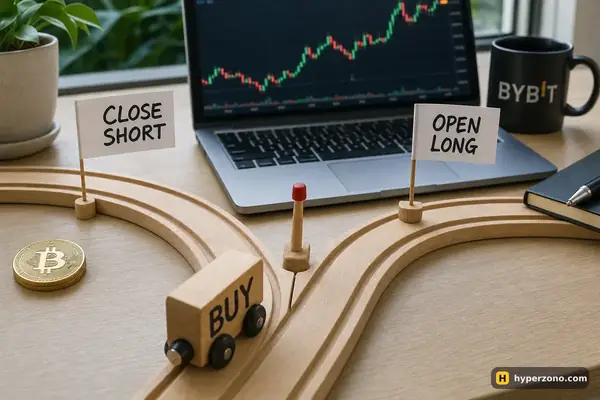
Hedge mode is the single most common surprise. With it switched on, a sell order on a contract where you are long can create a separate short instead of removing the long. Now you hold two positions instead of none. You pay the fee twice — once to open the short, once to close it — and both sides tie up margin. The price moves cancel each other out, so you are paying to stand still. (The payment longs and shorts make to each other, funding, also cancels out between the two sides.)
The fix is to close from the position line itself — the row in the app that shows your open trade and its size — rather than from the buy/sell buttons in the order window. That row has its own close control, and it acts on the trade you already hold instead of opening a fresh one. If you are not sure which mode you are in, the difference between one-way and hedge mode is worth reading before your next trade.
The second cause is quieter. Orders you already placed on that position are promises to close part of the size: your stop-loss and take-profit have already claimed part of the position, so a closing order can't use that part again. Cancel the pending orders on that contract first, then close the position in one clean order. If you want protection back afterwards, set it again on whatever is left.
The third cause is simple arithmetic. If you type a quantity larger than the position you hold, the exchange reads it as an order to open something new, and a new order needs margin you may not have free. Check the unit too: the quantity field may be in coins while you are thinking in USDT, or the other way round. The safest habit is to let the app fill in 100% of the position for you and to turn on reduce-only, a setting that tells the exchange the order may only shrink the position and never open one — reduce-only and close-on-trigger are two separate switches and they do different jobs.
The order only filled halfway, or expired
A market order is not a magic exit. It gets matched against whoever is willing to take the other side right now, and in a fast move or on a quiet contract there may not be enough of them close to the current price. What you see then is a partial fill, a leftover position and sometimes an order that simply expired. Nothing is broken; the market just didn't have room for the whole size at once.
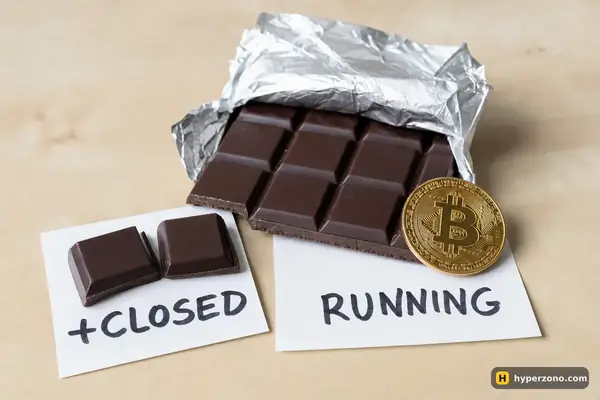
The practical answer is to stop trying to do it in one click. Close a third, wait a few seconds for new buyers and sellers to appear at the price, then close the next third. Being able to close part of a position on purpose is a normal skill, not a workaround, and it is usually faster than repeating a big order that keeps failing. If you are using a limit order to exit and it never fills, that is a different story with its own causes — see why a limit order doesn't fill.
Leftovers can be awkward in one specific way: every contract has a minimum order size, so a tiny remainder can fall below it. On Binance the minimum on BTCUSDT is 0.001 BTC, on ETHUSDT it is 20 USDT of position value, and on most altcoin contracts 5 USDT. A reduce-only closing order is the thing to try for a small remainder; if the exchange still refuses it, check that contract's minimum size in its specification in the app rather than guessing.
When it isn't you at all
Some situations are genuinely outside your control, and it is better to recognize them than to keep clicking. Scheduled maintenance can make a contract unavailable for a while. A contract that the exchange is retiring may be switched to a state where you can only reduce or close positions, not add to them — that one actually works in your favour, because closing is exactly what still goes through. And if your margin has run out, the exchange closes the position itself; that is liquidation, and it is calculated on the mark price rather than on the last trade you see on the chart. In a sharp move your profitable position can also be closed by auto-deleveraging.
In all of these cases, collect evidence before the screen refreshes. A screenshot of the message, the exact time with your time zone, the contract name and the order you tried to send give support something to work with. Then open the order history and the trade history: between them they show what the exchange actually did with your position, which is usually the end of the mystery. Other common "what just happened" moments have their own pages in the troubleshooting section.
The checklist, in order
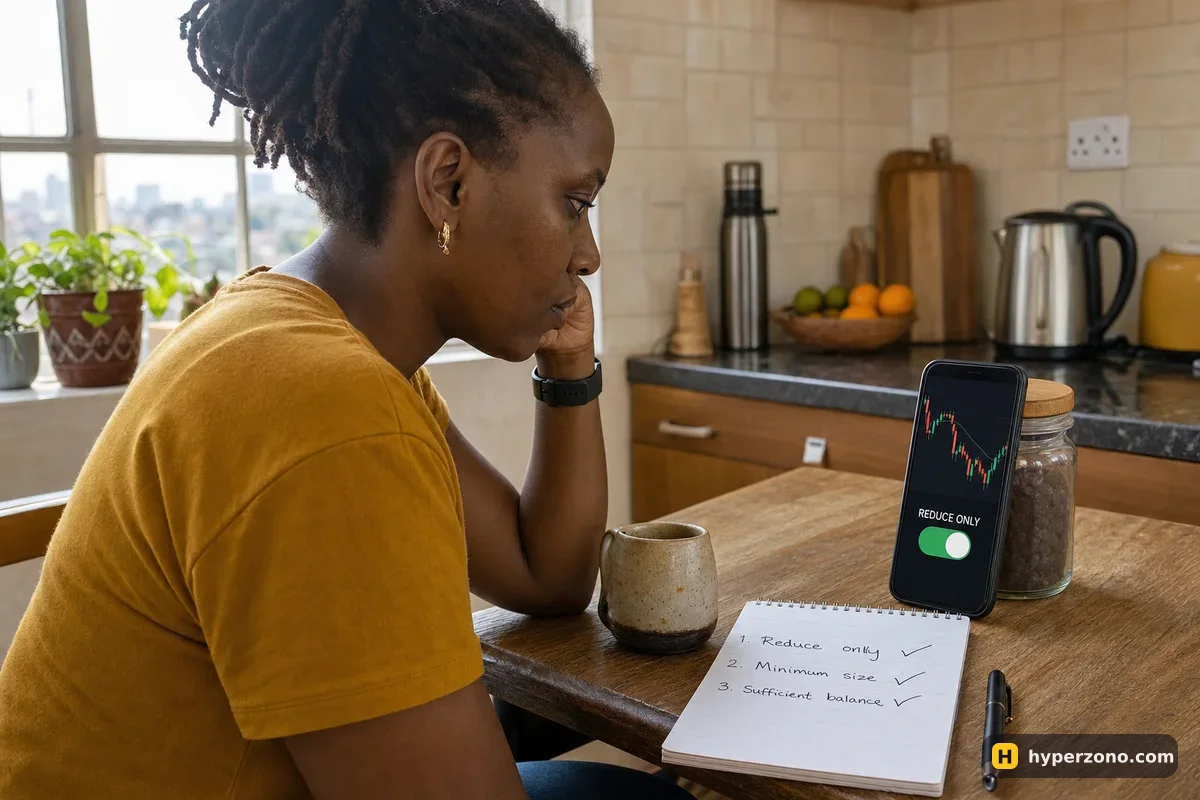
Run these from top to bottom the next time a close is refused. Stop as soon as the position is gone — most people never get past the third line.
- Cancel every pending order on that contract, including take-profit and stop-loss.
- Check one-way or hedge mode, and close from the position line of the side you actually hold.
- Set the quantity to the full position size, in the unit the field is asking for, with reduce-only switched on.
- If the order only fills partly, close in two or three pieces a few seconds apart.
- If a small remainder is refused, check that contract's minimum order size and close it reduce-only.
- If the app is unresponsive, log in on a computer and close from the web version.
- If none of that works, screenshot the message and read the order history — the exchange may already have closed or be closing the position.
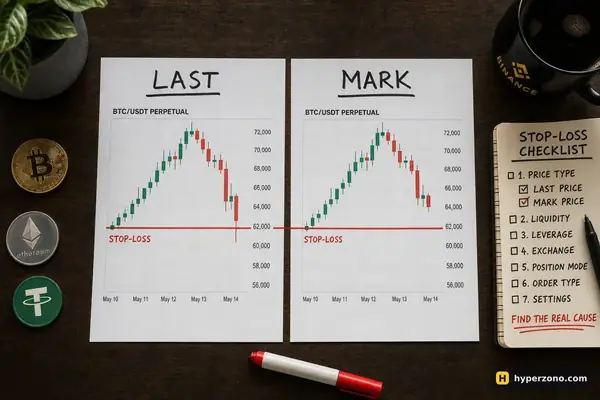
A stop-loss is the exit that works when you can't press anything. Set it at the moment you open the trade, not later. Your phone can die, your internet can drop and your hands can shake, but an order already sitting on the exchange does its job without you.
How to avoid this with real money
None of these are exchange rules — they are habits that keep the exit simple. Stay in one-way mode until you have a clear reason to hold both sides of a contract. Place a stop-loss when you enter, so there is always a planned way out. Keep a little free margin instead of using every last USDT, and don't stack three pending orders on one small position when a single stop and a single target will do. The mechanics of a normal, boring close are covered in how to close a futures trade.
The cheapest place to learn all this is demo mode. Practice one close in each situation — one-way, hedge mode, with reduce-only on, and with a take-profit order already sitting there — and the panic goes away, because you will have seen each message before. Binance has demo trading, though it is not offered in every country, so check it in the app; trying Binance futures in demo walks through the setup. When you do want a live account, open a Binance futures account only after you have confirmed that futures are available where you live.
Can the exchange stop me from closing a profitable trade?
Not in normal trading. The cases where a close genuinely isn't possible are narrow: maintenance, or a liquidation that has already started. A contract switched to close-only is not one of them — there you can still close, you just can't open or add. If your order is being refused while the market is trading normally, the cause is nearly always the order itself — the mode, the side, the quantity or an existing pending order.
Why does my order say the size is too small?
Each contract has a minimum order size, so a small leftover from a partial fill can fall under it. Try closing that remainder with reduce-only switched on, and look up the minimum for that specific contract in its specification in the app before you assume anything.
Do I need free money in the account to close a position?
Closing reduces your risk rather than adding to it, so if the exchange is asking you for more margin, that is a strong hint you are opening something new instead of closing. Check whether you are in hedge mode, and close from the position line rather than from the buy/sell buttons.
My position vanished and I didn't close it. Where did it go?
Open the order history and the trade history for that contract. They will show whether your own stop-loss fired, whether the exchange liquidated the position because the margin ran out, or whether it was closed by auto-deleveraging during a sharp move.
Should I just always trade with reduce-only on?
Use it on closing orders, yes — it stops a mistyped quantity from flipping you into a new position in the opposite direction. It is not for opening trades, since an order that can only reduce has nothing to reduce when you have no position.