Contents
What you actually pay, in four partsAdding it up on a 1,000 USDC tradeFunding: paid every hour you holdThe app in front of Hyperliquid can add its own feeGetting your USDC in and back outHow this compares with a centralised exchangeWhat you actually pay, in four parts
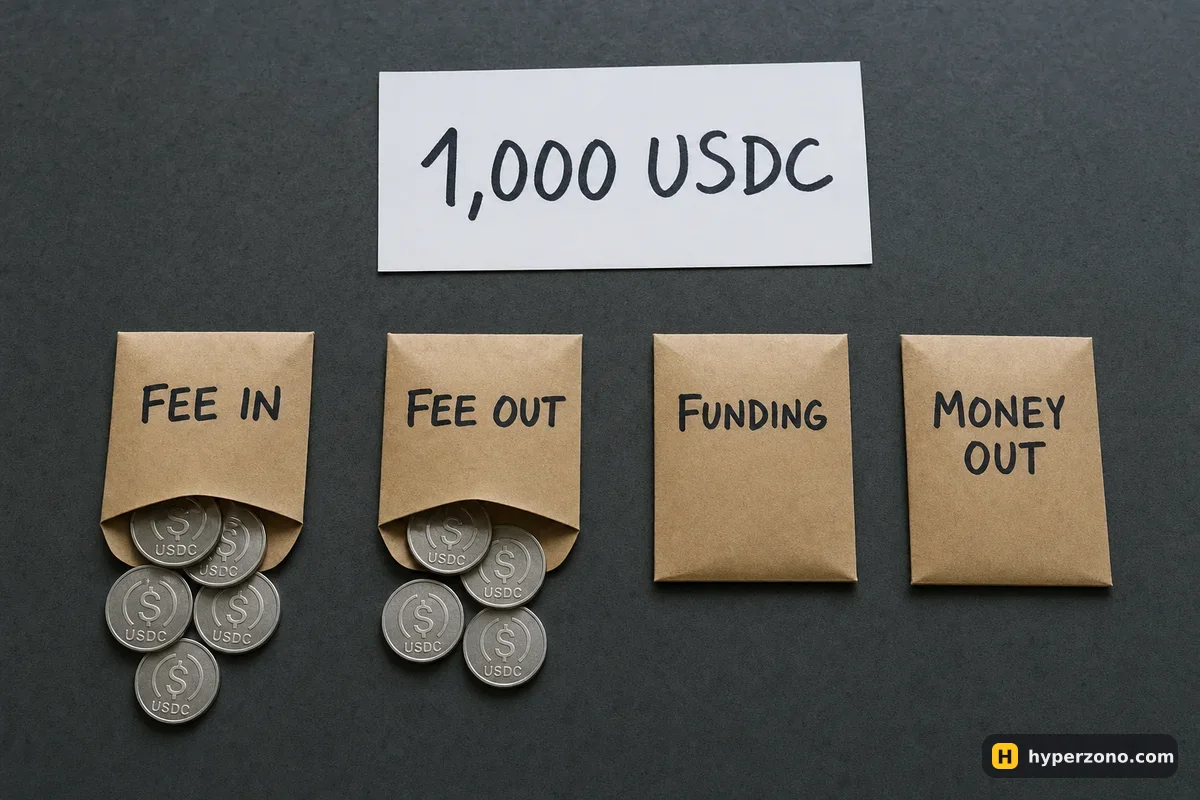
Think of one trade as four small charges rather than one big mysterious one. The first is the trading fee charged at the moment your order actually goes through — the venue calls that moment a fill. The second is the same kind of fee on the trade that closes your position, whether you close it by hand, by take profit or by stop. Third comes funding, a payment between the traders holding the contract, settled every hour on Hyperliquid. Fourth is the cost of getting money onto the venue and back off it.
Only the first two are "the fee" people usually mean, and they are charged on the whole position, not on your margin. If you put up 100 USDC and open a 1,000 USDC position at 10x, every percentage is applied to the 1,000. That one detail is why a trade can feel more expensive than the headline rate suggests. If you are still deciding whether to trade from a wallet at all, our overview of Hyperliquid covers how the venue works; this page is only about the money it takes.
We don't print Hyperliquid's rates here, because they change and yours depends on how much you trade — the number that counts is the one in the fee section of the app once your wallet is connected. What this page gives you is the shape of the bill, so you know which four numbers to look for and roughly how big each one gets.
Adding it up on a 1,000 USDC trade
Say you have 100 USDC and open a 1,000 USDC long on bitcoin at 10x. I'll use 0.04% here purely as an illustrative number — it is not Hyperliquid's rate, and the simplest way to see your own is to connect a wallet and open the fee section on Hyperliquid. Your screen shows two rates: one if your order sits in the book and waits for someone to trade against it (maker), and a higher one if it goes through instantly against an order already there (taker).
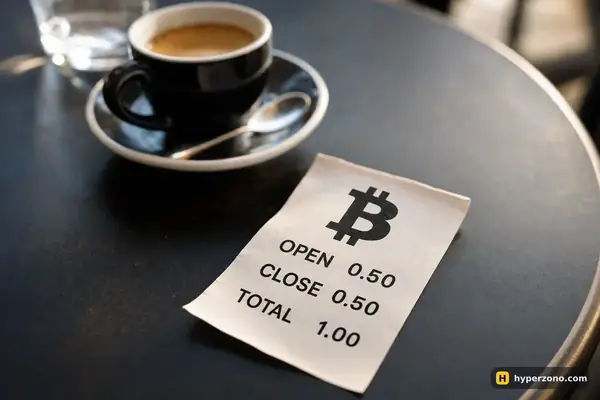
At that example rate, entry costs 1,000 × 0.04% = 0.40 USDC and the exit another 0.40, so 0.80 USDC for the round trip before the price has moved at all. Now hold the position for a day. At an illustrative hourly funding rate of 0.001%, that is 1,000 × 0.001% × 24 = 0.24 USDC, paid or received depending on which side of the market is paying.
So roughly 1.04 USDC of cost on a 1,000 USDC position — about 0.10% of the position, but a bit over 1% of your 100 USDC of margin. Price has to move that far in your favour just to get you back to zero.
Fees follow the position, not your deposit. Double your leverage at the same margin and the position doubles — so the fees, the funding and the distance you need just to break even all double too. The rate on the screen stays the same, which is exactly why the bill surprises people.
Funding: paid every hour you hold
Funding is not a charge from the venue — it is a payment between traders on the two sides of the contract, and on Hyperliquid it is settled hourly instead of the eight-hour schedule most centralised exchanges use. The payment is worked out on your position size at the moment of settlement, so the same 1,000 USDC position pays the same funding whether your margin is 100 USDC or 500.
Hourly settlement works for you as often as against you: a trade you hold for twenty minutes may cross no payment at all, while one left open for days crosses dozens. For the general mechanics, read what funding is and who pays whom; to put an hourly rate next to an eight-hour one without confusing yourself, use this comparison, and the funding calculator will do the multiplication for your own size and holding time.
The app in front of Hyperliquid can add its own fee
Hyperliquid can be reached from more than one place: the official app, and various wallets and front-ends that send your order to the same market. Some of them add a charge of their own for the service, and like the venue's fee it lands both on the trade that opens your position and on the trade that closes it.
If you trade through one of those, open its own fee page first, then look at a completed trade in your history — the fee shown against that trade is the real one, including anything the app in between has added. That is also the quickest way to tell whether the route you picked costs more than going direct.
Getting your USDC in and back out
Trading is one thing, moving money is another. Your deposit travels across a blockchain, and that network charges its own fee, which depends on the chain you send from — not on Hyperliquid. Withdrawing has a cost too, and the withdraw screen shows the amount before you confirm, so read it there.
On a small account this layer can be the biggest one. Whatever that round trip costs you, it barely registers on a 1,000 USDC position held for a week, and it is a big share of the result if you deposit 50 USDC and pull it back out the next day. The step-by-step side of this lives on the deposit and withdrawal pages.
How this compares with a centralised exchange
| What you pay | On Hyperliquid | On Binance USDⓈ-M futures |
|---|---|---|
| Fee on opening | your own maker or taker rate, applied to the whole position | 0.05% taker, 0.02% maker at the base VIP 0 level (0.045% / 0.018% if fees are paid in BNB) |
| Fee on closing | the same again when the position is closed | the same again |
| Interface fee | possible if an app or wallet sends your order for you — check that app's own fee page | none — the exchange is the interface |
| While the trade is open | funding settled every hour | funding by default every 8 hours, some contracts every 4, and the interval can shorten |
| Money in and out | a blockchain deposit, plus a withdrawal cost shown on the withdraw screen | deposit and withdrawal by network; moving money between your spot and futures wallets is done inside the account |
Which one works out cheaper for you depends on your own rate, whether an app charge is involved and how long you hold, so compare the same trade on both rather than two headline percentages. Our fee comparison across exchanges does the same thing at a wider level.
One thing to settle before any of this matters: Hyperliquid blocks access from some countries and regions, so check whether it opens where you live before you plan anything. You connect a wallet rather than registering an account, and your USDC needs to be on a network the venue accepts.
Is Hyperliquid really fee-free or gas-free?
People use those phrases loosely, and neither is a cost estimate. Even where nothing is charged for placing an order, the trading fee on the open and the close, funding while you hold, and the cost of moving USDC in and out are all real money. Your own rate sits in the fee section of the app once your wallet is connected.
Do I pay a fee when my stop-loss closes the trade?
Yes. Closing is a trade like any other, so the fee applies however the position ends — by hand, by take profit or by stop. Liquidation works differently again, so read the rules on that before you let a trade drift near your liquidation price.
Is the fee taken from my margin or from my profit?
It is calculated on the position size and taken from your account balance, so it trims your profit on a winning trade and deepens the loss on a losing one. With 100 USDC of margin behind a 1,000 USDC position, a 0.04% rate would be 0.40 USDC, not 0.04.
Does a referral link give me a lower fee?
We do not quote a discount, because the only reliable number is the one shown in the fee section of the app after you connect your wallet. Our link is how this site earns if you use it; it does not change anything written above.
Where do I see exactly what one trade cost me?
Your trade history shows a fee against each entry and each exit, and funding payments are listed separately with their hourly timestamps. If the money that left your account is more than those two together, the difference is usually the withdrawal cost.
Why does my fee look bigger than the percentage suggests?
Because it is charged on the position, not on the money you put up, and twice — once in, once out. At 10x, 100 USDC of margin means a 1,000 USDC position, so every percentage is ten times larger in cash terms than it feels.