
Contents
Where you see it before you click BuyWhere it appears once the trade is openThe quick estimate you can do in your headWhy the real number is always a bit closer than your estimateHow adding margin or closing part of the trade moves the lineWhy cross margin changes the whole pictureWhat to do if you can't find the number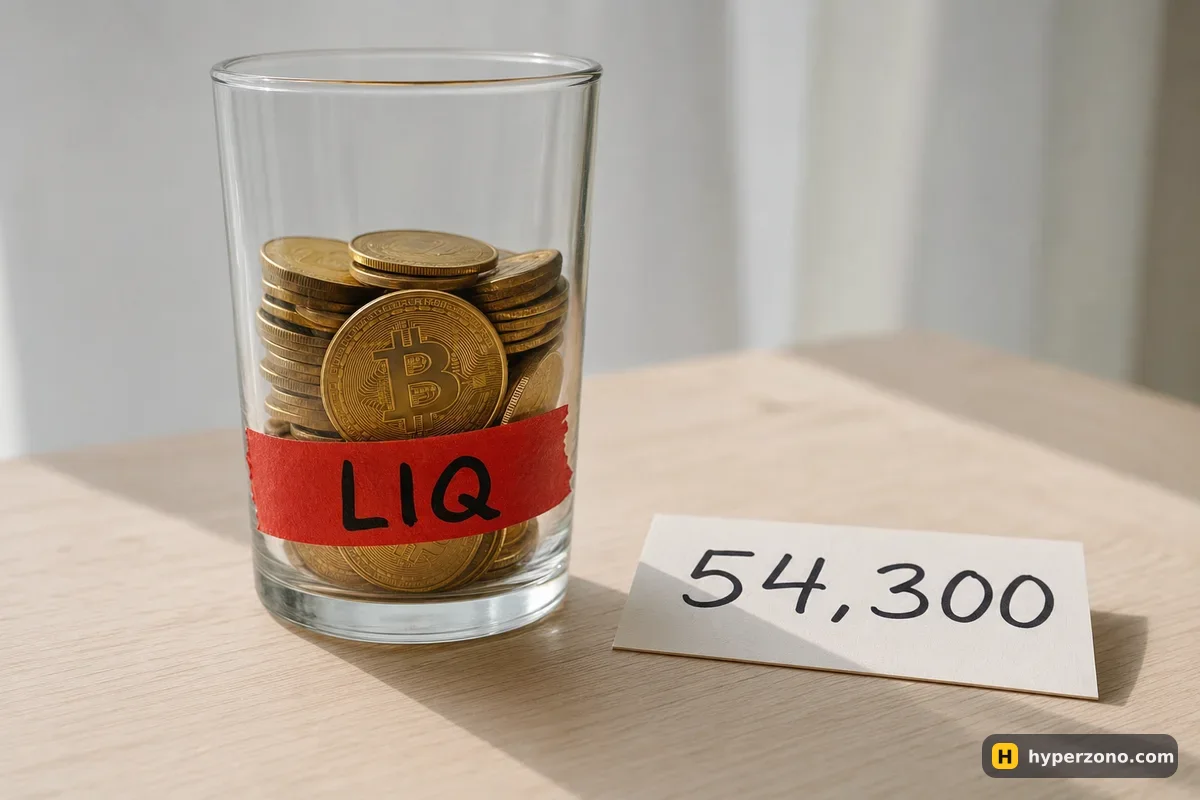
Where you see it before you click Buy
Open the order window on any futures exchange, choose your leverage, type the amount you want to trade, and look just below or beside the order amount. Alongside the margin the trade will cost you and the fee estimate, there is a line with the estimated liquidation price — usually shortened to something like "Liq. Price". It updates live as you change the amount or drag the leverage slider, which is the fastest way to feel what leverage actually does to your trade.
That number is only an estimate for right now. It assumes you open at the current price, with nothing else going on in your account. If the price moves while you are still typing, or you already hold another position in the same wallet, the final figure after entry will be a little different. The clearest way to see it is to open a Binance Futures account, set up an order without confirming it, and watch that line jump as you move the leverage slider from 3x to 20x and back.
Where it appears once the trade is open
After you confirm, your trade shows up in the positions list, and the liquidation price becomes part of the position card — the small block showing your entry price, size, margin and current profit or loss. On the web version it is usually a column in that row. In the mobile app the card is more compact, so you may need to tap the position to expand it before all the fields are visible.
Open the positions list
In the app, go to the futures screen and find the tab with your open trades. You will see one row per position with the coin name and your entry price.
Expand the position
Tap the row. The card opens up and shows the full set of numbers: size, margin, unrealised profit or loss, and the liquidation price.
Compare it with the live price
Look at how far the current price is from that number. That gap, in percent, is how much room your trade has left before the exchange closes it for you.
Check it again after any change
Every time you add margin, close part of the position, or open a second trade in cross margin, come back and read the number again — it will have moved.
If you want to see all of this without risking money first, sign up on Bybit and switch to demo trading — the order window and the position card show the same fields, so you can watch the liquidation price react to your leverage choice with play money.
The quick estimate you can do in your head
The simple version is 100% ÷ leverage. At 5x leverage your position is roughly 20% of price movement away from liquidation, at 10x roughly 10%, at 25x roughly 4%. That is just the point where a losing trade would eat through all the margin you put up, and it only works cleanly with isolated margin, where the position has its own separate margin and nothing else behind it.
Here is what that looks like with made-up numbers. You put 100 USDT of margin into a long on bitcoin at 10x, so your trade is worth 1,000 USDT. Say bitcoin is at 60,000 — your position is 1,000 ÷ 60,000 ≈ 0.0167 BTC. A 10% drop to 54,000 would wipe out exactly your 100 USDT. In practice the exchange closes you a bit earlier — around 54,300 — because it makes you keep back about 0.5% of the position as a cushion (illustrative; the exact percentage depends on the coin and how big your position is). More on that cushion in a second.
Isolated long of 1,000.00 USDT, 10× leverage, maintenance margin 0.50% of position size (example). Simplified model without closing fees, risk-limit tiers or other positions — the exchange will show its own price.
Why the real number is always a bit closer than your estimate
The exchange doesn't wait until your margin hits exactly zero. It requires you to keep a small minimum amount against the position at all times — the maintenance margin — and closes the trade when your money drops to that level. The closing fee has to come from somewhere too. And if you hold a perpetual contract for hours, there is also funding — a payment between traders every few hours. Sometimes you receive it, sometimes you pay it, and when you pay, that money leaves your margin and the liquidation price creeps closer.
The maintenance requirement is not the same for every trade, either. The bigger your position in a given coin, the higher the percentage the exchange asks you to keep back, so a large position gets liquidated after a smaller move than a tiny one at the same leverage. That is why the figure on your screen is always the one to trust, and 100% ÷ leverage is only a sanity check.
Liquidation is triggered by the mark price, not the last trade. Exchanges work out a fair price from several markets, so one odd price spike on one exchange is much less likely to close your trade. In a fast move across the whole market, though, the mark price moves too. That is why the low you see on the chart and the number that decides your position can differ slightly.
How adding margin or closing part of the trade moves the line
In isolated margin you can top up a losing position: there is an option on the position card to add margin to it. Put another 50 USDT into our example trade and your liquidation price drops further away from the current price, because the position now has more money behind it before the cushion is reached. The number on screen updates immediately, so you can see exactly how much room you bought.
Be honest with yourself about why you are doing it, though. Adding margin to a trade that is going against you doesn't make the idea better — it just puts more of your money at risk in the same direction. Many beginners lose far more this way than they would have by taking one small planned loss and walking away.
Closing part of the position is the other lever. In cross margin, cutting your size in half clearly pushes the liquidation price further away, because the remaining trade loses money more slowly against the same balance. In isolated margin the released margin usually goes back to your wallet along with the size you closed, so the line may barely move. Don't guess — close part of it, then read the number on the card again.
Why cross margin changes the whole picture
With isolated margin, the trade has a fixed amount set aside for it and a fairly stable liquidation price. With cross margin, the position leans on your whole free futures balance, so the number shifts whenever that balance shifts. Deposit more USDT and it moves further away. Withdraw, or open a second trade that starts losing, and it creeps closer — even if you never touched the first position.
That is also why cross margin can look deceptively safe at first: the liquidation price sits miles away because your whole balance is standing behind one small trade. The catch is what happens when several positions go wrong together, because all of them are using the same balance. One bad trade can pull the others down with it. If you are still deciding, we compare the two modes in cross margin vs isolated margin, and for a first trade isolated is the easier one to reason about.
What to do if you can't find the number
Sometimes the field shows a dash instead of a price. That usually means there is nothing to calculate yet — no position open. If you do have a position and the field is still empty, rotate the phone, scroll the card sideways, or check the same position in the web version, where more columns fit.
If you want to test numbers before you have any trade open, a liquidation calculator lets you type an entry price, leverage and margin and see the level without touching the exchange. Whatever the calculation says, the practical defence is the same: set a stop loss well before that level, so your trade closes on your terms and not the exchange's. Liquidation also costs you the fee and whatever is left of the margin — what liquidation actually is covers that side of it.
How do I calculate liquidation price for crypto futures myself?
Start with 100% ÷ leverage: that is roughly how far the price can move against you before your margin is gone. For a long, subtract that percentage from your entry price; for a short, add it. Then expect the real level to sit slightly closer, because the exchange keeps back a maintenance amount and the closing fee. The figure on your position card already includes all of that.
Does the liquidation price change after I open the trade?
In isolated margin it stays fairly stable unless you add margin or change the position size. In cross margin it moves whenever your free balance moves — a deposit, a withdrawal, a second losing trade or a funding payment you have paid all shift it. Check the card again after anything changes.
Why is my liquidation price different from what I calculated?
Most likely because of the maintenance margin, which depends on how big your position is, plus the fee reserved for closing it. Your margin mode matters too, and in cross margin any other open position is part of the calculation. The exchange's number is the one that counts.
Can I trade so that liquidation never happens?
You can make it very unlikely by using low leverage and a stop loss that closes the trade long before that level. Liquidation is what happens when nothing else stopped the loss first. Keep in mind that a stop is not an absolute guarantee either — in a fast move it can fill at a worse price than the one you set.
Where do I see the liquidation price on the exchange app?
Open your list of open positions and tap the position to expand it. The liquidation price sits in the same block as your entry price, size and current profit or loss, usually labelled "Liq. Price". Before you enter, the same estimate appears in the order window under the amount.