Contents
Three words you will meet on the wayTwo ways in, and the rules are not the sameFrom an exchange to Hyperliquid, step by stepWhy 5 USDC is the number to count backwards fromWhat can go wrong, and what you can get backYour deposit hasn't arrived: what to checkGetting money back out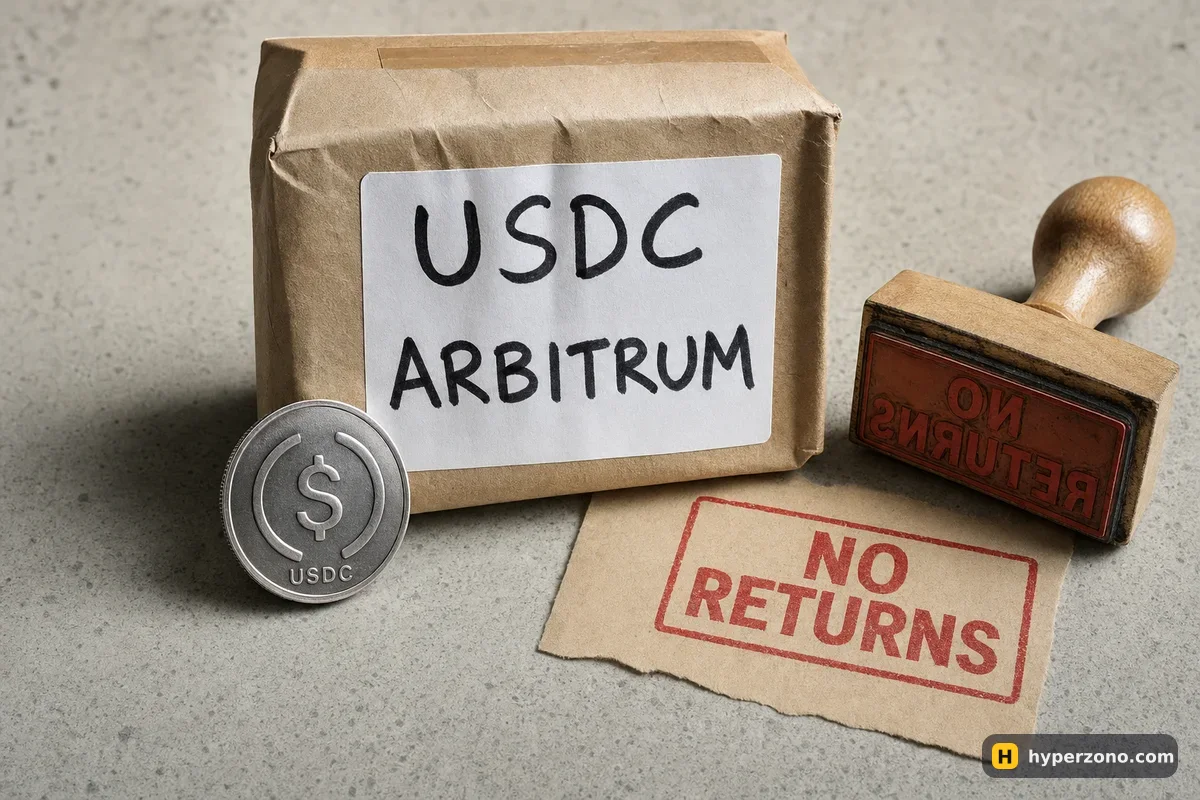
Three words you will meet on the way
Before the steps, three words that this whole trip runs on. A DeFi wallet is simply an app that holds crypto under your own control, with no company account behind it — MetaMask, Rabby and Coinbase Wallet are the common ones. Arbitrum is one of the networks your USDC can travel on, like choosing a delivery route. Sending anything on that network costs a small network fee, paid in ETH — that fee is called gas. Keep a dollar or two of ETH on Arbitrum in the same wallet, or the deposit won't go through.
Trading on Hyperliquid itself does not cost gas. You only meet it when money moves in and out through your own wallet, and if you deposit with an email login you never touch it at all.
Two ways in, and the rules are not the same
How you logged in decides which networks your money can arrive on. If you connected a DeFi wallet — MetaMask, Rabby, Coinbase Wallet, WalletConnect — your account supports USDC deposits over Arbitrum only, and a deposit below 5 USDC is lost. If you logged in with an email address and a 6-digit code, the deposit window shows you an address that also accepts USDC on Ethereum, Base and Polygon, handled behind the scenes by Across Protocol, and the money can come from a centralized exchange or another wallet.
One thing nobody tells you about the email route: when you log in with an email, Hyperliquid creates a wallet for you behind the login, and that is where money it cannot credit gets sent back to. You can get at that wallet later by following the export steps on Hyperliquid's own onboarding page. It is worth knowing about before you send anything, because it is the only safety net on this whole trip.
That net matters when something goes wrong. For email logins, Hyperliquid's support FAQ says a different asset sent to that deposit address is automatically redirected to the wallet behind your login within about 10 minutes, and that a deposit under 5 USDC is not credited but also goes back there — except anything under 1 USDC, which is lost. A wallet login has no such path at all, so treat a wrong send as gone.
The deposit screen today also lists assets that are not USDC at all — BTC on Bitcoin, ETH on Ethereum, SOL and a few Solana tokens, AVAX, ZEC and others — which arrive as that coin and then have to be sold on Hyperliquid for USDC. This page stays with USDC, because USDC is what your positions are backed by. If you are still deciding whether trading from a wallet suits you at all, that question is covered in what Hyperliquid is and how it works.
From an exchange to Hyperliquid, step by step
The usual path is the same one most people take: buy USDC on a centralized exchange, send it over Arbitrum, and press Deposit. The exact wording on screen changes from time to time, so read the live deposit window rather than any fixed list in a guide, including this one.
Check that you can use the app where you live
Hyperliquid's Terms bar access from restricted jurisdictions, and the app shows a message saying you are accessing it from a restricted jurisdiction if you are in one. Check before you move any money — our page on which exchanges are available in which country explains what to look for.
Get USDC on an exchange
Buy USDC on the spot market of any exchange where you already hold money. If you have never bought a stablecoin before, the method is the same one described in how to buy USDT; just pick the USDC pair instead.
Log in, and if you use a wallet, enable trading
Connect your wallet, or log in with your email and the 6-digit code. With a wallet, click Enable Trading and sign the request your wallet shows. It costs nothing and it is not a payment — it just lets the app trade for your address.
Open the deposit window and read it
Click Deposit and note exactly which asset and which networks the window lists for you today, and whether it names any fee of its own. The fastest way to see this is to open the Hyperliquid app and look at that window before you touch the exchange.
Wallet login: withdraw to your own Arbitrum address
Withdraw USDC from the exchange to your wallet address on Arbitrum, and make sure the same wallet also holds a little ETH on Arbitrum to pay the gas for the deposit transaction.
Email login: withdraw straight to the address shown
Copy the deposit address from the window (or scan its QR code) and withdraw USDC to it from the exchange, choosing one of the networks the window lists. There is no wallet pop-up and no gas for you to pay in this route — the exchange's withdrawal fee is the cost.
Check the amount that will actually arrive
The exchange withdrawal screen shows the fee and the net amount. That net amount is what Hyperliquid sees, and it has to be at least 5 USDC. Send a bit more than the bare minimum the first time.
Confirm, then wait and refresh
Wallet login: enter the amount in the Deposit box, click Deposit and confirm the transaction in your wallet. Email login: confirm the withdrawal on the exchange. Then give it a few minutes and refresh app.hyperliquid.xyz — your USDC shows up as your trading balance in the app, ready to use (HyperCore is simply the name of Hyperliquid's trading side).

Why 5 USDC is the number to count backwards from
The minimum is not about the size of your first trade. It is about how much lands on Hyperliquid's side after the sending exchange has taken its withdrawal fee. Say the exchange charges 1 USDC to withdraw on Arbitrum and you withdraw 6 USDC: exactly 5 USDC arrives, which is right on the line with no room at all. Bump the fee up slightly, or round the amount down, and you are below the minimum.
| You withdraw | Exchange fee | Arrives at Hyperliquid | What happens |
|---|---|---|---|
| 6 USDC | 1 USDC | 5 USDC | Exactly at the minimum — no margin for error |
| 5.5 USDC | 1 USDC | 4.5 USDC | Below 5: lost on a wallet login; sent back to the wallet behind an email login |
| 15 USDC | 1 USDC | 14 USDC | Comfortably above the minimum — a sensible size for a first test |
Costs on this trip are the exchange's withdrawal fee, plus Arbitrum gas paid in ETH if you deposit through your own wallet. Hyperliquid doesn't publish a deposit fee of its own, so the deposit window on screen is the only place with your real number — read it before you start the withdrawal on the exchange. That withdrawal fee is also a reason to look at where you buy the USDC in the first place: if you do not have an account with a deep USDC market yet, you can open a Binance account and buy there, then compare its Arbitrum withdrawal fee with whatever you are using now.
Which network you pick changes the price of the trip on every platform, not just this one — that is what choosing a network to deposit and withdraw is about. The same backwards arithmetic applies on the way out too: the number you type is never quite the number that arrives, and that habit is the whole point of minimum deposit, minimum order and minimum withdrawal.
What can go wrong, and what you can get back
Four things go wrong most often. Only some of them can be undone.
- Wrong token. You send USDT, ETH or ARB instead of USDC. On an email login, the FAQ says non-USDC assets sent to that deposit address are automatically redirected within about 10 minutes to the wallet Hyperliquid created behind your login, and you reach them by exporting that wallet from the onboarding page. A wallet login has no such path — assume it is not coming back.
- Too little. Under 5 USDC on a wallet login is lost. On an email login it is not credited and goes back to the wallet behind your login, except amounts under 1 USDC, which are lost.
- Unsupported network. USDC sent over any network the deposit window does not list will not be credited. Wallet logins support Arbitrum only. If you have already sent on the wrong one, read can an exchange return a deposit sent on the wrong network before you do anything else.
- The wrong USDC. On some networks there are two tokens called USDC — the normal one and an older bridged version. On the exchange withdrawal screen, pick the plain USDC on the network the deposit window lists; if the exchange offers two versions and you are not sure which is which, send a small test first.
Your deposit hasn't arrived: what to check
First, refresh app.hyperliquid.xyz. This matters especially for older email deposits sent to the previous deposit address, which are still processed — the address of the wallet behind your email login is still your Hyperliquid address. Second, in your exchange's withdrawal history, open the transfer and copy its long ID code (the transaction hash). Paste it into a public Arbitrum transaction tracker — a site that shows every transfer on that network — and you will see whether the money really left, what token it was and where it landed.
For the email route, Across Protocol's own transfer history page (across.to/transfers) shows the state of the transfer it handled. If the transaction completed but nothing shows up, go to the deposit section of Hyperliquid's support FAQ and find the page for the network you used — the rules differ by network, and the FAQ spells out which cases are recoverable. Give it time before panicking: a transfer that looks stuck for five minutes is usually just a transfer.
Nobody who genuinely helps will ask for your seed phrase. Hyperliquid's own docs say it plainly: anyone with your private key or seed phrase can take your funds. A stuck deposit attracts people in chats and comment sections offering to "fix" it. Support never needs your seed phrase, your private key or remote access to your screen, and no amount of help is worth handing over your wallet.
Getting money back out
Withdrawal is the same trip in reverse: the Withdraw button sits in the bottom right of the trading page, and you follow the steps there. Depending on the network and the method there can be a small gas fee in ETH to process it. No fixed amount and no fixed timing are published, so the withdrawal screen is the only place with your real numbers — round-trip figures quoted in blog posts are worth nothing next to it.
One last practical point: do the whole thing once with a small amount before you do it with a real one. Send a little more than 5 USDC plus the withdrawal fee, watch it arrive, and only then decide how much you actually want to fund. A test deposit costs you one withdrawal fee and buys you certainty that your network, your token and your address all line up.
What is the minimum deposit on Hyperliquid?
5 USDC, according to Hyperliquid's support FAQ. On a wallet login, anything below that is lost. On an email login it is not credited and goes back to the wallet Hyperliquid created behind your login, except amounts under 1 USDC, which are lost. Remember that the 5 USDC is what has to arrive, not what you type into the exchange's withdrawal box.
Can I deposit USDT instead of USDC?
Not into the USDC deposit route. The collateral is USDC. On an email login the FAQ says a non-USDC asset sent to that deposit address is redirected within about 10 minutes to the wallet behind your login, and you reach it by following the export steps on Hyperliquid's onboarding page. A wallet login has no such recovery path, so swap to USDC on the exchange first.
Do I need ETH to deposit to Hyperliquid?
If you deposit through your own wallet on Arbitrum, yes — the deposit is a transaction on that network, and every transaction there costs a small network fee paid in ETH. A dollar or two is plenty. If you log in with email and send USDC straight to the address in the deposit window, you pay the exchange's withdrawal fee instead and need no ETH at all.
Can I send USDC straight from Binance to Hyperliquid?
With an email login you can, because the deposit window gives you an address you can paste into an exchange withdrawal, and the sender can be a centralized exchange. With a wallet login you withdraw to your own Arbitrum address first and then press Deposit in the app. Either way, the network you pick on the exchange must match one the deposit window lists.
How long does a Hyperliquid deposit take?
An Arbitrum transfer is normally quick, but no one can promise you a number, so do not plan around one you read somewhere. Give it a few minutes and refresh the app. If it still has not shown up, copy the transfer's long ID code from your exchange's withdrawal history, paste it into a public Arbitrum transaction tracker to see where the money went, then check the deposit section of Hyperliquid's support FAQ for the network you used.
Is a test deposit worth the extra fee?
Yes, for the first one. You pay one withdrawal fee to confirm that your token, network and address all work together, and that is much cheaper than finding out with your whole trading budget. After the first successful round trip you can send the real amount in one go.
Sources and fact-check
Exchange terms were checked against official documents on October 20, 2026. Terms change — before you trade, check what matters to you in the exchange app and in your contract’s specs.
Hyperliquid Docs: How to start tradingHyperliquid Docs: Deposited USDC (support FAQ)