Contents
What a Hyperliquid withdrawal actually isBefore you press Withdraw: only free money can leaveThe withdrawal step by stepWhat it costs and how long it takes, honestlySending it on to an exchangeIf the money hasn't arrived
What a Hyperliquid withdrawal actually is
On a centralised exchange you log in, press withdraw, and somewhere a team and a system process your request. Hyperliquid has no login and no account page — your wallet is the account, which is the whole idea behind trading on Hyperliquid from a wallet. A withdrawal is a short typed message saying "send this much USDC to this address"; you sign it in your wallet, and the network moves the money to the chain you picked.
That works for you and against you: nobody else can move your money out, and nobody can get it back if you send it to the wrong address. So the care goes in before you sign, not after. The steps are short and the same every time, and after one small withdrawal the nervousness mostly goes away.
Before you press Withdraw: only free money can leave
USDC that is doing a job cannot be withdrawn. Margin sitting behind an open position is not free, and neither is the amount reserved by limit orders waiting in the book. Your portfolio may say 120 USDC while the withdraw window offers a maximum of 38 — the difference is margin plus whatever your unfilled orders are holding. Close or reduce the trade and cancel the orders you no longer want, which is covered on closing a position on Hyperliquid.
Then check which pocket the money is in. Your USDC can sit in two places on Hyperliquid — the balance you trade perpetuals with, and your spot balance. The withdraw window takes it from one of them, so if the amount looks wrong, look at the other one and move it across first.
One more thing worth a second of thought: pulling money out while a trade is still open shrinks the cushion behind it and brings your liquidation price closer to the market. If you want cash out, it is usually cleaner to close or reduce the trade first.
The withdrawal step by step
Free up the amount
Close or reduce open positions and cancel unfilled orders until the USDC you want is genuinely idle, and move everything into one balance so the number matches what you expect.
Open the withdraw window
It sits in the balance or portfolio area of app.hyperliquid.xyz, next to where you see your USDC.
Choose where the money goes
Pick the destination chain from the list the window offers (Arbitrum is the common one) and type the address. For a first test, use the wallet you are already connected with — then there is nothing to mistype.
Start small and read the two lines
Ten or twenty USDC is enough to learn the flow. The window shows the fee and the amount that will actually arrive, so you know the result before you commit.
Sign in your wallet
Your wallet pops up with a message to sign, not a token transfer and not a spending approval. Check the address and the amount in the pop-up, then confirm.
Open the receiving wallet on the right network
Switch the wallet to the destination chain and, if you have never held USDC there, add the token so the balance becomes visible. The coins arrive whether the wallet displays them or not.
What it costs and how long it takes, honestly
There are two routes out, which is why the numbers you find online disagree. The older one goes through Hyperliquid's own Arbitrum bridge: a flat $1 per withdrawal, money in your wallet in about three to five minutes. Hyperliquid now calls that bridge outdated and points to a newer route it runs with Circle, the company behind USDC. Which one you get depends on what the app offers you today, so read the fee line in the withdraw window instead of trusting a number from an article.
On the newer route the cost is built differently: a fee taken on the Hyperliquid side, plus a fixed forwarding fee that depends on the chain you send to — Circle lists 0.2 USDC for Arbitrum at the start. The Hyperliquid part is not published as a fixed number, and no speed is promised beyond "fast", so the honest answer on timing is "usually minutes".
| Route | What you pay | How long |
|---|---|---|
| Older Arbitrum bridge (being retired) | $1 flat per withdrawal | About 3–5 minutes |
| Newer route run with Circle | A fee on the Hyperliquid side plus a forwarding fee — 0.2 USDC to Arbitrum at the start | Not published; in practice minutes |
Because the fee is a flat amount rather than a percentage, how often you withdraw matters far more than how much: five withdrawals of 20 USDC cost five times what one withdrawal of 100 USDC costs. Two limits come with that. Your amount has to be bigger than the fees taken out of it, or the transfer simply does not go through and nothing moves. And a new Hyperliquid account pays a one-time 1 USDC activation charge the first time it sends money out — if a tiny first withdrawal fails, that is the likely reason.
Sending it on to an exchange
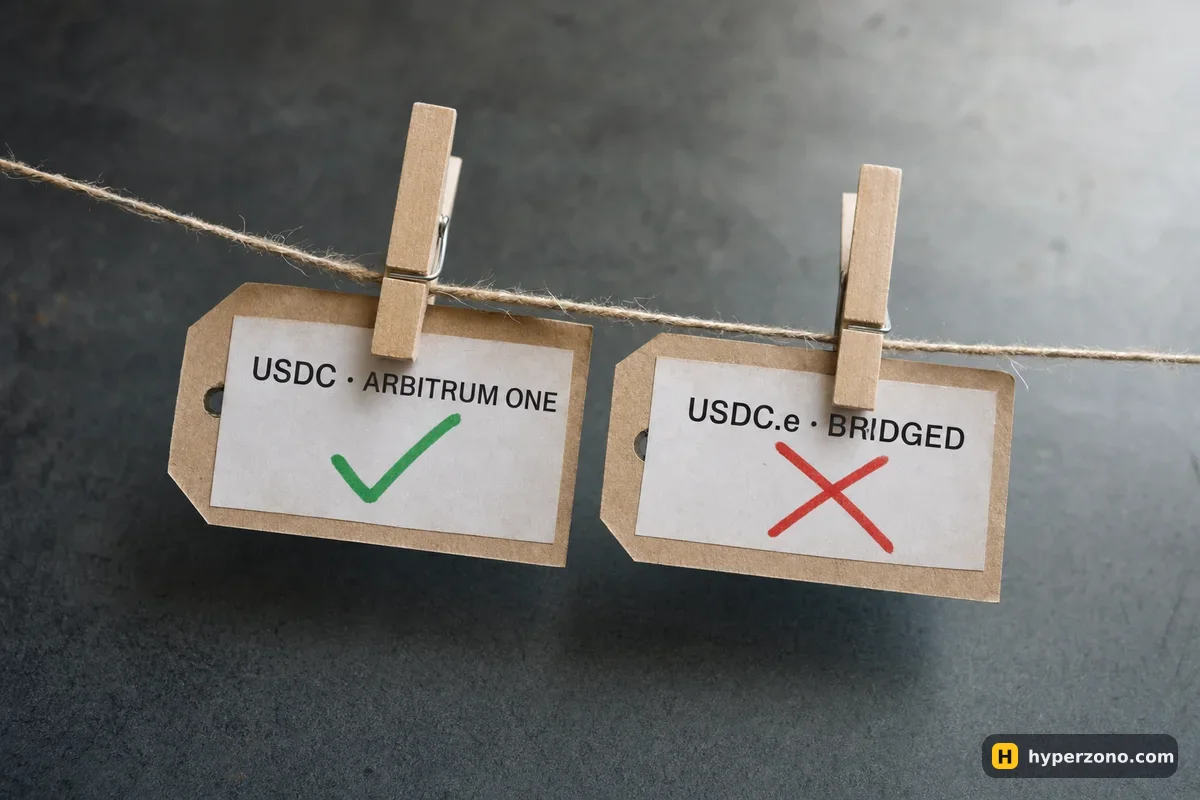
Many people want the money to end up somewhere they can cash out or buy with a card. Open the exchange's deposit page first and read it, before you touch the Hyperliquid withdraw window. Pick USDC, then look at the network list and the exact token name — on Arbitrum there is native USDC and there is an older bridged version usually shown as USDC.e, and they are not interchangeable at the deposit address. If you need a receiving account, you can open a Binance account and read its USDC deposit page before you move anything; note the minimum deposit too, since it is a separate number from Hyperliquid's own, as explained in minimums for deposits, orders and withdrawals.
For a beginner the two-step route is easier to live with: withdraw from Hyperliquid to your own wallet, check the coins are there, then send them from your wallet to the exchange. If something looks off at the second step, the money is still somewhere you control. Make that second transfer a small test first, and move the rest only once it is credited. The exchange half of the journey is covered in withdrawing profit on a centralised exchange.
If the money hasn't arrived
Most of the time the money has arrived and your wallet is simply not showing it. Work through these in order before you assume anything is lost.
- Switch your wallet to the destination network — USDC on Arbitrum will not show while the wallet is still on Ethereum or BNB Chain.
- Add the USDC token to the wallet manually if the balance line is missing; the funds exist on the chain even when the app does not list the token.
- Open Arbiscan — a free site that shows every transfer on Arbitrum — and paste in your own wallet address. Your transfer will be there with a long code next to it (the transaction hash). Copy that code: it is the only thing that proves which transfer was yours.
- If nothing left at all, check your Hyperliquid balance again: when the amount is smaller than the fees, the withdrawal does not go through and the money never moved.
- If you sent to an exchange and it is not credited after the network shows it delivered, give the exchange that code and your deposit address; that is exactly what their support needs.
No Hyperliquid help desk can reverse a transfer for you, so keep your own records: date, amount, fee shown, destination address, transaction hash. Five lines in a notes app turn a panic into a lookup. Other "where did my money go" situations are collected in troubleshooting.
Can I withdraw from Hyperliquid to Solana or another chain?
The destinations you can use are the ones listed in the withdraw window, and the newer route is documented for EVM chains, with the forwarding fee differing by chain. Solana is not an EVM chain, so do not assume it is there — open the window and look at the list. Never paste an address from a different type of network than the one you selected; that money does not come back.
Can I withdraw to a wallet other than the one I trade with?
Yes — you type the destination address yourself, so it can be any wallet you control or an exchange deposit address. The risk is the typing, not the rule. Paste rather than retype, check the first and last characters, and send a small test amount the first time you use a new address.
I sent USDC to the wrong network or address — can I get it back?
Nobody can reverse a transfer for you, and there is no Hyperliquid support desk with that power. If the address is one you control, check the same address on the other chain in your wallet — the coins may be sitting there and still be yours. If it went to an exchange on a network it does not support, send their support the transaction hash and your deposit address and ask; recovery is possible in some cases and impossible in others.
Do I need ETH for gas to withdraw from Hyperliquid?
No — you only sign a message, you are not paying gas to get the money out. You do need a little of the chain's gas coin in the receiving wallet before you can send that USDC anywhere else, so put a dollar or two of ETH on Arbitrum there in advance. Buying gas afterwards, with only USDC in the wallet, is the annoying version of this problem.
What happens to my money if I lose access to my wallet?
Your Hyperliquid balance belongs to the wallet, not to a username, so losing the wallet means losing the way in — there is no password reset and no support team that can identify you. Back up your wallet properly before you deposit anything, and test that the backup works on another device. The same logic applies in the other direction, which is why depositing USDC to Hyperliquid is worth doing in small steps the first time.
Sources and fact-check
Exchange terms were checked against official documents on October 22, 2026. Terms change — before you trade, check what matters to you in the exchange app and in your contract’s specs.
Hyperliquid Docs: Bridge2 (USDC)Hyperliquid Docs: Exchange endpointCircle CCTP: Withdraw USDC from HyperCore to EVM chains