Contents
First check: did the price really reach your level?The price did reach it, and you still got nothingOr your order never sat in the book at allWhere to look in the appWhat to do right nowSee the queue for yourself without risking money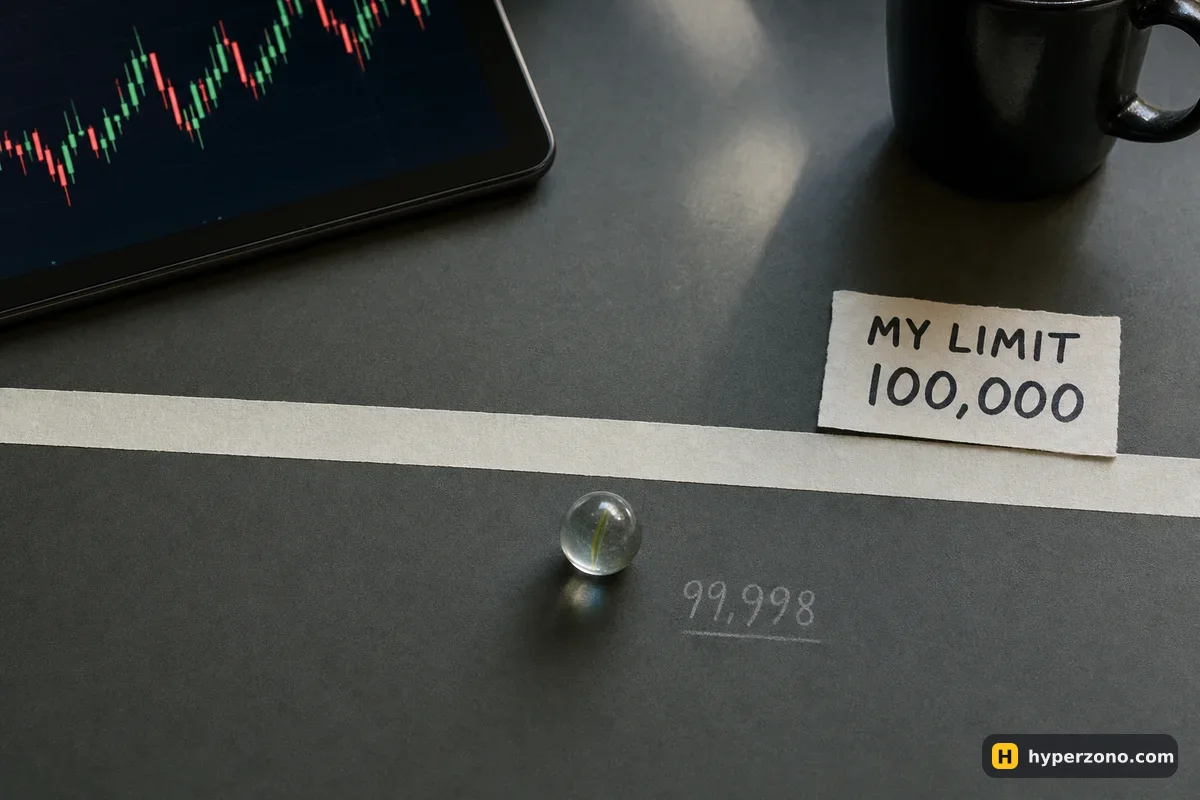
First check: did the price really reach your level?
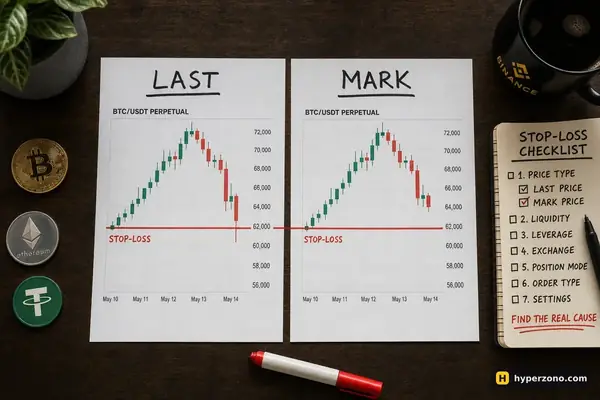
Open the chart of the same contract you placed the order on, switch it to 1-minute candles and look at the exact minute you think your price was hit. You need the price real trades happened at — on most apps it is called last price. Your chart may be showing something else: the mark price, which the exchange works out from an index and uses to decide liquidations, can sit a few dollars away from the price your order actually trades against.
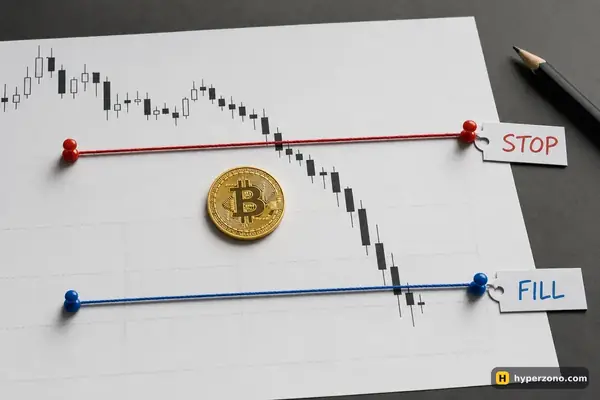
Make sure you are also looking at this exchange's own chart and at plain candles, not at a smoothed candle style like Heikin Ashi, which draws averaged candles and can show a level that real trades never reached. Here's a made-up but very typical case. You place a sell limit at 100,000 on BTCUSDT, the market pushes up, and the highest price in that 1-minute candle is 99,998. On the chart, with a thick candle wick, that looks like it touched your line, but in the order book it means the highest price anybody paid was 99,998 — two dollars below you — so no trade at 100,000 could happen. If the difference is small like this, you have your answer and nothing is wrong with your account; the difference between index, mark and last price is worth five minutes of reading if you have never checked which one your chart shows.
The price did reach it, and you still got nothing
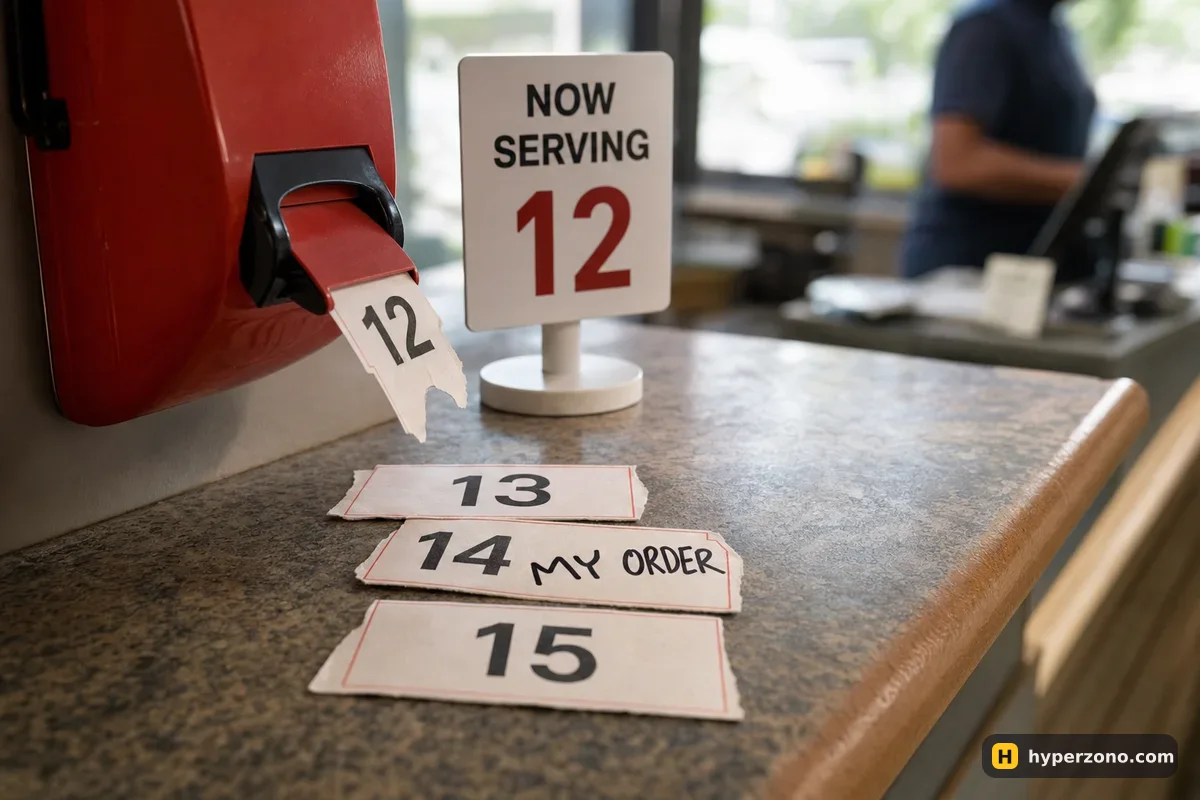
Now the explanation is the queue. Everyone who placed a sell order at 100,000 before you is standing in front of you, and the exchange fills them first — same price, first come, first served. If 3 BTC traded at your level and the orders ahead of you added up to 4 BTC, the move came, took the earlier orders, and left before reaching yours. You can also end up with a partial fill: part of your size is done, the rest is still waiting, and your position is smaller than you planned.
| Ask price | Available, BTC | Taken by market order |
|---|---|---|
| 100,020 | 0.8 | 0.1 |
| 100,010 | 1.2 | — |
| 100,000 | 1.4 | — |
| 99,990 | 0.9 | — |
| 99,980 | 1.5 | — |
| 99,970 | 0.6 | — |
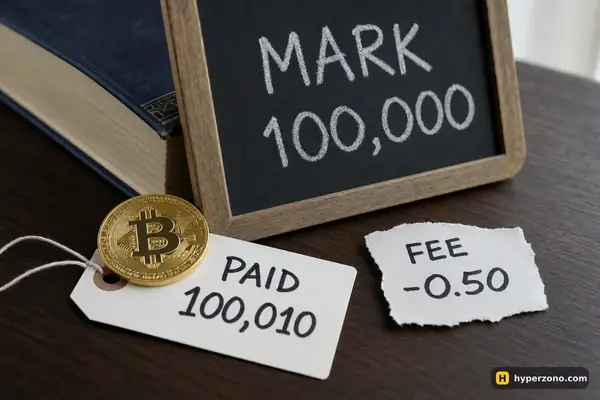
Buying 0.1 BTC with a market order. Average fill ≈ 100,020 while the best price was 100,020: the difference is slippage.
Size matters here too. A large order at a quiet level may only ever fill in pieces, because there simply isn't that much trading going on at your price. If that is your situation, here is what to do with a partly filled order.
Or your order never sat in the book at all
This is the case that confuses beginners most, because the order simply isn't on the screen and it feels like it vanished. In reality the exchange refused it or cancelled it within a second of sending, and the reason is written in your order history. Five causes cover almost everything.
- Post-only was switched on and your price would have matched someone immediately. Post-only means "only let me wait in the book", so the exchange cancels the order instead of filling it. More on this in post-only keeps cancelling my order.
- The time in force was not the usual "stay until I cancel". Some settings tell the exchange to fill right now or kill the order — see GTC, IOC and FOK explained.
- Not enough free margin at the moment of placing. A pending order also reserves money, and an open position or other pending orders may have eaten it.
- Your price was too far from the current market. Exchanges only accept orders inside a band around the current price — the exact band is in the contract specification in the app.
- A setting that only allows closing. If the order was set to reduce or close an existing position and you don't have that position open, the exchange refuses it.
Where to look in the app
Two screens answer the question. Open Orders shows what is still waiting in the book right now; if your order is there, it was accepted and it is simply queued. Order History shows everything that happened to it: fully filled, partly filled, cancelled or rejected, usually with a short reason line. The wording differs between exchanges and languages, but the meaning is the same everywhere, and on a phone these lists are often under the same tab as your positions.
| What you see | Most likely cause | What to do |
|---|---|---|
| The order is still in Open Orders, nothing filled | The last traded price never reached your level, or the queue ahead of you absorbed the move | Compare your price with the 1-minute last-price candle; wait, or place a new order closer to the market |
| Part of the size filled, the rest is waiting | Not enough was traded at your price for your whole order | Decide on the remainder: leave it, cut it, or close the part you already have |
| The order is in history as cancelled within a second | Post-only, or a time-in-force setting that doesn't wait | Turn post-only off, or place the order a little away from the current price |
| The order was rejected | Not enough free margin, a price outside the allowed band, or a closing-only setting with no matching position | Free up margin, move the price nearer the market, or check which position the order was meant to close |
| No order anywhere, but money seems reserved | You are looking at a different contract or a different account mode | Check the symbol at the top of the screen and that you are in the futures account |
What to do right now
You have four honest choices, and the right one depends on why you wanted that price. You can wait, if your idea was "I only want this trade at 100,000 and nowhere else". You can cancel the old order and place a new one a few dollars closer to the market, which usually puts you earlier in a shorter queue. You can take the current price with a market order and pay a slightly higher fee for it — on Binance that is 0.05% instead of 0.02%, which on a 500 USDT trade is 25 cents instead of 10. Or you can cancel and walk away, which is a perfectly good decision when the move you wanted to join has already left without you.
On a quiet contract the fee is rarely the real cost of switching to a market order — slippage is. Your order eats through whatever prices are sitting in the book, and where little is waiting there that can be noticeably worse than the number on the screen. If you are still deciding which order type suits each situation, market or limit covers that choice separately.
Before you place the replacement, make sure the old one is really gone. Cancel first, then refresh Open Orders and confirm the list is empty for that contract. People who skip this step sometimes end up with both orders filling minutes apart and a position twice the size they planned — at which point the next surprise is a liquidation price they never expected.
See the queue for yourself without risking money
Reading about the queue is one thing. Watching your own order sit there while the price comes within a dollar and turns back is what makes you remember it. The simplest way is to open a Binance Futures account and place a few small limit orders in demo mode — one right at the current price, one a bit away — then watch which fills and which does not. Demo trading is not offered in every country, so check whether it appears in your app; our walkthrough is on the Binance demo page. A demo order book behaves like the real one in terms of mechanics, even though execution and your own nerves will feel different with real money.
Is the exchange hiding trades so my limit order doesn't fill?
No. Your order is matched against the public order book, and anyone can see the same prices and sizes you do. When the price stops two dollars short of your level, there is simply no trade at your price to match with. Compare your price with the last traded price on a 1-minute chart and the gap usually explains itself.
Why did the chart show my price but my order says not filled?
The chart may be showing a different price than the one your order trades at — mark price instead of last price, an averaged candle style, or another exchange's feed. Switch to last price and plain candles on the exact contract you traded, and look at the minute in question.
Can my limit order fill only partly?
Yes, and that is normal. If only part of the size was available at your price, you get that part and the rest keeps waiting. Check the filled quantity before you assume you have your whole position.
Should I just use market orders instead?
Sometimes. A market order fills now and costs a slightly higher fee plus whatever slippage the book gives you. A limit order gives you the price you want but no promise of a fill. Pick by what matters more for that particular trade: being in, or being in at your price.
My order disappeared right after I placed it. Where did it go?
Look in Order History rather than Open Orders. An order cancelled within a second usually means post-only would have matched immediately, or a time-in-force setting that does not wait. A rejected one usually means not enough free margin, a price outside the allowed band, or a closing-only setting when you had no matching position open.
How long should I leave an unfilled limit order waiting?
As long as the idea behind it still makes sense. If you wanted to buy on a pullback and the price has run away without you, the order is no longer part of a plan — it is just sitting there waiting for a move you never thought about. Cancel it, and keep a short note of why, so you can see later whether waiting for your price usually pays off.