Contents
Start with the order history, not the chartCause 1: your stop was watching a different priceCause 2: it triggered, but the order never filledCause 3: a protection setting blocked the trigger on purposeCause 4: the stop no longer matched the positionFive checks before you set the next stop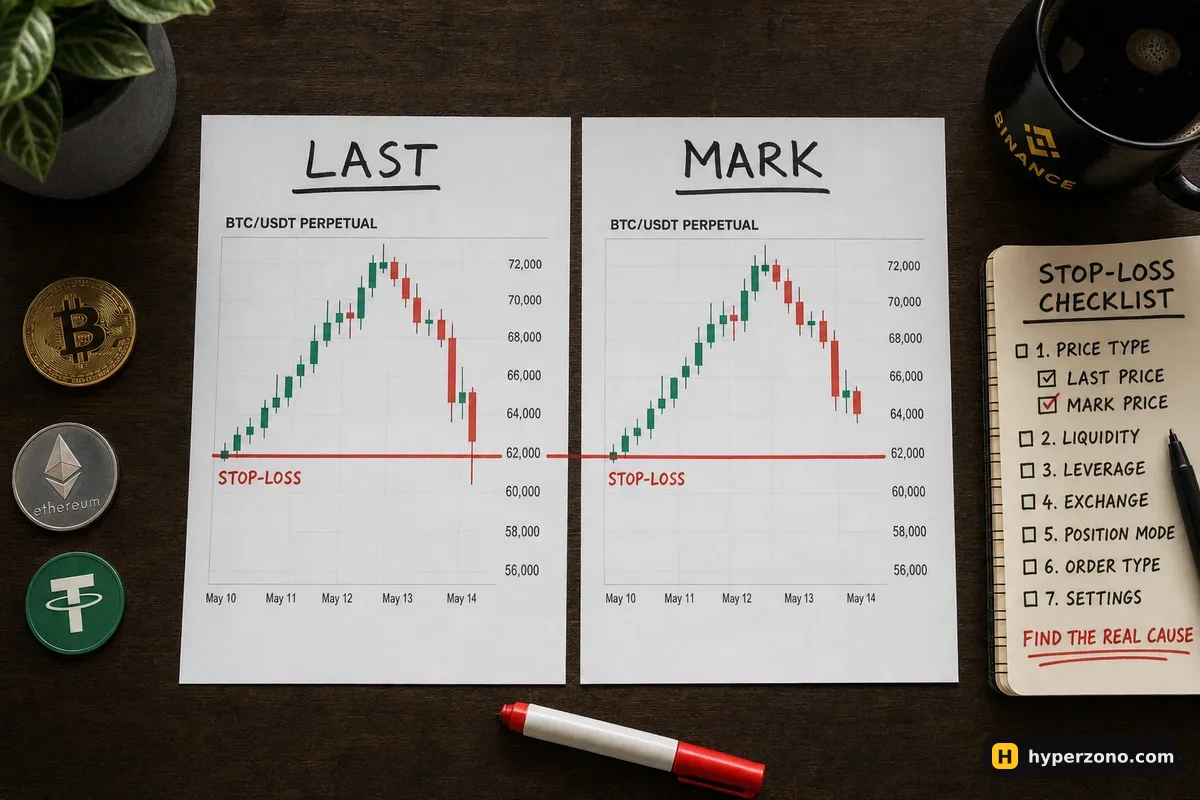
Start with the order history, not the chart
The chart will happily show you a long wick below your stop line and convince you that you were robbed. The chart is not evidence. Open the app, go to the history for that contract and find the stop order itself — exchanges usually keep conditional orders like stops and take-profits in a separate list from ordinary filled trades, so switch to that list.
Look at the status on the order. If it still says it was never triggered, or it is simply sitting there waiting, your trigger condition was never met — that is a price problem. If it says the order was triggered but then cancelled, expired, or left a limit order waiting at a price the market has already passed, the trigger worked and the fill did not — that is an order-type problem. A stop that never fired and a stop that fired without filling are two different failures, and mixing them up is why people decide stops "don't work".
Note the exact timestamp too. If the stop disappeared at the same minute you touched the position — closed part of it, added to it, edited the size — the cause is almost certainly cause 4 below, not the market. Wording for statuses varies between exchanges, so read what your own app shows rather than what a tutorial says it should show.
Cause 1: your stop was watching a different price
A futures contract shows you more than one price at the same time. The candles you usually look at are built from the last traded price on that exchange, while the exchange calculates liquidations from the mark price, a fairer price derived from an index of several markets. Your stop order has its own setting for which of those prices triggers it, and the two can differ by a surprising amount during a fast move.
Here is an illustrative example with round numbers. You are long bitcoin from 83,000 USDT with a stop at 81,500. One minute of panic selling pushes the last traded price down to 81,380 — your chart shows a thin wick straight through your line — but the mark price only dips to 81,620 in the same minute, because other markets did not fall as far. If your stop was set to trigger on mark price, nothing was supposed to happen, and nothing did. Price came back, your position survived, and your stop is still sitting there untriggered.
The same thing happens when the wick you remember was on another exchange's chart or a TradingView feed that is not the contract you traded. Before you blame anyone, pull up the mark price line for that contract in the app and check whether it ever reached your number. If the price types are new to you, the three prices on a futures screen explains what each one is for in plain words.
Cause 2: it triggered, but the order never filled
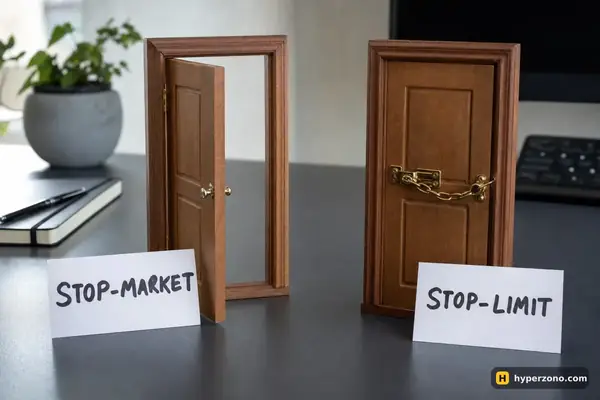
A stop order is really two things: a trigger price that wakes the order up, and the order it then sends to the market. With a stop-limit, the order that wakes up is a limit order at a price you chose. In a fast drop the market can jump straight past that limit price, and then your order just waits at that price and nobody trades with it, or it gets cancelled, while the position stays open and keeps losing. The history will show the trigger fired and no fill behind it.
With a stop-market the order that wakes up is a market order, so it almost always fills — but at whatever price is available, which in a crash can be well below your trigger. That is a different complaint, and it is covered in why your stop filled far from your stop price.
If you want the position to close even at a worse price, a stop-market does that job; if you refuse to be filled below a certain level and accept that the stop may not fill at all, a stop-limit does that one. When you do set a stop-limit, put the limit price a little further in the direction price is moving — a bit below the trigger if you are long, a bit above it if you are short — so the order still has room to be filled instead of sitting on the side the market has already left. Choosing between stop-market and stop-limit walks through both before you place the next one.
Cause 3: a protection setting blocked the trigger on purpose
Exchanges know that during a violent candle the last traded price on one venue can run far away from the fair mark price, and that this can fire stops at prices that never really existed. Some of them therefore offer a protection setting that refuses to trigger a stop while the gap between those two prices is unusually wide. It exists to protect you from a fake wick, and the cost is that during a genuinely wild crash your stop can sit still while you expect it to fire.
Open the order window where you set your stop and read the options next to the trigger price — names and exact rules differ by exchange, so check what your app says and what the exchange's own help page explains for that setting. The honest summary is the one you already suspect: no stop can promise you a maximum loss, which is explained properly in does a stop loss guarantee your loss limit.
Cause 4: the stop no longer matched the position
Stops are attached to a position with a size. Change the position and the attachment can change too. Closing part of the trade by hand, adding to it, flipping direction, editing the order, or having the position closed by the exchange can leave you with a stop for the wrong quantity — or with no stop at all, quietly cancelled minutes before the move you were worried about.
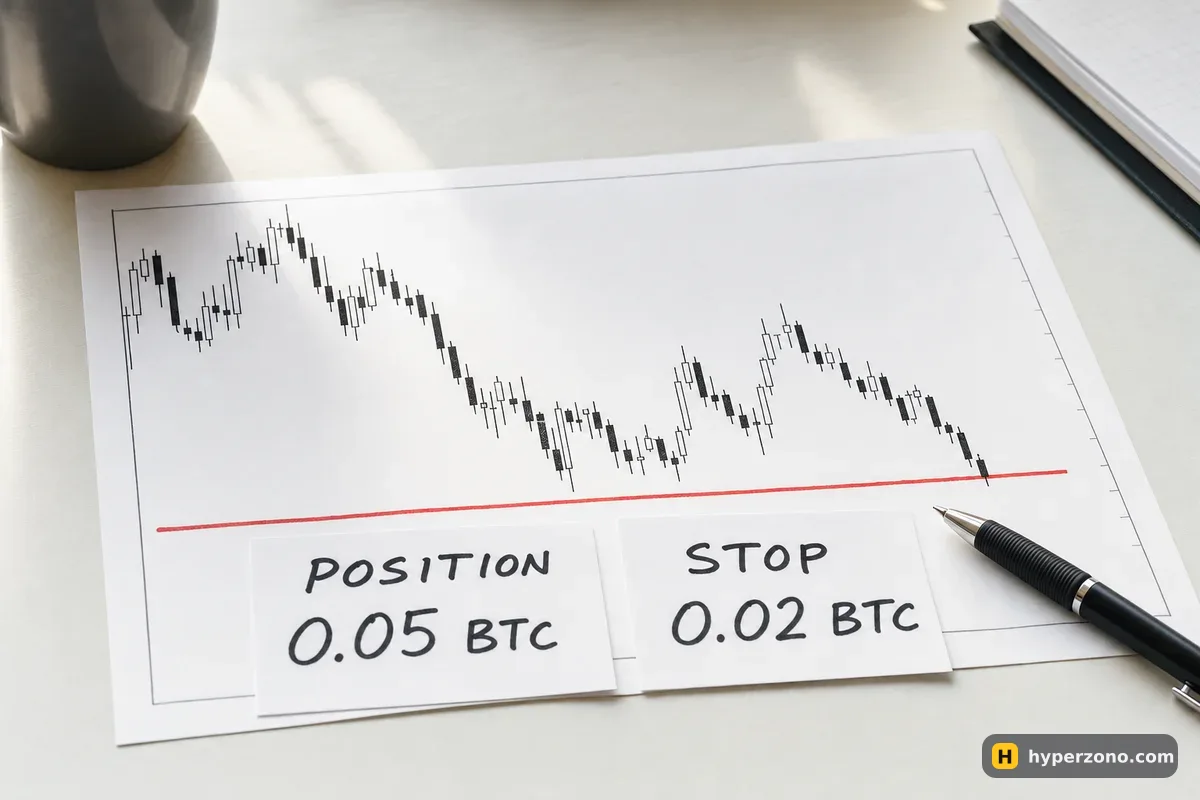
Two more versions of this are worth checking in the history. If the position was already gone when the price reached your level — liquidated, or closed by auto-deleveraging — the stop had nothing left to close. And sometimes the stop was simply placed on a different contract, a different direction, or in demo mode while the real trade ran elsewhere. That last one is more common than people admit, and the history settles it in ten seconds.
| What the history shows | What probably happened | What to change next time |
|---|---|---|
| Stop still active, never triggered | The price series your stop watches never reached the level, even though the candle chart did | Set the trigger price type yourself and check the mark price line, not only the candles |
| Triggered, then cancelled or expired, no fill | A stop-limit whose limit price the market jumped over | Use a stop-market if your priority is getting out |
| Filled, but far from your price | A stop-market filling into a fast, thin move | Size the trade so a worse fill is still survivable |
| Cancelled at the moment you edited the trade | The stop no longer matched the position after a partial close, an addition or an edit | Re-check the stop right after any change to the position |
| No stop order at all for that contract | It was placed on another contract, another side, or in demo | Confirm the stop appears in the open orders list before you walk away |
One minute of checking beats an hour of arguing. Screenshot the stop order with its status, trigger type and timestamp before you do anything else. If you later need to ask support, that screenshot is the whole conversation; if you don't, it is still the clearest lesson you will get this month.
Five checks before you set the next stop
Decide which price should trigger it
In the order window, pick the trigger price type on purpose instead of leaving whatever was selected last time, and know whether you are watching mark price or last price.
Decide what happens after the trigger
Stop-market if you want out at any reasonable price; stop-limit if you would rather stay in than be filled below a level you name.
Read the protection options once
Whatever your exchange calls the setting that blocks triggers during a wide price gap, know whether it is on and what it means for you.
Confirm the stop is really there
After placing it, look at the open orders list and check the contract, the side and the quantity — all of it, not just the price.
Re-check it after any change
Every time you close part of the position, add to it or edit it, look again at the stop and make sure the size still matches.
The cheapest way to make all of this stick is to watch it happen with no money at risk. Binance has a demo trading mode inside the futures section, though it is not available in every country, so check whether it opens for you. If you do not have an account yet, you can open one with Binance and try demo mode — that link carries our referral code and we may receive a reward, which changes nothing about how your stop behaves.
Every stop has two settings: which price wakes it up, and what order it sends. Once you have seen both of those happen in front of you, the order history on a real trade stops being a mystery. If something else on your screen does not add up, the rest of the troubleshooting section works the same way.
Can an exchange ignore my stop loss on purpose?
A stop is an instruction with conditions, and the exchange executes it when those conditions are met. What feels like being ignored is almost always a condition that was never met — a different price series, a limit price the market jumped over, or a protection setting. The order status in your history will say which, and that record is the same record support looks at.
Why does my chart show a wick through my stop if the stop never fired?
Your candles are usually built from the last traded price on that venue, while your stop may be watching the mark price, which blends prices from several markets. During a sharp spike those two can be far apart for a short time. Pull up the mark price for that contract and check whether it reached your level.
Should a beginner use a stop-market or a stop-limit?
If your main fear is staying in a trade that keeps falling, a stop-market is the simpler choice, because it fills in almost any market — just not always at your price. A stop-limit protects you from a terrible fill but can leave you in the trade. Pick one on purpose, and size the position so either outcome is survivable.
My stop disappeared after I closed part of the position. Is that normal?
It happens often, because the stop was tied to a position size that no longer exists. Whenever you close part of a trade, add to it, or edit it, open the order list straight afterwards and check that a stop is still there with the right quantity. Treat it as part of the same action, not a separate task.
Does a stop loss work while my phone is off?
Yes — the order lives on the exchange, not in your app, so it keeps working while you sleep or lose signal. That is exactly why the settings matter: nobody will be there to fix the trigger type or an unfilled limit order at three in the morning.
Can I test all this without risking money?
Demo futures trading lets you place one stop at a time with different settings and watch each one behave on live prices. Availability depends on your country and the contract you pick, so check in the app. Demo will not reproduce every real fill, but it shows you clearly which stop fires and which one sits still.