Contents
Why the number moves after the first losing tradePer-trade risk and per-session risk are two different numbersCount your open trades inside the limit, not after itWrite the rule so you can't argue with it laterWhat to do in the hour after the limit is hitTry the numbers in demo before you risk real money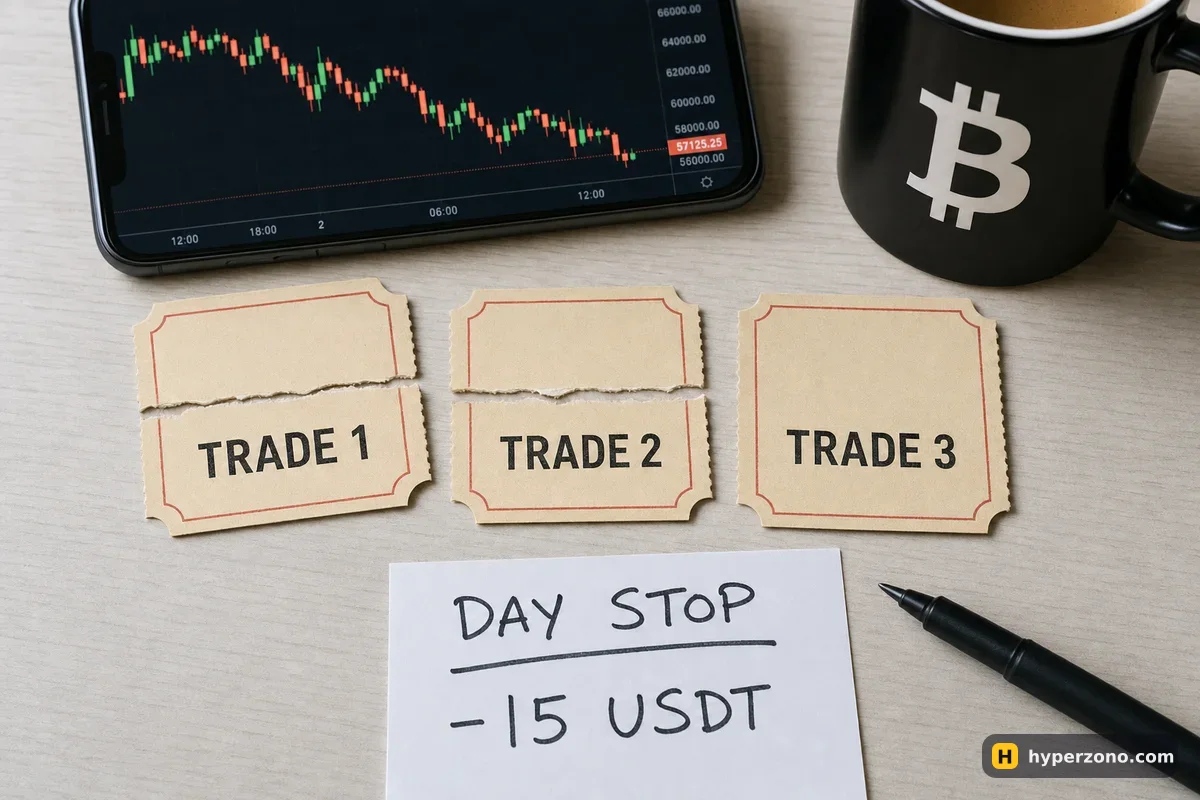
Why the number moves after the first losing trade
Here is how it usually goes. You decide you will risk about 3% of your account in a day, you take one loss, and the market immediately does the thing you expected it to do five minutes earlier. Now you are looking at the same chart with the same idea, except you are 5 USDT down and that one trade feels like bad luck rather than a result. So you tell yourself the limit was meant for bad days, and this is not a bad day, it is a slow start.
You can talk yourself out of it because the rule never said anything precise. "About 3%" does not say what counts as a loss, when the day begins, whether an open trade counts, or what you actually do when you get there. In front of a moving chart, a rule like that loses every time. A daily limit only works when it is one exact amount in USDT, written down before the session, with a written answer to "what happens when I get there".
Losing money back out of frustration is one of the classic reasons beginners end up with less than they started — we go through the whole list in why beginners lose on futures. This page is only about the one mechanism that stops it: a number you cannot argue with.
Per-trade risk and per-session risk are two different numbers
A common way to size trades is to risk no more than 1% of your account on each one. Your stop is the order that closes the trade automatically if price goes the wrong way. The gap between your entry price and that stop is the money that trade can take from you — that is the amount to count, and how to place it is covered in what a stop loss is and why you need one. On a 500 USDT account, 1% means 5 USDT: not 5 USDT as the size of the position, but 5 USDT as the loss if the stop is hit.
Your daily limit is simply a multiple of that per-trade risk — usually two to four trades' worth. If one stop costs you 5 USDT and you are willing to be wrong three times before you stop for the day, your daily limit is 15 USDT. That is the whole calculation. You are not picking a percentage out of the air; you are deciding how many times you are prepared to be wrong in one session.
| Account | Risk per trade (1%) | Three trades wrong | Daily limit |
|---|---|---|---|
| 500 USDT | 5 USDT | 5 + 5 + 5 | 15 USDT |
| 1,000 USDT | 10 USDT | 10 + 10 + 10 | 30 USDT |
| 2,000 USDT | 20 USDT | 20 + 20 + 20 | 60 USDT |
If you keep the same amount at risk whatever your balance does, the limit stays the same from day to day; if you prefer to scale it with the account, recalculate it on a fixed schedule, never in the middle of a session. On a small balance you may also meet a different wall: the smallest position the exchange allows can risk more than you planned. Working out the volume that makes your stop cost exactly your per-trade number is a topic of its own — see how much money to put into one trade.
The quickest way to get that volume is to let the position size calculator do it, rather than guessing and rounding afterwards. Type your account size, your per-trade risk and your stop distance below and see what comes out.
Count your open trades inside the limit, not after it
This is the part most daily limits get wrong. People count only what has already closed, so two closed losses of 5 USDT each read as "10 out of 15, I have room for one more" — while a third trade is already open with a stop 5 USDT away. That money is not free. It is committed. If the limit is 15 USDT and you have 10 USDT closed plus 5 USDT sitting in an open stop, you are at the limit right now, even though your screen shows the day at minus 10.
So the daily tally has three parts. First, what you have already lost today, fees included — and if you held a perpetual contract through a funding payment time, that small payment comes out of the same budget. Second, the entry-to-stop distance on every open position. Third, any pending order that could still fill and open a new trade. Add those three together and that is your committed total for the day.
Here is a full session on a 500 USDT account, with 5 USDT of risk per trade and a 15 USDT daily limit:
- Trade 1 stops out: −5.20 USDT with fees. Running total: 5.20 of 15.
- Trade 2 stops out: −4.90 USDT. Running total: 10.10 of 15.
- Trade 3 is open, entry to stop is worth 4.80 USDT. Committed total: 14.90 of 15 — the day is fully booked, so you cancel the two limit orders waiting in the book and open nothing new.
- If trade 3 stops out, the session ends at −14.90 and you are done. If it reaches a target worth twice its risk, the day ends at roughly break-even instead, and you are still done — the rule says no new orders either way.
Notice what this also prevents. Widening the stop on trade 3 to "give it room" does not buy you anything, because the extra distance goes straight onto the daily tally and pushes you over the limit immediately. The counting rule quietly closes the door that most traders walk through on a bad day — and for a trade that is simply going nowhere, closing it at a time you decided in advance is cleaner than moving the stop further away.
A limit you can recalculate during a session is not a limit. The number is allowed to change once a week, on a quiet day, with your trade journal open — never with a position on the screen. If you want to raise it, the new number applies from the next session, not from this one.
Write the rule so you can't argue with it later
Decide now what you will do when you reach the number. The decision costs nothing when you are calm and costs everything when you are three trades down. Keep the written rule to five lines on paper or in your notes app, where you can see it before you tap anything.
Write the number in USDT
Not "3%" and not "around 15". One figure, for example 15.00 USDT, decided from your per-trade risk and how many times you accept being wrong in a row.
Write what counts toward it
Your closed losses, with fees and any funding payments already taken out, plus the entry-to-stop distance on every open position, plus any pending order that could fill. Profits during the day do not top the limit back up — a trade that went well does not buy you an extra loss.
Write when the day starts and ends
Pick a clock, for example 00:00 UTC, or simply "my session is from 19:00 to 22:00 my time". Crypto trades around the clock, so without a stated boundary your "day" quietly becomes "until I feel better".
Write what happens the moment you reach it
For example: cancel all pending orders, leave open positions with the stops they already have, close the trading app, write three lines in the journal. Decide in advance whether you close open trades at that point or let their existing stops do the work — both are fine, but choose now, not then.
Write the rule for coming back
The next session, with the same number. Not a bigger one to win it back, not a smaller one as punishment. If you want a cooling-off period of a full day after two limit days in a week, write that down too.

What to do in the hour after the limit is hit
The limit is hit; the urge to open one more trade is still there. Give that hour a script, because an empty hour in front of a chart fills itself. Cancel the pending orders first — that removes the possibility of the market making the decision for you. Then close the futures screen and open your journal: three lines on what each trade was, where the stop was, and whether you followed your own entry rules. That takes ten minutes and turns a bad session into something you can use.
Do not expect the exchange to stop you. If your app has anything like a trading pause, you will find it in the account settings — worth a look, and worth reading up on in pausing your own futures trading, but do not build the plan around it. What the exchange does automate is at product level: a bot or a copy portfolio has its own stop setting, where you choose the total loss that shuts it down. The limit that matters for your own trades is the one you wrote down and the pending orders you cancelled.
One more practical habit: log out, or at least move the futures app off your phone's home screen for the evening. Friction is not a weakness, it is a tool. The decision you made this morning deserves a few extra taps of protection against the version of you that is annoyed at 11pm.
Try the numbers in demo before you risk real money
A daily limit is only as good as the position sizes behind it, and those need checking on a real order window rather than on paper. Open the order form, type the quantity your calculator gave you, and look at what the screen says the position is worth and where your stop sits. If the smallest allowed size already risks more than your per-trade number, you have learned something important before any money moved.
Demo mode is the cheap way to do this. You can sign up on Bybit and switch to its demo trading, and our walkthrough of opening a Bybit demo futures account shows where the switch is and what changes on screen. Run three or four sessions with your written rule in front of you, mark each one as "limit respected" or "limit moved", and you will know exactly which part of the rule is too loose. Just remember that demo does not reproduce real feelings or real fills — the same rule is harder to keep when the money is yours.
When you move to real money, start with amounts where hitting the daily limit is annoying but not painful. The whole point of the number is that it is survivable. Minus 15 USDT on a 500 USDT account is a normal bad day — you open the app tomorrow and carry on. A session with no limit at all is how 500 USDT becomes 200 USDT in one evening. Check that the futures product you want is available where you live when you sign up; the app tells you during registration.
What percentage should a daily loss limit be?
There is no official figure, and anyone who gives you one is guessing about your account. Build it from the bottom instead: decide what one losing trade costs you, then decide how many losing trades in a row you accept in one session. Two to four trades' worth is what most people end up with, which lands somewhere around 2–4% of the account if each trade risks about 1%.
Does unrealized loss count toward the daily limit?
Count the distance from entry to your stop, not the live floating number. The floating profit and loss jumps around every second and would have you stopping and restarting all day. The stop distance is the money that trade can actually cost you, so book that amount against the limit as soon as the position is open.
What if I hit the limit in the first ten minutes?
Then your session is over, and that is exactly when the rule earns its keep. A fast loss feels like an accident and tempts you to call it a false start — it is not, it is two stops in a row. Cancel the pending orders, write the three journal lines and come back at your next scheduled session with the same number.
Can I raise the limit after a good week?
Yes, but only between sessions and only in the same way you set it: recalculate your per-trade risk from the current balance, multiply by the number of trades you accept being wrong on, and use the new figure from tomorrow. Changing the number while a position is open is how the limit stops working.
Does a daily limit still make sense if a bot or copy trading does the trading?
The counting logic is the same, but the switch is different: you are not deciding when to stop clicking, you are deciding at what total loss the bot or portfolio should be stopped. Set that in the product's own stop settings, and keep your manual trades on a separate tally so you do not accidentally spend one budget twice.
Should profits during the day increase my limit?
Keeping them separate is simpler and safer. If a 10 USDT profit lets you take two extra losses, your real risk for the day quietly doubles on exactly the days when you feel most confident. Let the profit be profit and leave the loss budget where you set it.
Sources and fact-check
Exchange terms were checked against official documents on October 29, 2026. Terms change — before you trade, check what matters to you in the exchange app and in your contract’s specs.
Binance Academy: A Beginner's Guide to Risk Management