
Contents
What to type into the calculatorA worked example: 500 USDT and 1% riskWhy the rounded quantity mattersWhen the margin doesn't fitThe math behind it, in plain numbersMost beginners do it backwards. They pick a round number — "I'll put 50 USDT into this" — open the trade, and only then wonder where the stop should go. The honest order is the opposite: your account, your risk per trade and your stop level are the inputs, and the position size is the answer that comes out.
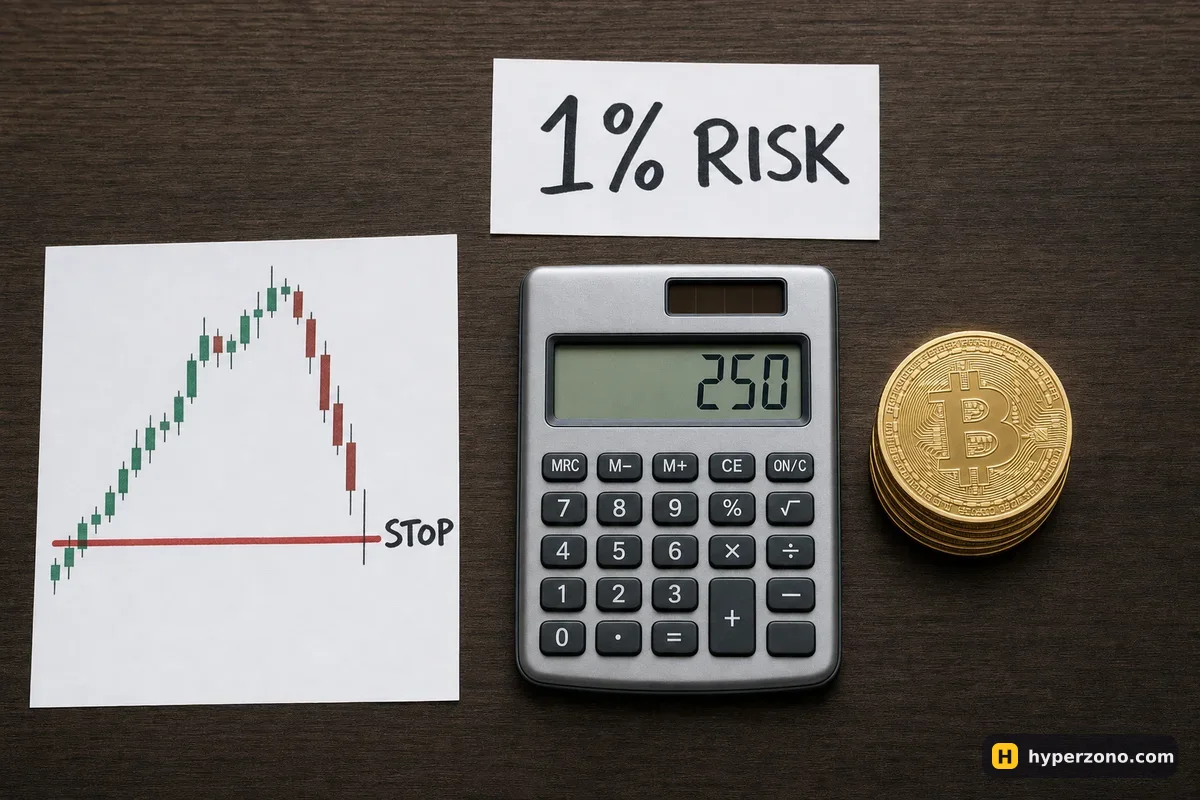
What to type into the calculator
In the first field put the money that is actually in your futures wallet — not your savings, not what you plan to deposit later. In the second you decide how much of it you are ready to lose if this trade goes wrong; many people keep that near 1%, so 5 USDT on a 500 USDT account. There is no magic number, and the full reasoning behind picking yours lives in how to work out how much to put into one trade.
Then you give it two prices: where you expect to get in, and where you give up on the idea. That second one is the stop level you would set in the order window anyway, as described in how to set a stop loss. Use the price you think you will really get, a little worse than the level you set — when the stop fires, the exchange closes your trade at whatever price is available right then, and in a fast move that can be worse than your level: lower on a long, higher on a short.
The last two fields are small technical details, but skipping them gives you a number you cannot actually trade. The quantity step is the smallest increase the contract allows — 0.001 BTC on Binance's bitcoin contract, for example, so you can hold 0.005 BTC but not 0.0057; check the contract details in whichever app you use. Leverage here only estimates the margin you will need; it does not change how much you lose at the stop.
A worked example: 500 USDT and 1% risk
Say you have 500 USDT and you are willing to lose 1% of it, so 5 USDT. You want to go long bitcoin at 83,500 and your stop sits at 82,665, about 1% below entry, so the price has to fall 835 USDT before your stop hits. That means every whole bitcoin you hold would lose 835 USDT. Divide 5 by 835 and you get 0.00599 BTC. (All these numbers are illustrative; your own prices will differ.)
The quantity step is 0.001, so the calculator rounds down to 0.005 BTC. That's a position of about 417 USDT, and your loss if the stop closes you near that level is 0.005 × 835 ≈ 4.18 USDT, plus roughly 0.4 USDT of entry and exit fees. At 10x leverage the exchange would set aside about 42 USDT of margin — the position is 417 USDT, but if the stop fills near your level you lose under 5 of it. In a fast move it can be a little more, and that is exactly why the stop level matters more than the leverage number. If fees weigh on your sizing, the fee calculator breaks them down separately.
Why the rounded quantity matters
The calculator above always rounds down, never up, so your actual risk comes out at or below the number you asked for. On cheap altcoins with a fine quantity step the difference is a few cents. On bitcoin with a 0.001 step and a small account, the gap can be real — 0.00599 becomes 0.005, and your risk drops from 5 USDT to 4.18. That is the safe direction to be wrong in.
If the rounded quantity comes out as zero, your account and your stop distance simply don't fit that contract yet. You have three honest options: pick a coin with a smaller minimum order, move your stop to a level that is genuinely wider rather than artificially wide, or accept a larger risk percentage with open eyes. Pretending the trade is small when it isn't is the one option that ends badly.
When the margin doesn't fit
The other warning sign goes the other way. With a very tight stop — say 0.2% from entry — the quantity needed to risk 5 USDT becomes large, and the margin at low leverage can exceed everything in your futures wallet. Raising the leverage field makes the margin fit, but it also pulls your liquidation price closer to your entry, and you can see where that lands with the liquidation calculator.
Leverage is not your risk. Your loss at the stop is set by the quantity and the stop distance. Leverage only decides how much margin the exchange holds and how close the liquidation price sits. Keep the stop well in front of liquidation and the leverage number stops being scary — more on that in what leverage a beginner should use.
The math behind it, in plain numbers
The math is short: your quantity times the distance from entry to stop is the loss you accepted, plus the entry and exit fees, which are charged on the size of the position and not on the margin. On a short the stop sits above your entry, so the calculator measures the distance upward instead. Funding and liquidation are not in this number — they have their own pages — and what the trade earns if it goes your way is the job of the profit and loss calculator.
The quickest way to make these numbers feel real is to size one trade here, then sign up on Bybit, put the same quantity into the order window in demo mode and see the margin the exchange shows you.
What risk per trade should I use as a beginner?
Something small enough that five losses in a row still leave you trading and thinking clearly. Many people land on 1% of their futures balance per trade; on a 200 USDT account that's 2 USDT. There is no number that works for everyone, and anyone who tells you otherwise is guessing.
Why is my actual risk lower than the percentage I entered?
Because the quantity is rounded down to the contract's quantity step. You asked for 0.00599 BTC, the exchange only trades bitcoin in 0.001 steps, so you get 0.005 and a slightly smaller loss at the stop. Rounding up would quietly push you over your limit, so the calculator never does it.
Does the calculator include funding and liquidation?
No. It handles entry and exit fees, but funding payments on perpetual contracts and the liquidation price are separate — see the funding calculator and the liquidation calculator for those.
Can I use it for altcoins, stock or gold perpetuals?
Yes, for any USDT-settled contract where profit is counted in USDT. Just check the quantity step and the minimum order size for that specific contract in the app, because they vary a lot between bitcoin and small altcoins.
What if my stop is so tight the margin doesn't fit my balance?
That's the calculator telling you the trade doesn't fit your account at that leverage. Either widen the stop to a level that actually makes sense on the chart, lower the risk percentage, or raise the leverage knowing your liquidation price moves closer to entry.