
Contents
What you actually get with a Bybit demo accountWhere the Demo Trading switch is, on web and in the appGetting your virtual USDT, and what if you run it downOpening your first demo trade with a stop-loss and take-profitWhere demo is not like the real exchangeSwitching back to your real account safelyIf the demo option does not show up for you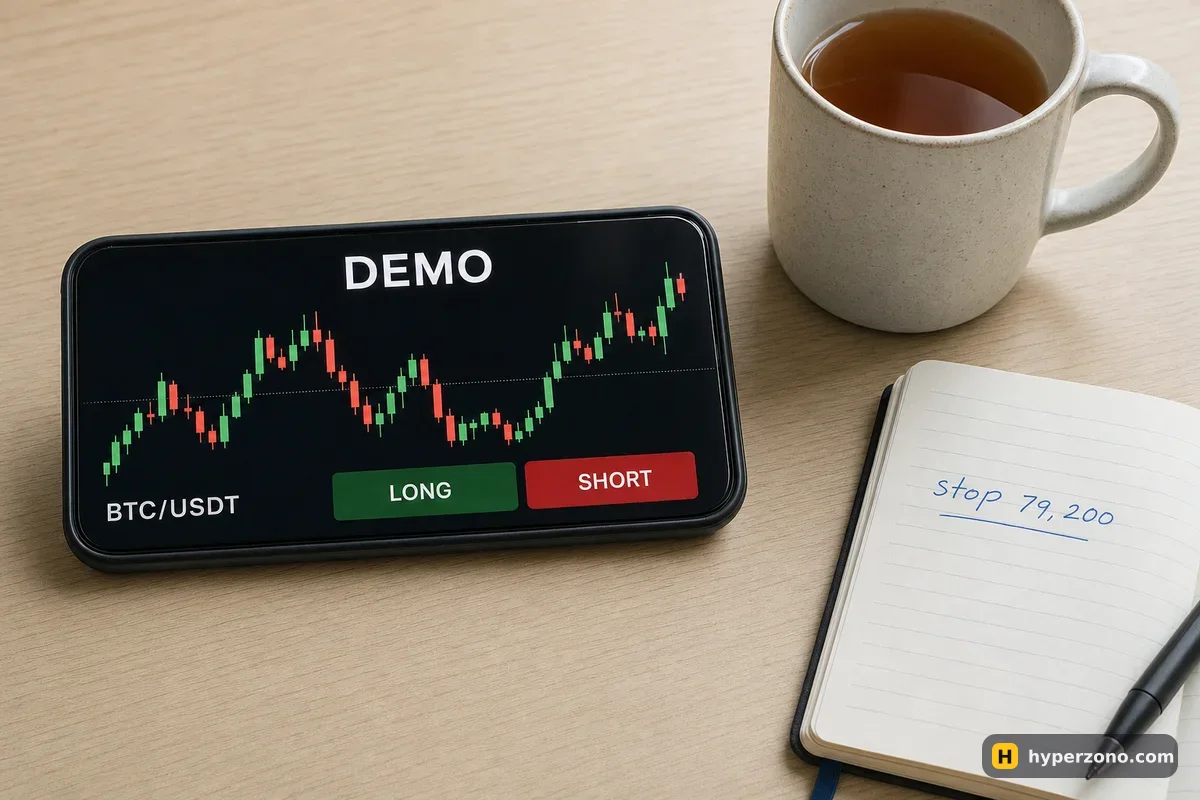
What you actually get with a Bybit demo account
Demo Trading on Bybit is a copy of the futures terminal filled with play money. You see the same chart, the same order window, the same leverage slider and the same long and short buttons, and the prices move with the real market. The difference is the balance: it is virtual USDT that Bybit hands you, and it can never be withdrawn or turned into anything real.
That makes it the cheapest place to make your first ten mistakes. You can set leverage too high and watch the position get closed out, forget a stop-loss and see what that costs, or hold a trade overnight and check what it looks like in the morning. Demo is for learning where the buttons are and how the numbers move — it does not prove that the same trades would have made you money for real, because in demo your order is matched by a simulator, and your own nerves are not in the trade. Both of those change when the money is real. There is a whole page on how demo differs from live trading if you want that side of it in detail.
Where the Demo Trading switch is, on web and in the app
You need an ordinary Bybit account first — demo lives inside it rather than next to it. If you do not have one yet, you can sign up on Bybit with an email or phone number and come straight back to this step. During sign-up the app will tell you whether Bybit serves your country. If you are in the European Union area, Bybit may sign you up through its separate European company instead, and the list of things you can trade there can be different — so go by what your own screen shows.
One thing before the steps: menu wording and icon positions change as the app is updated, so treat the names below as what to look for rather than a fixed map. The pattern is stable — your account menu is where you move between the real account and the practice one.
On the website: open your account menu
Sign in, then open the menu that sits behind your account icon — the one with your balances and settings. Demo Trading is one of the entries in it. Click it.
Confirm the switch to the demo account
Bybit opens the practice version of the terminal. The layout is the same, but there is usually a colored banner or label on screen reminding you that this is demo money. If you ever lose track of which account you are in, that marker is the thing to look for.
In the app: find the same menu
Open the Bybit app and tap your account icon to reach the same menu with your balances and settings. Demo Trading sits among the account options. If you cannot find it, scroll the whole menu once — practice modes are often grouped with the account and wallet settings rather than with trading.
Open the futures screen
Once you are in demo, open the trading screen and pick a bitcoin contract paid in USDT (BTCUSDT) — a perpetual, which simply means it has no end date. Bitcoin is the usual starting point because it moves calmly compared with small coins. Not every contract that exists on the live exchange is guaranteed to be in demo, so if a ticker you wanted is missing, practice the mechanics on one that is there.
Getting your virtual USDT, and what if you run it down
Bybit funds the demo account with virtual USDT, so there is nothing to deposit and nothing to buy. If you trade it down, look on the demo balance screen for a top-up option. Whether it is there, how much you get and how often you can ask are shown on that screen, and these details change, so read them in the app rather than taking a number from any guide.
If you can refill it, do. Losing practice money is exactly what it is for. If you wipe out your practice balance three times in an afternoon, stop and ask what was common to all three: too much leverage, no stop, or a coin you had never looked at before. That question is worth more than any course. When you trade for real, the same question still works — it just costs you money to ask it. That is why most beginners lose.
Opening your first demo trade with a stop-loss and take-profit
Do not just click long and watch. Practice the full routine from the start, because the routine is the skill. Here is what that looks like on the demo screen.
Pick the contract and the margin mode
Choose BTCUSDT. In the order area, set the margin mode to isolated so that only the money you assign to this trade is at risk. There is more on that choice in cross vs isolated margin.
Set the leverage low
Open the leverage control and move it down to something small, 2x or 3x, even though it is play money. High leverage in demo teaches you a habit you cannot afford once the money is yours.
Enter the size, not the margin
The quantity field asks how much of the coin you want, and the screen shows the margin it will take from your demo balance. Start tiny on purpose, so the numbers stay easy to follow in your head.
Add TP/SL before you confirm
In the order window there is a section for take-profit and stop-loss. Tick it and type both prices before you open the trade, so the protection exists from the first second. The detail of picking a level is in how to set a stop loss.
Open, then leave it alone
Confirm the order and find the position in the list below the chart. Watch the profit number next to the position — it moves up and down every second while the trade is open, and it only becomes real money when the trade closes. Leave it alone, and let either the stop or the take-profit do its job once, so you have seen the whole cycle end without you.
An illustrative run-through: bitcoin at 80,000, you open 0.01 BTC long, which is 800 USDT of position. At 3x leverage the exchange holds about 267 USDT of your demo balance as margin. You set a take-profit at 81,600 and a stop at 79,200. If the price reaches the take-profit you gain 0.01 × 1,600 = 16 USDT before fees; if it hits the stop you lose 0.01 × 800 = 8 USDT. Those are made-up numbers for the walkthrough, but the math is the same math you will use for real.
Where demo is not like the real exchange
A practice environment is a simulation, and simulations cut corners. Your demo orders are matched by a simulator rather than against the real crowd of buyers and sellers, so an order that goes through instantly and at exactly the price you expected in demo can be slower or get a worse price in the live market, especially on a small coin where few people are buying and selling, or during a fast move. Some parts of the live account may also be missing or simplified in demo — if you do not see funding payments or a full fee breakdown on your practice position, that does not mean they vanish later. On a live perpetual you still pay or receive funding, and you still pay a fee on the way in and on the way out.
The part demo cannot simulate is you. Losing 200 virtual USDT feels like losing a round in a game. Losing 20 real USDT feels like something you have to explain to yourself. That is why many people trade calmly in demo and then panic-close their first real position at the worst moment. Plan for it: make your first live trade small enough that the feeling stays manageable.
Switching back to your real account safely
You go back the same way you came: open your account menu and choose the option to return to your real account. Before you do, close any demo positions you have open, or at least note that they are there — coming back a week later to find a forgotten practice trade sitting in deep loss is confusing, and it teaches you nothing useful.
The important habit is checking which account you are in before every order. Glance at the demo banner or at the balance figure; your demo balance and your real balance are almost never the same number, so one look at the balance usually tells you where you are. The two sides are separate — your demo trades cannot touch your real money, and your real deposits do not appear in demo. When you decide you are ready to go live, the Bybit step-by-step walkthrough covers the live side of the terminal.
If the demo option does not show up for you
Three things are usually behind it. The app may be out of date, so update it and open your account menu again. Your account may not be fully set up yet — some features only appear after you have completed the sign-up steps Bybit asks for, including identity verification where it is required. Or Bybit may not serve your country at all: the exchange publishes a list of service-restricted countries and regions, and it says plainly that the list is not exhaustive.
Check what the app shows you during sign-up, and if futures are not offered where you live, look at which exchanges are available in your country rather than trying to get around a block. If demo is simply not available to you, other exchanges run their own practice modes — see which ones.
Is Bybit demo trading free?
Yes. The virtual USDT costs nothing and you do not deposit anything to use it. You do need a Bybit account, since demo mode sits inside your normal account rather than being a separate product.
Can I reload my Bybit demo balance?
Usually yes — look for the top-up option on the demo balance screen. The amount and how often you can ask are shown there.
Does demo trading affect my real Bybit balance?
No. The demo wallet and your real futures wallet are separate — demo losses cannot touch your deposit, and demo profits cannot be withdrawn. The only real risk is confusing the two, so check the account you are in before placing an order.
Can I use Bybit demo on my phone?
Yes, the app has the same Demo Trading entry as the website, in the menu behind your account icon. If you cannot see it, update the app and open the account menu again.
How long should I practice on demo before using real money?
Long enough that opening a trade with leverage, a stop-loss and a take-profit feels boring rather than exciting, and that you can explain why you entered before you tap the button. For most people that is days or weeks, not hours. When you switch, start with an amount you would not mind losing.
Do demo results mean I will make the same money for real?
No, and it is worth being blunt about that. Your orders are matched by a simulator, costs may be simplified, and your own nerves behave differently when the money is yours. Demo proves you know the mechanics; it proves nothing about future profit.