Contents
What you need before you can tradeYour first trade, step by stepWhat one trade actually costsWhat you can trade and at what leveragePoints, programmes and what is not publishedIf the door is closed, where else to look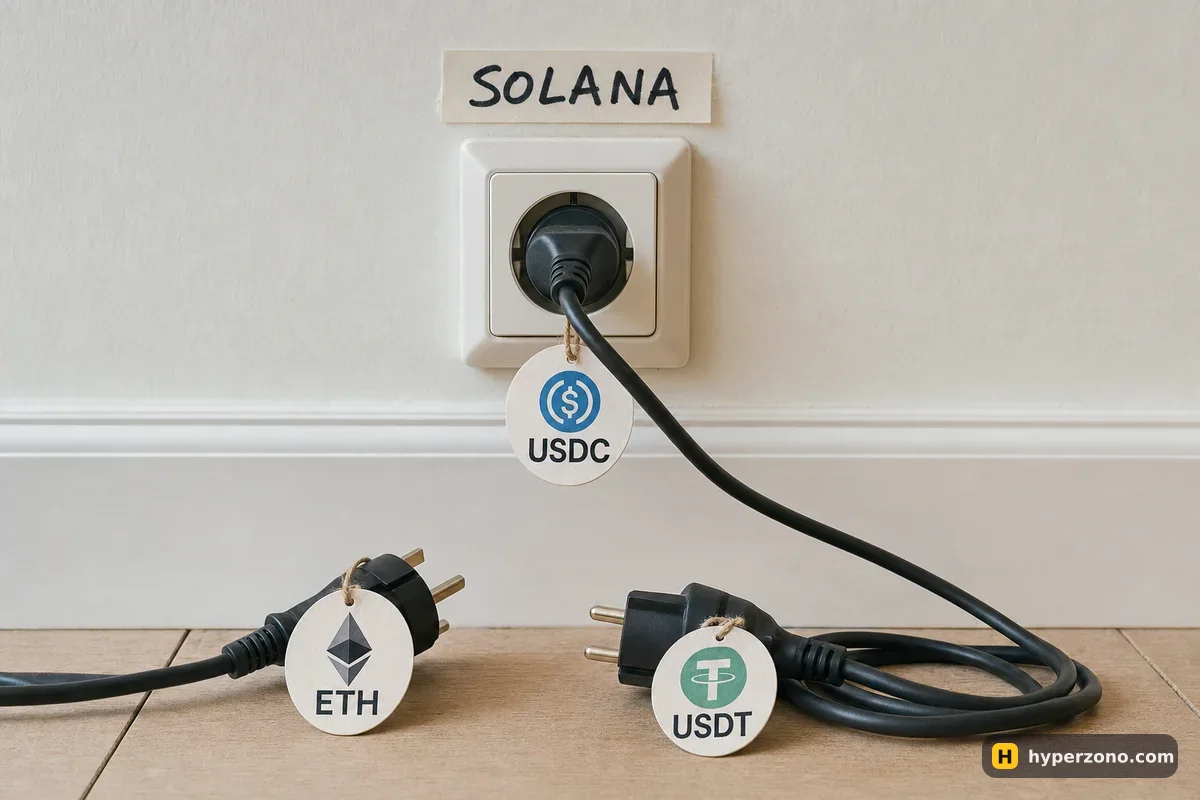
What you need before you can trade
Start with what you would actually be trading. A perpetual is a contract that follows the price of bitcoin, gold or a stock with no end date — you pick a direction, up or down, and you never own the thing itself. If that idea is new, the short version is on our page about perpetual and dated futures, and Pacifica is one of the venues where you trade them straight from a wallet instead of from an exchange account.
The wallet part is the easy half. Pacifica's documentation lists Phantom, Solflare, Backpack, Ledger through a browser extension, and other WalletConnect-compatible wallets. There is also the built-in email or social login, which the project moved from Reown to Privy — if you created a wallet there under the old provider, the docs tell you to export the key so you keep access to your funds.
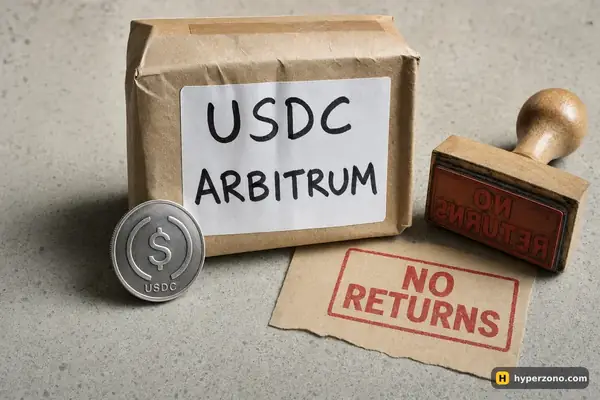
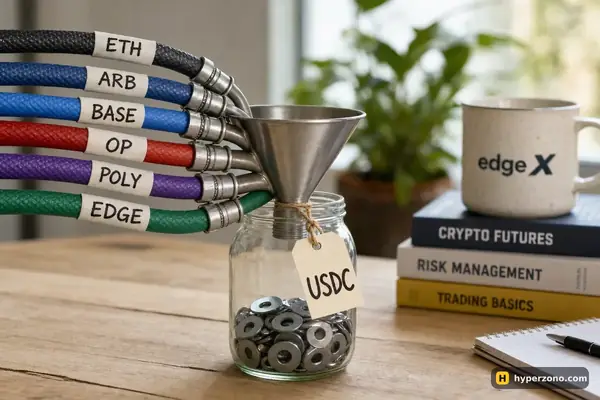
The money part has one rule you cannot bend: deposit USDC on the Solana network and nothing else. The docs state plainly that deposits sent via any other network or token — Ethereum, Arbitrum, USDT, SOL — will not be credited to your USDC balance. The documented minimum deposit is 10 USDC, so a first test does not need a large amount. You can also deposit coins instead of USDC and the app counts them as collateral at less than their full value, but on a first trade plain USDC keeps the accounting simple.
It helps to picture where the money sits. Once you deposit, that USDC is no longer in your wallet — it is held by the app's contracts and shown as your trading balance, and it comes back to the same wallet when you withdraw. Your keys stay yours, but the funds are inside the protocol for as long as you are trading there.
Access is the part nobody can promise you. The project says it launched in June 2025, with BTC, ETH and SOL perpetuals listed on mainnet on 2 June 2025, and it still documents deposit and withdrawal caps that apply "during Closed Beta". There is no official statement about who gets in today, so the app is the only place that will answer it for you — not a reason to go hunting for codes in random chats.
We have no referral link to Pacifica, so there is no button for it on this page. The official site is pacifica.fi and the documentation sits on docs.pacifica.fi — type the address yourself rather than clicking a link someone sent you, because copies of popular DEX sites are common and a fake one only needs you to approve a single transaction.
Send a tiny test deposit first. Pick USDC on Solana in your wallet, send a small amount, and wait for it to show up in the app's balance before sending the rest. A wrong-network transfer is the one mistake on this venue that cannot be fixed from the trading screen.
Your first trade, step by step
Open the app and connect
Connect your Solana wallet, or sign in with email or a social account so the app creates a wallet for you. If the screen asks for an invite code, that answers the access question — everything below waits until you have one.
Deposit USDC on Solana
Open the deposit screen, choose USDC, choose the Solana network, send from your wallet and wait for the amount to appear as your trading balance. The documented minimum is 10 USDC.
Pick the market and the margin mode
Cross margin is the default and is shared with any other collateral you deposited; isolated margin is also available and keeps one trade's risk inside the margin you gave it. Set your leverage before you open — the docs say leverage cannot be decreased while a position is open.
Place the order
It works like a normal exchange screen: you can buy at the current price (market) or set the price you want and wait (limit), and you can place a stop. There are a few more order types in the menu — leave them alone for now, you lose nothing by using market and limit. Set the stop loss at the same time as the entry, while you are calm and the numbers are in front of you.
Close, then withdraw
Close the position from the positions list, and when you want the money back, withdraw to your wallet. The documented withdrawal fee is 1 USDC. Check the current fees and limits in the app — these are the published numbers, and a venue in beta can change them.
While your deposit sits there, it is worth knowing who is looking after it. The code that holds deposits was checked by an outside security firm, BlockSec, in a report dated 24 April 2025, and the money sits in contracts that several keys have to approve together rather than in one person's wallet. That is better than nothing, and it is still not a guarantee — audited code has been exploited before, which is the practical argument for keeping a first deposit small.
What one trade actually costs
If you take the price already showing on the screen, the fee is 0.040% of the trade. If instead you set your own price and wait for someone to come to you, it is 0.015%. The venue calls those taker and maker, and the fee is charged on the size of the trade each time you enter and each time you exit. Say you open a 500 USDC position on SOL with 50 USDC of margin — that is 10x. Two taker orders cost about 0.20 USDC going in and about 0.20 USDC coming out, roughly 0.40 USDC for the round trip; the same size done with limit orders that wait in the book costs about 0.075 USDC per side. Spot trading follows the same schedule, and there is a VIP programme that lets you carry a fee tier over from another exchange for 30 days after verifying your volume there.
On top of that sits funding, which on Pacifica is settled every hour and is a payment between traders rather than a fee the venue keeps. On the real-world-asset markets — stocks, commodities and similar — trading runs around the clock and funding keeps accruing through the weekend, which matters if you plan to leave a position open from Friday to Monday. Add the 1 USDC withdrawal fee and a careful first experiment costs you a couple of dollars in total, before the market itself has anything to say.
One more number decides more than you would expect. Your profit, your margin and your liquidation are all measured against the mark price, not the last trade you happened to see. Pacifica builds that mark price from several inputs at once — prices on big outside exchanges plus the best buy and sell prices sitting on Pacifica itself — and refreshes it every few seconds, so one odd trade on this venue, one person buying at a crazy price for a second, cannot close your position on its own. If that distinction is new to you, the short version is on our page about index, mark and last price.
What you can trade and at what leverage
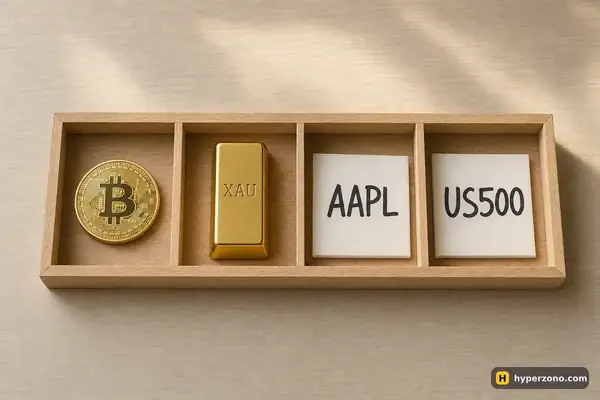
Pacifica lists crypto perpetuals plus real-world assets — stocks, currency pairs and commodities — and pre-markets on things that have not launched yet. Leverage runs from 3x to 50x depending on the market, with 50x available on BTC, ETH, EURUSD and USDJPY; spot is 1x. The current list and the exact maximum for each market are in the app, and a beta venue adds and removes markets often.
The real-world-asset markets are priced from several other venues combined rather than from a single exchange, and the pre-markets use the platform's own smoothed price with a band of plus or minus 30% around it. That band is there for a reason: a pre-market contract has no deep underlying market to anchor it, and the price can move in ways a listed asset would not. There are also caps on how big a single order can be, but they start in the hundreds of thousands of dollars — nothing a first trade will touch.
Points, programmes and what is not published
A points programme is running, and no token, token generation event or airdrop is mentioned anywhere in the official documentation. Dates circulating on airdrop tracker sites are guesses, not announcements — treat points as a maybe, never as part of the expected return on a trade. There are also market maker, builder and educator programmes and a bug bounty paying up to 25,000 USDC for critical findings, and referral codes exist but only activate once you deposit.
Some basic things are hard to pin down. The app links to Terms of Use, but the full text is not published anywhere, and nothing in the documentation says which company runs the venue or whose law applies if something goes wrong. On a bigger exchange you can at least read that page before you deposit. There is no stated public launch date either, and volume figures quoted elsewhere come from third parties rather than the venue; one such tracker put the value held on Solana at about 24 million USD on 22 October 2026. That is real money, but small next to the biggest wallet-based venues — one more reason to keep a first test small.
On access by country, the documentation says trading is prohibited for people residing in, incorporated in or operating from the United States, Cuba, the Crimean Peninsula including Sevastopol, Iran, Afghanistan, Syria and North Korea — "but not limited to" those — and that access from such addresses is blocked automatically. There is no official word on Russia or the rest of the CIS. If the app shows you the restricted-jurisdiction message, that is the answer for you; do not look for ways around it.
If the door is closed, where else to look
An invite gate is a frustrating place to stop when you have the wallet ready and the USDC sitting there. The nearest venue with open access and the same wallet-first logic is Hyperliquid, which we describe in detail on its own page — it needs an EVM wallet and USDC rather than a Solana one, but there is no beta list to join. Another fee structure worth comparing is Lighter, where "zero fees" turns out to have a condition attached. And if your wallet lives inside the Binance app, the route from there to a perp DEX is covered in connecting Binance Wallet to a DEX.
Whichever venue you land on, the first trade should be small enough that the outcome teaches you something without costing you sleep. Open one position of 50 to 100 USDC, set the stop before you enter, close it the same day and withdraw once, so you see the full cycle including the withdrawal fee. You can try that on Hyperliquid today while you wait to see whether Pacifica's beta opens for you.
Do I need an invite code for Pacifica?
Possibly. The documentation still refers to Closed Beta limits, and the app may show a Closed Beta screen asking for a code. There is no official statement about who gets in today, so the only honest way to find out is to open the app, connect your wallet and see what the screen asks for.
Does my USDC stay in my own wallet while I trade?
No. You sign in with your wallet, but to trade you send USDC to the app's deposit address, and it is held by the protocol's contracts until you withdraw it back to the same wallet. Nobody takes custody of your keys or sets a password for you, and the documented withdrawal fee is 1 USDC.
Can I deposit USDT, or USDC from Ethereum or Arbitrum?
No. The docs say deposits sent via any other network or token — Ethereum, Arbitrum, USDT, SOL — will not be credited to your USDC balance. Choose USDC on Solana in your wallet, send a small test amount first, and only send the rest once it appears.
Does Pacifica have a token or an airdrop?
Nothing official. The points programme is running, but no token, launch date or airdrop appears anywhere in the documentation. Dates you may see on airdrop tracker sites are speculation, so do not size a trade around them.
What is the maximum leverage?
The documented range is 3x to 50x on perpetuals depending on the market, with 50x on BTC, ETH, EURUSD and USDJPY; spot is 1x. Leverage cannot be lowered while a position is open, so set it before you enter, and for a first trade a small number is more useful than a big one.
Who cannot use Pacifica?
The docs prohibit access for people residing in, incorporated in or operating from the United States, Cuba, Crimea including Sevastopol, Iran, Afghanistan, Syria and North Korea, and say the list is not limited to those. Access from such addresses is blocked automatically, and there is no official word on several other countries, including Russia. If you see the restricted-jurisdiction message, that is your answer.
Sources and fact-check
Exchange terms were checked against official documents on October 22, 2026. Terms change — before you trade, check what matters to you in the exchange app and in your contract’s specs.
Pacifica: Deposits and withdrawalsPacifica: Trading overview (leverage and restricted jurisdictions)Pacifica: Oracle price and mark price