Contents
What "connect" actually does to your moneyOpening HyperLiquid from the wallet, step by stepAster: the dApp and the built-in Perpetuals tab are not the same routeApprovals, and how to take them back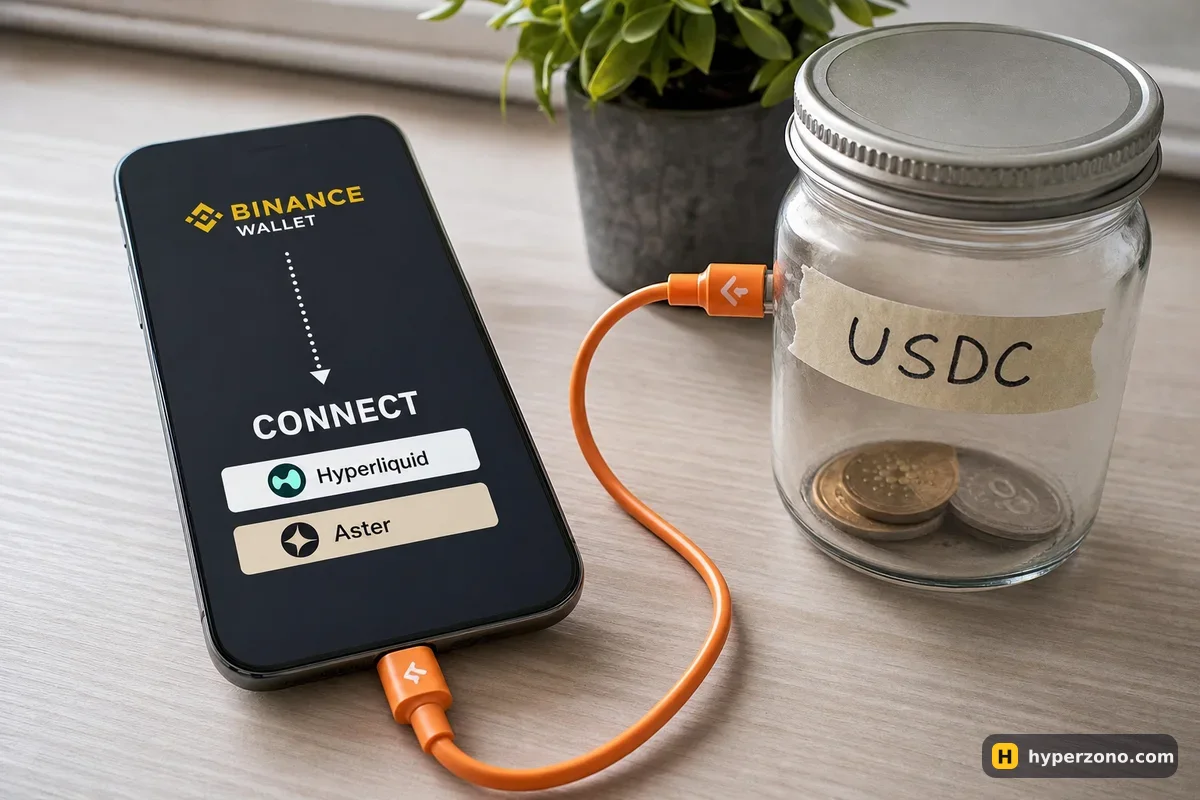
What "connect" actually does to your money
A DEX is an exchange where you trade straight from your own wallet — no account, no sign-up, no password, just your address and a deposit you make yourself. Hyperliquid and Aster both work that way, which is why the first thing either of them asks for is a connection rather than an email.
The coins sit at your own address. Nothing moves until you confirm it in the app — Binance Wallet signs for you, which is why there is no 12-word phrase to write down anywhere. When a site asks to connect, it is only asking to read your address and your public balance so it can show your account on its screen: no transfer, no trade and no spending happens at that moment.
What matters later is telling three kinds of request apart, because they cost you very different things. A connection request is free and harmless. A transaction is a real action on the blockchain — a deposit, a withdrawal, a network fee. A token approval is you giving the venue's program permission to take a particular coin out of your wallet later — say USDC — without asking again. That permission stays switched on after you close the site.
- Connection request — "let this site see your address". Nothing is spent.
- Transaction — money or a network fee really moves. Read the amount and the destination before you confirm.
- Token approval — from now on that program can take the coin it names out of your wallet. Check which coin it is, and cancel the permission if it is something you never planned to trade.
Read the second line, not just the button. If a request names a token you were not going to use, or an amount that has nothing to do with the deposit you are making, reject it and start again from the official listing inside the wallet. A rejected request costs you nothing but a few seconds.
Opening HyperLiquid from the wallet, step by step
In the wallet's dApp search HyperLiquid is described as a decentralized perpetual futures exchange — a venue where buyers and sellers meet in an order list and you trade from your own wallet. You reach it from the bottom bar: Discover → DApps, then the search field at the top that says "Search for dApps or enter a URL". The easiest way to see it is to open Binance Wallet and look at the DApps tab before you decide anything.
Make sure your wallet is backed up
There is no seed phrase to write down, but there is a backup: biometric Quick Backup, a cloud copy with a recovery password, or a QR code. If you skipped it, do it first — the steps are in our guide on how to create and back up the wallet.
Find the dApp inside the wallet
Discover → DApps → type "HyperLiquid" in the search field. Open it from the result rather than from a link someone sent you. Once opened, it also shows up under Recent in Common Tools, so next time it is one tap away.
Tap Connect and read the request
The site asks for your address. Approve it and you will see an empty trading account — empty is normal, because your wallet balance and your balance on the venue are two different things.
Deposit USDC
Trading collateral there is USDC, and the deposit is a real transaction. Say you send 50 USDC: you confirm it, and after a moment the venue shows 50 USDC as your trading balance while 50 USDC leaves your wallet. The network fee is taken on top, in the network's own coin, so keep a little of it in the wallet — otherwise the deposit simply won't go through. Which token and network are accepted is shown on the deposit screen itself — we walk through it in how to deposit USDC to Hyperliquid, including the mistakes that lose money.
Check the costs before your first order
If you take the price that is already on the screen — which is what a beginner does — Hyperliquid's base fee is 0.045% of the trade size: about 9 cents each way on a 200 USDT trade, so roughly 18 cents to open and close it. Leaving an order to wait in the book is cheaper, 0.015%. Funding — the small payment between the two sides of the trade — is settled every hour on Hyperliquid, while most contracts in the wallet's own Perpetuals tab settle every 8 or 4 hours, so check the contract you pick. What else trades on the venue is covered on our Hyperliquid page.
One thing worth knowing before you compare bonuses: a Binance account and a Binance referral do not travel with you onto a DEX. Hyperliquid runs its own referral system with its own discounts, and from the venue's side you are simply a wallet address.
Aster: the dApp and the built-in Perpetuals tab are not the same route
Aster appears in the wallet under Trending DApps, described as a next-generation perp DEX, and you connect to it the same way you connect to HyperLiquid. There is also a second, shorter route that confuses people: the wallet already has a Perpetuals tab of its own, where execution and liquidity come from Aster as Binance's partner. The pair pages on web3.binance.com even carry the line "Provided by Aster".
The difference is practical. In the built-in tab you stay inside the Binance Wallet interface, use your wallet balance and trade 602 pairs including gold, oil, stocks and pre-IPO companies. On crypto pairs there you pay nothing if your order waits in the book and 0.04% if you take the price already on the screen — about 8 cents each way on a 200 USDT trade; on stocks and commodities taking the price costs 0.0125%. That side is explained in how the Perpetuals tab works. Opening the Aster dApp instead puts you on a third-party site with its own screens, its own balance and its own settings; if you are weighing the two, start with Aster directly vs Aster inside Binance Wallet, and for the map of every route out of the wallet see which futures venues you can reach from the wallet.
The search field accepts any address, so in theory you can open any venue by typing its URL. That is also where mistakes happen, because a wrong letter in a domain is a different site entirely. Venues that are not in the wallet's own lists are not confirmed to work there, so treat typing a URL as the advanced route, not the normal one.
Approvals, and how to take them back
After a few sessions you may have handed out several of those permissions to move tokens from your address, and they stay switched on by themselves. The wallet's dApp list includes Revoke.cash exactly for this: you open it, connect, look at the approvals your address has given and cancel the ones you no longer need. Revoking is a transaction, so it costs a small network fee in the network's own coin — think of it as housekeeping you do once a month rather than after every trade.
Disconnecting is a different thing, and it is important not to mix the two up. Tapping "disconnect" simply stops that site from seeing your wallet in this session. An open position on the venue keeps running, keeps paying or receiving funding, and if the price moves far enough against you the venue closes it on its own. That is liquidation, and it usually costs you the margin on that trade — in a very fast move it can take a bit more. It happens whether or not your phone is on. To be out of a trade you have to close the position, not close the app.
Availability is worth checking before you deposit anything. Hyperliquid shows a geoblock message to visitors from restricted jurisdictions, and Aster's terms exclude residents of several countries, among them Russia, Ukraine, the United States, Canada, the United Kingdom, China, North Korea, Cuba, Iran, Venezuela and Syria. The honest way to find out where you stand is to open the venue and see what it says.
Can connecting my wallet to a DEX drain it?
Connecting alone cannot: it only shares your address. The risk sits in what you confirm afterwards — a transaction that sends money somewhere, or a permission that lets a program take your coins later. Open sites from the wallet's own dApp list, read the token and amount in each request, and refuse anything that does not match what you are doing.
Why won't my deposit go through if I have enough USDC?
Usually because the network fee is paid in the network's own coin, not in USDT or USDC. If your wallet holds nothing but the stablecoin, there is nothing to pay the fee with and the transaction simply fails or cannot be signed. Keep a small amount of the network's coin in the wallet before you deposit, and check the deposit screen for which network the venue expects.
Do I need a seed phrase to connect to Hyperliquid?
No. Binance Wallet signs for you and there are no 12 words to type anywhere. If any site asks you for a recovery phrase, that is the moment to close it. What you do need is a working backup of the wallet itself, otherwise a lost phone means a lost wallet that Binance cannot restore.
Is my money in the Perpetuals tab the same balance as on a DEX?
No. The built-in tab trades from your wallet balance; a DEX you connect to keeps its own account on its own side, funded by a deposit you make and confirm. Moving money between them means a withdrawal and a deposit, each with its own fee and waiting time.
What happens to my position if I disconnect or close the app?
Nothing changes for the trade. It stays open, funding keeps being charged or paid, and the venue can still close it on its own if the price runs against you. Closing a position is a separate action you take on the venue, so set your stop-loss and take-profit while you are there rather than relying on being able to watch.
Does my Binance referral or VIP level apply on a DEX?
It does not carry over. A Binance sign-up creates no attribution on Hyperliquid or any other decentralized venue — there you are a wallet address, and any discounts come from that venue's own programme. Hyperliquid, for example, runs its own referral discounts with their own volume limits.
Sources and fact-check
Exchange terms were checked against official documents on October 22, 2026. Terms change — before you trade, check what matters to you in the exchange app and in your contract’s specs.
Binance Wallet: XAUUSD1 Perpetuals page ("Provided by Aster")Hyperliquid Docs: Fees