Contents
What you are actually creatingHow to create your Binance Wallet, step by stepBacking it up: what to write down when there is no seed phraseHow to fund your Binance WalletWhy you should test with a small amountIf something doesn't workBefore you put real money through it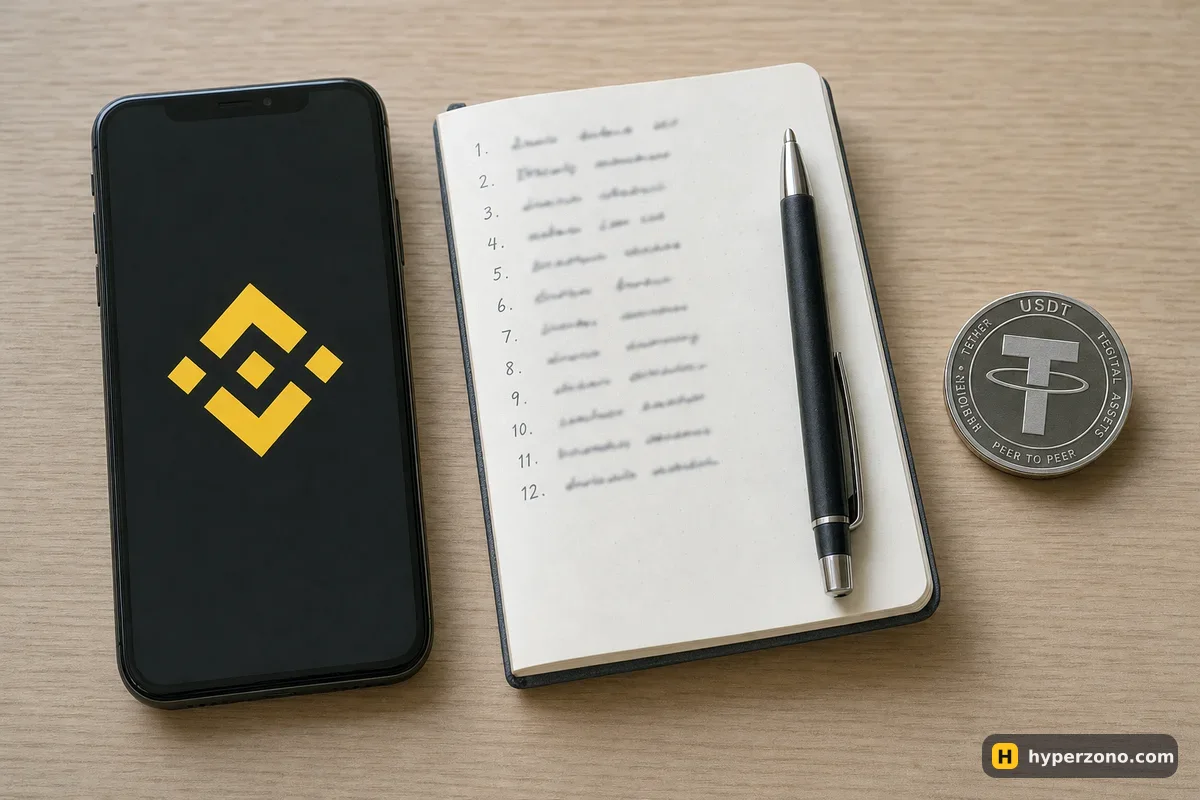
What you are actually creating
Binance Wallet is a self-custodial wallet that lives inside the ordinary Binance app. Self-custodial means the coins in it are yours directly on the blockchain — Binance does not hold them for you the way it holds your spot balance. The wallet is run by Binance Barbados Limited, which is not supervised by a financial regulator. In plain terms: if you lose access to the wallet, there is no company and no regulator that can get your coins back for you.
The part people find confusing is that there is no seed phrase. Instead of one private key written as twelve words, your key exists as separate pieces kept in different places, so no single piece is enough on its own, and the app will show you exactly which option you are choosing when you back it up. You will never be shown twelve words to copy down, and anyone who asks you for your Binance Wallet seed phrase is trying to scam you.
It also helps to be clear about where your trades go. On Binance Futures your money sits in your Binance account and the exchange runs the market, matches your trade and handles support. In the wallet, the coins are in your own wallet and the trade itself goes to a separate service called Aster. If you are still deciding between the two routes, the comparison on wallet futures versus exchange futures is the better place to start.
Only a verified Binance user can create this wallet, so if you have not finished identity checks yet, do that first — our page on what KYC involves walks through it.
How to create your Binance Wallet, step by step
Update the Binance app and log in
Use the normal Binance app on your phone, logged into your verified account. An old version may not show the wallet at all, so update it from your app store first.
Open the wallet section of the app
You are looking for the on-chain wallet, not your spot balance. If you don't see it, look in the app menu where your accounts are listed; the names move around between app versions.
Tap to create the wallet
The app will ask you to confirm it's you with the security check you normally use for your Binance account. There is nothing to type in and nothing to copy down.
Choose a backup method right away
The app will prompt you to protect the wallet. Do not postpone this: until the wallet is backed up, perpetual contracts inside it are not available to you, and an un-backed-up wallet is one broken phone away from being gone.
Check that the wallet opens and shows a zero balance
You should now see an empty wallet with an address you can copy. That address is what you will send funds to in the next part.
That is the whole creation process. No separate download, no browser extension — it sits inside the Binance account you already have. The one thing you do have to set up yourself is the backup, and that comes next.
Backing it up: what to write down when there is no seed phrase
Binance gives you a few ways to protect the wallet, and they work differently from the old write-down-twelve-words routine. Quick Backup uses your biometrics on the device, with one key share held by a third-party provider. The cloud option stores an encrypted key share in your iCloud or Google Drive and asks you to set a recovery password. There is also a QR code you can save.
| Backup method | What you need to keep | What to watch |
|---|---|---|
| Quick Backup | Access to your device biometrics and your Binance account | Convenient, but part of the setup depends on a third-party provider — read what the app tells you on that screen |
| iCloud or Google Drive | The recovery password you set, stored outside the cloud | The cloud holds the encrypted share; the password is yours alone, and the two must never sit in the same place |
| QR code | The saved code image, kept somewhere only you can reach | A photo in your gallery is the same as leaving the code on a table — treat it like cash |
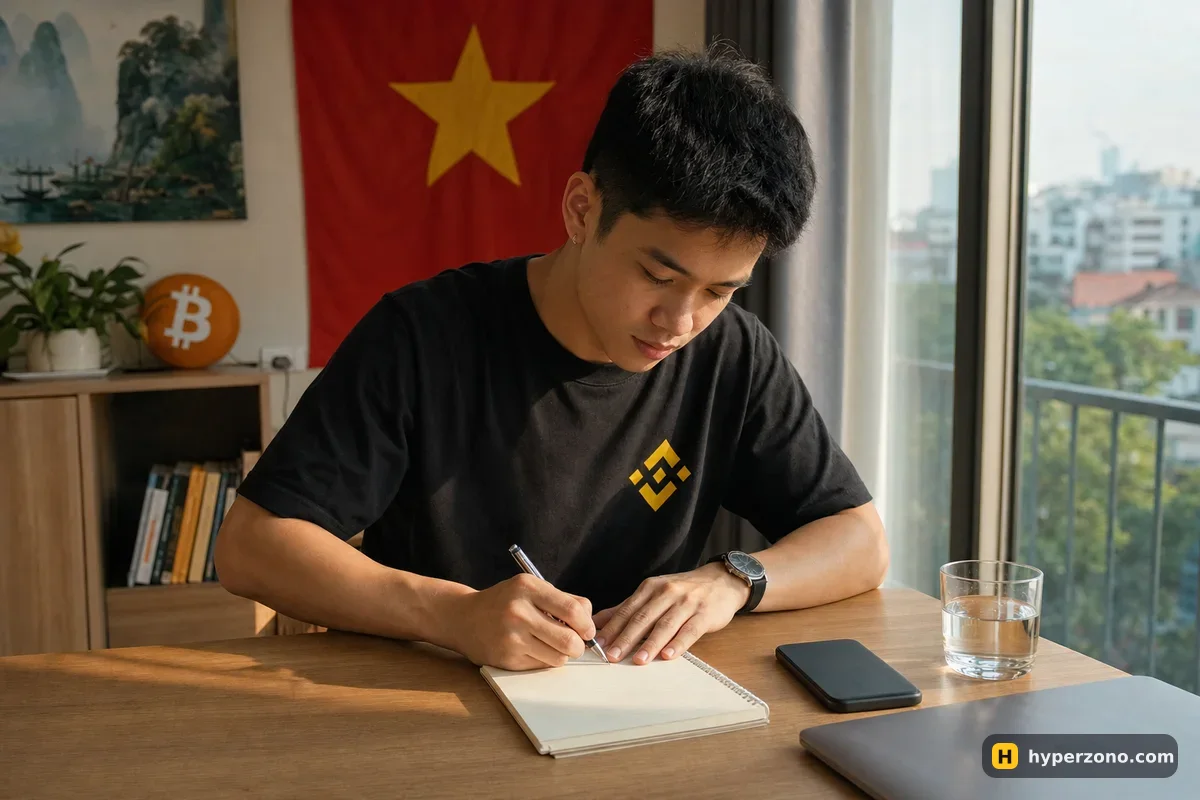
If you use the cloud backup, write the recovery password on paper and keep the paper somewhere physical — a notebook drawer, a document folder, a safe. Do not photograph it, do not type it into your notes app, do not message it to yourself, and do not store it in the same cloud account that holds the backup. Keeping the password in the same place as the backup it protects is no protection at all.
If you lose the recovery password, nobody can help you. This is not customer support being unhelpful — Binance genuinely cannot restore a keyless wallet when the password is gone and the device is lost or the app has been deleted. The money in it stays on the blockchain forever and nobody can reach it. Write the password down before you send a single dollar into the wallet.
How to fund your Binance Wallet
There are two sensible routes. If you already hold USDT on Binance, the app itself is the first place to look for a way to send it to your wallet address — check what the app offers you and which networks it lists. The other route is sending from an outside wallet or another exchange, where you copy your wallet address and paste it as the destination.
The network matters more than anything else here. The trades in the wallet are handled by Aster, which runs on BNB Smart Chain. That is the only network this part works on, so that is the network your USDT needs to be on. If you send USDT over a different network, it does not appear in the place you expect, and recovering it ranges from awkward to impossible.
Pick the asset and the network
Use USDT for trading. When the app asks which network, choose BNB Smart Chain. If you are sending from somewhere else, the sending side must offer the same network — if it does not, do not force it.
Copy the address from the wallet, do not type it
Use the copy button, then paste it. A hand-typed blockchain address is a loss waiting to happen.
Keep a small amount of BNB
Moves on the blockchain usually cost a small network fee, and on BNB Smart Chain that fee is paid in BNB. Keeping a little BNB in the wallet saves you a headache — and before you send anything, look at what the confirmation screen in the app says the fee will be.
Send a test amount first
Move something small, like 10 or 20 USDT, and wait for it to show up. Only when you see it arrive should you send the rest.
Check what the app shows you before you confirm
Fees and transfer conditions change over time, so read the confirmation screen rather than assuming anything from a guide written months ago.
If you have never bought USDT before, start with our guide on what USDT is and why futures are priced in it and then on buying your first USDT.
Why you should test with a small amount
Say you plan to start with 200 USDT. Send 20 first. You will learn three things in five minutes: whether the network you picked was right, how long the transfer actually takes, and whether the balance shows up where you expected it in the app. Those three answers are worth far more than the minutes you save by sending everything at once.
The same logic applies to the first trade. Once the wallet is funded, the sensible move is a tiny position with low leverage, just to see the screens and learn where the buttons are. Nothing about a carefully backed-up wallet protects you from a bad trade, so treat those as two separate skills.
If something doesn't work
The wallet section is missing from your app. Update the app, and check you are logged into the verified account you think you are. Only a verified Binance user can create this wallet.
Perpetuals are greyed out or unavailable. The usual reason is that the wallet has not been backed up yet — the futures part stays closed until you complete a backup. The other reason is where you live: Aster's terms prohibit use by residents of, and people located in, Russia, Ukraine, the United States, Canada, the United Kingdom, China and others. If you live in one of those places, this route is closed to you. Whether ordinary exchange futures are open to you is a separate question, and it depends on your country — check during sign-up on the exchange itself.
Your transfer has not arrived. Give the network a few minutes, then check that you used the network the receiving side expects. If the asset went out over a different chain, it may be sitting at your address on that other chain rather than being lost — but do not count on it, and do not send more while you investigate.
A transaction keeps failing. One common reason is simply that there is not enough BNB in the wallet to cover a network fee, so topping up a little BNB is a cheap thing to try. Read whatever message the app gives you on the confirmation screen before you repeat the attempt. Trading support for the perpetuals part is handled by Aster's own community channel rather than Binance customer service, which is one more reason to start small here.
Before you put real money through it
Getting the wallet right protects you from one kind of loss: losing access, or sending coins to the wrong chain. It does nothing about the other kind — losing on the trade itself. If you have not used leverage before, read what leverage really does to your money and how to choose leverage for a first trade before you open anything.
Many beginners find the plain exchange route easier and come back to the wallet later. There is no shame in that: you can open a Binance Futures account, try the mechanics there with a small amount or in demo mode where it is offered, and treat the wallet as the next step once the basics feel comfortable. Whichever you choose, check in the app during sign-up that futures are available where you live, because that varies by country and changes over time.
Does Binance Wallet have a seed phrase?
No. It is a keyless wallet, so there are no twelve words to write down — the key exists as separate pieces kept in different places. What you protect instead is your backup: a recovery password if you use the iCloud or Google Drive option, your biometrics with Quick Backup, or the saved QR code. Anyone asking you for a Binance Wallet seed phrase is running a scam.
What happens if I lose my phone?
If you completed a backup, you can restore the wallet on a new device with whichever method you chose — the recovery password if you used iCloud or Google Drive, or the biometric check if you used Quick Backup. If you never backed it up, or the password is gone, Binance cannot bring the wallet back and the funds stay unreachable on the blockchain. That is why the backup step comes before the funding step.
Can I create the wallet without verifying my identity?
No — only a verified Binance user can create one, so you finish identity checks on your Binance account first. The wallet itself does not ask for separate documents after that.
Which network should I use to send USDT to my Binance Wallet?
For the perpetuals inside the wallet, BNB Smart Chain, because that is the only network that part runs on. Pick the same network on both the sending and receiving side, copy the address rather than typing it, and send a small test amount before the rest.
Do I need BNB in the wallet if I only want to trade USDT?
Keeping a little is the safer habit. Moves on the blockchain usually cost a small network fee, and on BNB Smart Chain that fee is paid in BNB, so a wallet holding only USDT can leave you stuck at the wrong moment. Before you send anything, look at what the confirmation screen in the app says the fee will be.
Is Binance Wallet the same as Binance Futures?
No. On Binance Futures your money sits in your Binance account and the exchange runs the market, matches your trade and handles support. In the wallet, the coins are in your own self-custodial wallet and the trade itself goes to a separate service called Aster, with support through Aster's own channel. For a beginner the exchange route is usually the simpler place to learn.