Contents
What changes when the money sits in your own walletWhat happens if you lose your phone?Who is actually holding your margin?The fake link that empties your balanceWhat if the market is thin when you need to get out?A short routine that removes most of the risk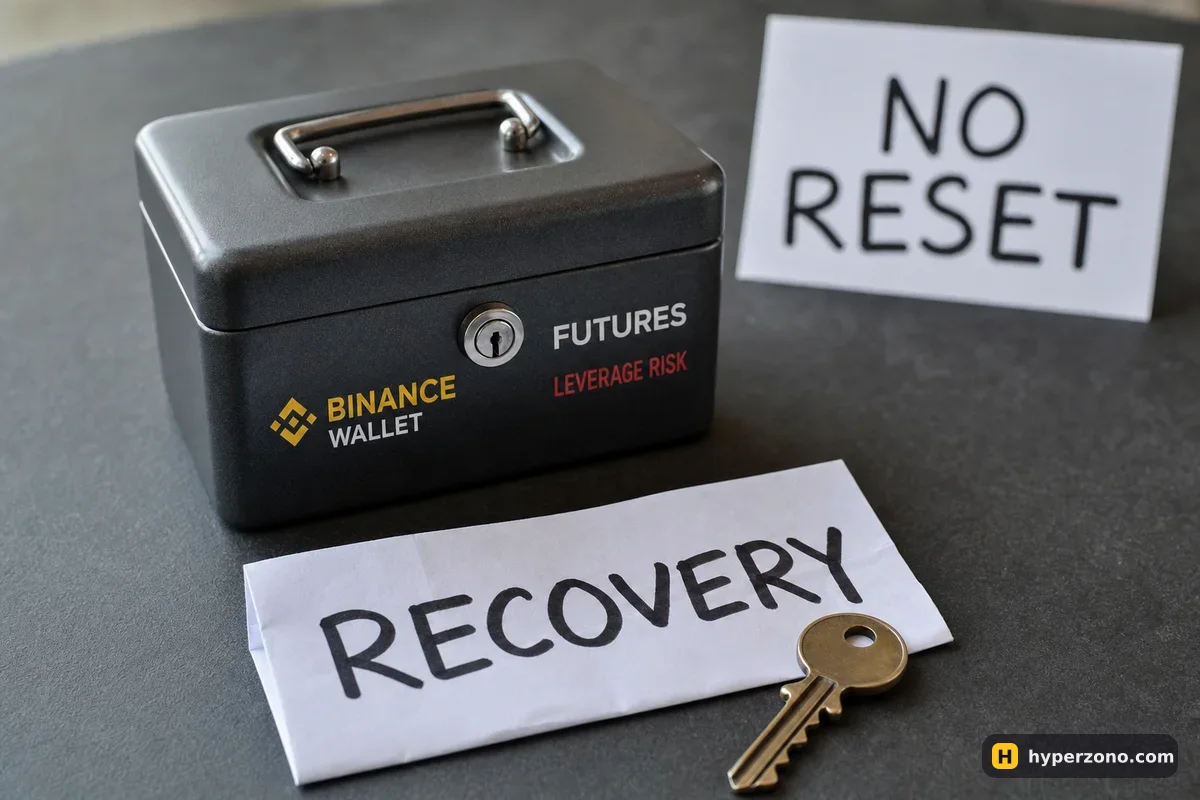
What changes when the money sits in your own wallet
On a normal futures account the exchange holds your USDT and you log in with a password and a code. In Binance Wallet the money sits in a wallet that only you control, and the trade itself is executed by a separate service called Aster on BNB Smart Chain — Binance is not your counterparty there, and trade support goes to Aster's own channels. That is the whole difference in one sentence, and the details of how the trading side works are on the page about perpetuals in Binance Wallet.
Everything a beginner can get wrong on ordinary futures — too much leverage, no stop-loss, a position that is too big — still applies here, and those are covered in the futures risks section. On top of all that, the wallet adds a few risks of its own, and the first one is the one with no second chance.
What happens if you lose your phone?
Most crypto wallets give you 12 words to write down, and anyone who finds those words owns your coins. Binance Wallet works differently — it is a keyless wallet with no seed phrase at all, so there is nothing to copy onto paper and nothing for a thief to photograph. Instead, everything hangs on one thing: your backup and the recovery password that opens it. Lose that and the money is gone.
You can back up with biometrics, or to iCloud or Google Drive with a recovery password, or with a QR code. Without a backup in place, perpetual contracts in the wallet are not even available to you. And if you forget the recovery password and then lose the device or delete the app, Binance cannot restore the wallet — there is no support ticket that brings the money back. Set the backup up properly once, before you fund anything, following the wallet setup guide.
Who is actually holding your margin?
Your margin is held by a program running on the blockchain. That program is written by another company, Aster, and programs can have bugs or be paused. On-chain venues are also younger and less tested than a big centralised exchange, and the wallet itself is operated by Binance Barbados Limited and is not supervised by a regulator, so there is no safety net standing behind any of it.
There is also a plain legal limit worth knowing before you start: Aster's terms forbid use of the service by residents of, and people located in, Russia, Ukraine, the United States, Canada, the United Kingdom, China and other places. If you live in one of those places, wallet perpetuals are not for you. Whether ordinary futures are open to you depends on where you are — some countries are restricted on the exchanges too, so check during sign-up and never try to get around a block.
If you are not in that list and you simply want the easier version of the same market, the familiar route is to open a Binance Futures account and trade the same pair there: the exchange holds the money, you have a password you can recover, and support is one company.
The fake link that empties your balance
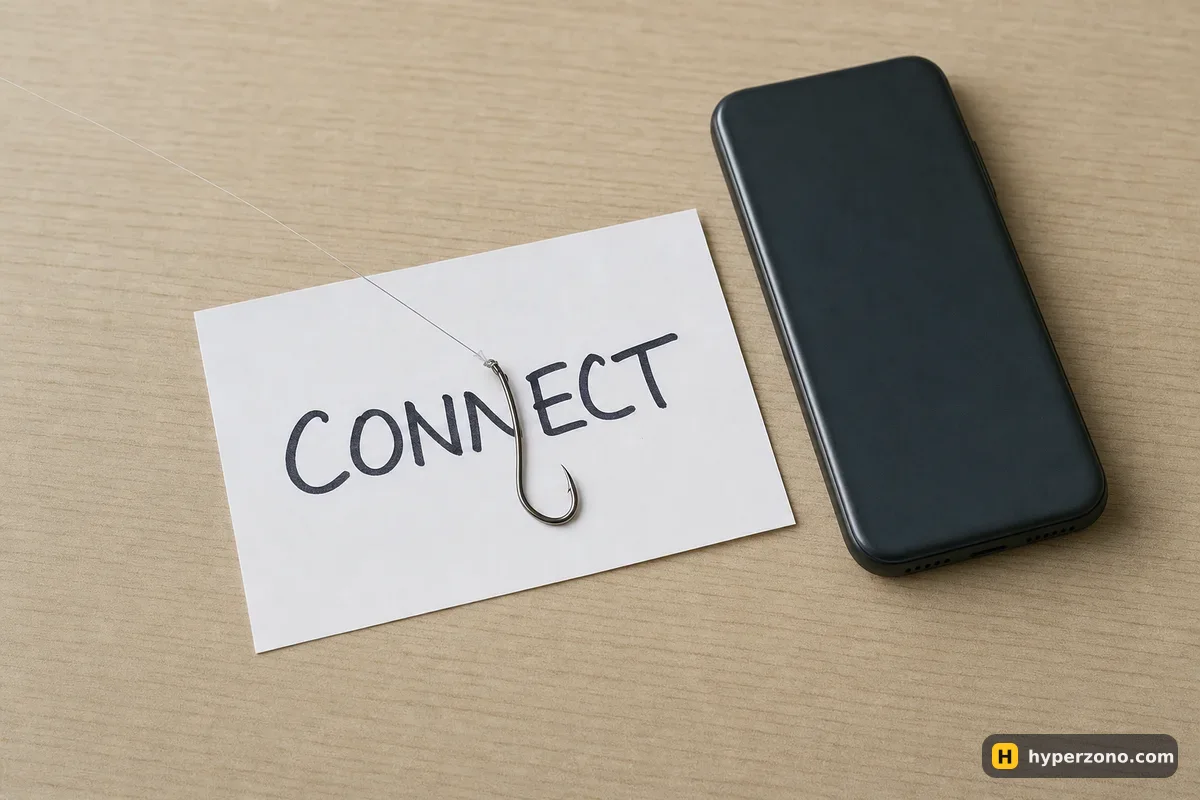
This is where beginners actually lose money with a wallet. A search result, an airdrop post or a message in a group leads to a site that looks exactly like the real one, you connect your wallet, you tap confirm, and the permission you just signed lets that site move your tokens later. The wallet did its job — you authorised it.
Two habits make this almost a non-issue. Open the trading section from inside the Binance app rather than from a link someone sent you, and read what a confirmation window is actually asking before you approve it. Then, every few weeks, go through the token approvals your wallet has given and cancel the ones you no longer use — revoking an approval costs a small network fee and removes a standing permission over your money.
What if the market is thin when you need to get out?
On-chain markets vary a lot. On a major pair there is usually plenty of liquidity; on a small contract your market order can fill noticeably worse than the price you saw, and a stop can fill worse again. Liquidation is decided by a price feed, not by the last trade you happened to see, and on a thin market that feed can jump a long way in seconds. Nobody calls you first — the position just closes.
The protection is boring and it works: trade one liquid pair, keep leverage low, and set the stop when you open the trade, not after the price has moved. If liquidation is still a fuzzy idea, read what liquidation means and how to place a stop-loss first.
There is one more cost while the trade is open: every few hours traders on one side pay traders on the other. Depending on the contract that happens every eight hours, every four, or every hour, so check the interval for your pair in the app before you hold overnight — here is how funding works.
Keep the wallet balance small. Treat the wallet as a jacket pocket, not a safe. Move in roughly what you plan to trade this week — say 50 USDT — and keep the rest on your exchange account or somewhere else. Then the worst case of a bad approval, a lost backup or a technical problem is an amount you decided in advance you could lose.
A short routine that removes most of the risk
Back up before you fund
Complete the wallet backup and store the recovery password somewhere you will still have it in a year. Without it, a lost phone is a lost wallet.
Fund only your trading money
Send in a small amount you can afford to lose. Savings stay out of the wallet.
Always enter from the app
Open the perpetuals section from inside Binance Wallet, never from a link in a chat, email or ad.
Read every confirmation
If a window asks for permission over your tokens and you do not understand why, reject it. Nothing is lost by refusing.
Size the trade, then set the stop
Low leverage, one liquid pair, stop-loss placed at the moment you open. Check the funding interval if you plan to hold.
Clean up approvals
Every few weeks, revoke the token approvals you no longer need.
If that list feels like a lot of care for a first trade, it is a fair reaction, and it is the honest argument for learning the mechanics on a regular exchange account first — the comparison is laid out in wallet or Binance Futures. Many people do exactly that: learn position size, stops and margin mode on a normal account, then bring the same habits to the wallet when they want on-chain markets.
Does Binance Wallet have a seed phrase I need to write down?
No. It is a keyless wallet, so there are no 12 words to copy onto paper. Your protection is the backup — biometrics, iCloud or Google Drive with a recovery password, or a QR code — and that recovery password is what you must not lose.
Can Binance restore my wallet if I lose my phone?
Not if you have also lost the recovery password or never made a backup. With self-custody there is no support team holding a spare key, which is exactly why you should set the backup up before sending any money in.
Are on-chain perpetuals safe for beginners?
They are usable, but they stack extra risks on top of ordinary futures risk: your margin sits in another company's code, fake sites ask you to approve things, and liquidity on smaller pairs is thin. Keep the balance small, trade one liquid pair with low leverage and a stop, and you have cut the risk down a lot.
What is a token approval and why should I revoke it?
It is a permission you sign that lets a program move specific tokens from your wallet. Useful while you are using that app, pointless afterwards, and dangerous if it turns out to be malicious — so cancel the ones you no longer need.
Who do I contact if a trade goes wrong in the wallet?
The trades are executed by Aster, not by Binance, so trading questions go to Aster's own support channels. That is a real difference from a normal Binance Futures account, where everything sits with one company.
Can I use wallet perpetuals from any country?
No. Aster's terms exclude residents of and people located in Russia, Ukraine, the United States, Canada, the United Kingdom, China and others. Ordinary exchange futures have their own country restrictions too, so check what is available to you in the app during sign-up, and never try to work around a block.