Contents
What happens when you tap perps inside the walletWhere your margin actually sitsFees and funding: what the trade costsHow much leverage you can useWhat happens if the price goes against youWho is allowed to use it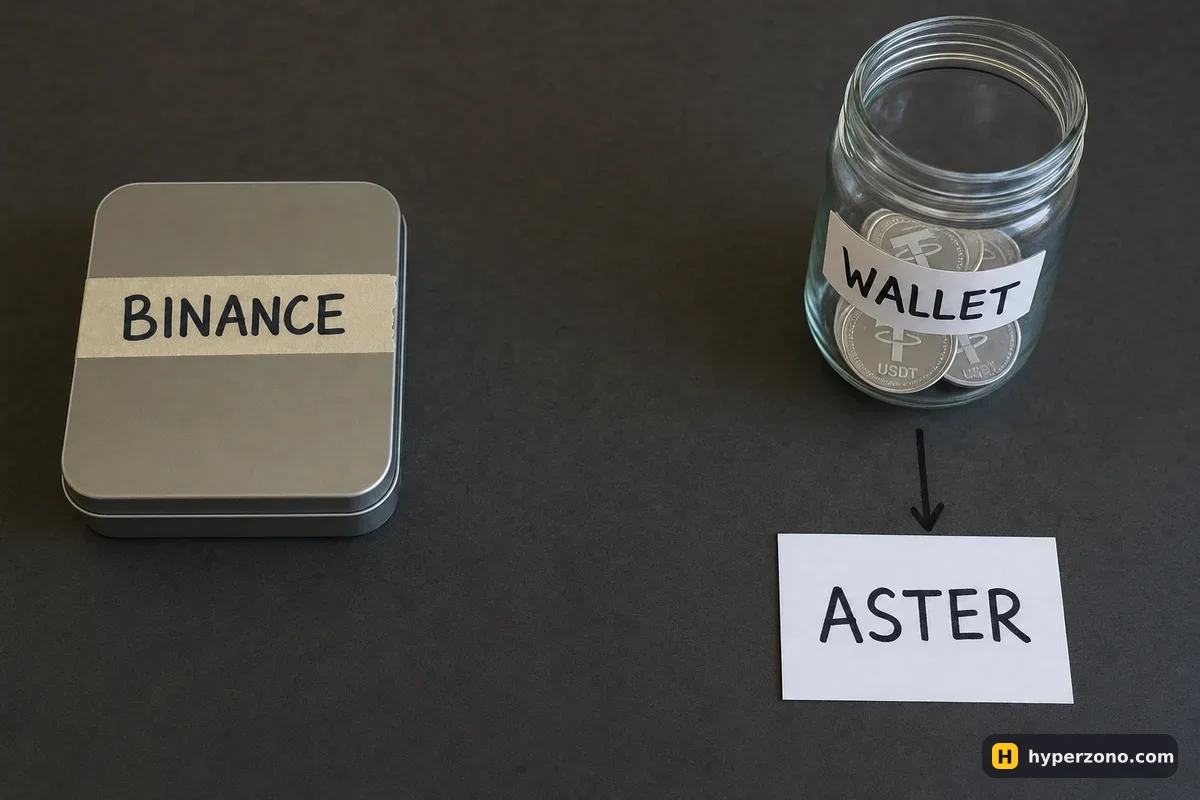
What happens when you tap perps inside the wallet
Binance Wallet lives inside the Binance app, but the coins in it are yours, not Binance's — they sit in your wallet, not on a Binance account balance. Perpetual contracts appeared there on 14 January 2026 in the web version and on 14 April 2026 in the app. When you place an order, it is handled by Aster. Aster is a trading service that runs on a blockchain called BNB Smart Chain: there is no company account holding your money, the trade is handled by code on that network.
Binance gives you the screen and the login. Everything after you place the order is Aster's side, so if something goes wrong with a position, Binance support cannot help you; questions go to Aster's Discord instead.
The contracts behave like perpetuals you may already know. There is no expiry date, you can go long or short with leverage, and regular funding payments keep the price close to spot. If that is new, read what a perpetual contract is first, and the button-by-button part lives on how to trade in Binance Wallet.
Where your margin actually sits
On ordinary Binance Futures you move USDT from your spot wallet to your futures wallet, and Binance holds that money for you. Here nothing of the sort happens. Your funds stay in your own wallet, and when you open a position they go into Aster's contracts, not into a Binance account balance. The upside is that your money never leaves your wallet and nothing is frozen on an exchange account. The downside is that there is no one to write to if the trade goes wrong — the money is in a smart contract, not on a balance Binance can look up.
BNB Smart Chain is the only network supported for this. If your USDT is sitting on Ethereum, Tron or Solana, you have to bring it over to BNB Smart Chain before you can trade. The wallet's own swap and transfer screens show which tokens and routes are available, so check there rather than assuming. Creating and backing up the wallet is covered in how to set up Binance Wallet.
No backup, no perps. Binance Wallet is keyless, so there is no 12-word seed phrase to write down. Instead you create a backup: Quick Backup with biometrics, an encrypted file in iCloud or Google Drive with a recovery password, or a QR code. Until a backup exists, perpetual contracts through Aster are not available to you. And if you lose that recovery password and also lose the device or delete the app, Binance cannot restore the wallet for you.
Fees and funding: what the trade costs
Aster publishes two fee levels for its crypto contracts, and which one you pay depends on how your order fills. If your order sits and waits in the market to be filled, you pay nothing. If it fills straight away, which is what a market order does, you pay 0.04% — about 0.20 USDT on a 500 USDT trade. On the stock and commodity contracts, an order that fills straight away costs 0.0125%. The fee is charged on the full size of each execution, so you pay once going in and once coming out, never on your margin alone.
Long 500.00 USDT, entry 83,500 → exit 84,335, fees 0.04% + 0.04% (example rates).
Funding is the regular payment between traders who are long and traders who are short while a position is open, and the venue does not keep it. On Aster the interval is every 8, 4 or 1 hour depending on the contract, so a position you leave open overnight can settle funding far more often than you expect. Check the interval on the contract you are actually trading, and read how funding works if the idea is new to you.
How much leverage you can use
Binance's official materials do not publish a maximum leverage figure for wallet perpetuals, so ignore any number you saw in a video and look at the leverage slider in the app for the exact contract you want. For context, Aster's stock markets go up to 50x. That tells you the limits here are high. High limits are not a reason to use them — pick a number you can explain out loud, and how a beginner should choose leverage is the honest starting point.
What happens if the price goes against you
If the price moves far enough against you, your margin can no longer cover the position and it gets closed automatically. That money is gone. This is called liquidation, and the price at which it happens is your liquidation price. Before you place an order, find the estimated liquidation price in the order window; if it sits only a small move from your entry, your size or your leverage is too big for the money you put in.
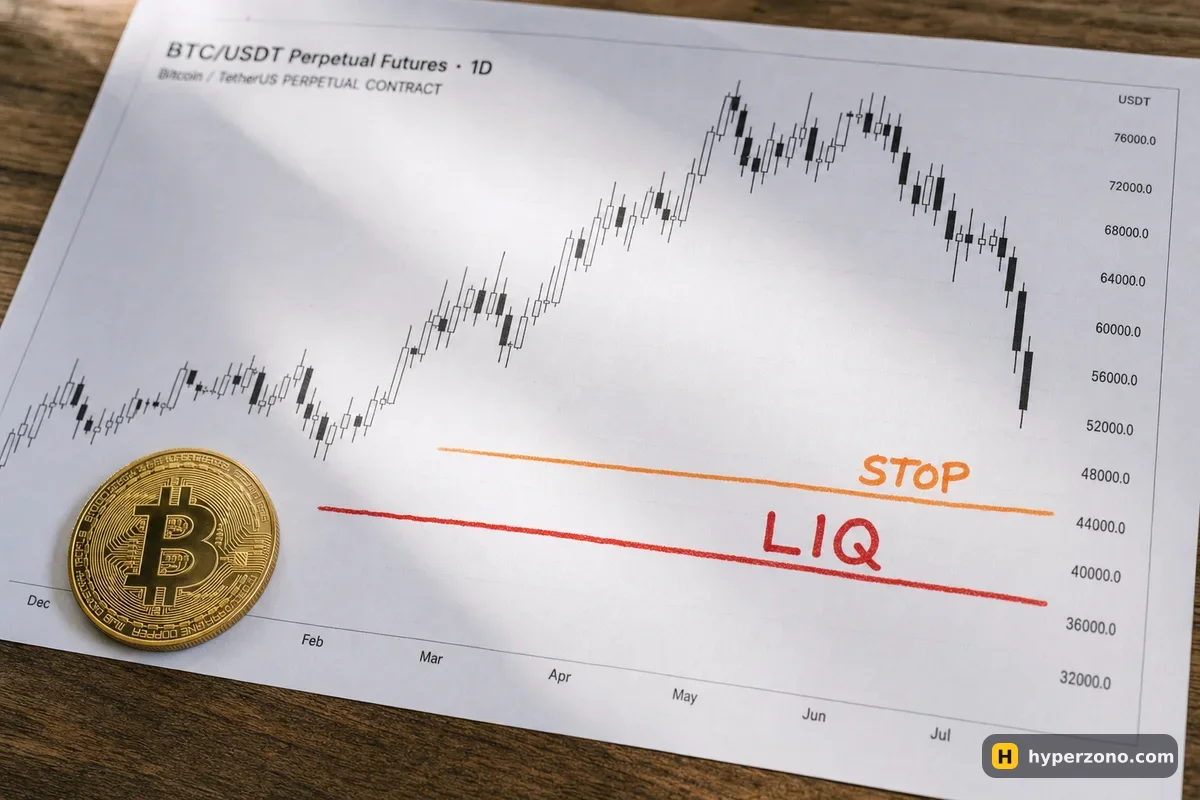
That estimate moves as the market moves and as fees and funding come out of your margin, so treat it as a boundary you never plan to touch. Set a stop as soon as the position is open, well above that level. If you cannot find a stop in the order window on this route, don't open the trade at all — on your phone you will not be sitting there watching the price all night. And keep the position small enough that a normal daily swing cannot reach the liquidation level. The page on working out your liquidation price shows how the distance is calculated, and the risks page is worth reading before you fund anything here.
Who is allowed to use it
Aster's terms prohibit use of the service by residents of, and people located in, Russia, Ukraine, the United States, Canada, the United Kingdom, China and other places. Binance Wallet itself can only be created by a verified Binance user, and the wallet is operated by Binance Barbados Limited, which is not supervised by a regulator.
If you fall under those restrictions, this route is simply not for you. The alternative is ordinary Binance Futures where it is offered, and you should confirm availability in the app while signing up rather than taking anyone's word for it. If you are weighing the two routes, Binance Wallet or Binance Futures lays the differences out side by side.
Is Binance on the other side of my trade in Binance Wallet?
No. The wallet sends your order to Aster, a separate trading service running on BNB Smart Chain, and Binance does not hold your margin. In practice that means Binance support cannot fix a trading problem for you; Aster's Discord is the channel for that.
Which network do Binance Wallet perpetuals run on?
BNB Smart Chain only. If your USDT is on another network, you need to move it over first. The wallet's own swap and transfer screens show which tokens and routes are supported, so check there before you plan a deposit.
What do these perpetuals cost?
An order that waits in the market costs 0% on Aster's crypto contracts, and one that fills straight away costs 0.04% — around 0.20 USDT on a 500 USDT trade. Stock and commodity contracts cost 0.0125% for an order that fills straight away. You pay going in and coming out, and funding settles every 8, 4 or 1 hour depending on the contract.
Do I need to write down a seed phrase?
No. Binance Wallet is keyless and has no 12-word phrase. You set up a backup instead: biometric Quick Backup, an encrypted cloud file with a recovery password, or a QR code. Until a backup exists, the perpetual contracts stay locked.
Where do I see my liquidation price?
Look for the estimated liquidation price in the order window before you place the order. If it is uncomfortably close to your entry, cut the size or the leverage until the distance looks survivable, and put a stop in well before that level.
How is this different from regular Binance Futures?
Regular futures keep your margin in a Binance account, with Binance as the venue and Binance support behind it. The wallet route keeps your funds in your own wallet, with an outside protocol doing the execution and no support desk at Binance for your trade.