Contents
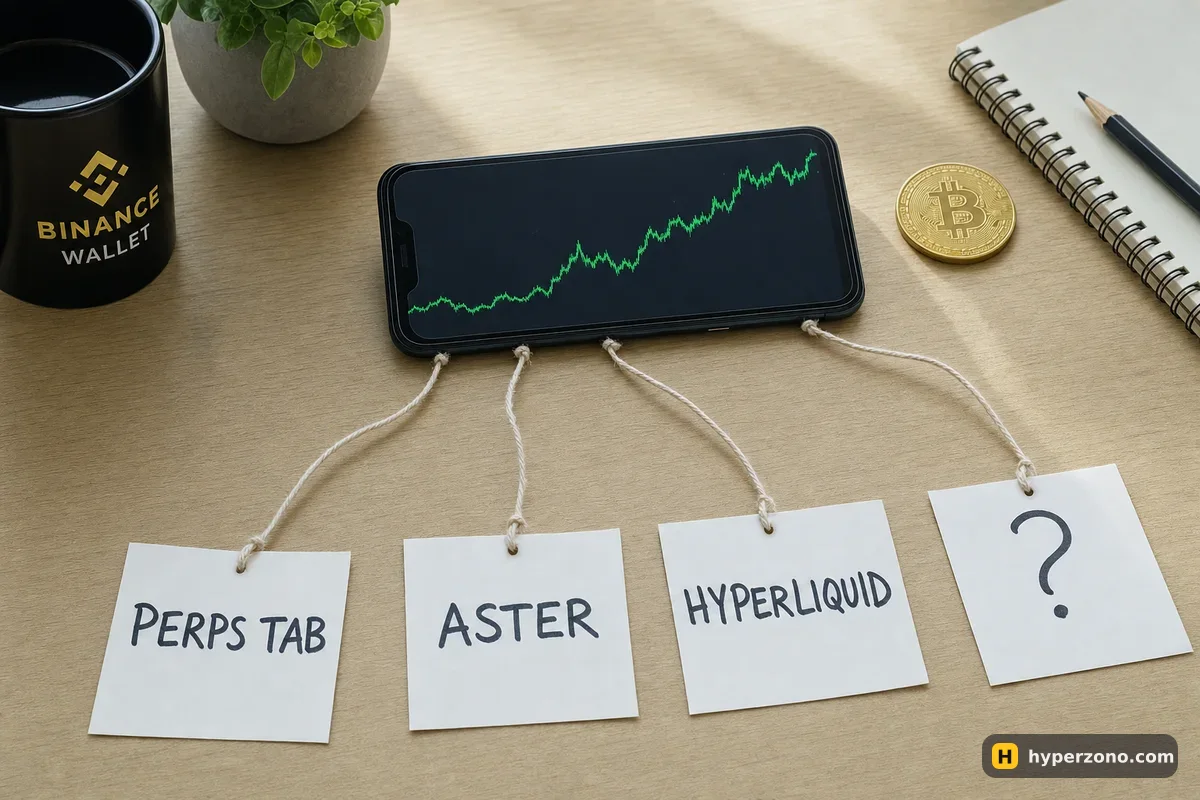
Where each route lives in the appRoute by route: what you see and who holds the moneyHow to check a venue before you connectWhich route makes sense firstThat is how the app looks on 22 October 2026, and the reason it feels confusing is that two very different things sit next to each other. The Perpetuals tab is part of Binance Wallet itself — your wallet balance, your positions, one screen. Everything under Discover → DApps is a separate venue that happens to open inside the wallet's browser, where you connect your wallet and then play by that venue's rules. If you want the basics of what Binance Wallet is before picking a route, the Binance Wallet overview covers that.
Where each route lives in the app
Menus move, and what you see depends on your account and the country it is registered in, so read the table below as a map rather than a promise about your screen. The bottom bar also has Markets and Trade — have a look around, the layout shifts between app versions. The column that matters most is the third one: where your money actually sits once you start trading.
| Venue | How you get there | Where your money sits | Where it comes from |
|---|---|---|---|
| Perpetuals tab in Binance Wallet (provided by Aster) | Home screen → the Perps list; on a computer, web3.binance.com | Your own wallet balance on BNB Smart Chain; pairs settle in USDT or USD1 | Binance's own product |
| Aster as a separate app | Discover → DApps → Trending DApps → Aster ("Next-Gen Perp DEX") | You connect your wallet to the venue; its own deposit rules apply — check inside the app | Listed in the wallet's dApp catalog |
| HyperLiquid as a separate app | Discover → DApps → search "HyperLiquid"; it also appears under Recent once opened | USDC deposited to your Hyperliquid account, not your wallet balance | Listed in the wallet's dApp catalog |
| Any other venue | Type its address into "Search for dApps or enter a URL" | Depends entirely on the venue | Not listed — you type the address yourself |
Route by route: what you see and who holds the money
The Perpetuals tab is the simplest route because nothing leaves the wallet. You open the Perps list, pick a pair — gold, oil, a stock, a crypto pair, a pre-IPO company — set your margin and leverage, and the position appears in the same app. The screen says "Provided by Aster": that is Binance's execution partner, sharing its order book, so your order fills in a busy market while the product you are using is still the wallet. On crypto pairs you pay 0.04% when you take the price already shown on the screen and nothing when you leave an order waiting, so on a 500 USDT trade entering costs about 0.20 USDT; on stocks and commodities that first figure is 0.0125%, around 0.06 USDT on the same size. Funding there is paid every 8, 4 or 1 hours depending on the contract, and how the Perpetuals tab works goes through the screen in detail.
The Aster entry in Trending DApps has the same name, but it is not the same place. Opening it takes you out of Binance Wallet's own product and onto Aster's own site, where you connect your wallet and work under that venue's deposit rules, fee schedule and country terms — none of which have to match what the Perps tab shows you. Which coins it takes and what the minimums are, you will only see inside the app itself — look before you move anything. If you are weighing the two up, Aster directly vs Aster inside Binance Wallet is the page for that comparison.
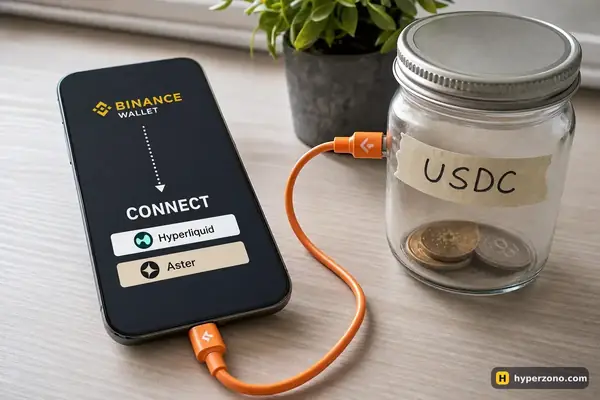
HyperLiquid is the clearest example of a genuinely separate venue. You find it through the dApp search field, connect your wallet, and then you have to move money there: trading needs USDC sitting in your Hyperliquid account, and your wallet balance in USDT or USD1 will not do the job. Funding on Hyperliquid is paid every hour, and the starting fees are 0.045% when you take the price that is already on the screen and 0.015% when you leave an order waiting — on a 500 USDT trade that is about 0.22 USDT to enter. What Hyperliquid is and how to deposit USDC there are both worth reading before you send anything.
The fourth route is the search field itself. It accepts any address, so typing the URL of some other perpetual venue will open something — but nothing about that page tells you its network, its collateral, its country rules, or whether it is even the real site. That is the one route where all the checking falls on you, which is why there is no step-by-step guide for it here. The mechanics of connecting, when you do decide to, are in how to connect Binance Wallet to a DEX.
The wallet will open any address you type — including a fake one. Binance Wallet's dApp browser is a general-purpose browser with a signature button attached. It will happily load a copycat page that looks like a well-known venue, and a venue appearing in the wallet's catalog is not a safety check either. That a site opens in the wallet tells you nothing about whether it is legitimate, whether it serves your country, or what you are signing.
How to check a venue before you connect
Reach it from the catalog, not from a message
Trending DApps and the search list inside the wallet are a far safer starting point than a link someone sent you in a chat. If you must type an address, type it yourself from the venue's official documentation, letter by letter, and bookmark it in Favorites afterwards so you never retype it.
Read the address bar before you tap Connect
Look at the exact domain. Extra words, swapped letters and unusual endings are the whole trick behind fake trading sites. If anything looks off, close the page instead of guessing.
Find out which network and which coin it wants
The Perps tab runs on BNB Smart Chain with USDT or USD1; Hyperliquid wants USDC on its own account. Sending the right coin on the wrong network is one of the most common ways beginners lose money, and no support desk can always undo it.
Read what you are signing
A connection request that only identifies your address is routine. A request to approve spending of a token, or to sign something you cannot read, deserves a pause. If you do not understand the prompt, reject it — you can always come back.
Start with the smallest amount the venue allows
Your first trip through a new route is a test of deposits, fills and withdrawals, not an attempt to make money. Put through a few dollars, open and close one small position, and withdraw. If the money comes back, the route works.
Which route makes sense first
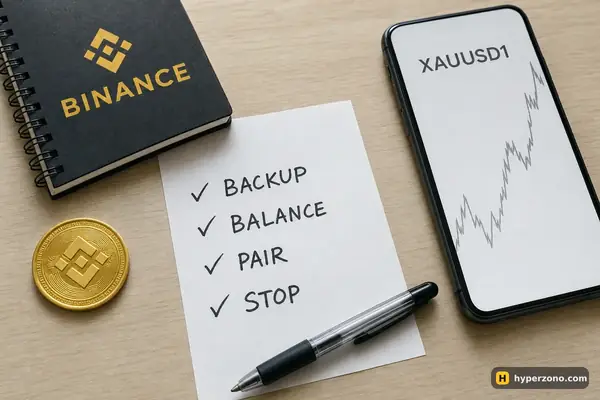
If you have never opened a perpetual position, the built-in Perps tab asks the least of you: no second account, no moving coins to another network, no extra coin to buy, and the result lands back in the same balance you funded. One thing to get right before you try it — your wallet needs a backup, because without one the perpetual contracts in the wallet are not available to you.
Backing up the wallet takes a few minutes — here's how to set it up. If you don't have the wallet yet, you can open Binance Wallet and just look at the Perps list before putting in any money. When you're ready, the step-by-step first trade walks through a gold position from the order window to the close.
Pick the separate venues when you want something the wallet route does not give you — a market that only exists there, or a different fee and funding structure — and accept that you are then managing a second balance in a second place. Either way, check availability where you live while you are signing up: Aster's terms of 25 February 2026 exclude residents of, and people located in, Russia, Ukraine, the USA, Canada, the United Kingdom, China, North Korea, Cuba, Iran, Venezuela and Syria, and other venues have their own lists. And whichever route you take, the risks of leveraged trading travel with you — what can go wrong in the wallet is the short version.
Can I trade perpetual futures in Binance Wallet without opening any dApp?
Yes. The Perpetuals tab is built into the wallet — you find it in the Perps list on the home screen, and it also exists on the web at web3.binance.com. Execution is provided by Aster, but you never leave the Binance Wallet interface and the money stays in your wallet balance.
Is the Perps tab the same thing as opening the Aster app from Discover?
No, and this is the part people mix up most. The Perps tab is Binance Wallet's own product with Aster behind the order book. The Aster entry in Trending DApps opens that venue's own site, with its own deposit rules, fees and country terms. Same name on the label, two different places.
Why can't I use my wallet's USDT balance on Hyperliquid?
Because Hyperliquid runs on its own system and trades against USDC held in your Hyperliquid account. Connecting your wallet is only the login part; you still have to deposit before you can open anything. The deposit guide walks through which network to use and what commonly goes wrong.
Does opening a venue by typing its URL mean it is supported?
It means the browser loaded a web page, nothing more. Three routes are visible in the app itself: the built-in Perps tab, the Aster dApp and HyperLiquid. For anything you type in by hand, you are the one checking the domain, the network and the terms — so go small, or stay with a route you can see in the app.
Do I need a seed phrase to connect to one of these venues?
Binance Wallet is a keyless wallet, so there are no 12 words to write down anywhere. What it does need is a backup — biometric quick backup, iCloud or Google Drive with a recovery password, or a QR code. No legitimate venue ever asks you for backup details or a recovery password, and a request like that is the end of the conversation.
Will my Binance account balance follow me onto a DEX?
It will not. Your exchange account, your wallet balance and an account on a separate venue are three different pots of money. Each route needs funding of its own, and the profit or loss comes back to the pot you funded.
Sources and fact-check
Exchange terms were checked against official documents on October 22, 2026. Terms change — before you trade, check what matters to you in the exchange app and in your contract’s specs.
Binance Wallet: XAUUSD1 Perpetuals — trade pageHyperliquid Docs: Fees