Contents
What anyone can see about any walletWhat the address never tells youWhy your copy is not the same tradeVaults: the built-in way to put money behind a traderA checklist before you follow anyoneWhat anyone can see about any wallet
Hyperliquid is an on-chain venue: there is no sign-up form, you connect a wallet and trade, and the order book and positions live on a public chain. That design has a side effect people love — the trading of every address is readable by anyone, including yours. In practice you paste or tap a wallet address and the venue shows that account's open positions and its past fills; separate tracker sites do the finding for you and list the biggest addresses by size or profit. Which pages and tools show this, and how they look, changes over time — look in the app yourself instead of trusting a screenshot from a stranger.
Public data for an address generally includes which markets it holds, whether each position is long or short, the size and entry price, the leverage, the liquidation price the system calculates, the unrealized profit or loss, past fills, funding payments, and deposits and withdrawals. That covers both Hyperliquid's own crypto perpetuals and the stock, index and commodity markets deployed on top of it — you can see every market in our live Hyperliquid market table.
What the address never tells you
A wallet showing a huge long on Bitcoin may be only one half of a bigger plan. The same person can hold a short on another exchange, or own coins they bought years ago that you cannot see. On the chain you see the one trade and read it as a bet; for them it may be protection for something else. Market makers and funds also split their money across many addresses, so the address you found may be one small part of what that person is actually doing, and you have no way to see the rest.
| You can see | You cannot see |
|---|---|
| Market, direction, size, entry price | Why the trade was opened and how long it is meant to last |
| Leverage and the calculated liquidation price | Hedges, spot holdings or other trades on other venues |
| Unrealized and realized profit on this address | Their total capital — is this 2% of it or 90%? |
| Fills and funding payments of this address | Trades made from their other wallets and accounts |
| Deposits and withdrawals of this address | Their exit plan and what makes them change their mind |
One more thing worth remembering: a screenshot of millions in profit is often unrealized profit on an open position, and open positions can give it all back. The same trap exists in exchange copy trading, and we go through it in how to check a trader's open losses.
Why your copy is not the same trade
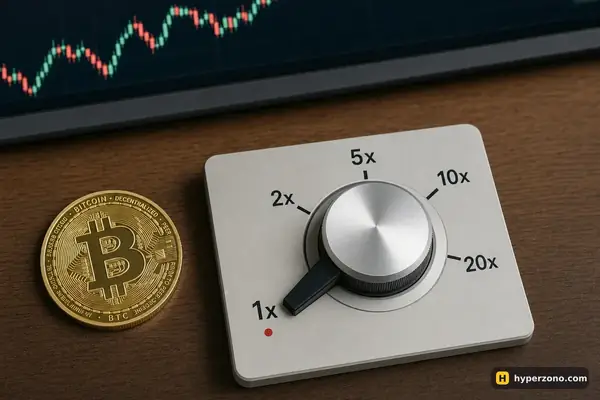
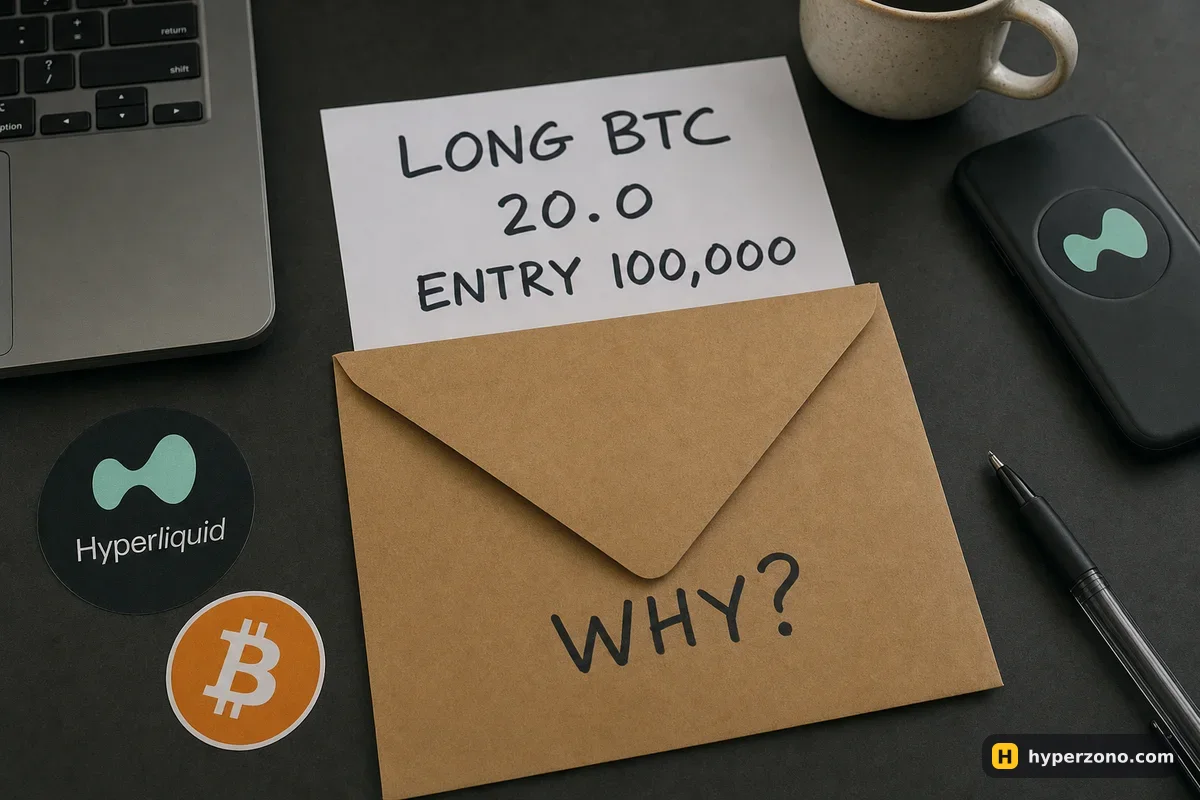
Imagine you spot an address that just went long Bitcoin — 2,000,000 USDC of position at 100,000, with another 1,000,000 USDC sitting free in the same account (illustrative numbers). Price would have to fall a very long way before that account is in trouble, and the owner can add margin at any time. You copy the idea with 200 USDC of margin at 10x, which is a 2,000 USDC position. A move of about 10% against you would eat your whole margin, and Hyperliquid will close the position for you a bit before that point, because it also keeps a small part of your margin aside and because fees come out of it too. That forced close is called liquidation. Same direction, same coin, completely different survival.
Then there is the delay. You only learn about their fill after it happened; by the time you read it and place your own order, the price has moved, so your entry is worse and your stop sits in a different place. They may close in ten minutes and you will find out later. Funding here is settled every hour, so a position you hold for days because "the whale is still in" quietly pays or receives money the whole time.
Decide your own entry, stop and size. Treat what you see on an address the way you treat news: it can give you an idea, but you still decide your entry, your stop and your size. If your only reason for the trade is that someone big is long, you have nothing to tell you when to get out.
Vaults: the built-in way to put money behind a trader
A vault is a shared account on Hyperliquid. You put USDC in, one person trades the whole pot, and profit and loss are split between everyone who deposited — all of it recorded on the chain, so you can check the trades yourself. Newer vaults can also trade spot and the stock, index and commodity markets; the oldest ones, from 2023, only trade Hyperliquid's own crypto perpetuals.
What a general description never covers is everything you actually need before depositing: the minimum amount, whether your money is locked for a period, how long a withdrawal takes, what share of profit the person running it keeps, and what happens to depositors in a bad losing stretch. Those terms belong to each individual vault, so read the vault's own page in the app and treat an impressive past curve as history, not a promise. The way you size up a person to follow is the same as for exchange copy trading, which we cover in how to choose a trader to copy; the difference here is that nobody is holding the money for you.
A checklist before you follow anyone
Check the venue opens where you live
Hyperliquid blocks access from some jurisdictions and shows a restricted-jurisdiction message instead of the app. Open it first and see for yourself; never try to get around a block.
Read the address for a week before risking anything
Note how often they trade, how long positions stay open, how deep their losing periods go. One screenshot proves nothing.
Work out your own size, not theirs
Forget their size. Decide how much you are ready to lose if this trade goes wrong — say 10 USDT out of 200 — then work your position back from your stop level, as shown in how much to put into one trade. If the smallest order the market allows already risks more than that, skip the trade.
Write your own exit before you enter
Your stop level, your target, and a time limit. You will not be told when they close.
Start with an amount you can lose calmly
You need a wallet and USDC on the venue — see how to deposit USDC to Hyperliquid — and a first position small enough that a bad fill does not matter.
If you have only ever used a centralised exchange, the practical differences — no account, your own keys, hourly funding, public positions — are laid out side by side in Binance Futures or Hyperliquid. Reading wallets costs nothing, so you can study addresses for days before any money is at risk, and when you want to see the address view for yourself you can connect a wallet on Hyperliquid and look around without opening a position.
Can I really see other people's trades on Hyperliquid?
Yes. Because the venue runs on a public chain, the positions, entries, fills and funding payments of an address are readable by anyone. That includes your own address once you start trading, so treat your activity as public too.
Is copying a whale wallet profitable?
Nobody can promise that, and the honest answer is that you are copying one visible part of someone's trading with less money, worse timing and a much closer liquidation price. Use what you see as research for your own plan, with your own stop and size.
Is there an automatic copy trading button on Hyperliquid?
The built-in way to put money behind someone's trading is a vault, where one trader runs a shared on-chain account and everyone who deposited shares the result. Anything else that claims to mirror a wallet automatically is a third-party tool — check carefully what access it asks for, and check in the app which features exist in your version.
How do I know the whale has closed the position?
You don't, until you look. There is no notification when someone else exits, which is why your own exit rule matters more than theirs. If your plan depends on reacting to their move, you will always be late.
Does looking up an address cost anything or need registration?
Reading public data costs nothing and needs no account. You only need a wallet and USDC when you decide to open a position yourself.
Sources and fact-check
Exchange terms were checked against official documents on October 22, 2026. Terms change — before you trade, check what matters to you in the exchange app and in your contract’s specs.
Hyperliquid Docs: Vaults