
Contents
Why do this before the money arrives, not afterTurn on 2FA from an app, not from SMSA separate email and a password you use nowhere elseThe anti-phishing code and how to spot a fake emailLock withdrawals to your own addressesAPI keys: only create one when you actually need itYour fifteen-minute checklistNow you can put money in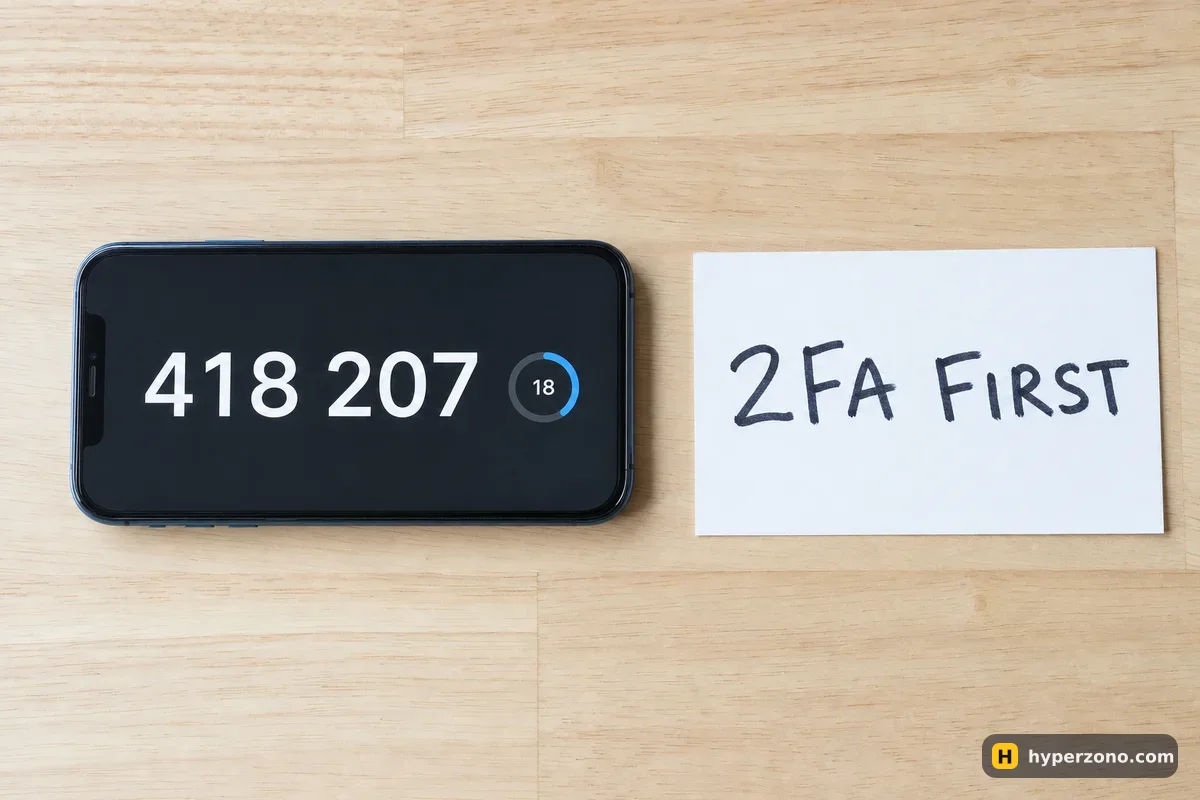
Why do this before the money arrives, not after
An empty account feels like nothing worth protecting, so most people skip the settings and go straight to the deposit page. Then the balance appears, and suddenly every old leak of your email and password from some random website matters. The settings take fifteen minutes and you only do them once, so the sensible moment is now, while you have nothing to lose and nothing to panic about.
This page is about protecting your own account. Whether the exchange itself is trustworthy is a separate question — if you are still choosing, read how to check that an exchange is not a scam first, and make sure you downloaded the app from the official store listing, which we cover in which app to trade from.
Turn on 2FA from an app, not from SMS
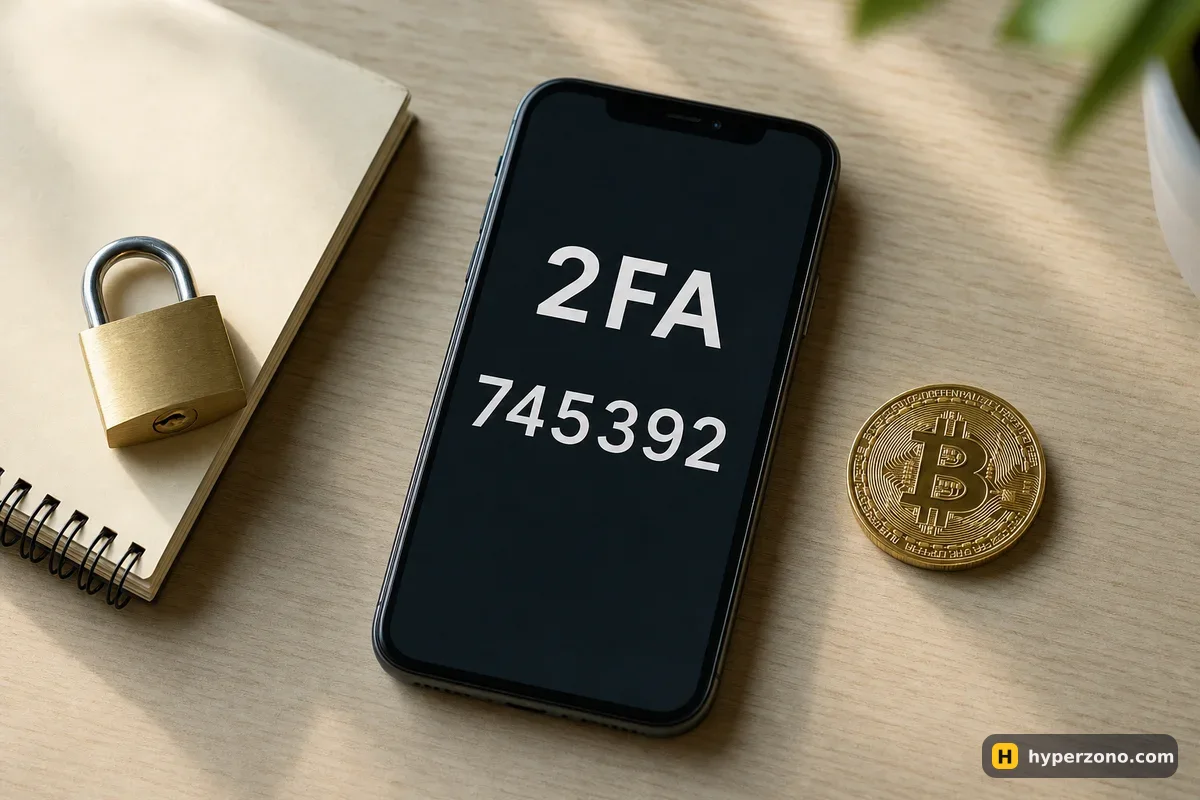
Two-factor authentication means that your password alone is not enough: the exchange also asks for a short code that changes every thirty seconds. Get that code from an authenticator app on your phone, not by text message. Phone numbers can be taken over — someone talks your mobile operator into moving your number to their SIM, and from that moment every SMS code goes to them instead of you.
Install an authenticator app (Google Authenticator, Authy, Aegis or the one built into your password manager), then open the security section of your exchange account and link it. The exchange will show a QR code and a backup key in text form — save that backup key somewhere offline, on paper or in your password manager, because if you lose the phone without it, getting back in means a slow support process. While you are there, check that the exchange also asks for a code when you withdraw, not only when you log in — on most exchanges it does, and if there is a switch for it, turn it on.
A separate email and a password you use nowhere else
Your email is the master key to the account: anyone who reads your inbox can start a password reset. Create a fresh email address used only for exchanges, protect that mailbox with its own app-based 2FA, and don't post it anywhere public. It takes five minutes and it quietly removes you from most of the junk that lands in an everyday inbox.
For the password, the easy route is a password manager — Bitwarden, 1Password, KeePass, or the one built into your browser or phone. Let it generate something long and random, and let it remember it. The one thing you must never do is reuse a password from another site, because old site databases leak constantly and attackers simply try those same pairs on every big exchange.
The anti-phishing code and how to spot a fake email
Most large exchanges let you choose a short word or phrase that then appears in every genuine email they send you. Look for it in the security settings — it is usually called the anti-phishing code — and pick something you would recognize instantly, like a street name or a nickname. After that, any message claiming to come from the exchange without that word is fake, and you can delete it without reading another line.
Fakes usually arrive as an urgent story: your account is locked, a withdrawal needs confirming, there is a limited bonus waiting. Never reach the exchange through a link in a message. Open the app you installed yourself, or type the address by hand, and check whether anything is actually wrong. The same goes for people in Telegram or WhatsApp who offer to "help with verification" — real support will never ask for your password, never ask for a 2FA code, and never ask you to share your screen.
Lock withdrawals to your own addresses
The withdrawal address whitelist is the setting that actually saves your money. You add the wallet addresses you personally use, switch the whitelist on, and after that the exchange will only send coins to those addresses — a stranger who somehow got into your account cannot type in their own. Some exchanges also hold a newly added address for a while before you can send to it; your exchange will tell you on the whitelist screen whether there is a waiting period.
If your exchange offers a separate withdrawal password or passphrase, switch that on as well, and keep it different from your login password. You will only meet these settings properly when you withdraw your profit, but setting them up now means you never have to think about it again. The easiest way to see what your exchange offers is to open the security page in your own account — on Bybit, for example, you can create an account and walk down the security list before you deposit anything, and while you are signing up you can check whether futures are available where you live.
API keys: only create one when you actually need it
An API key is a long password that lets another program trade on your account — a bot, a tracker, a portfolio app. As a beginner you almost certainly don't need one, and the safest setting is to have none at all. Exchange bots and copy trading run inside the exchange and need no API key.
If one day you do create a key, three rules keep it harmless. Never tick the withdrawal permission — a trading key that cannot move money out is a far smaller prize. Restrict the key to the IP address of the service that will use it, so it stops working from anywhere else. And delete keys you no longer use, instead of leaving them sitting in the list for years.
Your fifteen-minute checklist
Set up a clean email
A fresh address used only for crypto accounts, with 2FA switched on in the mailbox itself.
Generate a unique password
Let a password manager create and store it. Don't reuse anything from another site.
Link an authenticator app
Scan the QR code, save the backup key offline, and check that the exchange asks for a code when you withdraw as well as when you log in.
Set the anti-phishing code
Choose a word you will recognize. From now on, emails without it are fake.
Turn on the withdrawal whitelist
Add only your own wallet addresses, plus a withdrawal password if the exchange offers one.
Check the device and session list
Look at which devices are logged in and remove anything you don't recognize. Come back here once a month.
One habit beats every setting. Never type your password or your 2FA code anywhere you arrived at by clicking a link. Open the app or type the address yourself. Phishing pages look perfect; the only thing they cannot copy is how you got there.
Now you can put money in
With these settings done, your account is in better shape than most. The next steps are identity verification, which we cover in what documents you need for KYC, and then funding the account for the first time with a small amount you are comfortable risking. If you want to see the whole path laid out in order, the step-by-step starting guide walks through it.
Is SMS 2FA better than nothing?
Yes, it is much better than a password alone, so turn it on if that is all you have today. But move to an authenticator app as soon as you can, because a SIM swap hands your codes to someone else and you may not even notice until your phone goes quiet.
What happens if I lose the phone with my authenticator app?
If you saved the backup key when you set it up, you just add the account to an authenticator on a new phone and the same codes appear. Without that key you have to go through the exchange's account recovery, which takes time and usually means sending documents and waiting. Save the key now.
Can the exchange itself steal my coins if I do all this?
These settings protect you from other people getting into your account, not from a dishonest or failing platform. That is a different question, and it comes down to choosing where you trade — see our guide on checking an exchange before you deposit anything serious.
Do I need a withdrawal whitelist if I never plan to withdraw to a wallet?
Yes, and that is exactly when it is most useful. If you have no reason to send coins out, locking withdrawals to one address you control means an intruder has nowhere to send them either. You can always add a new address later, and the whitelist screen will tell you if the exchange makes you wait before using it.
How often should I check my security settings?
Once a month is plenty. Open the device and session list, remove anything unfamiliar, and glance at the API key list to make sure it is still empty or still shows only the key you created on purpose. It takes a minute.