
Contents
What a demo futures account actually gives youWhich exchanges let you practice with fake moneyHow much virtual money you get, and what happens when you lose itDo you need to register, verify your ID or deposit anything?What a demo will not show youWhich demo should you pick?
What a demo futures account actually gives you
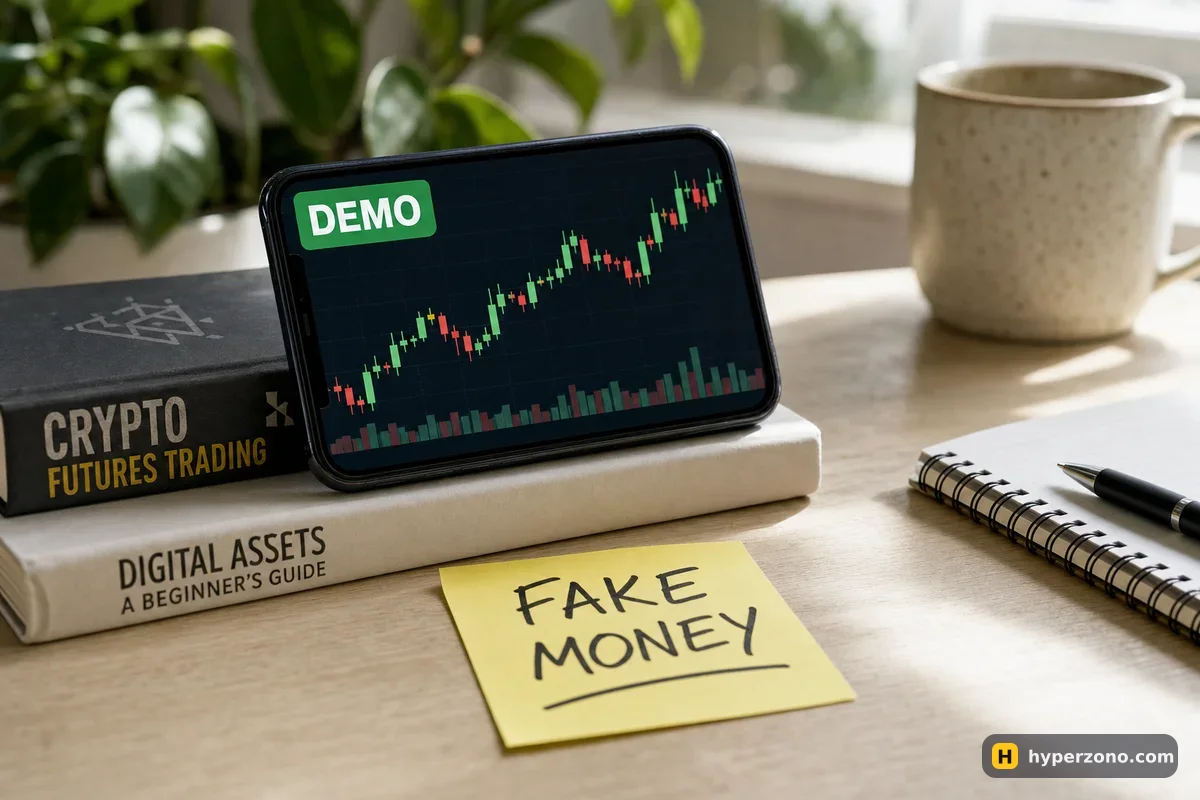
The exchange hands you a virtual balance in USDT and lets you trade the same contracts at the same live prices. You pick bitcoin, set leverage, open a long or a short, watch the position go green or red, and close it. The profit and loss are counted properly, they just are not your money — and neither are the losses.
That matters more than it sounds. Most of what scares a beginner is the interface, not the market: where the leverage slider is, how to attach a stop-loss, what it looks like when the exchange closes your trade on its own because the deposit ran out — that last one is called liquidation. You can meet all of that for the first time with virtual funds instead of with the 50 USDT you saved up.
Which exchanges let you practice with fake money
Two exchanges have a demo you can count on: Bybit and Binance. Bybit has a demo trading mode where you trade futures with a virtual balance at live prices. Binance has a demo mode too, for spot and for its USDT futures — the ones a beginner would use — with one caveat written on its own page: it is not available in every country.
Other exchanges add test modes, remove them and rename them without telling anyone, so I would rather not hand you a list that may already be wrong. If you already have an account somewhere else, open the app menu and search for "demo" or "simulated" — that takes less time than searching for an answer online. And if you want to see whether Binance's version opens where you live, you can open a Binance Futures account and look for it while you are signing up.
How much virtual money you get, and what happens when you lose it
The size of the starting balance differs from exchange to exchange and gets changed from time to time, so read the number on your own screen rather than trusting a figure from an article. The same goes for refills: look for a button that adds more virtual funds or resets the demo account, and see whether there is a limit on how often you can press it.
Here is the catch with a big virtual balance. If the demo gives you 50,000 USDT and you plan to start real trading with 100, the practice teaches you almost nothing useful — losing 3,000 virtual dollars feels like a video game. The fix takes ten seconds: decide that only 100 of those virtual dollars are yours, size every trade against that number, and keep a note of where you ended up.
Check which mode you are in before every trade. Demo and live screens can look almost identical, and the switch between them is easy to miss. Before you tap the buy or sell button, glance at the balance and at the demo label on the screen. People have opened a real leveraged position while thinking they were in practice mode.
Do you need to register, verify your ID or deposit anything?
On a normal exchange, demo mode sits inside an account, so you sign up first — email or phone, a password, and that is usually the slow part. Whether identity verification is required before the demo opens, and whether any deposit is needed, varies by exchange and by country, so the honest answer is to check it while you are signing up and see what the app asks for.
Country rules deserve a minute of your time too. Futures are restricted or served by a separate local company in quite a few places, and Binance says plainly that its demo is not available everywhere. If the demo refuses to open for you, that is a strong hint about the real product as well — see which futures exchanges are available in your country and check the exchange's own restriction page.
What a demo will not show you
Fills in demo are clean and instant, while a real market order on a thinly traded contract can fill a little worse than the price you saw. Fees, and the small payment that longs and shorts send each other while a trade stays open (that one is called funding), may be simulated in a simplified way. The contract you want — especially a stock, index or commodity perpetual — may simply not exist in the demo list, in which case practice the mechanics on bitcoin or ether instead.
The biggest gap is you. Nobody holds a losing virtual trade with a tight chest at two in the morning. A good demo result does not promise a good real result, and that is where a lot of first deposits go — not in the chart, but in the panic that follows the first red position. How demo differs from live trading goes through this properly.
Which demo should you pick?
Pick the demo on the exchange where you intend to trade for real. The whole point is muscle memory for a specific app: the position of the leverage slider, the way the stop-loss field appears, what the liquidation warning looks like when the price moves against you. Learning one platform and then opening a real account somewhere else throws away half the benefit.
If you have no preference yet, Bybit's demo is a simple place to begin — you can sign up on Bybit, find the demo mode in the app and have your first virtual trade open within a few minutes. If you would rather compare first, read which exchange suits a beginner, then come back and open the demo. And if you want some structure around it, free ways to learn futures from scratch covers what to study in which order.
Is demo futures trading free?
Yes. The virtual balance costs nothing and you are not depositing anything to use it. The only thing you spend is time, and that is the point — you are buying experience with hours instead of with money.
Do I need KYC to use a demo account?
You normally need an account on the exchange, and whether identity verification comes before or after the demo depends on the exchange and on your country. The fastest way to find out is to start the sign-up and see what the app asks for. Nothing stops you from closing the page if you change your mind.
What is a crypto futures testnet?
It is a separate test version of a platform running on test coins that have no value, used mostly by people trading on-chain or building with an API. For a beginner, a demo mode inside a normal exchange app is simpler — same screens, no wallet setup.
Can I lose real money in demo mode?
Not in demo itself. The one real risk is confusing the two modes, because the screens look almost the same. Check the balance and the demo label before you open a position.
How long can I keep using the demo?
Exchanges set their own rules on how long a demo account stays active and how often you can refill the virtual balance, so check that in the app. In practice, a few weeks of honest work tells you far more than a few months of clicking without a plan.
If I make money in demo, will I make money for real?
No, and it is worth being blunt about it. Demo results do not predict real results: fills, fees and above all your own nerves behave differently when the money is yours. Treat a good demo run as proof that you know the buttons, not as proof of profit.