Contents
You are not really choosing an app — you are choosing an exchangeHow the four big apps feel to a first-time userWhat to check on a small screen before you risk real moneyInstalling the app safely: the part people skipIf your phone is old or your data plan is smallYou are not really choosing an app — you are choosing an exchange
The app is just the window into the exchange behind it. Your money, your fees and your contracts live on the exchange, so the first question is not "which app looks nicer" but "are futures available to me on this exchange at all". Availability changes by country and sometimes by product, so check during sign-up and have a look at which futures exchanges are available in my country before you install anything.
Once that is settled, almost every big exchange app gives you the same three things on a phone: a chart, a window where you choose long or short and the amount, and fields for take profit and stop loss. If you can find those three things quickly and read them without zooming, the app is good enough for you. Which exchange suits a first-timer overall is a separate question, and we answer it in the best exchange for a beginner.
How the four big apps feel to a first-time user
| App | What you notice first | Check before you commit |
|---|---|---|
| Binance | One app holds spot, futures, copy trading, bots and more, so there is a lot to scroll past before you reach the futures screen. | Futures are not offered in every country, and the built-in demo trading is not available everywhere. |
| Bybit | Derivatives are the main business here, and there is a demo mode for practice — look for it in the app after you sign up. | Not served in several places, among them the US, Canada, mainland China, Hong Kong and Singapore. |
| OKX | Futures sit next to trading bots and index contracts such as US100 and US500. | Restricted in a number of countries, including India, Japan, Malaysia, Canada and Hong Kong; derivatives are also limited in the UK, Brazil and South Korea. |
| Gate | A very broad coin list, including small altcoins you often won't find elsewhere — check whether the coin you want is actually there. | Its user agreement names a long list of restricted locations — read it before you sign up. |
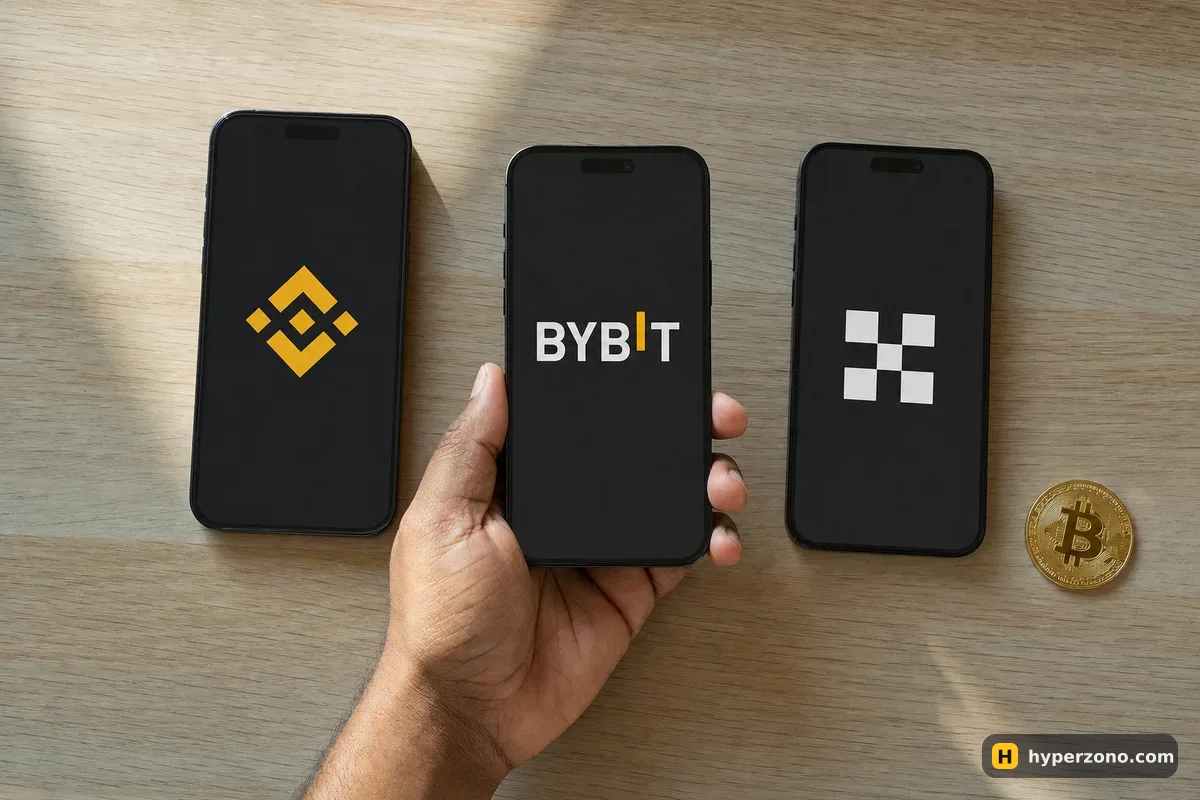
None of these apps is hard to use after an hour. The honest difference for a beginner is noise: an app that also sells you savings products, stock tokens and a dozen campaigns takes a little longer to tame than an app built mostly around futures. If you are torn between the two biggest names, Binance or Bybit for your first trades goes through it properly.
What to check on a small screen before you risk real money
Open the futures screen and try three things. Turn the phone sideways and pinch the chart — on a 6-inch screen a candlestick chart usually only becomes readable when the phone is held wide. Then look at the order window: find the leverage setting, find where you type the amount, and notice whether the amount is in USDT or in coins. If you type 50 meaning 50 USDT and the field is actually in ETH, you have just asked for 50 ETH — a position worth far more than your whole balance, and the exchange will simply reject it or open something you never intended.
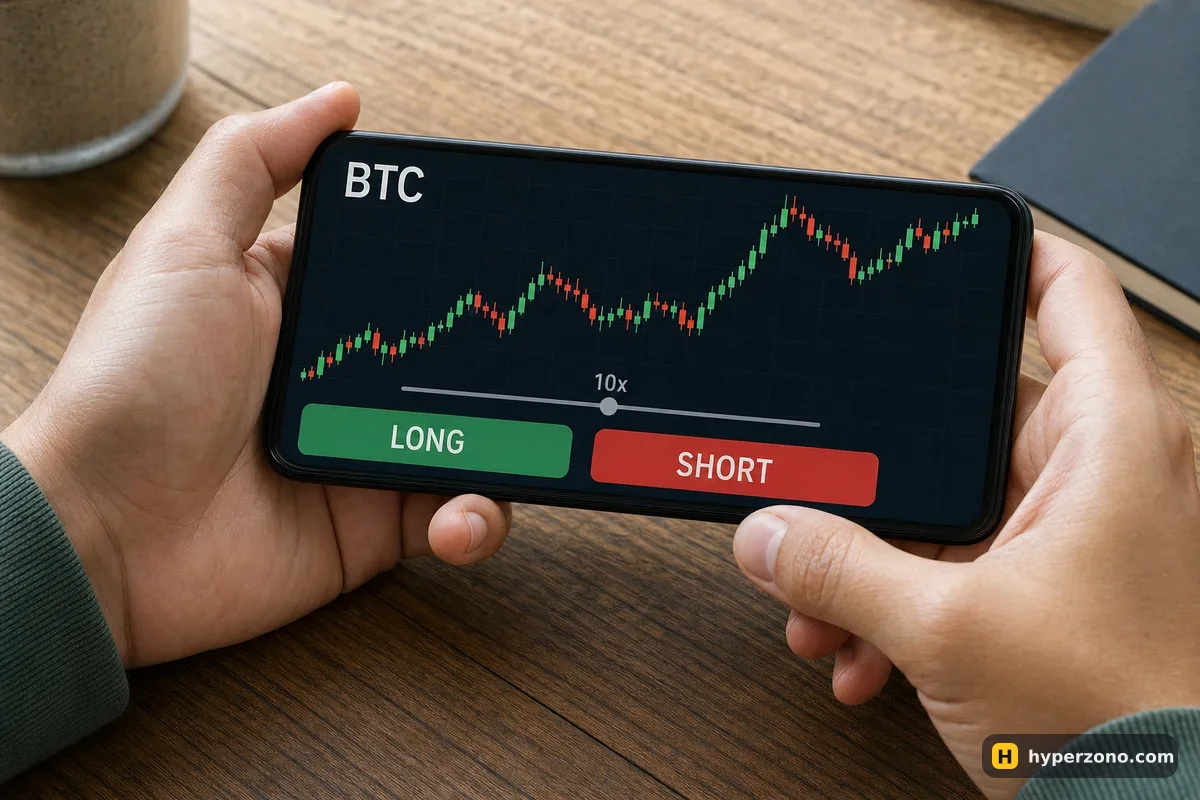
The third thing is the take profit and stop loss fields, usually right inside the same order window as a checkbox or a small "TP/SL" line. Tap them and see whether you can enter a price comfortably with your thumb. The cheapest way to test all of this is with no money at all: sign up on Bybit and look for demo mode — fake balance, real buttons. It won't give you the nerves of a real trade, but it tells you in ten minutes whether the screen makes sense to you. The day-to-day routine of trading from a phone is covered in how to trade futures from your phone.
Set the stop before you lock the screen. Your stop loss and take profit sit on the exchange's servers, not in your phone. Once you set them when opening the trade, they keep working if the app closes, the battery dies or the signal drops — though on a fast move a stop can fill a little worse than the price you typed. Here is how to set a stop loss in a couple of taps.
Installing the app safely: the part people skip
Fake exchange apps exist, and they look convincing. They show you a normal login screen, take your password and two-factor code, and the money leaves the real account minutes later. This has nothing to do with which exchange you picked — it is about where the file came from.
Start from the exchange's own website
Type the address yourself instead of tapping a link from a chat, an email or a search ad. The official site has the store links for Android and iOS.
Check the developer name in the store
The listing should be published by the exchange's own company. Copycats use near-identical icons and names with an extra letter or a different spacing.
Treat APK files with suspicion
On Android you may be offered a direct APK download. A modified APK can look perfect and still send your login somewhere else. The store version is the safer route; if you genuinely need an APK, take it only from the exchange's own domain.
Log in and review the device list
After the first login, open the security section and look at active sessions and devices. Anything you do not recognise, log it out and change the password straight away.
After installing, spend two minutes in the app's security settings: switch on the fingerprint or face check, or an app passcode, so the app asks for it rather than opening straight into your positions when someone picks up your phone. The rest of the setup — two-factor codes, anti-phishing wording, withdrawal whitelists — belongs in securing your exchange account, and if you are unsure a platform is genuine in the first place, start with how to check that an exchange is not a scam.
If your phone is old or your data plan is small
Trading apps stream prices constantly, so a chart screen left open eats battery and mobile data. On a low-end phone the practical fix is to stop babysitting the trade: set your stop loss and take profit when you open the position, set a price alert, and close the app. The orders run on the exchange's side whether your phone is on or not.
A few more things help. Install updates over Wi-Fi, keep only one exchange app rather than four, and if the app crawls on your device, the exchange's website in a mobile browser often loads lighter and handles a simple order perfectly well. If you would rather stay with the biggest app and simply strip it down to the futures screen, you can open a Binance Futures account and ignore the rest of the menus. And avoid opening a trade on a connection that keeps dropping — entering a position is the one moment when a frozen screen genuinely costs you money.
Which crypto futures app is best for beginners?
The one from an exchange that serves your country, with an order window you understand on the first try. Bybit is a reasonable starting point because derivatives are its main business and it has a demo mode — look for it in the app after you sign up. Binance suits you if you want everything in one place and don't mind more menus.
Is it safe to trade futures on a phone?
Yes, as safely as on a laptop, provided the app came from the official store and you switched on the fingerprint check and two-factor authentication. The bigger phone-specific risk is practical: a dead battery or a lost signal while a position is open, which is why you set the stop loss when you open the trade. It sits on the exchange and closes the position even if your phone is off — though on a fast move it can fill a bit worse than the price you set.
Can I use the same account on my phone and my computer?
Yes. It's the same account whichever screen you use — your positions and your futures balance look identical in the app and in the browser. You can open a trade on the phone and close it from a laptop, and the exchange keeps a list of logged-in devices you can review.
Should I download an APK file to trade futures on Android?
Prefer Google Play. An APK from a random site or a chat group may be a rebuilt version of the app that quietly forwards your login details. If an APK is your only option, download it from the exchange's own website and nowhere else.
Do these apps work on iPhone and Android equally?
The core trading features are the same on both; small layout details differ. Check the store listing of the exchange you chose, since not every product inside an app is offered in every country regardless of the device you use.