Contents
Why the money doesn't show up in futures on its ownWhere the Transfer button is, in the app and on the webFunding, Spot, Futures: which wallet is whichWhy the money appears without a blockchain waitCheck your available margin before you open the tradeMoving money back to spot, and what blocks itIf the transfer doesn't go through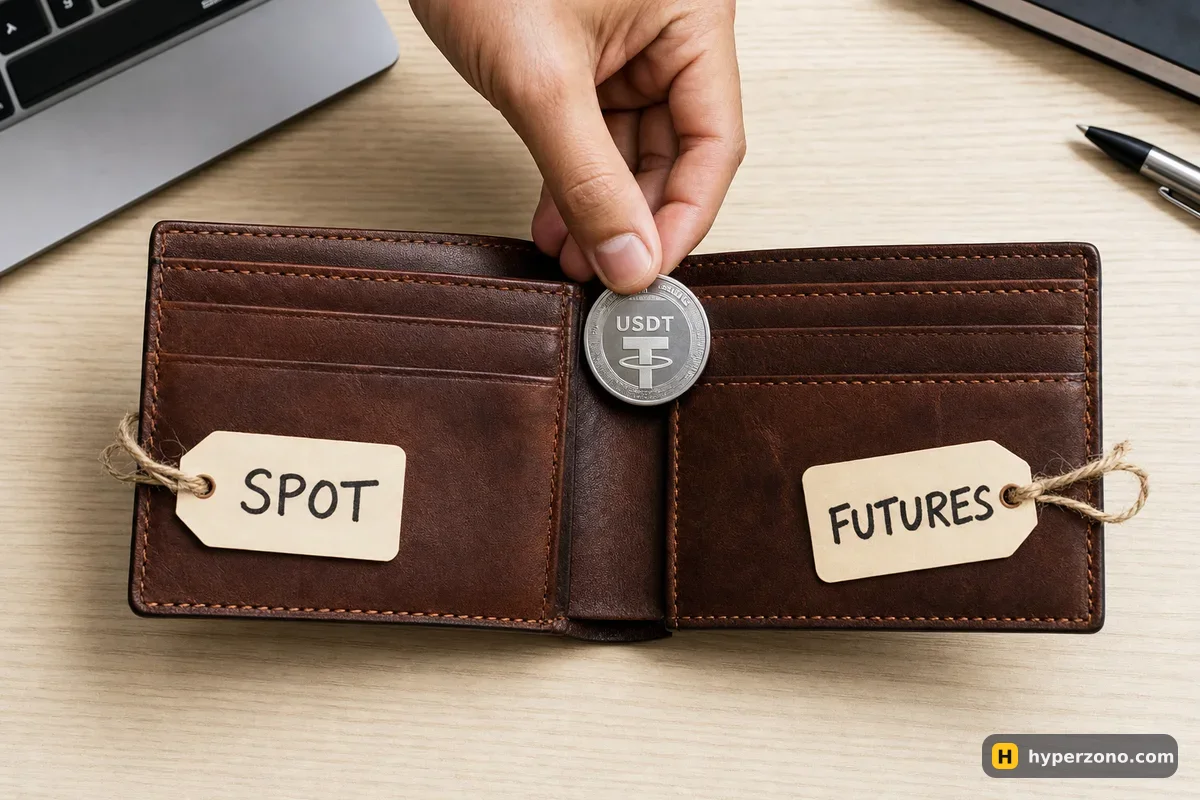
Why the money doesn't show up in futures on its own
When you buy USDT or receive a deposit, the exchange puts it in your spot wallet. That balance is perfectly fine for buying and selling coins, but the futures screen looks at a different balance entirely, and if nothing has been moved there yet it will show 0.00. Tap Long or Short at that point and you get a message about insufficient balance, which confuses a lot of people who are sure they just deposited money.
Nothing is lost and nothing went wrong. The exchange keeps the two pots apart on purpose, and only the money sitting in the futures wallet backs your trades, so whatever you leave in spot stays out of the way. Getting money into the account from outside — a card payment, a bank transfer, P2P — is a different job, covered in how to fund your futures account for the first time.
Where the Transfer button is, in the app and on the web
Every big exchange has the same little window, usually called Transfer, with a From row and a To row. In the app it lives on the Assets or Wallet tab at the bottom of the screen; on the website it is in the Wallet or Assets menu in the top right corner. The wording differs between apps, so look for the button by meaning: the one that moves money between your own accounts, not the one that says Deposit or Withdraw.
Open your wallet
In the app, tap the Assets or Wallet tab at the bottom. On a computer, hover over Wallet or Assets in the top menu and pick the overview page. You will see your balances split by account: spot, futures, and usually one or two more.
Tap Transfer
The button sits near Deposit and Withdraw. A small window opens with two rows — where the money comes from and where it goes.
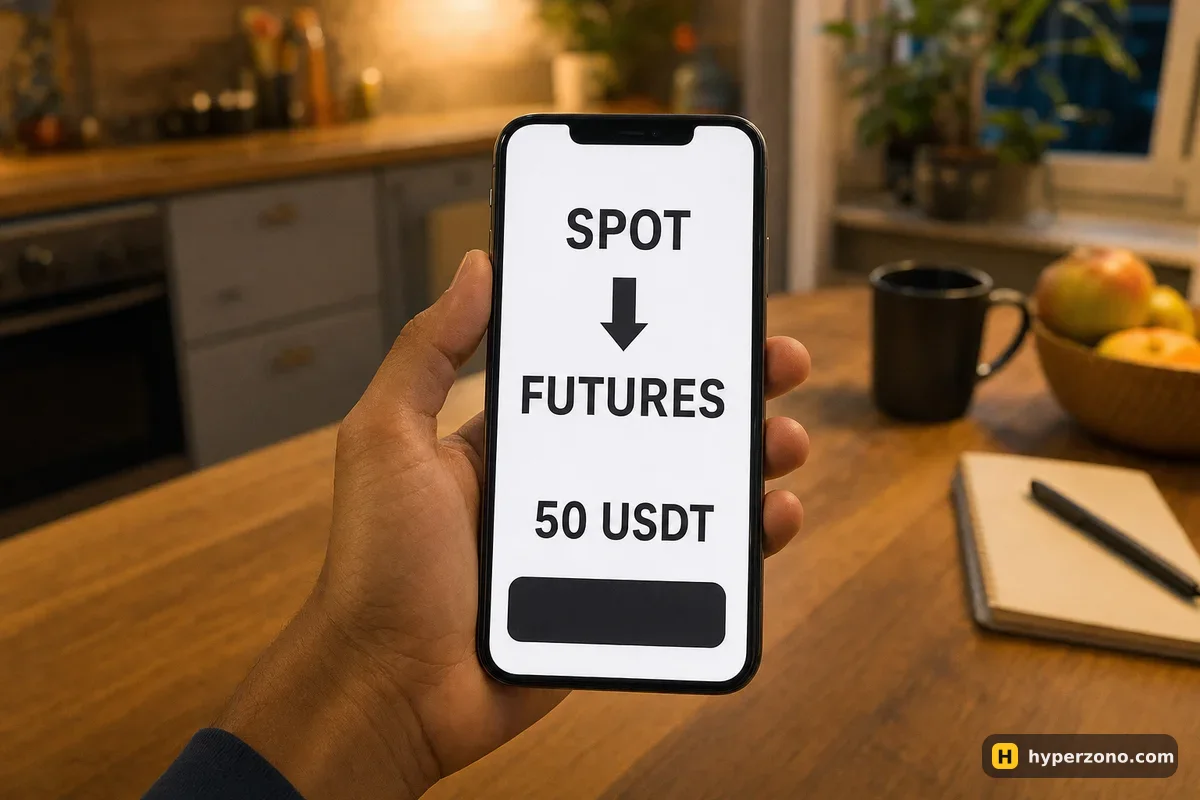
Set From: Spot, To: Futures
The futures account may be listed as USDT-M Futures, Derivatives or Perpetual, depending on the exchange. Pick the one that matches the contracts you want to trade; for ordinary USDT perpetual contracts that is the USDT-margined futures account.
Choose USDT and the amount
Select USDT as the coin, then type the amount. There is normally a Max or All button that moves the whole balance — handy, but you rarely want it for a first trade.
Confirm and look at the futures balance
Confirm, go back to the futures screen and check that the balance now shows what you sent. It should be there in seconds, no waiting and no confirmations.
There is a shortcut that saves a lot of tapping: on the futures trading screen itself, next to the balance shown above the order window, most exchanges put a small Transfer link. Tap it and the same window opens with the destination already filled in. The quickest way to see all this for yourself is to sign up on Bybit and open the Assets screen before you put any real money in — the layout makes a lot more sense once it is in front of you.
Funding, Spot, Futures: which wallet is which
Most exchanges have a third wallet sitting between your payment methods and your trading. Money arriving from P2P or certain payment providers often lands there first, which is why people search for how to transfer from funding to the futures account — the Transfer window handles that in exactly the same way, you just set the From row to that wallet instead of Spot.
Names move around. On Binance, the wallet long known as Funding is being renamed Stocks Account between 29 September 2026 and January 2027, so depending on when you look you may see either name for the same pot of money. If a balance you expected is missing, open the Transfer window and go through the From list one by one — your money is in one of them.
| Wallet | What it is for | Can futures orders use it? |
|---|---|---|
| Spot | Buying and selling coins outright; most deposits land here | No — move it to futures first |
| Funding / Stocks Account (Binance name change in progress) | P2P and some payment methods arrive here | No — move it to futures first |
| Futures (USDT-M / Derivatives) | Margin for your perpetual and dated contracts | Yes — this is the only balance they touch |
Why the money appears without a blockchain wait
An internal transfer never goes onto a blockchain. Nothing is sent anywhere — the exchange simply changes its own record of which of your accounts holds the balance, the way a bank moves money between your savings and current account. There are no network confirmations to sit through, which is why the amount appears on the other side before you have put your phone down.
Sending USDT to a different exchange is a completely different thing: that one is a real blockchain withdrawal, with a network to choose, a network fee and a wait. Inside one account you avoid all of it. The transfer window shows the amount that will arrive, so check that number before you confirm; if you want the exact terms for your exchange, look at the transfer details in the app.
Check your available margin before you open the trade
Once the money has landed, the futures screen shows two numbers worth knowing: your total futures balance, and the part of it that is free to use — usually called available balance or available margin. They are the same while you have nothing open. The moment a position or a pending order exists, part of the balance is held as a deposit for it and the available number drops.
Say you moved 50 USDT across. On Binance the smallest bitcoin position is 0.001 BTC — about 83.5 USDT worth at a price around 83,500. At 5x leverage that position holds roughly 17 USDT of your 50 as margin, and the rest stays free. Most altcoins start from much smaller sizes, which is why people with 10 or 20 USDT rarely trade bitcoin. How much of the balance one trade should risk is a separate decision, and a good one to make before you open anything — see working out your position size.
Move across only what this trade is allowed to cost you. Your futures balance is the pool your losses come out of, and in cross margin mode one bad position can reach all of it. In fast markets a position can also close worse than you planned, so keep the size small and set a stop-loss — here is what that means for your money: can you lose your whole deposit.
Moving money back to spot, and what blocks it
The journey back is the same window with From and To swapped. The difference is that the exchange will only let you move what is genuinely free, and several things quietly hold money in place. An open position holds its margin until you close it. An order you placed but that has not filled yet — a limit order waiting for its price, or a stop sitting below the market — also holds some margin, so cancel anything you have forgotten about. And if an open position is currently down, that loss is already counted against your balance, so there is less to move.
Your margin mode matters here as well. In isolated margin only the amount attached to that one position is tied up; in cross margin the free balance supports everything you have open, so the exchange keeps more of it locked. If the Transfer button shows a smaller maximum than you expect, that is almost always the reason — not a glitch.
One more thing people get caught by: taking money off the exchange altogether normally starts from the spot wallet, so profits usually have to come back to spot first. That route has its own page — withdrawing profit from futures.
If the transfer doesn't go through
When the Transfer button is greyed out or the confirmation fails, it is nearly always one of a handful of ordinary reasons rather than a problem with your money.
- The futures account has not been opened yet — you may still need to accept the futures agreement and pick an experience level before the account exists as a transfer destination.
- Identity verification is incomplete or still being reviewed.
- You picked a coin the futures account does not accept as margin. For USDT-margined contracts, send USDT.
- The amount is below the exchange's minimum for that transfer, or you typed more than the available balance.
- The money is still locked in a P2P trade, a savings or earn product, or a recent deposit that is on hold.
- Futures are not offered to you where you live, or are served by a separate local company with different products. Check availability inside the app while signing up, and never try to work around a country restriction.
If none of that applies, close the app completely and open it again before concluding anything is broken — transfer windows sometimes hold on to a stale balance. Support chat inside the app can see your account and will tell you exactly what is holding the funds, which beats guessing. Once you can transfer freely in both directions you are ready for the part that actually matters: opening a trade on the exchange, step by step.
How long does a transfer from spot to futures take?
A few seconds. Nothing is sent over a blockchain, so there are no confirmations to wait for — the exchange just changes which of your accounts holds the balance. If it still shows the old number, close the app and reopen it.
Is there a fee to move USDT from spot to futures?
Check the amount shown in the transfer window before you confirm — that is the number that will arrive on the other side. The coins never leave the exchange, so there is no blockchain network to pay, and the exact terms for your exchange are in the transfer details in the app.
Do I always have to transfer money before trading futures?
Not always. Some exchanges put several products on one shared balance, so there may be nothing to move. Open the Assets screen: if you see a single balance and no From/To list, your USDT is already usable for futures. If you see separate wallets, the steps above apply.
Can I send bitcoin to the futures account instead of USDT?
For ordinary USDT-margined perpetual contracts, the margin is USDT, so that is what you transfer. Coin-margined contracts exist and work differently, with the result settled in the coin itself — a beginner is better off staying with USDT contracts to begin with.
I deposited money but my futures balance is still zero. Where is it?
It is almost certainly sitting in your spot wallet, or in the funding wallet if you used P2P or a payment provider. Open the Transfer window, set the From row to each wallet in turn until you see your balance, and move it to futures.
Why can't I move my money back to spot?
Something is holding it: an open position, an order you placed that has not filled yet, or a position that is currently down, since that loss already counts against your balance. Close the position and cancel the unfilled orders, and the full balance becomes transferable again.