Contents
What a take profit actually doesHow far away should your target be?How to place a take profit, step by stepTaking profit in pieces, or letting a trailing stop followWhy moving your take profit further away usually costs money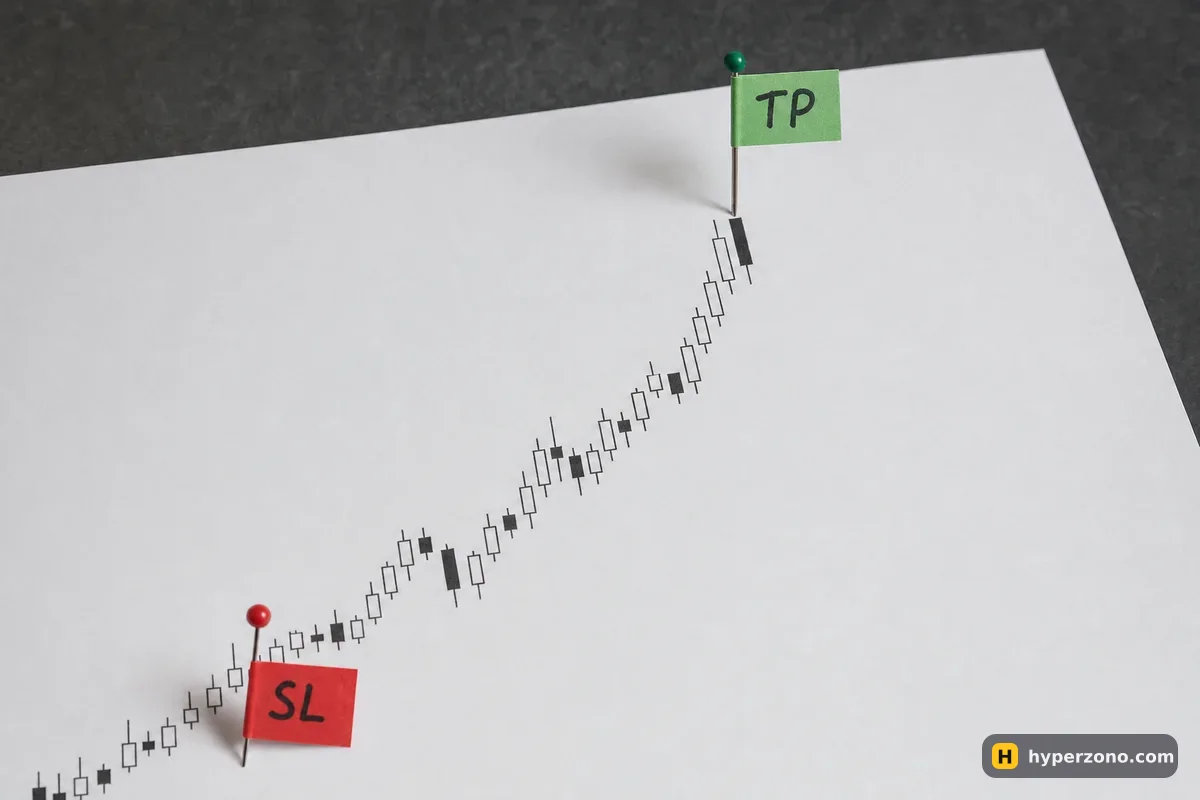
What a take profit actually does
Say you open a long on bitcoin at 80,000 because you think the price has a 2% move in it. Without a take profit, you now have a job: watch the chart and hope you are awake and nearby at the right minute. With a take profit, you type 81,600 into the exchange once, and the exchange watches for you — when the price touches that level, your position is closed automatically.
The order sits on the exchange's servers, not in your phone. Your battery can die, your internet can drop, you can be at work or asleep, and the order still works. That is the whole point: your exit is decided while you are calm, not while the price is jumping.
Most traders set it together with a stop loss on the other side, so both exits are in place before the trade even starts. In the order window the two fields sit next to each other, which means you can fill them both in before you confirm and never have an unprotected position at all.
How far away should your target be?
The simplest way to choose is to start from what you are risking, not from what you hope to make. That comparison is called the risk/reward ratio: if you are prepared to lose 5 USDT on the trade and your target would give you 10 USDT, that is 1:2.
Here is the example in full, with illustrative numbers. You open a long worth 500 USDT of bitcoin at 80,000 — that is 0.00625 BTC. Your stop loss goes at 79,200, which is 1% below entry, so a loss there costs you 5 USDT. A target 2% above entry sits at 81,600 and pays 10 USDT. A target 3% above, at 82,400, pays 15 USDT.
| Ratio | Take profit price | Profit if it hits | How often you need to be right to break even |
|---|---|---|---|
| 1:1 | 80,800 | +5 USDT | half the time |
| 1:2 | 81,600 | +10 USDT | 1 in 3 |
| 1:3 | 82,400 | +15 USDT | 1 in 4 |
That last column is where the ratio pays off. With a 1:3 target, one winner covers three losers and you are back to even, so you can be wrong most of the time and still finish ahead; with a 1:1 target you need to be right more than half the time, month after month, which is hard. The catch is that a far target gets hit less often. A target twice your risk is a sensible place to start: far enough to be worth the trade, close enough that the price actually gets there.
Two things eat into these numbers. The exchange charges a fee on the size of the trade when you enter and again when you exit, and a position held for many hours may also pay or receive funding — a small payment that longs and shorts exchange every few hours. On a 500 USDT trade those amounts are small, but they are the reason a 1:1 target is worse than it looks on paper — see what fees you pay for your exchange's rates.
How to place a take profit, step by step
Choose the price before you enter
Look at the chart and find a level the price has struggled to pass recently, then check the distance to your stop. If the target is closer than the stop, the trade is probably not worth taking.
Fill the take profit field in the order window
Below the amount you are buying there is a section for take profit and stop loss. Type your target price there, and the app will usually show you the estimated profit in USDT before you confirm.
Or add it to a trade you already have open
Open the positions list, tap the take profit / stop loss field on that position, type the price and confirm. The order appears in your open orders as a conditional order attached to the position.
Check which price triggers it
The exchange can watch two prices: the last price someone actually traded at, or the mark price — a fair price it calculates from several sources, which moves more smoothly. With the last price your target can be hit by a quick spike; with mark price the move has to be a bit more real. Both are fine for a take profit — just know which one you picked.
Confirm it is really there
After placing it, look at the position line. It should display your target price. If the field is empty, the order did not go through — a surprising number of "my take profit did not work" stories end here.
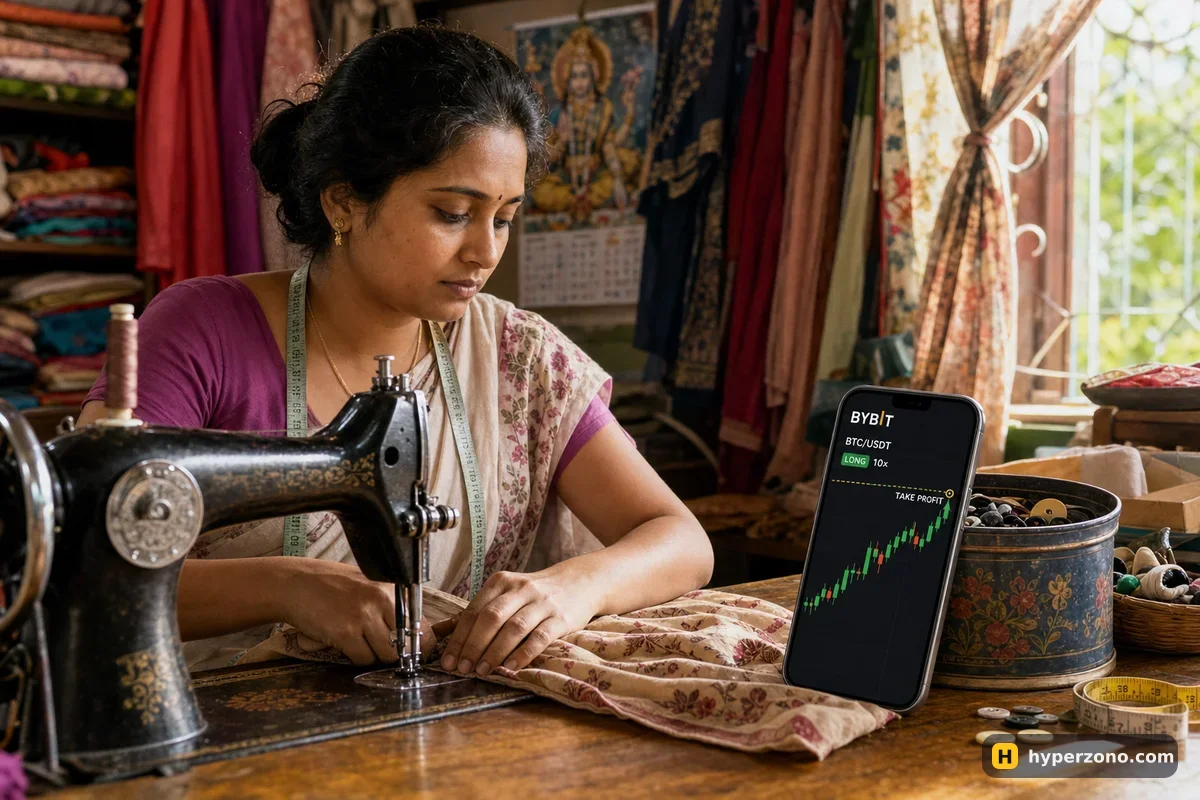
The quickest way to see how this looks on a real screen is to sign up on Bybit and open the order window on a small position, or try it first in demo mode where nothing is at stake. Check during sign-up that futures are available where you live — the list differs by country and by exchange.
A take profit triggers at your price, but fills at the market's price. When the level is reached, the exchange sends an order. If it is a market-type exit, it fills at whatever is available at that instant, which in a fast move can be a little better or a little worse than your number. If it is a limit-type exit, it may sit unfilled if the price rushes straight past. Neither is a bug — that is how trigger orders work everywhere.
Taking profit in pieces, or letting a trailing stop follow
One target is not your only option. Many traders close half the position at a modest target and leave the rest running, then move the stop loss on the remainder up to the entry price. From that moment the worst case on the second half is roughly breakeven, and the upside is still open. On most exchanges you do this by closing part of the position by hand, or by setting a take profit for only half the amount.
The other alternative is a trailing stop, which you will see as its own option in the order window. Instead of a fixed exit price, you set a distance — say 1% — and the stop follows the price as it moves in your favour, never moving back. If the price keeps climbing, you stay in; if it turns and gives back that 1%, you are out with the gain locked in. It works well in a strong move and badly in a choppy one, where the price wiggles enough to knock you out early.
Why moving your take profit further away usually costs money
This is the habit that quietly drains beginner accounts. The price runs towards your target, you feel the momentum, and you drag the target higher because "it's clearly going further". Sometimes it does. Often the move stops a few dollars short of your original target, turns around, and runs all the way back to your stop — so a trade that was up 10 USDT finishes down 5.
The honest reason for the urge is that you are no longer following a plan made in a calm moment; you are reacting to a price that is moving. If you genuinely want to keep a winner running, do it with a rule rather than a feeling: take part of the profit at the original target and protect the rest with a trailing stop or a stop moved to entry. Moving the target and leaving the stop where it is only increases the risk after the easy part is already done. That pattern shows up again and again in why beginners lose money.
There is nothing wrong with closing a trade by hand when you have a good reason to, and how to close a position covers the buttons. Just make the pre-placed exit your default, and treat manual exits as the exception.
Does a take profit cost extra?
There is no charge for placing one. You pay the normal trading fee when it closes the trade, exactly the same fee you would pay if you closed the position by hand at that price.
Will my take profit always fill at exactly my price?
Not always. The price you type is the trigger; the fill happens at whatever the market offers at that moment, which in a fast move can be a bit better or a bit worse. If the exchange places a limit order on trigger, a very fast move can leave it unfilled.
Should my take profit watch the last price or the mark price?
Either works. The last price is the price of the most recent trade, so a quick spike can reach your target; the mark price is calculated from several sources and moves more smoothly, so the move has to be a bit more real. The useful part is simply knowing which one your order is set to — you choose it in the same window.
What happens to the take profit if I close the trade myself?
On most exchanges the attached order is cancelled with the position, because it is meant only to reduce that position. Still, glance at your open orders afterwards — a leftover trigger order is easy to miss.
How far should my first take profit be?
Start modest. Pick a stop loss distance you are comfortable with, set the target about twice that distance, and see how often price actually gets there on the coin and timeframe you trade. Targets you can realistically hit beat impressive ones you never reach.
Can I set a take profit and a stop loss at the same time?
Yes, and you should. Most exchanges put both fields in the same order window, so you can type the two prices before you open the trade and the exits exist from the first second. You can also add them later from the position line.
Does a take profit work if my phone is off?
Yes. The order lives on the exchange's servers, not on your device, so it keeps working while your phone is dead, your internet is down or you are asleep.