Contents
The short answer, and how to check it in a minuteWill your language be on the list?How to switch the interface languageWhich parts stay in EnglishThe 15 English words worth learning anywaySupport and community groups in your language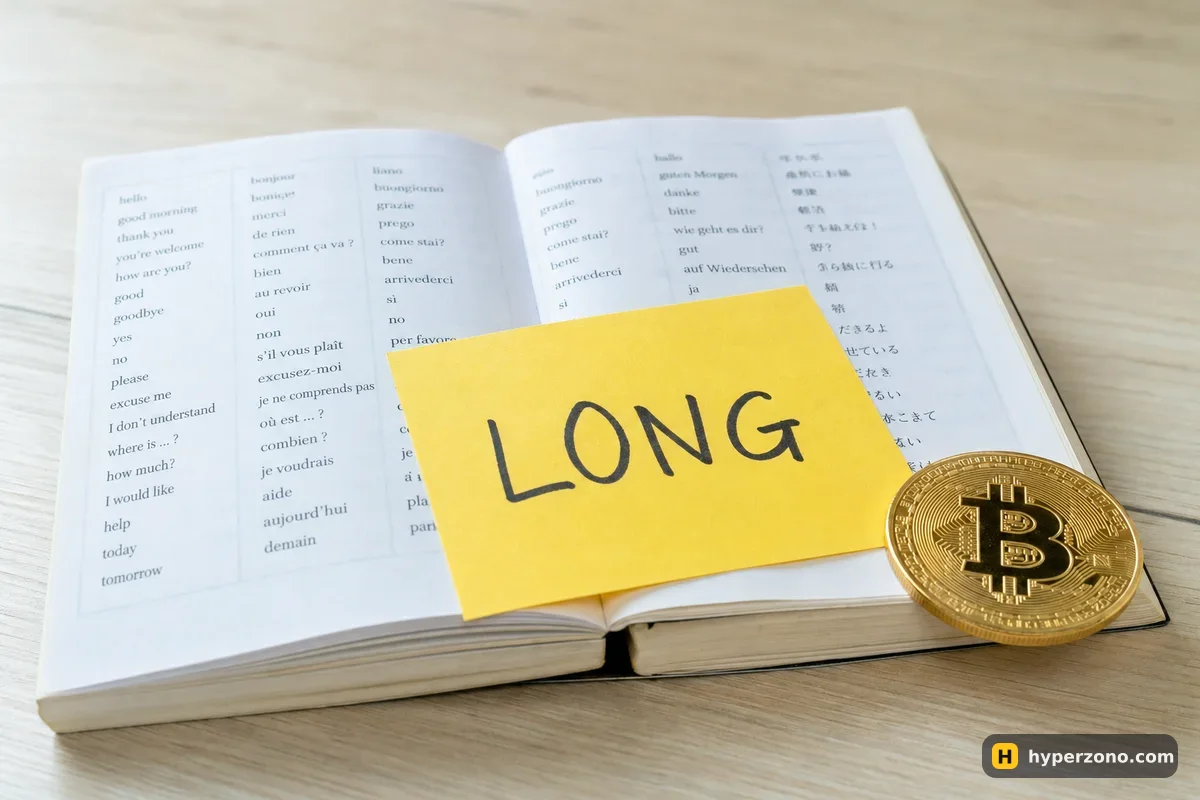
The short answer, and how to check it in a minute
Binance, Bybit, OKX and Gate are all built for a worldwide audience, and each of them offers the interface in more than one language. Which languages exactly is something that changes over time as they add or drop them, so the only reliable answer is the list inside the app or on the website — not an article, including this one.
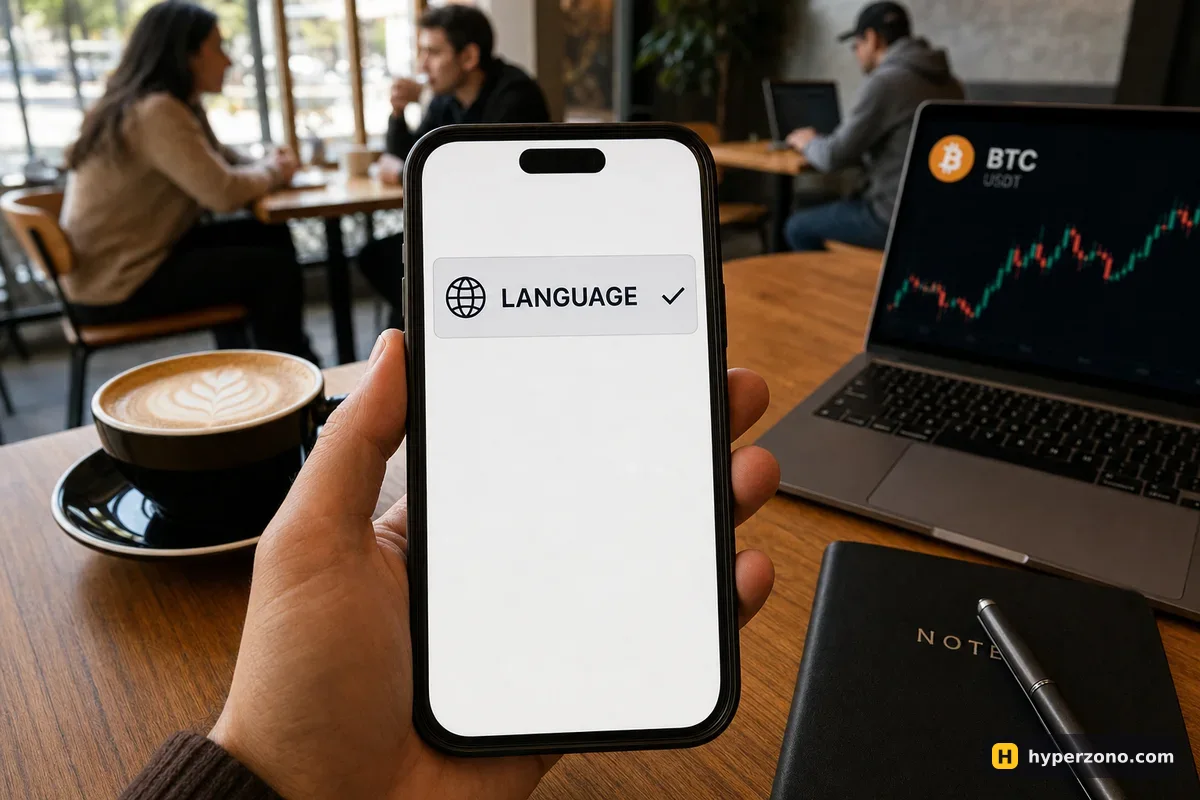
Checking takes less than a minute and you don't need an account for it. Open the exchange site on your phone, look for the globe icon or a short language code like EN in the top bar, and tap it: you will see every language the exchange currently supports. The quickest way to see one is to open the Bybit sign-up page and tap that globe before you create anything.
Will your language be on the list?
If you search for "Binance in Hindi" or "crypto exchange with Arabic interface", what you really want to know is how much of the app you will be able to read. Where a language has a lot of users, the translation is usually complete and kept up to date. Where it doesn't, you'll meet more English — and it tends to be in the corners rather than on the buttons you press every day.
The quality of the translation is not the same everywhere. Buttons, menus and the order window are usually translated well; help center articles tend to follow more slowly, and a newly launched product may stay English-only for a while. With Arabic, expect the layout to read right to left — the menus and buttons move across the screen while the chart and the numbers stay as they are. It looks strange for the first five minutes, then it's normal.
Language is the easy part. Before you deposit, check during sign-up that the exchange and its futures are available where you live — in some countries they are not, and in others futures are run by a separate local company with different products. The restriction pages in the app are the place to look, and our page on availability by country explains what to expect. Which exchange suits a beginner overall is a separate question — see our comparison for beginners.
How to switch the interface language
On the website
Look at the top bar or scroll to the very bottom of the page. There is usually a globe icon or a two-letter code such as EN. Tap it and pick your language; sometimes the same window also asks for your currency, which only changes how prices are displayed.
In the mobile app
Open your profile or the settings menu and find the entry for language. Pick yours and the app reloads translated. The app may also follow your phone's system language the first time you install it.
Check the trading screen afterwards
Open the futures order window and read it. If the key words — buy, sell, leverage, margin, stop — now make sense to you in your language, you are set. If half the screen is still English, that product simply isn't translated yet, and you should know those words anyway.
Which parts stay in English
Don't be surprised if the page with a contract's details — the smallest amount you can trade, the highest leverage on that coin — opens in English. It's the page you want before trading something unfamiliar, so check it anyway. Terms of use and the country restriction pages are usually in English too, and that's the version the exchange keeps most current, so when availability or rules matter to you, read the English page even if the rest of the app is in your language.
None of that is a reason to avoid an exchange. It is a reason to learn about fifteen English words, which is what the next section is for — once you know them, a half-translated screen stops being a problem.
The 15 English words worth learning anyway
Every chart tool, every tutorial video, every support reply at 3 a.m. uses the same small English vocabulary. Learn these once and you can trade on any exchange in any language, even if the translation is poor.
| Word on the screen | What it means for your money |
|---|---|
| Long | You make money if the price goes up |
| Short | You make money if the price goes down |
| Leverage | Opening a bigger trade than your own money |
| Margin | The part of your money held as a deposit |
| Isolated | Only the money you gave this trade is at risk |
| Cross | Your whole futures balance backs the trade |
| Market order | Fills right now, at whatever price is there |
| Limit order | Fills only at your price or better |
| Stop loss | Closes the trade automatically to cap the loss |
| Take profit | Closes the trade automatically to lock in the gain |
| Liquidation | The exchange closes you when the deposit runs out |
| Mark price | The fair price used to decide liquidation |
| Funding | A small payment between longs and shorts |
| PnL | Profit and loss on the trade |
| Fee | What the exchange charges you to enter and to exit |
If a few of these are new, start with long and short, the stop loss and liquidation — those three decide how much you can lose, whatever language your buttons are in.
Support and community groups in your language
Official support sits inside the app, in the help section — a chat or a ticket. Open it now, while nothing is wrong: you'll see which languages the chat offers and at what hours, instead of finding out in the middle of a problem. And the deeper your question goes — a contract detail, a liquidation you did not expect — the more likely the answer you need is sitting in an English help article.
Alongside official support, the big exchanges run regional social media accounts and community groups, and those are genuinely useful for simple questions like "where is the transfer button". Treat them as a place to ask, not a place to hand anything over.
Nobody from an exchange will message you first. Local-language community chats are full of accounts copying the exchange's logo and offering to "help you fix your account" in your language. Real support only answers inside the official app or website, never in a private message, and never asks for your password or verification code. Treat an unexpected helpful stranger as a scam by default.
When you have picked a language and an app you can read comfortably, the next step is small and practical: fund an account with an amount you can afford to lose and open one tiny trade. You can create an account on Bybit in your language and look at the order window before you deposit anything. Reading those buttons in your own language, with nothing at stake, is the cheapest practice there is.
Can I use Binance in Hindi?
Binance's language list changes over time, so the honest answer is to tap the globe icon and look. What matters more is what the switch actually covers: the menus, the settings and the futures order window with its buy and sell buttons, the leverage slider and the margin field normally come across. The details page for a specific contract, the terms of use and the newest help articles often stay in English.
Is there a crypto exchange with an Arabic interface?
Arabic is worth looking for in the language lists of the big exchanges, and you find it the same way everywhere: the globe icon on the website, or the profile and settings area in the app. The switch changes the words you tap — menus, settings, the order window — while the chart, the tickers and the numbers look the same in any language. The lists are not identical from one exchange to another, so if one doesn't have it, check another before deciding.
How many languages does the Bybit app support?
The number changes as Bybit adds languages, so any figure printed in an article is already behind. On the website the switch is usually in the bar across the top of the front page, or right at the bottom if you scroll down; in the app, look in the profile and settings area rather than on the trading screen. One tap shows the full current list.
Will support answer me in my own language?
That depends on the exchange and on the time of day, and the only way to know is to open the help section in the app and see what the chat offers. Do it before you need it, not during a problem. Community groups in your language can help with simple questions, but only official support inside the app can touch your account.
Does changing the interface language change anything about my trading?
No. The language setting only changes the words on your screen. Your fees, leverage, contracts and balances stay exactly the same, so you can switch back and forth whenever you like — some people keep the app in English and read the guides in their own language.
I don't read English well. Should I still trade futures?
You can, as long as you understand the fifteen words in the table above and you trade small amounts while you learn. Futures punish misunderstandings, so if a screen says something you cannot read, stop and look it up before you tap the button — not after.