
Contents
Your trade lives on the exchange, not in your phoneDo stop loss and take profit work when the app is closed?What really does depend on your phone being onA backup plan that takes five minutes to buildWhy "I'll close it manually" is the weakest plan you can have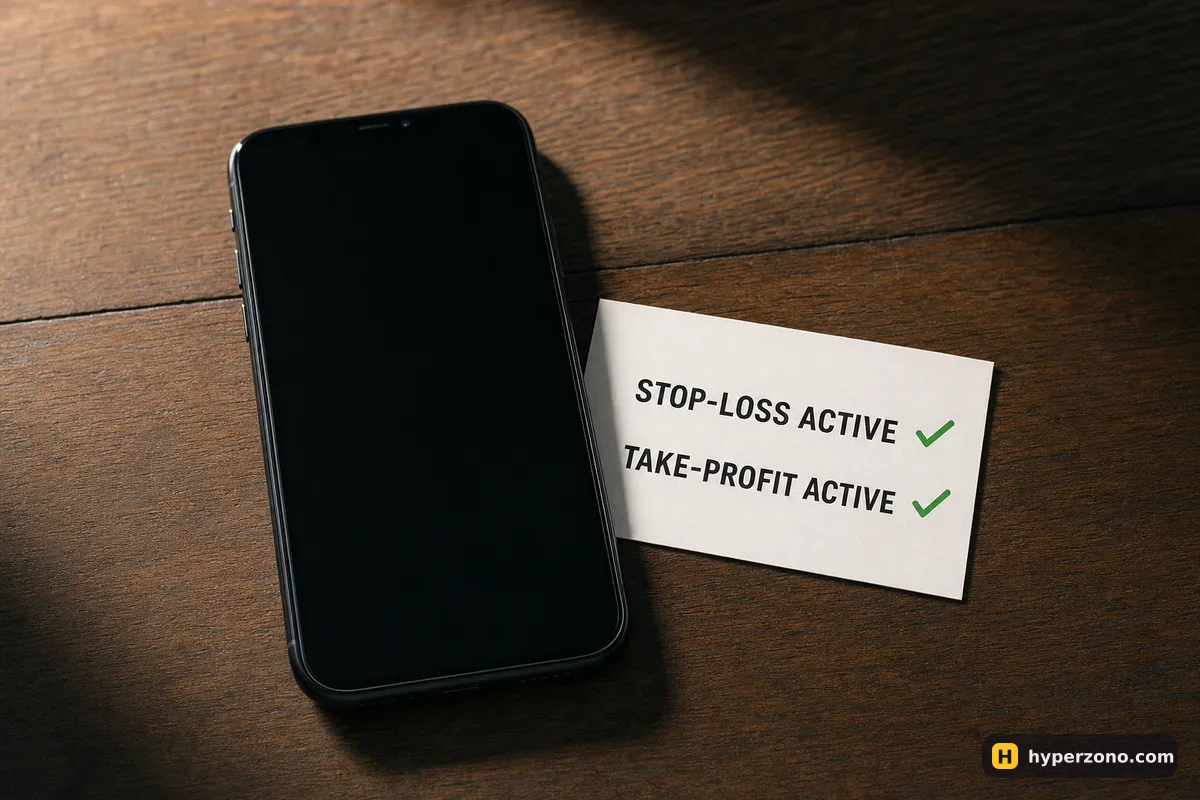
Your trade lives on the exchange, not in your phone
The app on your phone is a window, not the trade. When you tap Buy or Sell, your order travels to the exchange and lives there, on their servers, together with your position, your margin and any orders attached to it. Close the app, log out, delete it, drop the phone in water — the exchange still has your position exactly as you left it.
But the same works against you. While you are offline the price keeps moving, and on perpetual contracts the small payment between buyers and sellers, called funding, is still charged or paid every few hours. If the price runs far enough against you, the exchange can also close your position at a loss while you are away. Being disconnected does not freeze or protect your trade — it only disconnects you from it.
Do stop loss and take profit work when the app is closed?
Yes. A stop loss and a take profit are instructions you hand to the exchange: "if the price reaches this level, close my position." The exchange's own system watches the price and fires them, whether you are asleep, logged out or sitting on a train with no signal. You can test this yourself in a minute — set a stop on a tiny position, force-close the app, and you will see the order still listed when you come back.
A stop loss limits your loss, but it does not fix it to the cent — in a fast move the price can jump past your level and you get filled a bit worse. That is still far better than nothing, and here is what a stop loss really guarantees.
Set the exits in the same minute you open the trade. Not "after I see how it goes". A trade with a stop loss and a take profit already on the exchange is a trade that survives a dead battery, a power cut or a work meeting that runs long — and you can attach both exits at once in the same order window. A trade without them needs you online, awake and calm at exactly the wrong hour.
What really does depend on your phone being on
Everything that is not already an order on the exchange. If your plan is "I'll watch it and close it manually around 2%", that plan is stored in your head and it dies with your battery. The same goes for a script or a trading program you run on your own laptop: when the laptop sleeps, loses Wi-Fi or restarts for an update, your script stops sending orders, while the position it opened carries on living on the exchange.
Bots that the exchange itself runs — grid bots and similar tools launched inside the exchange app — keep working on their side, because they are not running on your device. Price alerts and push notifications are different again: they need your internet to reach you. If your phone is off, the alert simply never reaches you. The order already sitting on the exchange is what protects your money — the notification is only a reminder. If you mostly trade from a handset, trading futures from your phone covers the practical side of that setup.
A backup plan that takes five minutes to build
Put the exits on the exchange first
Open the trade with a stop loss and a take profit attached. Then the worst case is a closed trade with a known result, not an open one you cannot reach.
Know your second route in
The same account works in a desktop or mobile browser. Make sure you remember the email and password, not only the fingerprint shortcut on one phone.
Keep your two-factor codes reachable
If your 2FA app only exists on the phone that died, you are locked out at the worst moment. Store the backup codes somewhere safe and offline.
Write down your liquidation price
Before you walk away, glance at the position details and note the price at which the exchange would close you out. That number is not frozen — it shifts if you add margin or open another trade, and in cross margin your other positions move it too. With isolated margin and only one trade open, that price moves very little — funding and fees nibble at your margin slowly. Still, check it again in the position details when you are back online.
Size the trade so an outage is survivable
Before you walk away, ask yourself: if the price moved 5% against me while I was offline, could I live with that loss? If the answer is no, open a smaller position.
Locking down the login side properly is worth one evening of your life: see how to secure your exchange account. A locked-out account with an open position is far more stressful than a flat battery.
Why "I'll close it manually" is the weakest plan you can have
Say you put up 100 USDT as margin at 5x, so your trade is 500 USDT of bitcoin. (Round numbers, just to show the shape of it.) You decide to watch the chart and get out if it turns against you. Then your phone dies, and over the next two hours the price falls 4%. That is a 20 USDT loss on the position — a fifth of your money — and you find out about it when you find a charger.
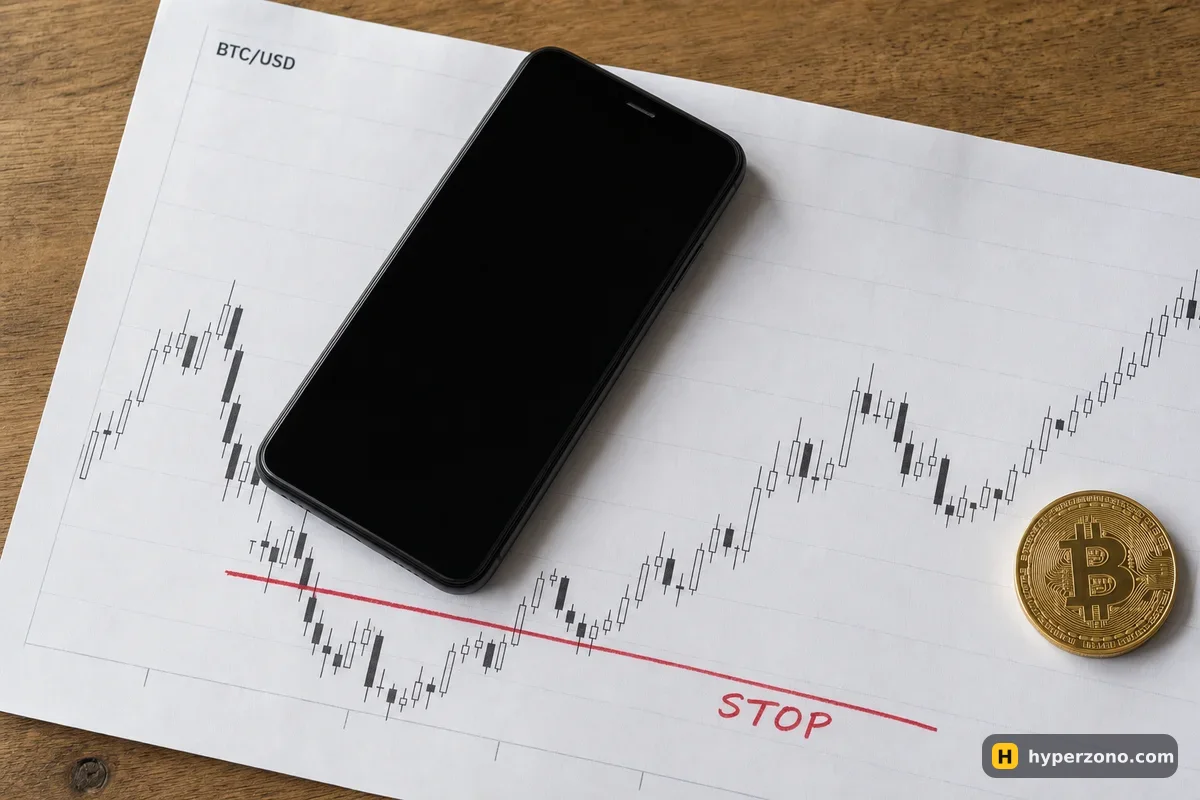
The same trade with a stop loss placed 2% away would have been closed by the exchange for about a 10 USDT loss while your phone was still dark. Nothing clever happened there; the order was simply already in the right place. That is the whole point: a plan that needs you online is not a plan, it is a hope.
If you want to see this for yourself without risking much, sign up on Bybit, open one small position with a stop and a take profit attached, then shut the app completely and check back later. Most people stop worrying about this question the first time they watch a trade close itself correctly while they were doing something else.
Does my position stay open if I log out of the exchange?
Yes. Logging out only ends your session in the app or browser; the position, the margin behind it and any stop or take-profit orders stay exactly where they were. The exchange keeps managing them until they close.
What happens if I lose internet in the middle of placing an order?
Either the order reached the exchange before the connection dropped, or it did not. When you get back online, check the open orders and positions list before you tap anything again — that list is the truth, not what your screen showed when it froze. Never assume an order failed and re-send it blindly.
Can the exchange liquidate me while my phone is off?
Yes, if the price moves far enough against you. The exchange closes the position using its own fair price (on screen it is called the mark price — an averaged price, so one spike on one exchange does not close you), and it does that whether you are online or not. A stop loss placed before the price gets there is the usual way to avoid finding out, and here is what liquidation is in plain words.
Do I need to keep the app open for a stop loss to work?
No. The app can be closed, the phone can be off, the account can be logged out — the stop is a conditional order sitting on the exchange's servers. Keeping the app open changes nothing except your battery life.
Do I still pay funding while I am offline?
Yes, if you hold a perpetual contract through a funding moment. The payment is settled every few hours between buyers and sellers, and whoever holds the position at that moment pays or receives it, online or not. On a small position it is usually a few cents, but over days it adds up.
What if the exchange itself goes down or the app will not load?
Try the website in a browser on another device before assuming the worst; a broken app does not mean a broken exchange. If the venue really is having problems, your position stays as it is and you cannot act on it, which is one more argument for always having your exit orders in place in advance.