
Contents
What to type into each fieldA worked example: a 500 USDT long on bitcoinShorts work the same way, flippedRun both outcomes before you open anythingWhat this calculator does not showWhat to type into each field
Everything here is in USDT, so you never need to work out how many coins you are buying. Take the numbers straight from the order window on your exchange, or make them up if you are planning a trade that doesn't exist yet.
Direction
Long if you expect the price to go up, short if you expect it to fall. The calculator flips the math for you.
Position size in USDT
The full size of the trade — the number the exchange shows as the value of your position, not the amount taken from your balance.
Leverage
The multiplier you chose, like 5x or 10x. It doesn't change the money you make on the price move; it changes how much margin is locked and how big the percentage looks.
Entry and exit price
Where you got in and where you plan to get out. For a trade you haven't taken yet, use your target or your stop-loss level to see both outcomes.
Entry and exit fee
Your fee rate in percent for each side. If you don't know it, 0.05% each way is a reasonable illustrative figure for a market order; real rates differ by exchange and level.
Funding in USDT
Only matters if you hold a perpetual contract through a funding payment. Leave it at zero if you open and close within a couple of hours. If you held through a funding payment, type what you paid; if you received funding instead, type it with a minus in front.
The field people get wrong is position size. If you have 50 USDT of margin at 10x, your position size is 500 USDT, not 50. Type 500. The calculator divides it by your leverage and shows the 50 as your initial margin, so you can check straight away that you entered the right one.
A worked example: a 500 USDT long on bitcoin
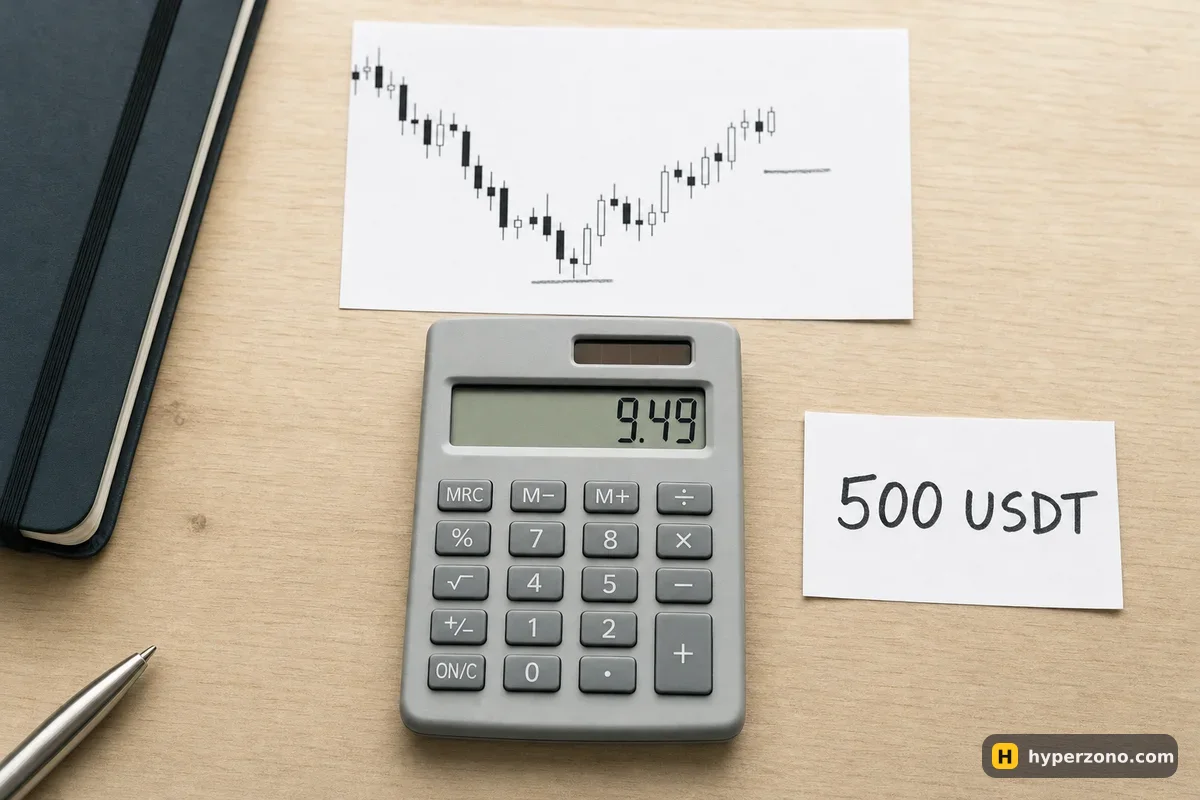
Say bitcoin is at 83,000 and you think it is going up. You open a long with 50 USDT of your own money at 10x, which makes the position 500 USDT. Price reaches 84,660 — that's a 2% move — and you close there. These numbers are illustrative, but the arithmetic is exactly what the calculator runs.
The price move gives you 2% of 500 USDT, so 10 USDT gross. Then the exchange takes its cut twice: about 0.25 USDT to open and about 0.26 USDT to close, using an illustrative 0.05% each way. Your net result is around 9.49 USDT, which is roughly 19% of the 50 USDT you put up.
Leverage didn't make that 10 USDT bigger. The same 2% move on a 500 USDT position pays 10 USDT at any leverage — all that changes is how much margin is locked. What does change is how much room you have to be wrong: with less of your own money behind the same 500 USDT, the price where the exchange closes your trade for you — that's liquidation — sits much closer, so the liquidation calculator is the next thing to open.
Long 500.00 USDT, entry 83,000 → exit 84,660, fees 0.05% + 0.05% (example rates).
If you want to see the same thing broken down as a formula you can do on paper, it's spelled out in how to calculate your real profit on futures.
Shorts work the same way, flipped
Switch the direction to short and the calculator counts profit when the exit price is below the entry. Short 500 USDT of bitcoin at 84,000, close at 83,160, and that 1% drop is 5 USDT gross, about 4.5 USDT after the two fees — the exit fee lands a few cents off the entry fee, because each one is taken on what the position is worth at that moment. With 50 USDT of margin that's around 9%.
Put a higher exit price in instead and you'll see the loss just as plainly. That is the real reason to use this before you click rather than after: the losing number is the one you need to agree to in advance, while it still costs you nothing to change your mind about the size.
Run both outcomes before you open anything
The habit worth building is to calculate twice: once with your take-profit price, once with your stop-loss price. If the win is 9 USDT and the loss is 25 USDT, you know the trade is lopsided before any money is at risk. A good moment to do this is with the real order window open in front of you — sign up on Bybit, put your pair on the screen and copy the current price into the entry box above. Futures aren't offered everywhere, so check during sign-up that they're available where you live.
Fees look tiny on one trade and stop looking tiny after thirty. Half a dollar on a 500 USDT round trip is nothing on its own, but it is the cost of entry and exit every single time, and it scales with the size of your position, not with your margin. Rates differ between venues and account levels, so check yours and compare them in which exchanges have the lowest futures fees.
What this calculator does not show
It assumes your trade closes at the exit price you typed, on a normal USDT futures contract. It does not work out where you would be liquidated, how big a position fits your risk, or what funding will cost you over several days — those have their own tools: the liquidation calculator, the position size calculator and the funding calculator. It also can't know whether price will actually reach your exit, which is the one part no calculator solves.
One more thing it leaves out on purpose: the result as a share of your whole account. Divide the net number by your total balance yourself — losing 25 USDT feels very different on a 200 USDT account than on a 2,000 USDT one, and that comparison is what keeps a bad week from becoming a bad year.
Does higher leverage increase my profit in this calculator?
Not the money amount. If you keep the position size the same and raise leverage, the result from the price move is identical — only the margin shrinks, so the percentage grows. The part that really changes is how far price can move against you before the exchange closes the trade, and that gets much shorter. More on this in does profit change with leverage.
Why isn't my exit fee the same as my entry fee?
Each fee is taken on what the position is worth at the moment that order executes. A long that went up is worth more at the exit, so the closing fee comes out slightly bigger; a short that went your way exits at a lower price, so the closing fee is slightly smaller. On a 500 USDT trade the gap is a few cents, but the calculator shows it rather than simply doubling the entry fee.
What fee rate should I put in if I don't know mine?
Use 0.05% for both sides as a working estimate for market orders, then look up your real rate in the fee section of your exchange account. Limit orders that sit on the book usually cost less.
Do I need to enter funding?
Only if you hold a perpetual contract through a funding settlement, which happens every few hours. For a trade you open and close within an hour or two, leave the field at zero. Longer holds are explained in what funding is.
Does it work for coins other than bitcoin?
Yes. The math is the same for any USDT pair, because you type the position size in USDT rather than in coins. Just make sure your entry and exit prices come from the same pair you are actually trading.
Will my real result match this exactly?
Close, but not to the cent. A market order can fill a little away from the price you saw, and a stop order can fill worse in a fast move. Treat the output as an accurate plan, not a guarantee.