
Contents
Start with the bot that is already in your exchange appWhat the exchange bots give you, and what they still costWhen is a paid bot service worth the money?If you do connect an outside bot, lock the key downWhat about the returns shown next to the bot settings?A calm way to run your first one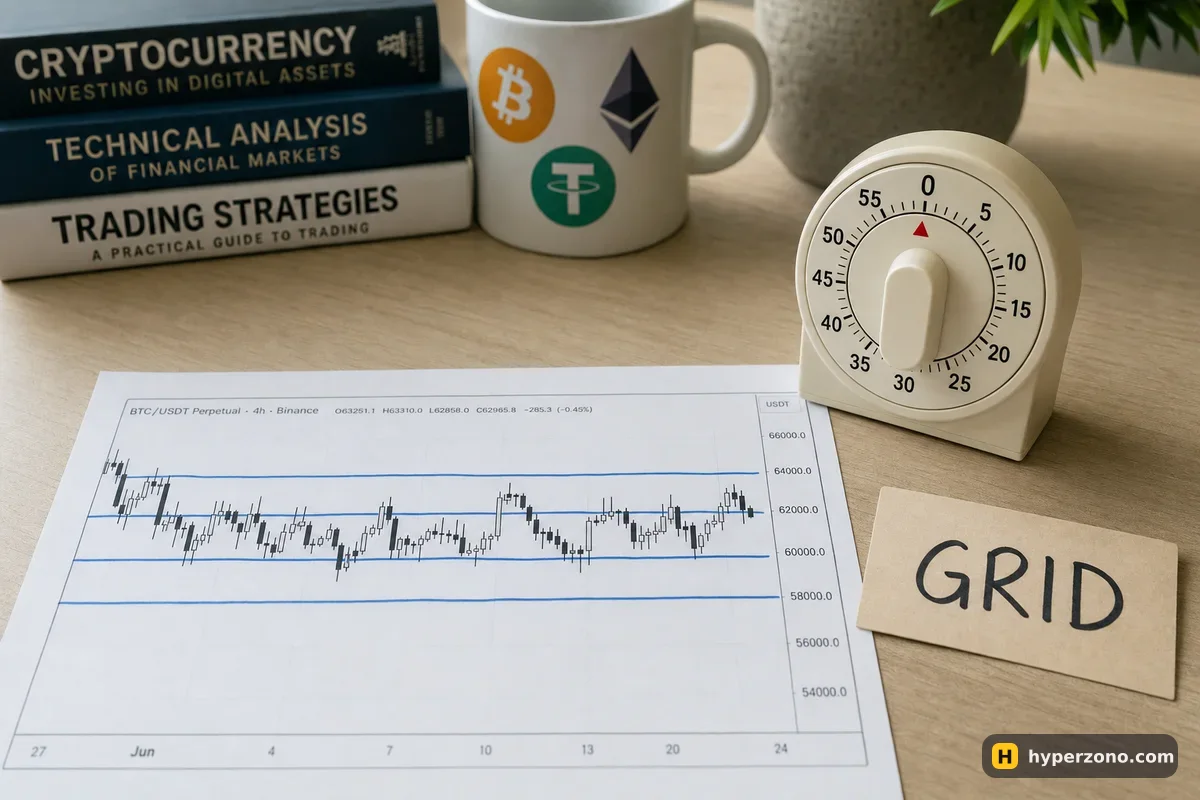
Start with the bot that is already in your exchange app
Binance, Bybit and OKX each have a bots section inside the futures part of the app. Other exchanges, Gate among them, may have one too — open the app and look before you plan around it. You pick a coin, set a few numbers, tap start, and the bot places orders on your own account: nothing to install, no password or key to share with anyone.
A third-party service does roughly the same job from outside. You create an API key on the exchange — a kind of password that lets an outside program place trades on your account — paste it into the service, and pay a monthly fee for the privilege. For a first bot the built-in one wins on both of the things that matter to a beginner: it costs nothing extra, and it cannot be a security hole, because there is no key to leak. If you are still fuzzy on what the bot does between your taps, read how a futures bot works first — this page is only about choosing which one to run.
What the exchange bots give you, and what they still cost
Free here means no subscription, not free trading. Every order the bot opens and closes pays the normal futures fee on the size of that order, and a grid bot makes many small trades on purpose. On Binance at the base fee level that is 0.02% if your order waits for the price to come to it, and 0.05% if it fills immediately at whatever price is on offer — on a 100 USDT order, two to five cents, and you pay it on the way in and again on the way out.
Two to five cents sounds like nothing, and it is, until the bot has done a few hundred round trips. On top of that sit funding payments if the bot holds a perpetual position through a settlement time. Count both in before you judge whether the bot is really ahead, and if you want to compare the venues yourself, you can sign up on Bybit or another exchange and read the fee page in the app for your own account level.
| Exchange | Bots you will find in the futures section | Worth knowing before you start |
|---|---|---|
| Binance | Futures grid in Long, Short and Neutral versions, futures DCA, and an Arbitrage Bot that pairs spot with a short perpetual to collect funding | The arbitrage bot lives on funding staying positive; when the funding sign flips, the payments start eating into your margin |
| Bybit | Futures grid bot; Bybit also has a demo mode — check in the app whether the bots section opens there | The "grid profit" figure counts only closed cycles — your open position, fees and funding are not in it |
| OKX | Futures DCA bot (it averages into a position, martingale style) and a signal bot that acts on TradingView alerts | A martingale bot adds to a losing position, which is exactly how small accounts disappear; the signal bot does nothing until you give it a signal source |
| Gate | Known for a very long list of coins and futures; check in the app which bots you actually get | Thin, jumpy altcoins are the worst place to learn automation, and a long coin list is full of them |
The bot picks the orders, not the direction. A grid bot buys and sells inside a price range you chose. If the price walks out of that range and keeps going, the bot carries on doing its job while the open position quietly loses money — and that loss is yours. Deciding where the range goes is still your work, and the details are in the page on how the grid actually works.
When is a paid bot service worth the money?
Outside services sell a monthly subscription, and the prices change often enough that the only sensible place to read them is the service's own pricing page. What you get for the money is extra convenience: more bot types, several exchanges on one screen, finer settings. It will not make the exchange charge you less, and it will not know where the price is going. You still pay the same fee on every order the bot places.
There are free options too, and they come with their own catch. Free plans on commercial services are usually cut down to one bot or one exchange, and genuinely free open-source bots expect you to run and update a server yourself. A subscription bills you every month whether the bot made money or not: say it costs 20 dollars a month — on a 200 USDT account that bill starts before your first trade. Check the real price on the service's own page, and stay free inside the exchange while you are learning.
If you do connect an outside bot, lock the key down
Make a fresh key for this one service
In the exchange account settings, create a new API key used by nothing else. If the bot misbehaves or the service is breached, you delete one key and the rest of your account carries on.
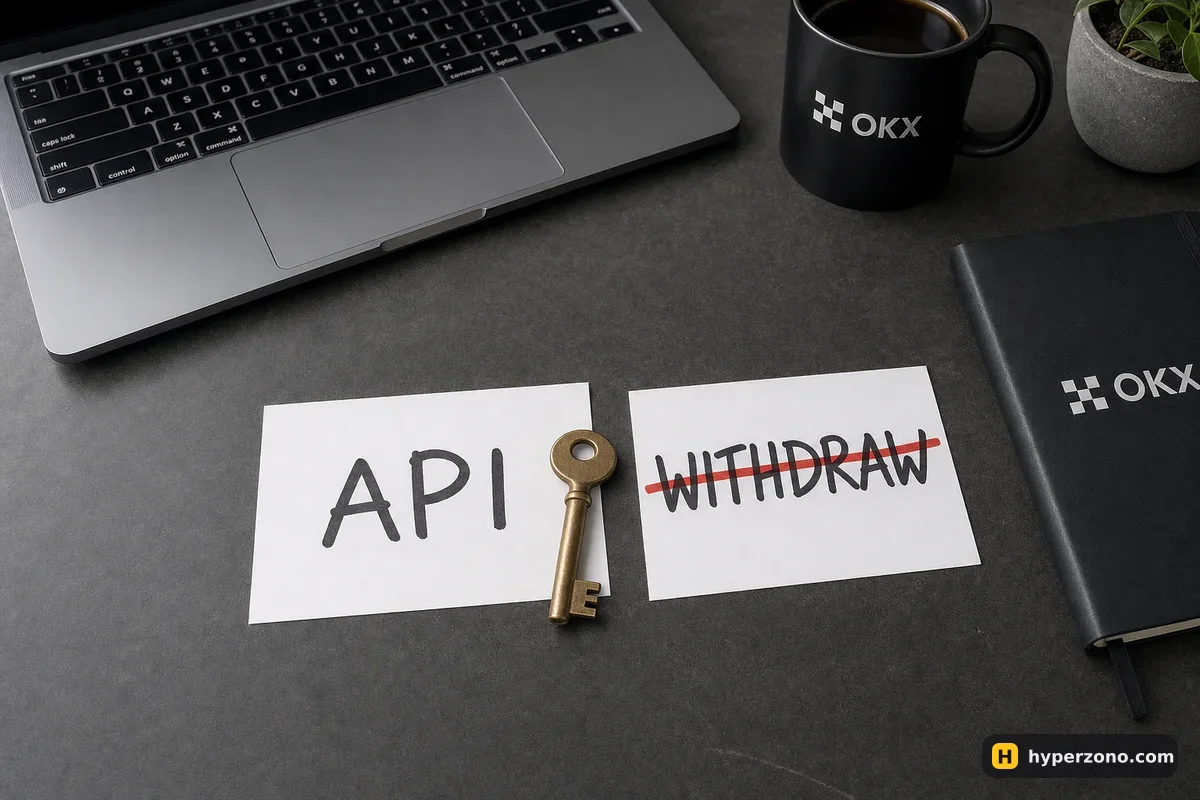
Turn trading on, withdrawals off
The permission list usually has reading, trading and withdrawals as separate switches. A bot needs the first two. It never needs the third — a key that can withdraw is a key that can empty your account.
Restrict it to the service's IP addresses
Serious bot services publish the IP addresses their servers use. Paste them into the key's IP restriction field, and a stolen key is useless from anywhere else.
Keep the bot on a small, separate pot
Fund the account the bot touches with the amount you are genuinely ready to lose, and leave the rest somewhere the key cannot reach.
Delete the key when you stop
The day you cancel a subscription or lose interest, go back and revoke the key. Forgotten keys sitting in a service you no longer check are how old accounts get drained.
What about the returns shown next to the bot settings?
Next to a set of bot settings you will often see ready-made setups you can load in with a tap. If your app shows an estimated return next to one of them, that number came from past price, not from yours: it is what those exact settings would have done over one stretch of history. A range bot looks brilliant after a month of sideways price and terrible after the breakout that follows. Your bot starts from today's price, and the next month can look nothing like the one in the picture.
Loading a ready-made setup is fine as a starting point, as long as you check what range it uses, how much margin it wants and what leverage it sets. A bot can still lose you everything you put into it — can a bot lose all my money is the honest version.
A calm way to run your first one
Practice first if you can. Bybit has a demo trading mode and Binance has one too, though it is not available in every country, so check what your app offers where you live; the setup is covered in opening a Bybit demo account. Open demo first and see whether the bots section works there on your account — it does not always. If it does, run a grid for a few days on a coin you follow and watch what happens when the price leaves your range. If it doesn't, at least get used to opening and closing a trade by hand first.
Then go live with a small amount. Set it to isolated margin, so the bot normally risks only the money you gave it and not your whole balance — the difference is spelled out in cross margin vs isolated margin. Check that auto-add margin is switched off, otherwise the position can quietly pull in more of your balance. Keep leverage low, the way a first manual trade should be: what leverage a beginner should use applies to bots just as much, and pick a big coin like BTC or ETH, where the price moves in a reasonably orderly way.
When you want to see the actual settings window, the simplest way is to open a Binance Futures account and look at the futures grid settings without starting anything: the coin, the range, the number of levels, the margin it asks for. Do check availability during sign-up, since futures are not offered everywhere and some countries are served by a separate local entity with different products.
What is the best free crypto trading bot for beginners?
The grid bot built into the futures section of a big exchange. It carries no subscription, needs no API key, and the settings are few enough to understand in one sitting. Free open-source bots exist, but they expect you to run and update a server, which is a different hobby.
Are exchange bots safer than third-party bots?
On the security side, clearly yes: there is no key for anyone to steal, and your money never leaves the exchange. On the trading side they are exactly as risky — the same leverage, the same liquidation, the same losses if the price leaves your range.
Does a bot keep trading when my phone is switched off?
Yes. An exchange bot runs on the exchange's servers, so it keeps placing orders while your phone is dead or your internet is out. An outside service runs on its own servers, which means it also stops if that service goes down — one more reason to understand how a stop loss works and to risk only money you can live without.
Should I use a bot or copy another trader instead?
A bot follows rules you set, so you can read those rules before you start. Copy trading follows decisions someone else makes, and you only see them after the fact. Neither is automatically better, and both can lose money, so whichever you try, start with a small amount.
Can a bot make money when the market is falling?
Some can — a short grid or a bot set up on the short side profits as the price drops, the same way a manual short does. What no bot does is guess the direction for you; you still choose which side it works on, and you can be wrong.
How much money do I need to start a futures bot?
Enough to place the minimum order size on your chosen coin several times over, because a grid splits your money across levels. The exchange shows the minimum it needs once you fill in the settings — set the range and the number of levels, and read the required margin before you tap start.