Contents
What you are actually buying when you open a TSLA contractWhere to find TSLA, AAPL and NVDA in the appWhat the contract details tell you before you tradeWhen these contracts actually trade wellHow to place a small first trade, step by stepThree things that surprise beginnersIf the contract isn't there or the order gets rejected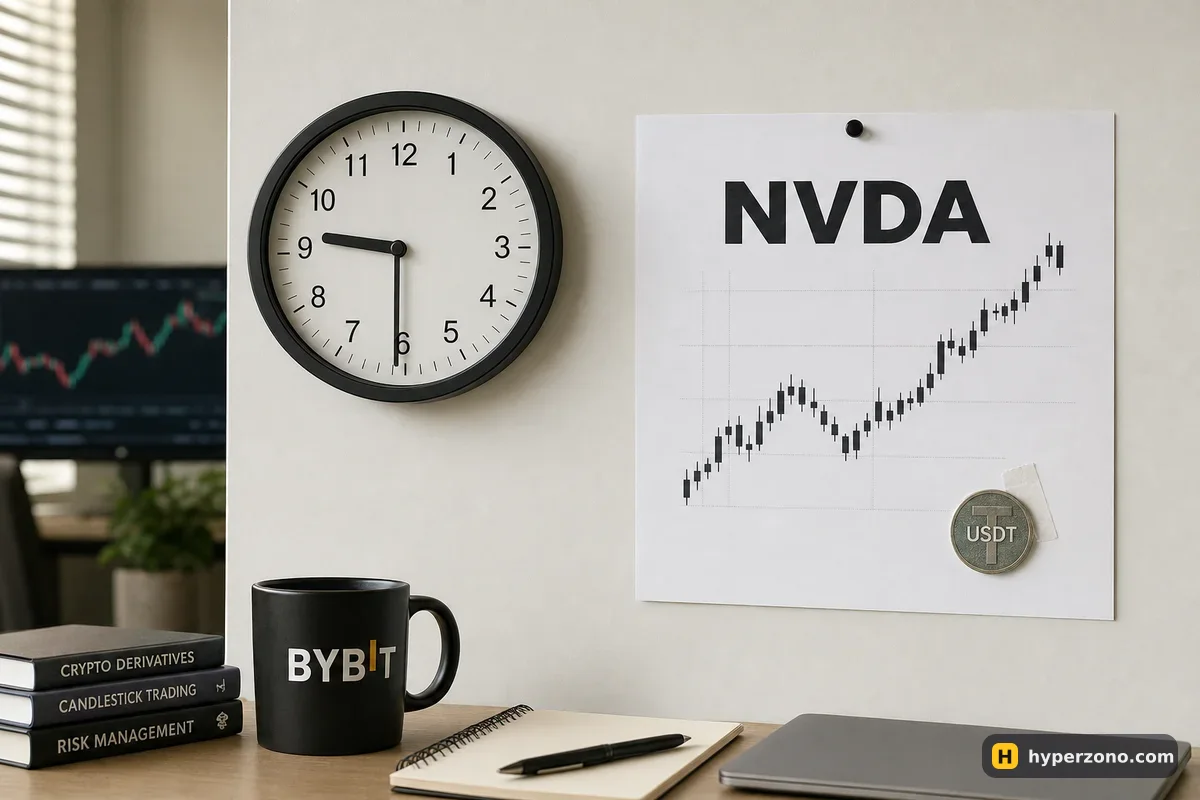
What you are actually buying when you open a TSLA contract
You're putting money on which way Tesla's price goes, and everything — your margin, your profit, your loss — is counted in USDT. If Tesla goes up 3% and you were long, your contract gains 3% of whatever position size you opened. You are trading against other traders on the exchange, not buying a share on a stock market — nothing is registered in your name anywhere, you have no voting rights, and no certificate exists. On Binance's equity perpetuals there is a dividend adjustment so the price doesn't drop unfairly on the payout date; on any other exchange, check the contract specification, because it is handled differently from venue to venue.
This is also not the same as a tokenized share, where you hold a token that stands for the stock itself — here you hold a contract on its price and nothing more. If you want the wider picture of these products, read can you trade stocks on a crypto exchange. This page is about the practical part: finding the contract, reading its details and placing a small trade without surprises.
Where to find TSLA, AAPL and NVDA in the app
Open the exchange app, go to the derivatives or futures section — not spot — and use the search box at the top of the market list. Type the plain ticker: TSLA, AAPL, NVDA. What comes back is a USDT-settled perpetual contract on that stock; the name you see usually combines the ticker with USDT, and the market list may group these contracts in their own tab for stocks or "TradFi" markets. If nothing comes back, the exchange either doesn't list that ticker or doesn't offer it where you are.
Binance is the one we can describe concretely here: it lists 217 TradFi perpetual contracts — US stocks and ETFs, gold, silver, oil, gas and copper, plus some Hong Kong and Korean stocks — and its stock perpetuals went live in the futures section on 6 October 2026. Availability by country is not published as a tidy list anywhere, so the quickest way to see whether they are offered to your account is to open a Binance Futures account and type the ticker into the futures search. If futures in general are limited where you live, start with which futures exchanges are available in my country.
What the contract details tell you before you trade
Tap the contract name at the top of the trading screen, or the information icon next to it, and you get the contract specification. Four lines matter for your first trade: the minimum order size, the price step (the smallest increment the price can move, often called tick size), the maximum leverage, and the funding interval. Those numbers differ from ticker to ticker and from exchange to exchange, so read them for the exact contract you plan to trade rather than assuming they match bitcoin.
Leverage is where stock contracts clearly differ from crypto ones. On Binance's TradFi perpetuals, commodity contracts go as high as 100x, while stock contracts are capped at 20x to 75x depending on the ticker — Tesla at 25x, newly listed stock perpetuals at 20x. That is a ceiling, not a starting point: you can set the slider far lower, and for a first trade you should. Nobody needs 20x on a share that can move 10% overnight on an earnings report — what leverage should a beginner use explains why 2x or 3x is plenty.
The funding line tells you that these are perpetual contracts with no expiry date: every few hours, traders on one side pay traders on the other a small amount, and the exchange simply passes the payment along rather than keeping it. The interval is shown on the contract page — eight hours is common, but some contracts settle more often, and some exchanges have changed the interval on their stock markets. If you are holding a position at the moment that payment happens, you either pay it or receive it.
When these contracts actually trade well
The contract itself runs around the clock, including weekends. The real Tesla, Apple and Nvidia shares do not. The main New York session is 9:30 to 16:00 New York time — that's EDT from March to November and EST in winter, with holidays and early closes changing the calendar. During those hours the real stock is trading, so the traders who quote prices on your exchange can cover their own risk, and the gap between the buy price and the sell price stays small.
Outside those hours you still see a price and you can still tap buy or sell, but there is less on the other side of your order. That gap widens, a market order can fill noticeably worse than the price on the screen, and a quiet drift can turn into a sharp move the moment New York opens. For a first trade, place it inside the US session and close it inside the same session. The night-and-weekend question has its own page: do stock and index futures trade at night and on weekends.
What a limit order looks like in practice. Type the price you want instead of tapping buy at market. If nobody meets it, the order just waits — that's much better than paying half a percent extra at 3 a.m. During the US session you can usually set the price a cent or two from the current one and get filled within seconds; if the price runs away from you, change the number or let the trade go.
How to place a small first trade, step by step
Search the ticker and open the contract
In the futures section, type NVDA (or TSLA, AAPL) in the search box and tap the USDT-settled perpetual. You land on the usual trading screen: chart on top, order window below.
Read the contract details
Tap the contract name to see minimum order size, price step, maximum leverage and the funding interval. If the minimum order is bigger than the trade you had in mind, pick another ticker or raise the amount slightly — don't raise the leverage to force it.
Set isolated margin and low leverage
In the order window, switch the margin mode to isolated, so that only the money you assign to this one trade is at risk and the rest of your balance stays out of it. Then set leverage low — for a first trade, 2x or 3x.
Decide the position in USDT first
Start from the money, not the leverage. Say you want a 100 USDT position: at 3x that locks about 33 USDT of margin. The order window may ask for quantity in contract units instead of USDT — divide your 100 USDT by the contract price to get the quantity, and check the value the app displays before confirming.
Attach a stop-loss and a take-profit
In the same order window there is a TP/SL section. Set both before you confirm: a stop a couple of percent below your entry for a long, a target above it. Step-by-step help is in how to set a stop loss and take profit at the same time.
Place the order while New York is open
Type the price you're willing to pay, confirm, and wait for the fill. You'll see the position appear with its entry price, liquidation price and unrealized profit updating live.
Close it yourself the same day
Even if the stop and target are untouched, close the position before you log off for the night. Holding a stock contract through the off-hours is a separate decision, not a default.
Here's how the money looks on that trade, with illustrative numbers. Suppose the NVDA contract trades at 180 USDT and you open a 100 USDT long at 3x, so about 33 USDT of margin and roughly 0.55 units of quantity. The price rises 3% to 185.4 and you close: that's 3 USDT of profit, about 9% on your margin. The same move against you is 3 USDT of loss. Fees are small but real — on Binance's USDⓈ-M futures the base taker fee is 0.05% of the position, so about 0.05 USDT in and 0.05 USDT out on a 100 USDT trade; check the fee page of the exchange you use, since schedules differ by product.
Three things that surprise beginners
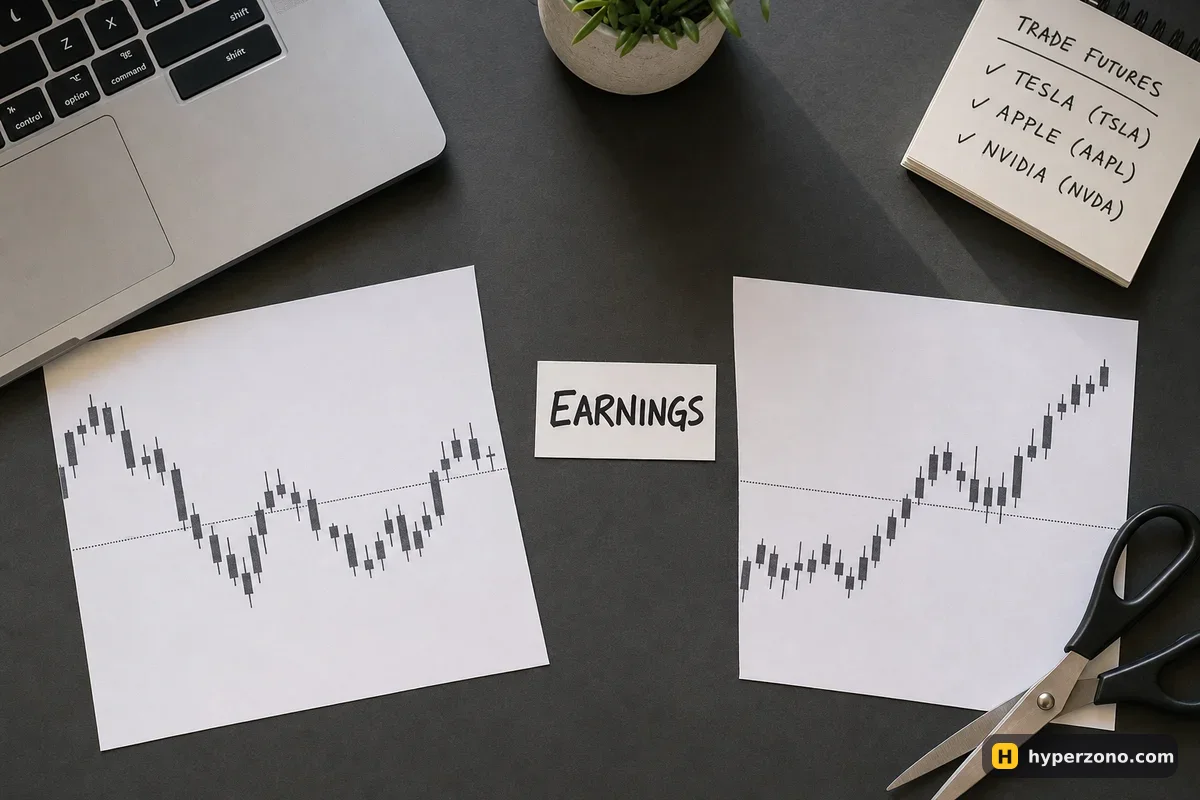
The first is earnings. Tesla, Apple and Nvidia report results four times a year, usually after the US close, and the price can reopen 8% or 10% away from where it was. A perpetual contract on a crypto exchange will reprice toward that move, and your stop-loss does not protect you across a jump — it triggers, then fills at whatever price is actually available, which can be well past the level you set. That's not a flaw in your stop; it's what a gap does to any stop order.
The second is the off-hours gap between the buy and sell price, which quietly costs you money on entry and exit. The third is that these contracts are young products: an exchange can change the terms, lower the leverage cap or stop listing a ticker, and it announces that on its own announcements page. Read the announcements for the contract you hold, and treat stock perpetuals as short-term trades you watch, not something you open and forget for three months.
If the contract isn't there or the order gets rejected
Search returns nothing for TSLA: either that exchange doesn't list stock perpetuals at all, or they aren't offered to accounts in your country. Check the exchange's own country and restriction pages, and if the product isn't available where you live, don't look for workarounds — try an exchange that does serve your region, or stay with the crypto contracts, which are usually available more widely. Some exchanges also list index contracts on the US market as a broader alternative to single stocks.
The order is rejected or the app won't accept your quantity: you are usually under the minimum order size for that contract, or you've typed a price that isn't a multiple of the price step. Nudge the quantity up or round the price. The leverage slider refuses to go where you want: that ticker's cap is simply lower than crypto, and some exchanges also limit leverage for new accounts. And if you wanted to rehearse in demo first, check whether your chosen ticker exists there — stock contracts are not guaranteed to appear in demo mode, and if NVDA is missing, practise the same order routine on a contract that is available.
Can I trade NVDA with USDT only?
Yes — that's the whole idea of a stock perpetual on a crypto exchange. You deposit USDT, your margin is USDT, and your profit or loss settles in USDT. You never touch US dollars or a brokerage account.
Do I need a broker account to trade Tesla futures this way?
No broker, but you do need a verified account on the exchange itself, with identity verification like any other futures product. Your trade is matched against other traders there, not sent to a stock market.
What leverage can I use on a Tesla or Nvidia contract?
Lower than on crypto: on Binance, Tesla is capped at 25x, and the full range for stock contracts is in the leverage section above. The cap is a ceiling, not a requirement — the slider goes down, and 2x or 3x is sensible for a first trade.
Why did my order fill at a worse price than I saw on the screen?
Almost always because you used a market order when the US market was closed and there was very little on the other side. Type your own price into a limit order instead, and prefer the 9:30–16:00 New York window when the underlying stock is actually trading.
Do I get dividends from an Apple perpetual?
Not as a payment. You are not a shareholder. On Binance's equity perpetuals a dividend adjustment is applied inside the contract so the chart doesn't drop unfairly on the payout date; on any other exchange, read the contract specification, because the handling differs.
Can I hold a stock perpetual for weeks?
Technically yes, since there is no expiry date, but you pay or receive funding every few hours and you carry every earnings gap and weekend in between. Most beginners do better closing these the same day they open them — more on holding time in how long can you hold a position.