Contents
Three links: words, numbers, ordersWhat an AI assistant can and cannot do for a tradeTwo ways something ends up trading with your moneyWhere suggested settings come from, and what to checkThe bot: whose money it uses and how to stop itA short checklist before you let any of them near real money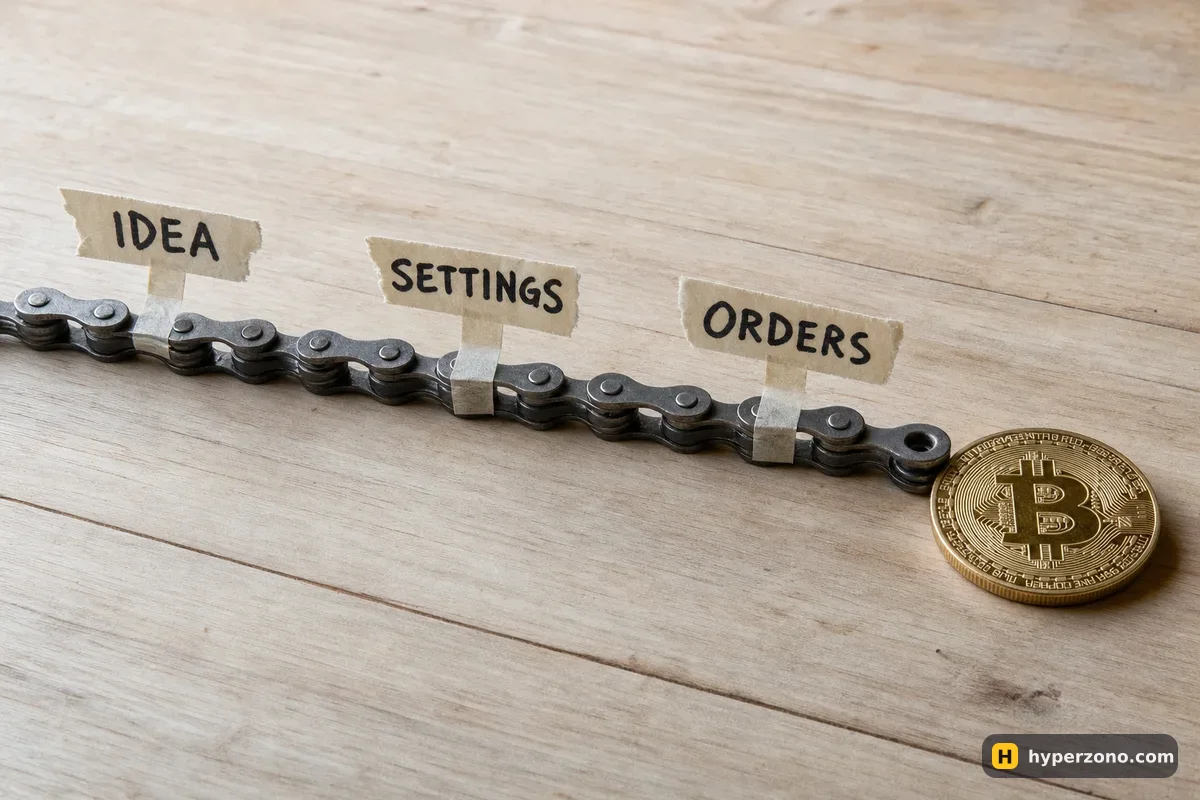
Three links: words, numbers, orders
Say you are looking at BTCUSDT and the price has been moving between roughly 80,000 and 90,000 for a couple of weeks (illustrative figures, to keep the example simple). You ask an AI chat what is going on and it writes you a tidy summary: the market is going sideways, there is no strong trend either way, a range-style approach suits this chart better than chasing a breakout. That is the first link — words on a screen, not orders on an exchange.
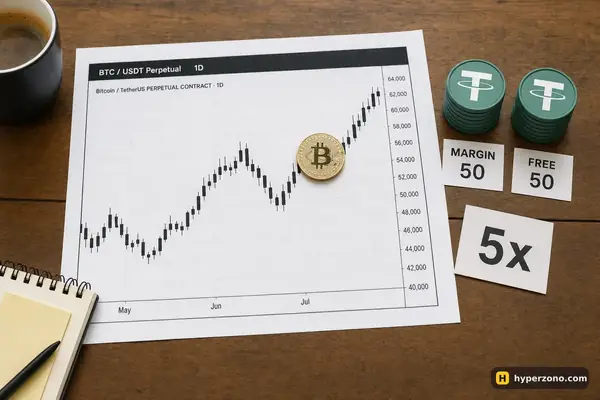
The second link turns those words into numbers. Say they come out like this, again made-up figures just to show the shape: buy a bit lower and sell a bit higher between 80,000 and 90,000, in 10 steps, with 200 USDT of your money and 5x leverage, in "neutral" direction. Neutral simply means the bot does not open a position the moment you start it — it waits for price to reach one of its steps. Wherever those numbers came from, a suggestion in the app, a template, a post or a chat, they are still only a plan until you confirm them.
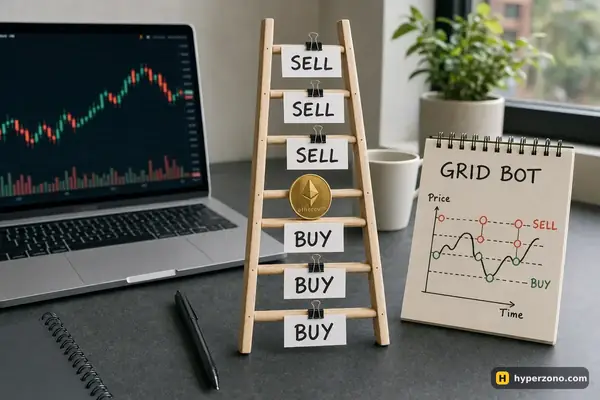
The third link is the bot. Once you confirm, Binance's grid bot places limit orders at those preset intervals inside your range, and each time one fills it updates the grid and places the next ones, so the ladder stays complete while you are asleep or at work. That is the only link that spends your 200 USDT.
| Link | What it does for you | What it cannot do |
|---|---|---|
| An AI chat or assistant | Explains the move in plain sentences, lists arguments for and against, answers your questions about terms | It has no access to your account, places no orders and risks none of your money |
| A strategy or suggested settings | Turns the idea into numbers: direction, price range, number of steps, leverage, amount | It does not know your balance or your limits, and nothing happens until you confirm |
| The bot on the exchange | Places, updates and cancels the orders by those numbers, using your margin, while you are away | It does not judge whether the idea was good; it keeps running the settings you gave it |
What an AI assistant can and cannot do for a trade
An AI chat is good at explaining things you do not understand yet — what a funding payment is, why your grid stopped opening new positions, what people mean when they call a market "ranging". Ask it to restate your own plan in one sentence and you often spot the hole in it yourself, because the plan suddenly has to fit into words.
What it cannot do is see your exchange account. It does not know your balance, your open positions or your liquidation price unless you type them in, and the chat window itself has no button that reaches into Binance. A chat may not know today's price either, unless it is connected to live data, so treat any number it gives you as something to look up in the app rather than as a quote.
If an assistant tells you a range is "safe", ask it what happens when price leaves that range — and then check the answer on the exchange's own help page before you put money behind it. The same goes for anything it says about fees, leverage limits or how a bot behaves: the app and the help pages are the source, the chat is the explanation.
Two ways something ends up trading with your money
A chat is harmless because it is outside your account. But there are two real doors into your margin, and it is worth knowing both. The first is inside the exchange app itself: a grid bot, a DCA bot, copy trading. You fill in a form, tap confirm, and from that moment the exchange's own software places orders with your money. No password changes hands there — it is already your account, which is exactly why it is so easy to start something and forget it is running.
The second door is outside software: a site, an app or a "signal" service that is not part of the exchange. That one needs an API key — a special password you create inside your exchange account and paste into the program. Before you create one, look at what it is allowed to do: a key with trading rights can open and close positions at any hour, and a key with withdrawal rights is a different level of trust again. If a service asks for one and you cannot explain in a sentence what it will do with it, do not make the key.
Copy trading sits in the first group and surprises people for a different reason. Once you start copying, a trade opens on your account because someone else opened theirs, not because you decided anything. On Binance the lead trader usually takes about 10% of net profit (up to 30%), settled weekly, and some portfolios have a lock-up: until the term ends you cannot stop copying, change the portfolio stop-loss or withdraw those funds. Read that part before you confirm, not after. The copy trading guide walks through the rest.
Where suggested settings come from, and what to check
Start with the period those numbers came from. A range built from two quiet weeks looks very different from one built from six months that included a crash, and nobody tells you which you are being shown unless you ask. It is worth knowing, too, whether the result attached to those settings comes from past data or from a bot that really ran and really got filled at those prices.
Then there are the costs. Every step of the grid is a trade, and every trade pays the exchange fee, so the profit of one step has to be bigger than the fees on its buy and its sell, or the bot is busy working for the exchange. Before you start, check the fee rate for your account on Binance USDT-M futures and compare it with the gap between two grid levels: a dense grid with tiny steps trades a lot and pays a lot. Funding is charged separately again, which is why a grid can show green while your total is red.
And then the one people skip: what happens when price leaves the range. Binance's answer is simple — if the highest or lowest grid is exceeded, the bot opens no more positions, and if price is already outside the range when you create the bot, it starts with no position at all. Whatever position it is already holding stays open and keeps moving with the market, which is the part that decides how your week ends.
The bot: whose money it uses and how to stop it
The bot is the part that spends your 200 USDT. You tell it the direction (Long, Short or Neutral), the two prices, how many steps, the leverage and the amount that becomes its margin — and from then on it places and replaces the orders on its own. How the ladder itself earns is covered on our grid bot page; here the point is only that this is the link that moves money.
Some settings are hard to change once it is running. You cannot change the amount you started with. Binance does let you add money to a running grid (except on grids set to follow price up or down), and that makes the position bigger. Changing the range later is not a simple edit either — the exchange closes your current grid and starts a new one, so decide the range before you press start. Auto-add Margin is off by default, and leaving it off is the simpler choice while you are learning, because when it is on the bot can draw from your futures account and touch your other positions.
Stopping is the part to rehearse before you need it. You can terminate the grid by hand, or tell it in advance to stop at a price, at a profit or loss amount in USDT (PNL on the screen), or at a percentage of the money you put in (ROI%). You also choose whether the position stays open when it stops, and there is an option to close positions at market price if the grid stops for risk control or insufficient margin. Binance says in the same FAQ that grid trading is used at your own discretion and risk and is not investment advice, which is the plainest possible statement of who the third link belongs to. It belongs to you.
Start where the bot cannot surprise you. Run one bot, on one pair, with an amount you would be fine losing, and write down three things: the money you put in, the stop trigger you set, and the date. Everything else on that screen gets easier to read once you have watched one real grid work for a week.
A short checklist before you let any of them near real money
- Which of the three am I dealing with right now — is it explaining, suggesting numbers, or asking me to confirm something that will trade?
- Did I read and retype every field myself, or did I accept a form that arrived already filled in?
- Have I switched on anything inside the app — a bot, copy trading — that will keep placing orders after I close it, and do I know how to end it?
- Is anything outside the exchange asking for an API key, and if so, do I know whether that key allows trading and withdrawals?
- Is Auto-add Margin off, so this bot cannot reach past the amount I gave it?
- Have I written down the amount, the settings and the date, so in a week I can compare the result with the plan?
Answer those six and most of the fog around "AI trading" clears. The chat is a reading aid, the settings are a plan, the bot is the part that follows the plan precisely and never argues with it. If you want to see where the numbers actually get typed, open a Binance Futures account and look at a grid setup screen without starting anything — the form itself shows which fields the third link needs.
If you are still deciding whether automation suits you at all, the bots and copy trading overview shows what each type of bot does with a position, and can a bot lose all my money covers the part people ask about last.
Can an AI chatbot place trades on my exchange account?
Not by itself. A chat window has no connection to your Binance account and no way to send an order. Orders get placed by something you switched on inside the exchange — a bot or copy trading — or by outside software you gave an API key to.
Does a bot inside the exchange app need an API key?
No, and that is the part people get wrong. A grid bot or copy trading started inside the Binance app already runs on your account, so it places orders with your margin from the moment you confirm. The API key is only for programs that live outside the exchange.
Is it safe to give an AI trading service my exchange API keys?
Treat it as handing someone a copy of your trading screen. Before you paste anything, check what the key allows, never enable withdrawals, and ask yourself whether you would be comfortable with that service running at 3 a.m. with your margin. If you cannot explain what it will do, do not create the key.
Is an AI-suggested grid setting better than one I pick myself?
It is a suggestion either way, and the checks are the same: what period the numbers came from, whether fees and funding are included, and what happens when price leaves the range. A setting you understand and can explain is worth more than a clever one you cannot.
Does a futures bot keep trading when I close the app?
Yes. The orders live on the exchange, not on your phone, so the bot keeps placing and updating them after you close the app. That is exactly why you set the stop in advance — at a price, at an amount in USDT, or at a percentage of what you put in — before you walk away.
Why does my bot show profit per grid but my total is negative?
Grid profit counts only the cycles that closed. Your total also includes the unrealized result of the position the bot is still holding, plus funding payments. When price has drifted away from your range, that open part can easily outweigh the small closed profits.
Sources and fact-check
Exchange terms were checked against official documents on October 22, 2026. Terms change — before you trade, check what matters to you in the exchange app and in your contract’s specs.
Binance: What Is Futures Grid Trading?